
Resource packs for Minecraft Java 1.21 — page 55
Resource packs: list


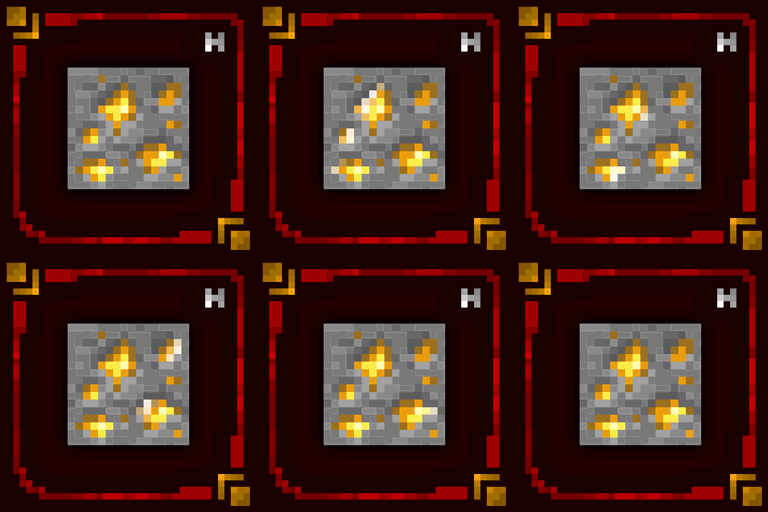
Hellim's Glowing Textures
This resource pack gives animated glowing effect to suitable blocks.Install
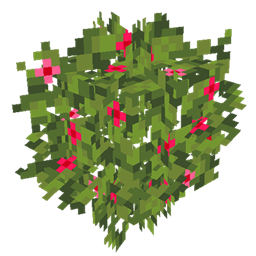
JS Leaves+
This resource pack improves the foliage in Minecraft by adding volume to it.Install

CPVP + PVP pack
This is a texture pack that will help with PVP and crystal PVPInstall

Mickey Joe's Note Blocks
3D Note Blocks with custom models depending on the pitch/instrument/mob head user. Completely Vanilla!Install
Invisible/Clear Glass
Makes glass invisible, and stained glass clear. No more pesky borders!Install

Better Golden Apples
A new golden apple texture with a leaf and some shine!Install

Animated Axolotl Totem
An addon for Refined Buckets and Punchy that makes the Totem of Undying an animated axolotl bucket when held. Similar to Bedrock's Actions & Stuff! Now with Color Variants!Install

Undopia 3D Doors
Gives the Doors and the Trapdoors a 3 dimensional model and custom side texturesInstall

Muskets 3D Wild West for Ewewkek's
This texture pack changes 2D muskets to 3D muskets wild westInstall

Medieval Paintings
Replaces Vanilla Paintings with Medieval OnesInstall

Samuel's Re-Chipped
An up and coming redesign of (most of) the base textures from the Chipped mod, aimed at providing a distinct theme to each block set, each with various unique blocks!Install
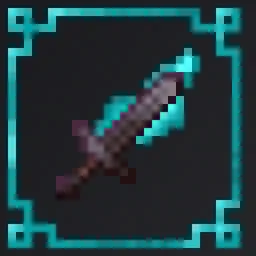
Flaming Swords
Makes the Fire Aspect Enchantment show flamesInstall
Forager
16x16 Natural inspired look for MinecraftInstall

TZP Extra Compat (Tissou's Zombie Style)
TZP Extra Mod Compat (Tissou's Zombie Style)Install

PvP Akame Pack + Anime Sky
PvP/CPvP resource pack that replaces the custom sky, menu, small items, GUI, animated inventory, item textures, totem, and sounds. Based on a red theme.Install

Totem of Autism
Replaces the Totem of Undying with the Autism/TBH CreatureInstall

Connected Glasses
This texture pack connects the textures of the glass, so that it is not noticeable that it is a different block.Install

MetalTxus' Uncertainty
32x simple pixelart resource packInstall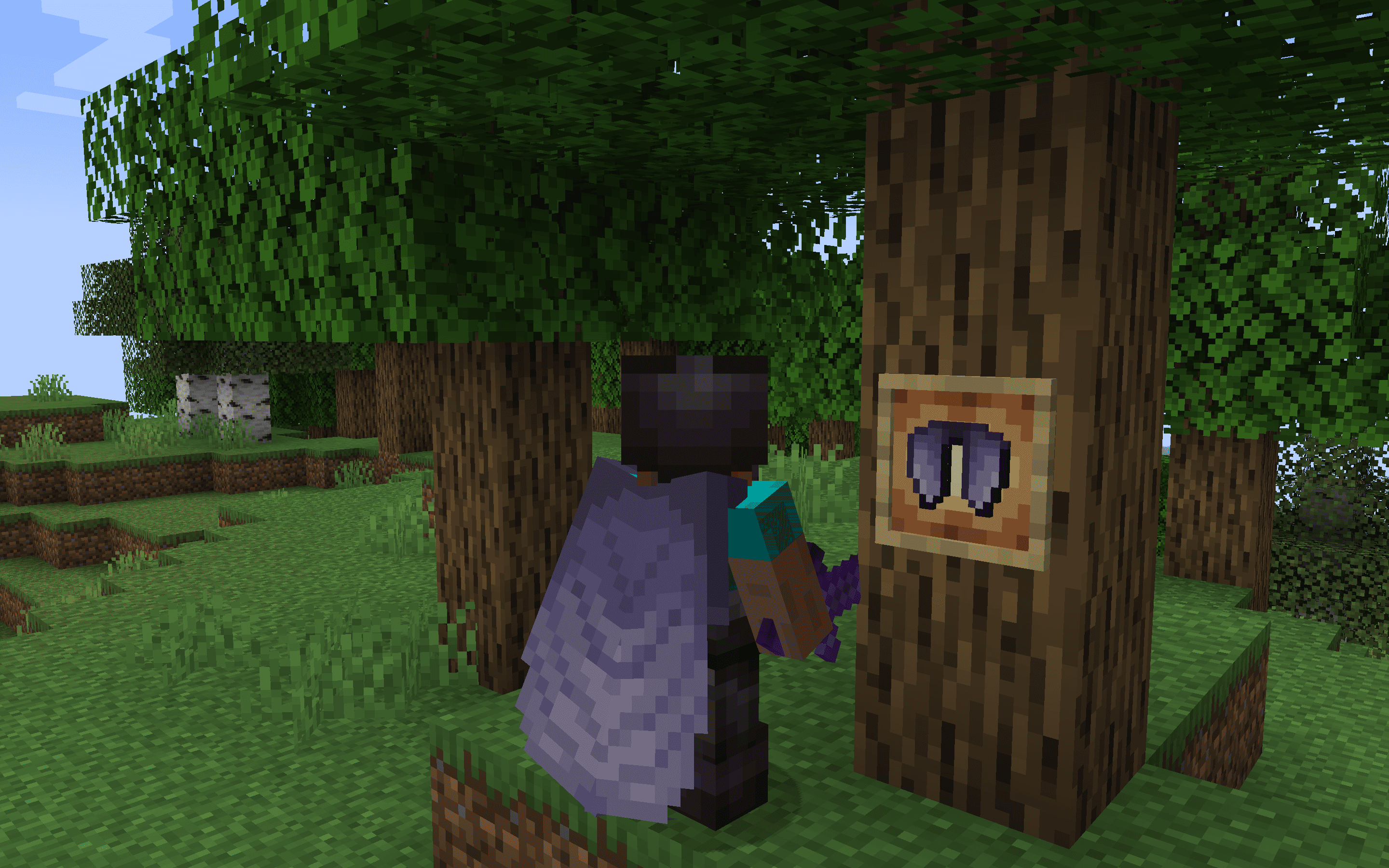
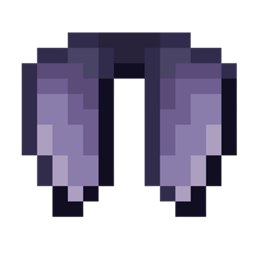
Classic+ Elytra - Better Wings
The Vanilla+ Elytra resource pack offers a subtle yet stylish upgrade to Minecraft's traditional Elytra wings, enhancing the original design with refined details and textures.Install
DogePack Classic Beta
Classic Reimagined 10 enhances Minecraft with classic textures and shaders, offering classic visuals on modern MinecraftInstall
Detail Brush - Modded Disc Compat
Adds compatibility between detail brush and various modsInstall

Pokemon Emerald Font Pack
Relive the Pokémon Emerald GBA era with this lightweight font pack that replaces Minecraft’s default text with the authentic Emerald-style typography.Install

Default-Style Halloween Pack
A Halloween Themed revamp of the Default Experience!InstallFAQ
Do I need Forge or Fabric for a resource pack?
No. A resource pack works on the regular game with no loaders or mods. Click “Install” and Millida Launcher will put the pack into the right modpack — then just enable it in the settings.
What do 16×, 32×, 64× mean?
The resolution of a single texture in pixels. 16× matches the original game, 32× and 64× are more detailed and heavier, and 128× and up put a noticeable load on your graphics card.
Will a pack made for another version work?
Most likely partly: older packs don't have textures for newer blocks, so those will stay default. The game won't break, though.
How is a texture pack different from a resource pack?
Only by name and age. Before version 1.6 the sets were called texture packs and changed only textures; in 1.6 resource packs replaced them and also change sounds, fonts and the interface. Old texture packs for 1.5 and below do not work on new versions without conversion.
Which texture packs are best for PvP?
PvP packs: 16× resolution or lower, shortened swords, low fire, a clear sky and bright particles. They barely load the computer and make the opponent easier to see. These packs are collected in the PvP theme.
How do I install a resource pack?
Press Install and Millida Launcher puts the pack into the resourcepacks folder of the right instance. Then enable it in the game: Options, then Resource Packs. Manually, the archive goes into resourcepacks inside the game folder, no need to unpack it.
Resource packs for Minecraft Java 1.21
Resource packs for Minecraft 1.21: 1,674 items in the Resource packs section. Compatibility is checked against the files, not the description: only items with a build for exactly these conditions stay in the list.
The key thing about a pack is its resolution. The game's default textures are 16×16 pixels; 32× and 64× packs look more detailed, while 128× and up need a real graphics card and are usually paired with shaders. On a weak machine it makes sense to stay at 16× or go for packs that deliberately simplify graphics for more FPS. Every pack here lists its game version, author and license, and all released versions are gathered on one card. Put the downloaded archive in the resourcepacks folder and enable it in the game settings.