
Resource packs for Minecraft Java 1.20
1,533 itemsResource packs: list


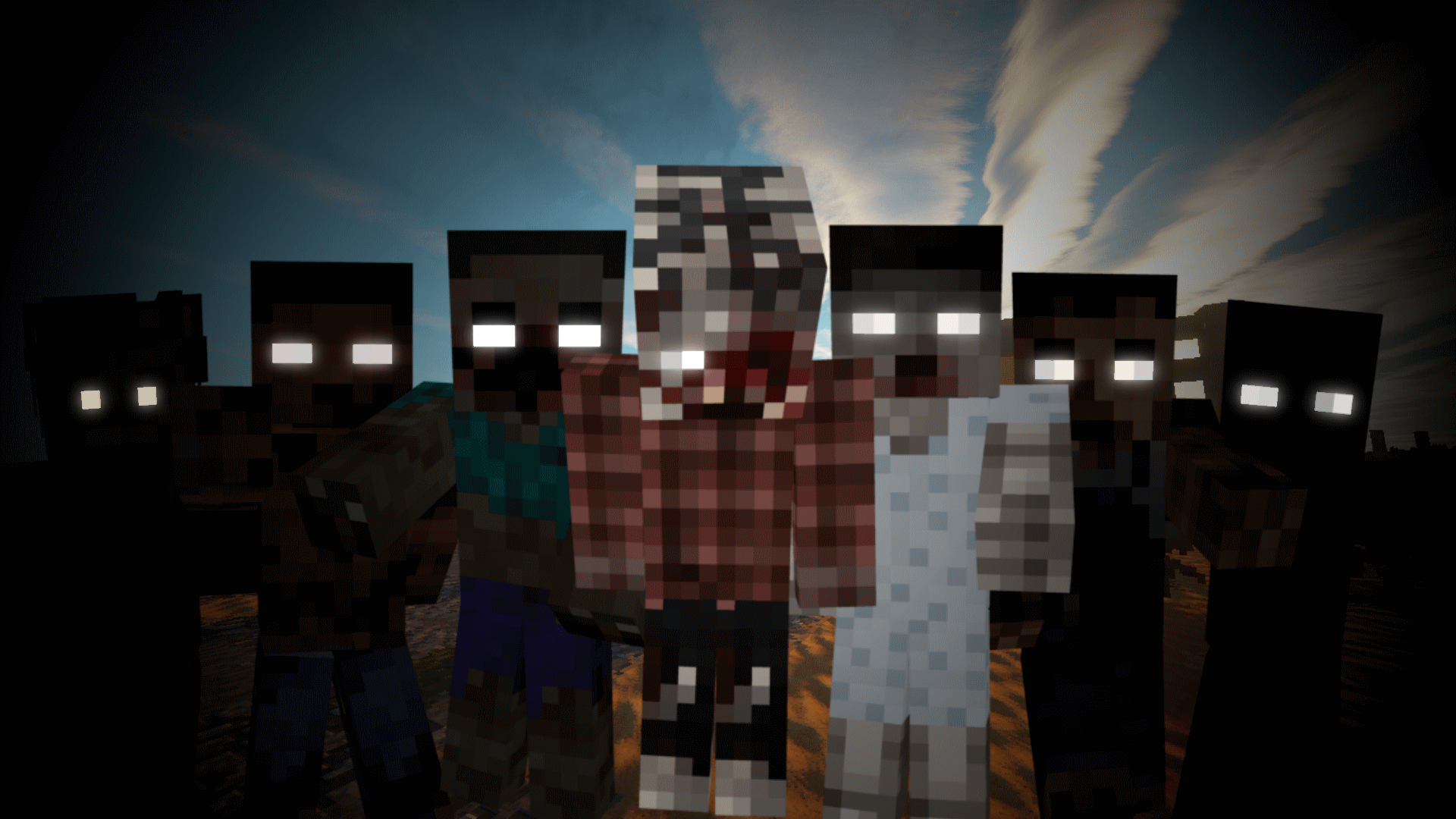
Tissou's Zombie Pack
This turns all undead to deadly horrifying walker-like creatures.Install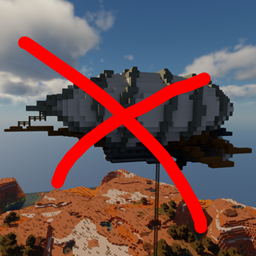
When Dungeons Arise - No Flying Structures
Disables WDA flying structures on the overworldInstall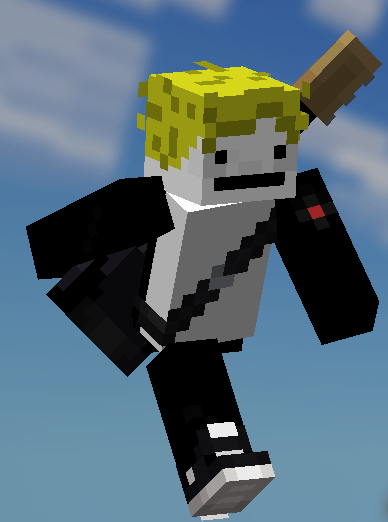

Fresh Moves
This is EMF Player Animation resource pack. Gives fancy animations to the player entity. Compatible with animations from other mods. Like Quark's emotes, Parcool techniques and Not Enough Animations.Install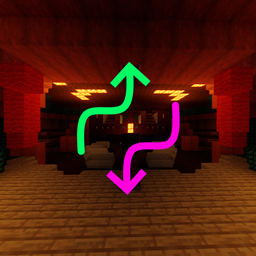
When Dungeons Arise - Spacing Tweaks
Changes spacing and separation of several WDA structuresInstall

Translations for Sodium
Unofficial translations for the Sodium Minecraft modInstall

Motschen's Better Leaves
Improves the appearance of leaves with high mod compatibility and performance!Install
Embellished Stone (Advancement Plaques)
For use with the Advancement Plaques mod, gives them a look of embellished stone.Install

Low On Fire
Low fire on your screen! Vanilla FriendlyInstall
Chat Reporting Helper
An educational tool that explains chat reporting in a simple and neutral way.Install

Fresh Moves
This is EMF Player Animation resource pack. Gives fancy animations to the player entity. Compatible with animations from other mods. Like Quark's emotes, Parcool techniques and Not Enough Animations.Install
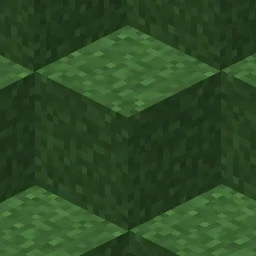
Fast Better Grass
Makes grass and related blocks use the top texture on the sides. Works with other resource packs!Install
Sky Villages - Supplementaries Compat
Compatibility between Sky Villages and Supplementaries!Install
Sky Villages - Waystones Compat
Compatibility between Waystones and Sky Villages!Install
Sky Villages - Farmer's Delight Compat
Compatibility between Sky Villages and Farmer's Delight!Install

Fullbright UB
Experience Fullbright UB in Sodium, Optifine and VanillaInstall
Scarecrow Obliterator | Datapack
Removes those annoying scarecrows that spawn every few blocks.Install

Fresh Animations: Extensions
A combination of offical extension packs for Fresh AnimationsInstall

Dramatic Skys
Dramatic Skys is an add on pack that will make the skies in your game HD with realistic clouds and lighting. This pack works with any other resource pack, just simply add it over any other pack on the selection screen!Install

(Unofficial) Mandala's GUI - Dark Mode Mod Compatibility
Unofficial Custom Mandala's GUI - Dark Mode Mod Compatibility Resource Pack.Install
Tom's Create Storage
Create Styled Tom's Simple StorageInstall

New Glowing Ores
Makes ores glow to make them more visible, and also adds connected outlines to them so you don't miss a single block. Mod support availableInstall
Cobblemon Interface
Cobblemon inspired GUI Textures and SoundsInstall

Enchantment Outlines
Adds an outline to all enchantable tools.InstallFAQ
Do I need Forge or Fabric for a resource pack?
No. A resource pack works on the regular game with no loaders or mods. Click “Install” and Millida Launcher will put the pack into the right modpack — then just enable it in the settings.
What do 16×, 32×, 64× mean?
The resolution of a single texture in pixels. 16× matches the original game, 32× and 64× are more detailed and heavier, and 128× and up put a noticeable load on your graphics card.
Will a pack made for another version work?
Most likely partly: older packs don't have textures for newer blocks, so those will stay default. The game won't break, though.
How is a texture pack different from a resource pack?
Only by name and age. Before version 1.6 the sets were called texture packs and changed only textures; in 1.6 resource packs replaced them and also change sounds, fonts and the interface. Old texture packs for 1.5 and below do not work on new versions without conversion.
Which texture packs are best for PvP?
PvP packs: 16× resolution or lower, shortened swords, low fire, a clear sky and bright particles. They barely load the computer and make the opponent easier to see. These packs are collected in the PvP theme.
How do I install a resource pack?
Press Install and Millida Launcher puts the pack into the resourcepacks folder of the right instance. Then enable it in the game: Options, then Resource Packs. Manually, the archive goes into resourcepacks inside the game folder, no need to unpack it.
Resource packs for Minecraft Java 1.20
Resource packs for Minecraft 1.20: 1,533 items in the Resource packs section. Compatibility is checked against the files, not the description: only items with a build for exactly these conditions stay in the list.
The key thing about a pack is its resolution. The game's default textures are 16×16 pixels; 32× and 64× packs look more detailed, while 128× and up need a real graphics card and are usually paired with shaders. On a weak machine it makes sense to stay at 16× or go for packs that deliberately simplify graphics for more FPS. Every pack here lists its game version, author and license, and all released versions are gathered on one card. Put the downloaded archive in the resourcepacks folder and enable it in the game settings.