
Resource packs for Minecraft Java 1.13.2
Resource packs: list


Dramatic Skys
Dramatic Skys is an add on pack that will make the skies in your game HD with realistic clouds and lighting. This pack works with any other resource pack, just simply add it over any other pack on the selection screen!Install
Wilhelm
AAAAAAAARRRGGGHHH!!!Install

Night vision
Night vision for solo and multiplayer ! 1.7.2 to 1.20.7+Install
The Rename Compat Project [Over 300 Mods Supported!]
Automatically fixes thousands of naming conflicts across 300+ mods. Ideal for modpack creators seeking consistency and players who just hate duplicate names!Install

Icon Xaero's
Icon mod for xaero's map and minimap Many icon modInstall

Default HD 128x
The classic Minecraft experience but in amazing 128x HD!Install

Cubic Sun & Moon
Recreates the Sun and the Moon in 3D and is compatible with mods that add sky features.Install

Comforts Modernized
Redone textures for the Comforts mod to make them look faithful to modern MinecraftInstall

Round Trees
Trees are round in real life, why aren't they in Minecraft?Install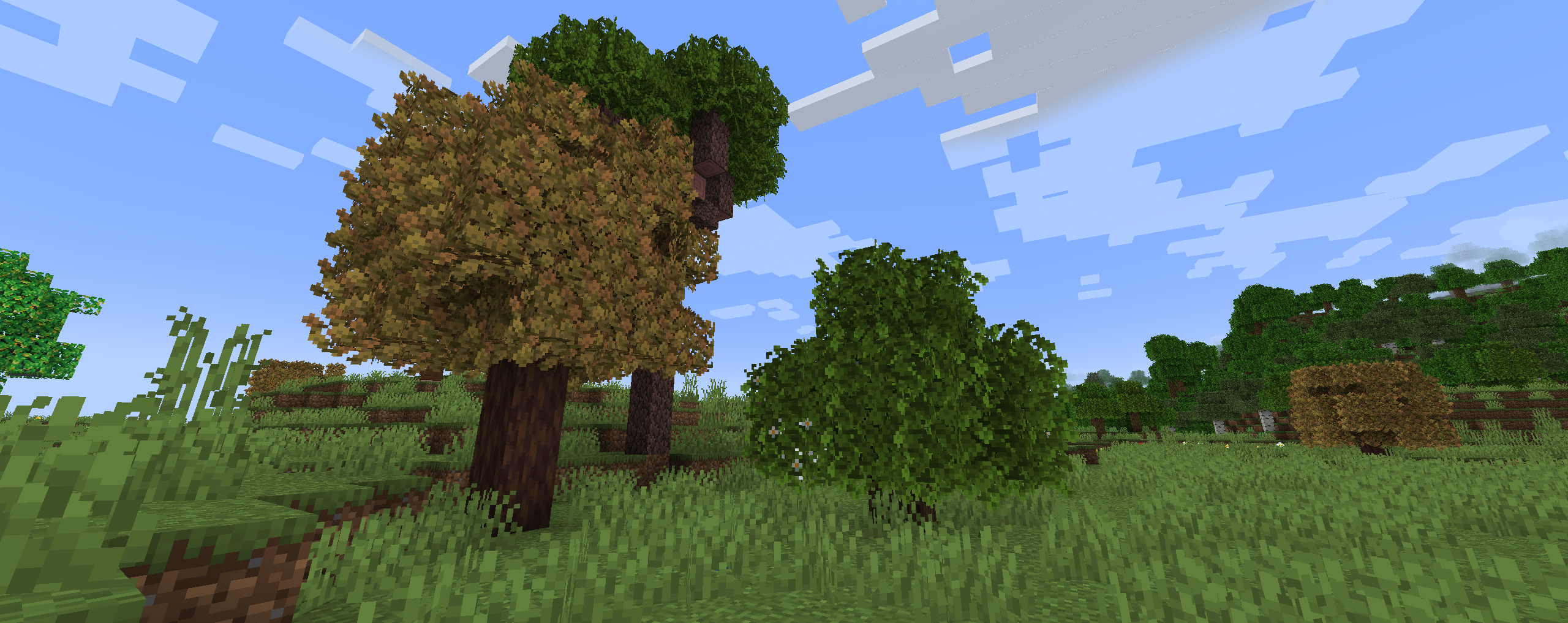
xali's Bushy Leaves
Give a more natural look to tree leaves while being compatible with all my packs.Install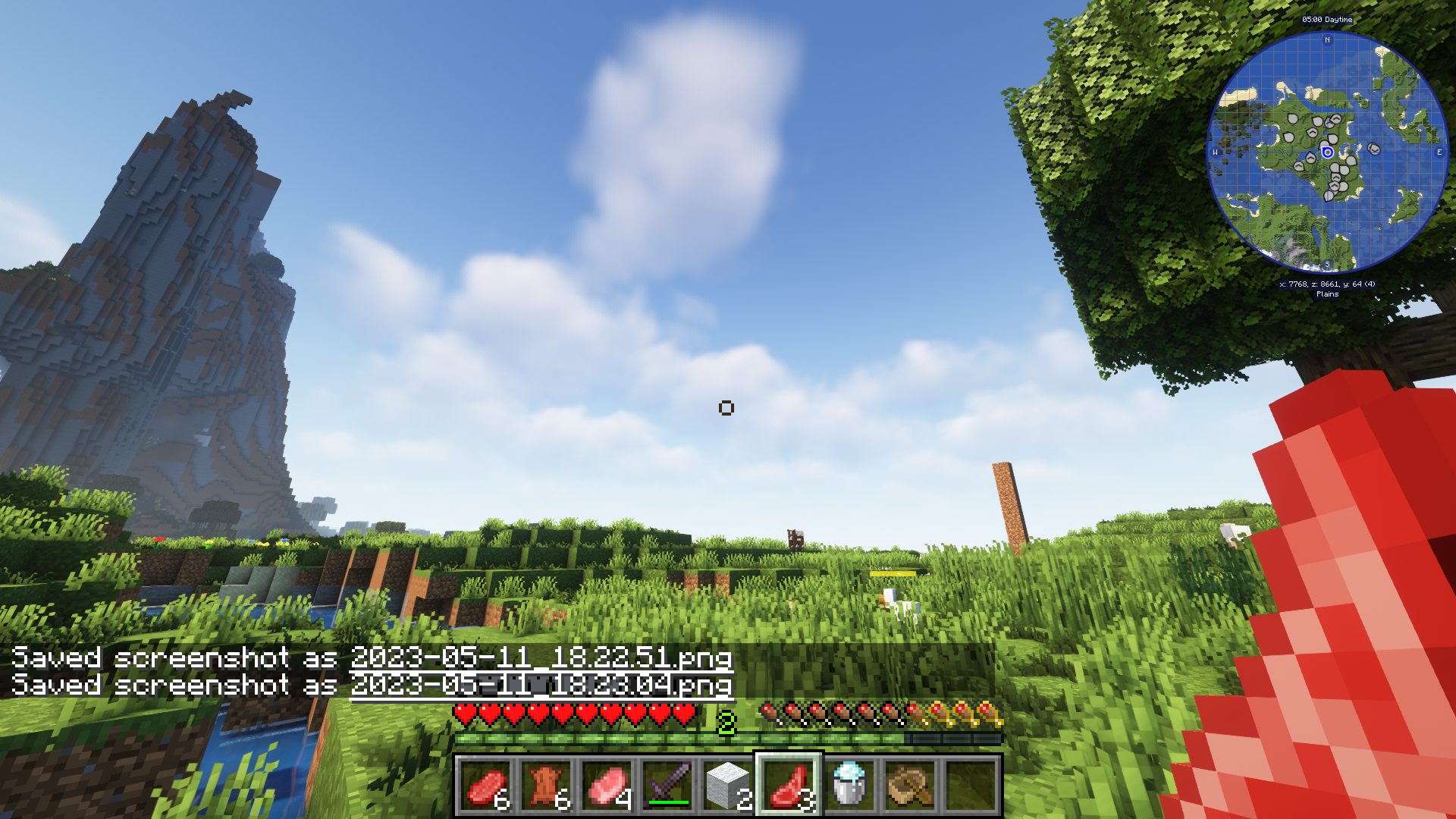

Modern Crosshair
Modern styled Crosshair for better looksInstall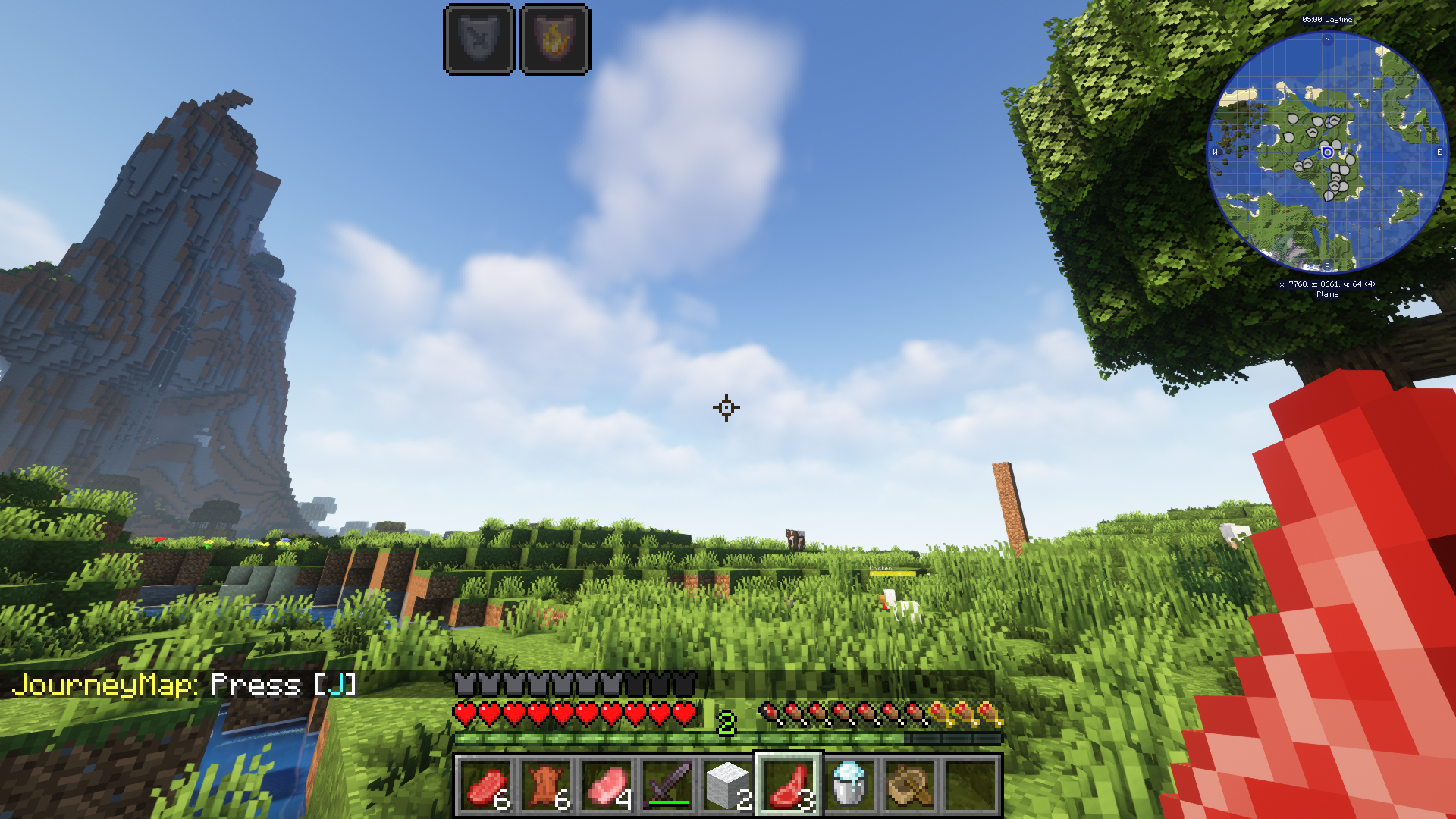
Combat Crosshair
Combat styled crosshair for PvPInstall

RAY's 3D Rails
3D Block & Item model textures for Rails in MinecraftInstall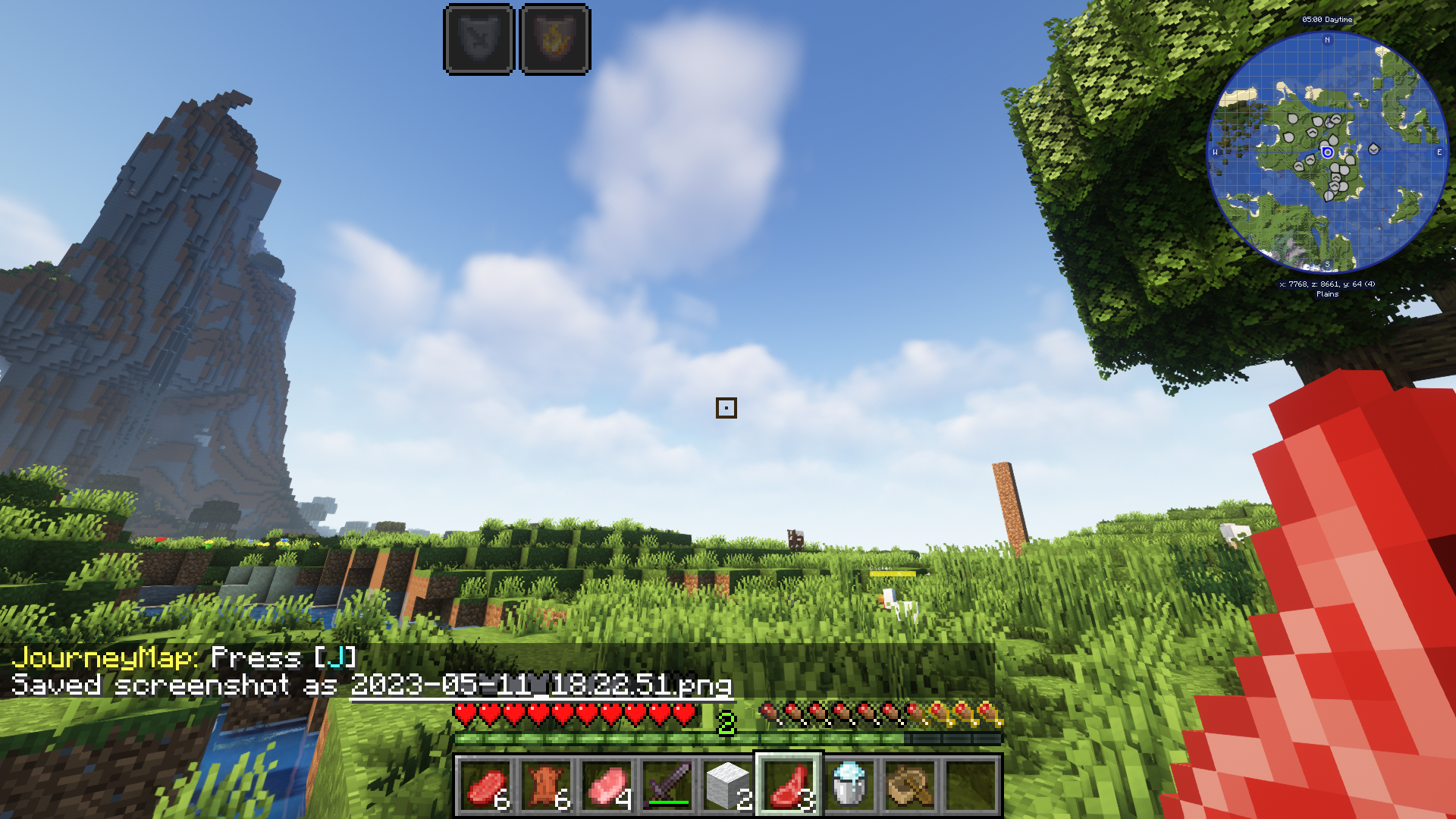
Accuracy Crosshair
Accuracy Crosshair for better aimInstall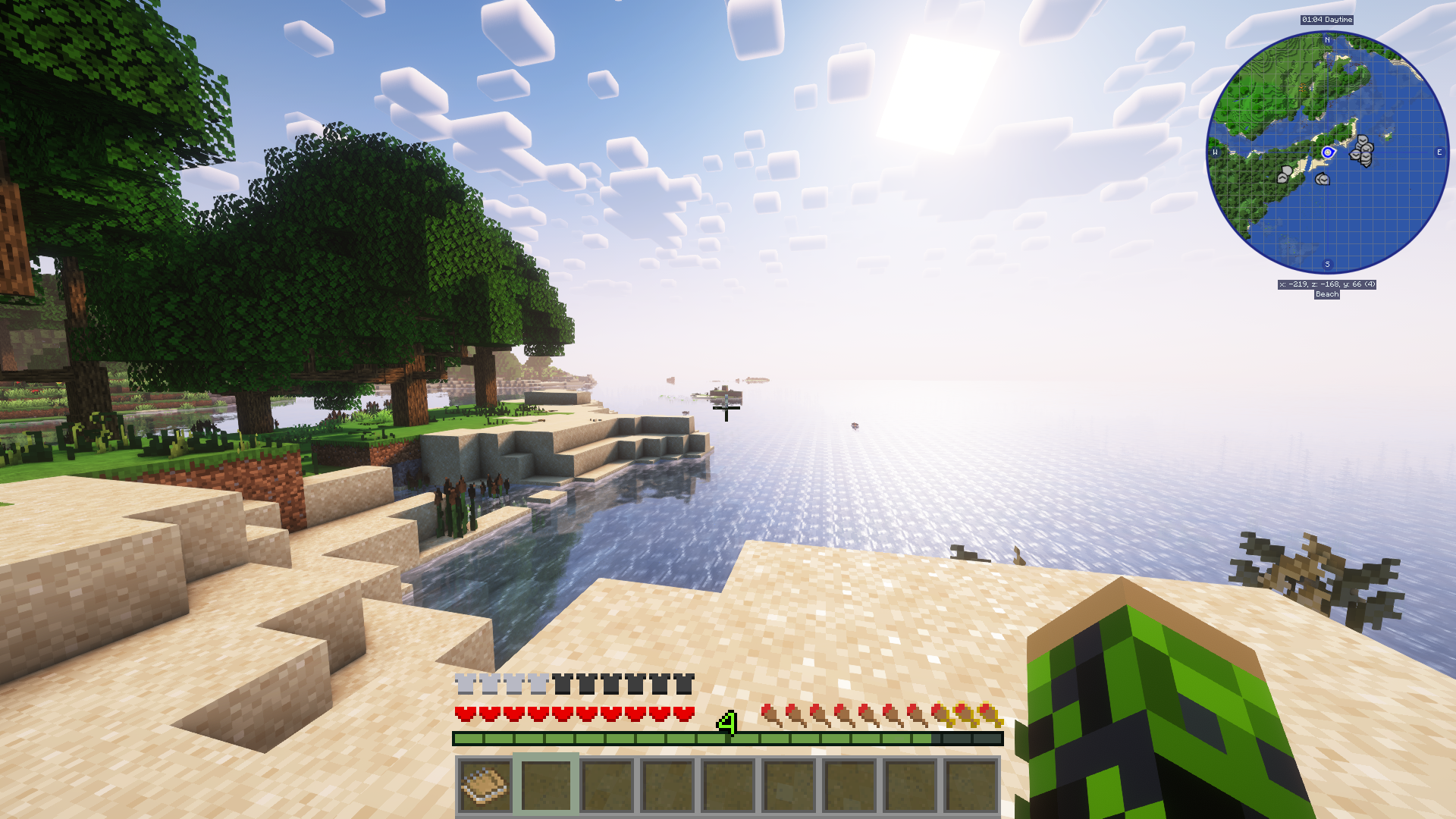
Simplistic GUI
Pleasant Looking Simplistic GUI For MinecraftInstall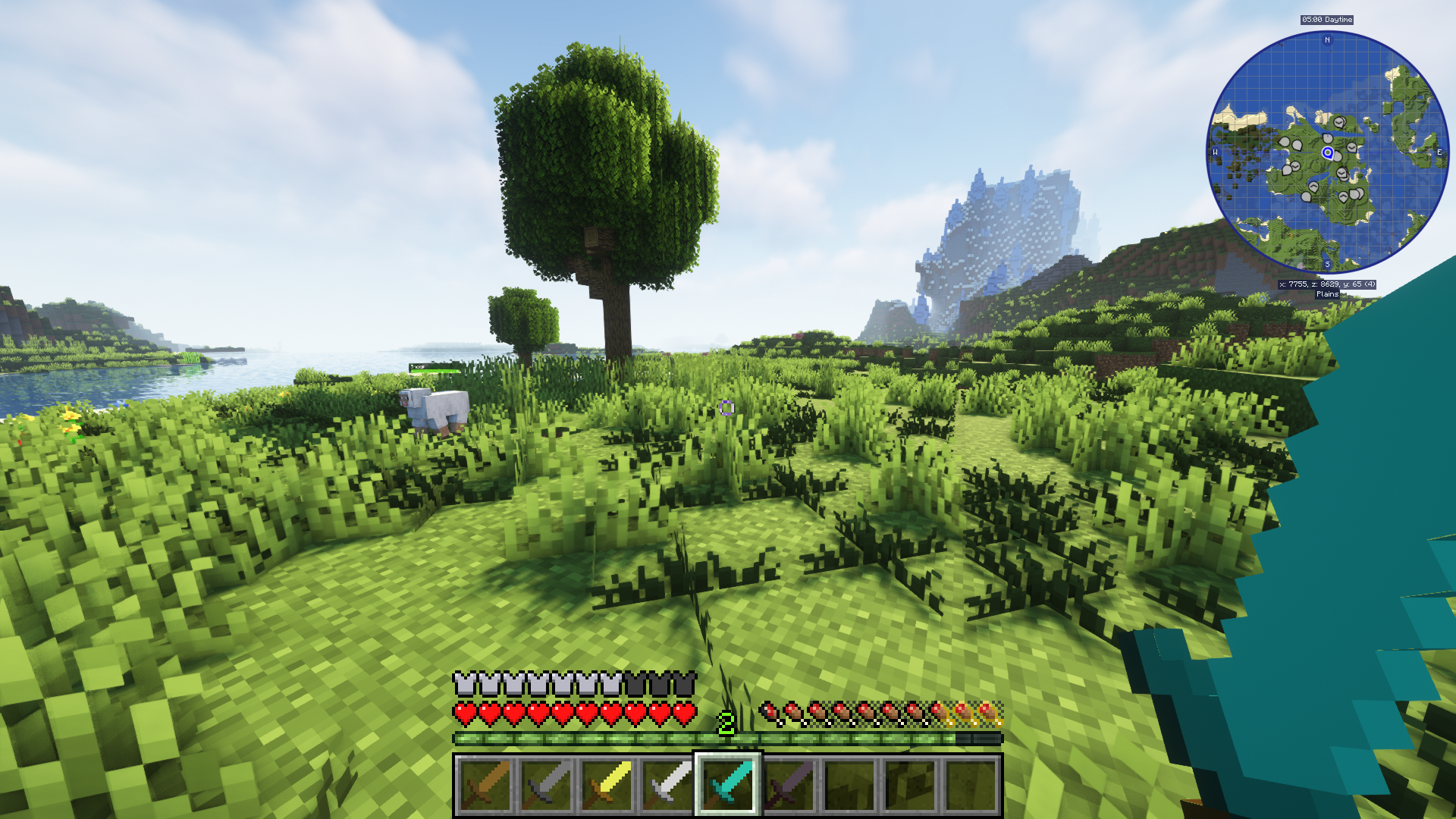
Clean Swords
Cleaner looking swords for minecraftInstall

Enhanced Audio (Sound Pack)
Changes Minecraft's sounds with a new style of more realistic sounds.Install

Vocal Villagers — download resource pack for Minecraft
Adds 43 extra sounds villagers can make! Maintain the vanilla feel while making villages more lively.Install
Simplistic Menu
Simplistic style menu/settings buttons for minecraftInstall

Diamond Crosshair
Unique diamond styled crosshairInstall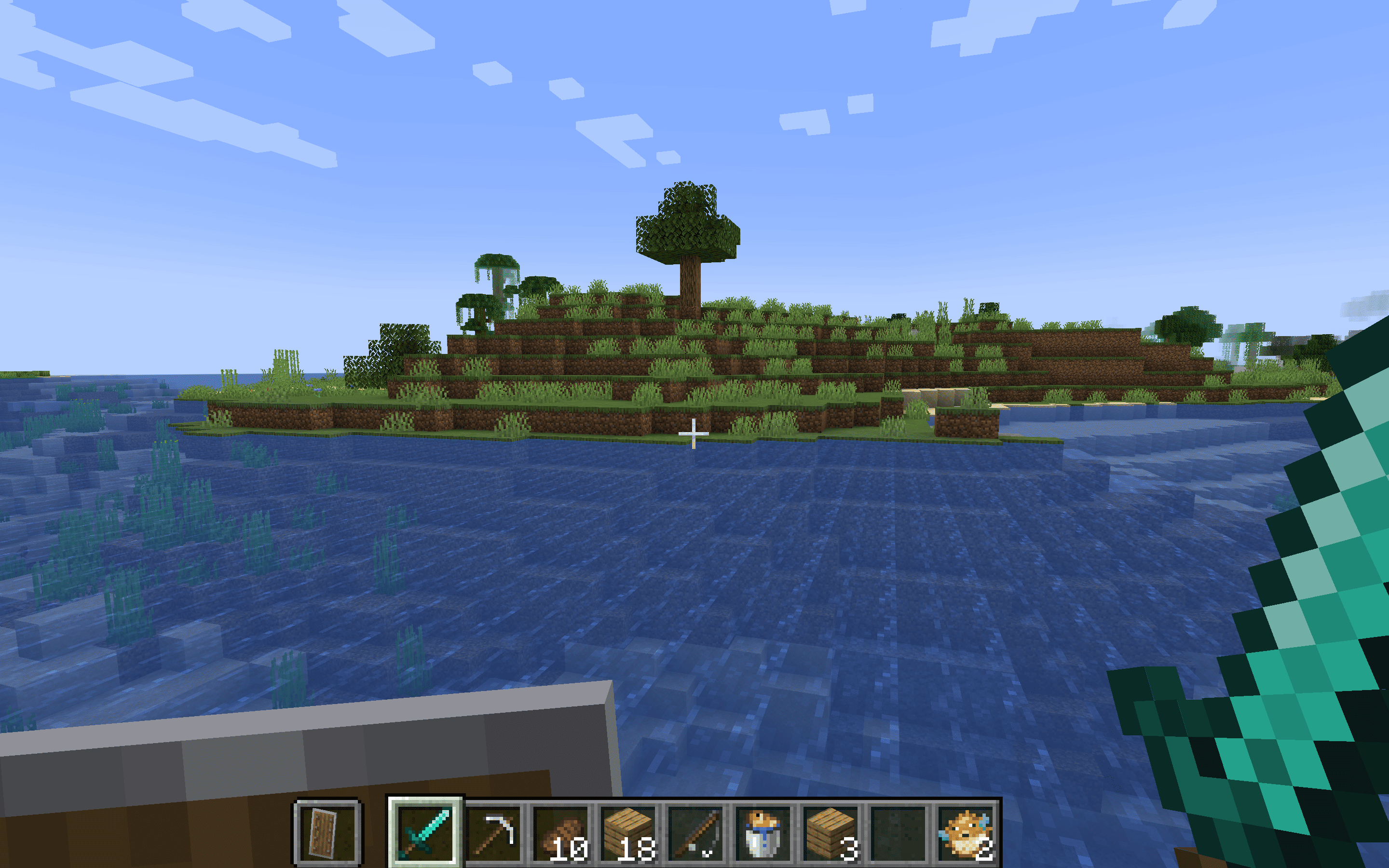
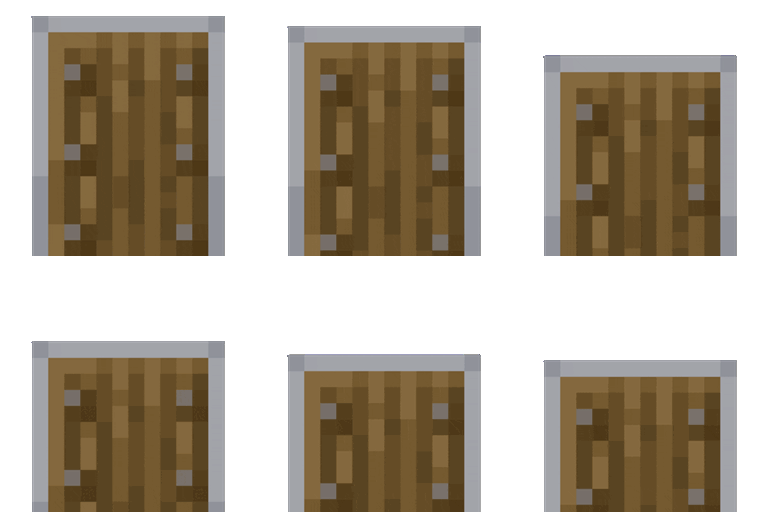
Lower Shield - Enhanced Combat Visibility
Lower Shield optimizes your combat visibility in Minecraft by lowering the shield position, enhancing your field of view and allowing for better awareness during battles.Install

RAY's 3D Ladders
3D Block & Item Textures for Ladders in MinecraftInstall
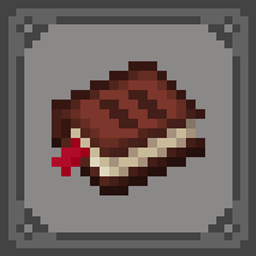
Frozy's Quest Book
Change your Quest Book Texture with a much better one!InstallFAQ
Do I need Forge or Fabric for a resource pack?
No. A resource pack works on the regular game with no loaders or mods. Click “Install” and Millida Launcher will put the pack into the right modpack — then just enable it in the settings.
What do 16×, 32×, 64× mean?
The resolution of a single texture in pixels. 16× matches the original game, 32× and 64× are more detailed and heavier, and 128× and up put a noticeable load on your graphics card.
Will a pack made for another version work?
Most likely partly: older packs don't have textures for newer blocks, so those will stay default. The game won't break, though.
How is a texture pack different from a resource pack?
Only by name and age. Before version 1.6 the sets were called texture packs and changed only textures; in 1.6 resource packs replaced them and also change sounds, fonts and the interface. Old texture packs for 1.5 and below do not work on new versions without conversion.
Which texture packs are best for PvP?
PvP packs: 16× resolution or lower, shortened swords, low fire, a clear sky and bright particles. They barely load the computer and make the opponent easier to see. These packs are collected in the PvP theme.
How do I install a resource pack?
Press Install and Millida Launcher puts the pack into the resourcepacks folder of the right instance. Then enable it in the game: Options, then Resource Packs. Manually, the archive goes into resourcepacks inside the game folder, no need to unpack it.
Resource packs for Minecraft Java 1.13.2
Resource packs for Minecraft 1.13.2: 408 items in the Resource packs section. Compatibility is checked against the files, not the description: only items with a build for exactly these conditions stay in the list.
The key thing about a pack is its resolution. The game's default textures are 16×16 pixels; 32× and 64× packs look more detailed, while 128× and up need a real graphics card and are usually paired with shaders. On a weak machine it makes sense to stay at 16× or go for packs that deliberately simplify graphics for more FPS. Every pack here lists its game version, author and license, and all released versions are gathered on one card. Put the downloaded archive in the resourcepacks folder and enable it in the game settings.