
Resource packs for Minecraft Java 1.21 — page 56
Resource packs: list


CleanGlass
一个去除玻璃上白点的材质包 A texture pack that removes white spots from glassInstall

Realistic Wolves
Improve the look of boring and bland Minecraft wolves!Install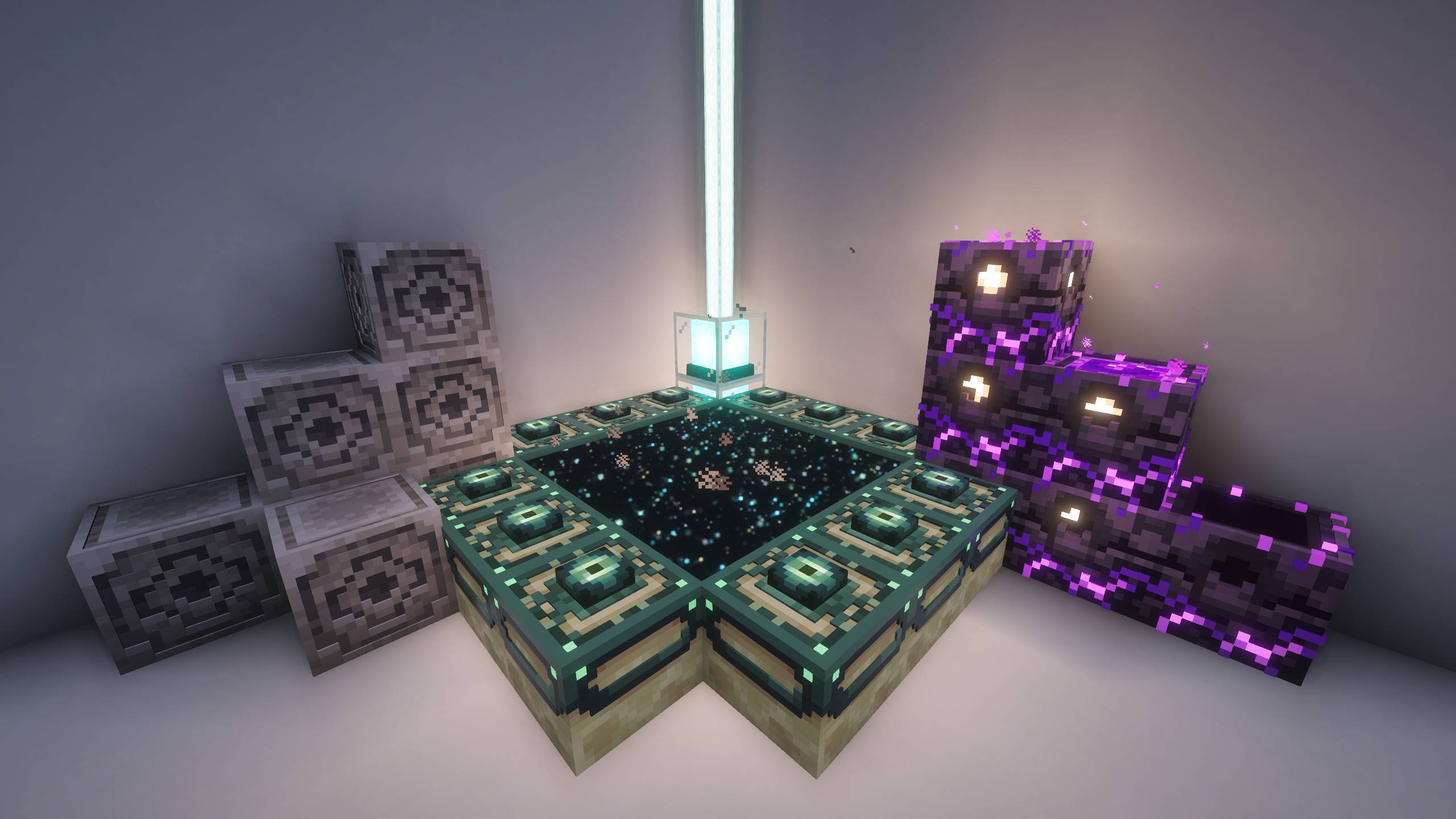
Hellim's 3D Functional Blocks
Adds refined 3D structure to utility and workstation blocks, increasing visual depth while staying true to Minecraft’s classic design.Install

Create Brass Cursors
Stylish cursors for your Create modpack! Requires Cursors Extended.Install

Bow Charger
Adds colors to bows and crossbows when charging them!Install

depressed crystal pvp
Depressed Crystal PvP Pack [16x] Greyscale 16x pack for crystal PvP. FPS-boosted, minimal distractions, custom sounds, and a beautiful sky for full focus.Install
Cobblemon Anime Poké Ball SFX Pack
With this resource pack the Cobblemon Poké Ball sound effects will be overhauled.Install

Better Low Shield
Lower your shield to improve visibility -- ideal for PvP.Install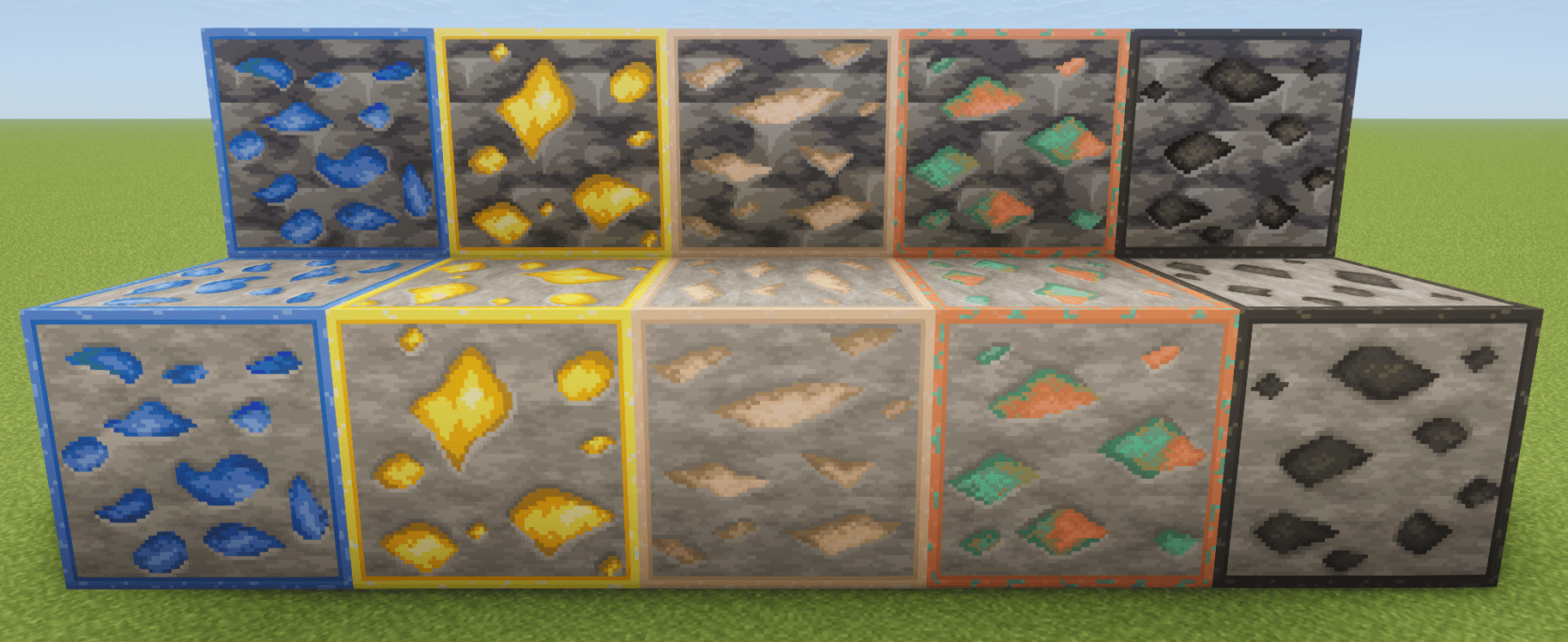
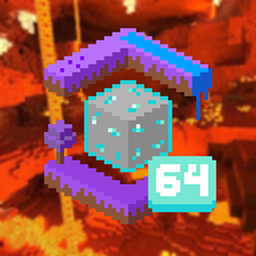
Faithful Ore Outlines (Faithful 64x)
Faithful Ore Outlines enhances Faithful 64x ore textures with bright, high-contrast outlines to make ores easier to spot while preserving the Faithful 64x style.Install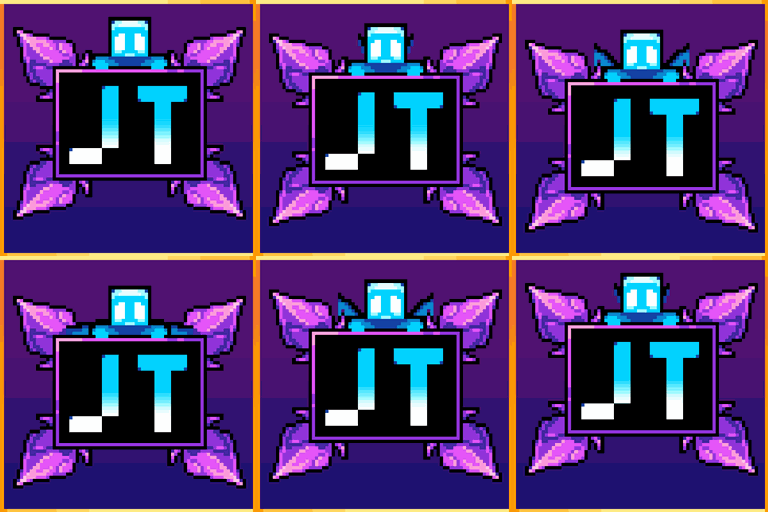
Jolly Tooltips
Adds several new frames for Tooltip OverhaulInstall

Better Lily Pads
A texture to make lily pads better, adding flowers and variants to themInstall

UltimaCraft Models
Custom blocks, items and entities models (3D models)Install

Assorted Wardens
The pack feautring all the Warden variants you'll ever need!Install

Rascal Does Not Dream GUI Pack
Overhauled Minecraft GUI in the theme off Rascal Does Not Dream of Bunny Girl Senpai.Install

Simplista - LabPBR
A fully LabPBR complaint resource pack which removes noise from Vanilla textures.Install

Avalon 32x
A very immersive, bright & colourful pack that also has a nice fantasy aspect to itInstall

Immersive Interfaces - Curios API Mod Support
This texture pack adds special compatibility with Curios API, integrating its grooves into the aesthetics of Immersive Interfaces.Install

Realistic Ocelots
Improve the look of boring and bland Minecraft ocelots!Install

Hellay's Redone Endermans x Fresh Compats
Fixes endermans not having face when Hellay's Redone Endermans installed alongside Fresh CompatsInstall
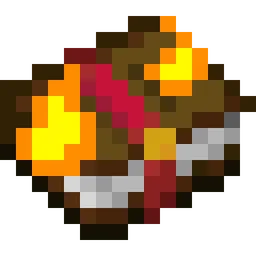
Visual Enchantment Books
A resource pack adding better textures to enchantment books. This pack works with Optifine, CIT Resewn, and Chime.Install
Immersive Engineering: Reimmersed
IE: Reimmersed is a complete texture and model overhaul for Immersive Engineering. This pack replaces the default IE textures and models with a more modern design.Install

ENHANCED LEGENDARY RT JAVA TEXTURES
A Realistic (POM & PBR) Texture Pack For Minecraft Java EditionInstall

Doll 3D Totem
Resource pack for a totem in the form of a doll of any player skinInstallFAQ
Do I need Forge or Fabric for a resource pack?
No. A resource pack works on the regular game with no loaders or mods. Click “Install” and Millida Launcher will put the pack into the right modpack — then just enable it in the settings.
What do 16×, 32×, 64× mean?
The resolution of a single texture in pixels. 16× matches the original game, 32× and 64× are more detailed and heavier, and 128× and up put a noticeable load on your graphics card.
Will a pack made for another version work?
Most likely partly: older packs don't have textures for newer blocks, so those will stay default. The game won't break, though.
How is a texture pack different from a resource pack?
Only by name and age. Before version 1.6 the sets were called texture packs and changed only textures; in 1.6 resource packs replaced them and also change sounds, fonts and the interface. Old texture packs for 1.5 and below do not work on new versions without conversion.
Which texture packs are best for PvP?
PvP packs: 16× resolution or lower, shortened swords, low fire, a clear sky and bright particles. They barely load the computer and make the opponent easier to see. These packs are collected in the PvP theme.
How do I install a resource pack?
Press Install and Millida Launcher puts the pack into the resourcepacks folder of the right instance. Then enable it in the game: Options, then Resource Packs. Manually, the archive goes into resourcepacks inside the game folder, no need to unpack it.
Resource packs for Minecraft Java 1.21
Resource packs for Minecraft 1.21: 1,674 items in the Resource packs section. Compatibility is checked against the files, not the description: only items with a build for exactly these conditions stay in the list.
The key thing about a pack is its resolution. The game's default textures are 16×16 pixels; 32× and 64× packs look more detailed, while 128× and up need a real graphics card and are usually paired with shaders. On a weak machine it makes sense to stay at 16× or go for packs that deliberately simplify graphics for more FPS. Every pack here lists its game version, author and license, and all released versions are gathered on one card. Put the downloaded archive in the resourcepacks folder and enable it in the game settings.