
Resource packs for Minecraft Java 1.0
24 itemsResource packs: list


No Pumpkin Blur
No Pumpkin Blur [beta 1.6.6 - 26.3]Install
Horror Ambience Music: Echoes
Replaces all of minecraft's music with Dark atmospheric soundscapesInstall
Immersive Interfaces - Mod Support Unofficial
Shrimp's Immersive Interfaces Add-on: This Texture Pack adds small details to some mods to fit more with Immersive Interfaces.Install

Soartex Grove
Soartex Grove is a high definition 64x graphics replacement for MinecraftInstall
Music Remastered [MMR]
Replacing all of Minecraft's tracks with music covers and live instrumental songs that are streamer friendly.Install

FullBright
Fullbright without mods or shaders. Compatible with everything.Install

Ore Visible
A resource pack that makes spotting ores in dark caves much easier.Install

Small Items+
low fire, small items, small totem, small totem pop, small shield, clear water, unobstructive rain and more.Install

totem da capoeira
Totem of Immortality doing capoeira.Install
Horror Ambience Music (For Reactive Music)
Replaces all of minecraft's music with Dark atmospheric soundscapes (Specifically for reactive modInstall

xali's Enchanted Books - Addon
Fan made extension to xali's enchanted booksInstall

Eating Animations More Mod Compatibility [FORGE/FABRIC]
Eat Animations More Mod Compatibility [Neo|Forge|Fabric|Vanilla] is a support resource pack designed to expand the compatibility of eat animations in Minecraft.Install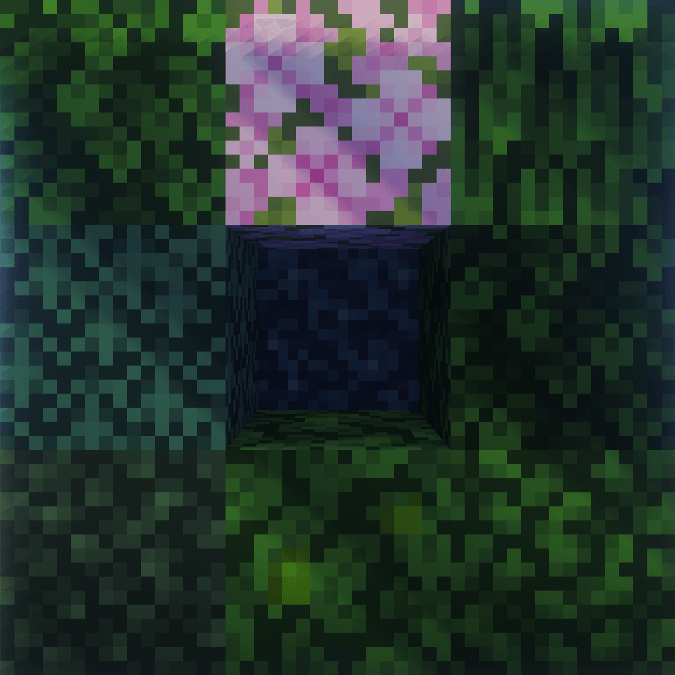
Fast Leaves
Cleaner foliage, solid leaves without transparency. Also fixes shaders! 🌿Install
424Friends Paintings Pack
This resource pack replaces vanilla paintings with 424Friends themed paintingsInstall

TZP Extra Compat (Tissou's Zombie Style)
TZP Extra Mod Compat (Tissou's Zombie Style)Install
xali's Enchanted Books - Fix
Fixes issue in original pack, where enchantment levels above maximum don't have texturesInstall

Transparent UI + Mod Support
Semi-transparent UI for more modern and minimalistic look of MinecraftInstall

Unobtrusive Armor
Inspired by the Life Series, Unobtrusive Armour removes parts of the armor textures so you can see your friends' skins!Install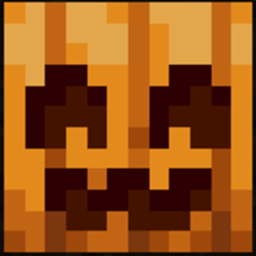
Spooky Pumpkin from Actions and Stuff
Spooky Pumpkin from Actions and Stuff (bedrock addon)Install

Villagers Speak
Adds sounds that allow villagers to sing, speak, insult you and even cry ):Install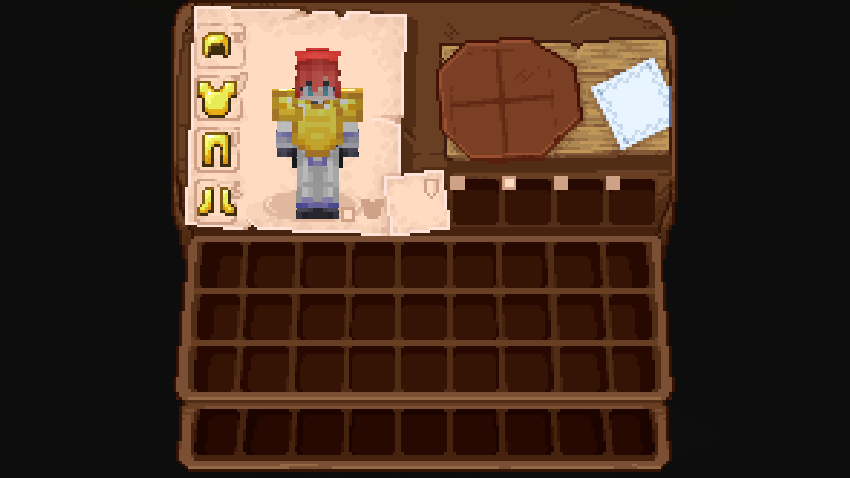
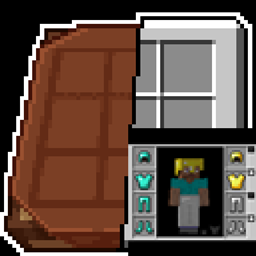
Immersive Interfaces - Cosmetic Armor Reworked Mod Support
This texture pack adds special compatibility with Cosmetic Armor Reworked, integrating its grooves into the aesthetics of Immersive Interfaces.Install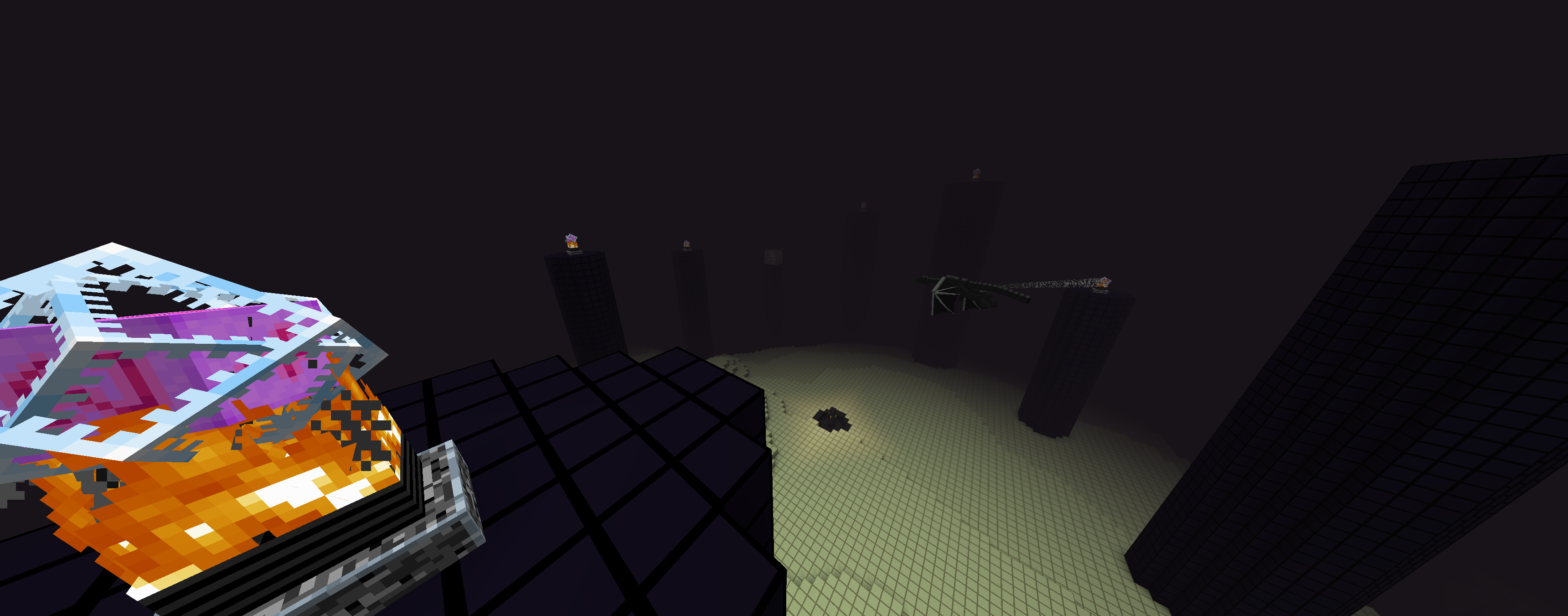

Not Plastic
Started out as a mining utility pack but now is basically plastic but for 1.16Install

Wild Wolves
Make your faithful dog use the wild wolf texture! Collars optional. Supports versions from Beta 1.4. Compatible with Fresh Animations.InstallFAQ
Do I need Forge or Fabric for a resource pack?
No. A resource pack works on the regular game with no loaders or mods. Click “Install” and Millida Launcher will put the pack into the right modpack — then just enable it in the settings.
What do 16×, 32×, 64× mean?
The resolution of a single texture in pixels. 16× matches the original game, 32× and 64× are more detailed and heavier, and 128× and up put a noticeable load on your graphics card.
Will a pack made for another version work?
Most likely partly: older packs don't have textures for newer blocks, so those will stay default. The game won't break, though.
How is a texture pack different from a resource pack?
Only by name and age. Before version 1.6 the sets were called texture packs and changed only textures; in 1.6 resource packs replaced them and also change sounds, fonts and the interface. Old texture packs for 1.5 and below do not work on new versions without conversion.
Which texture packs are best for PvP?
PvP packs: 16× resolution or lower, shortened swords, low fire, a clear sky and bright particles. They barely load the computer and make the opponent easier to see. These packs are collected in the PvP theme.
How do I install a resource pack?
Press Install and Millida Launcher puts the pack into the resourcepacks folder of the right instance. Then enable it in the game: Options, then Resource Packs. Manually, the archive goes into resourcepacks inside the game folder, no need to unpack it.
Resource packs for Minecraft Java 1.0
Resource packs for Minecraft 1.0: 24 items in the Resource packs section. Compatibility is checked against the files, not the description: only items with a build for exactly these conditions stay in the list.
The key thing about a pack is its resolution. The game's default textures are 16×16 pixels; 32× and 64× packs look more detailed, while 128× and up need a real graphics card and are usually paired with shaders. On a weak machine it makes sense to stay at 16× or go for packs that deliberately simplify graphics for more FPS. Every pack here lists its game version, author and license, and all released versions are gathered on one card. Put the downloaded archive in the resourcepacks folder and enable it in the game settings.