
Resource packs for Minecraft Java 1.21 — page 54
Resource packs: list


Hollowed's Discs
A resprite of every music disc in the gameInstall

Better PvP
Improved item textures for PvPInstall

Bushy Round Blossoms
Gives spore blossoms a rounder, bushier look with more petals.Install

Medieval Font
This resource pack will change the font in your game to a more medieval one like in the game "Devil may cry 5"Install

Bare Bones Simple CTM
A resource pack that aims to just add some simple connected textures for the Bare Bones resource pack, with a couple of extra addons.Install

Scythe Mace
This pack turns the hard-hitting Mace into a Scythe!Install

Excalibur | Sophisticated Support
Excalibur support for Sophisticated Core, Backpacks, and StorageInstall
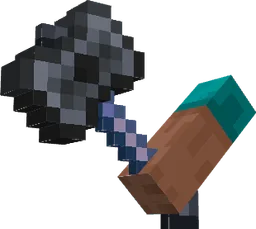
Items In Hands!
Now in first person view weapons and tools are in your handsInstall

Drodi's Slimes
My take on a new Slimes and Magma Cubes. Dordinatteur Co does not take responsability for any attemps at eating them.Install
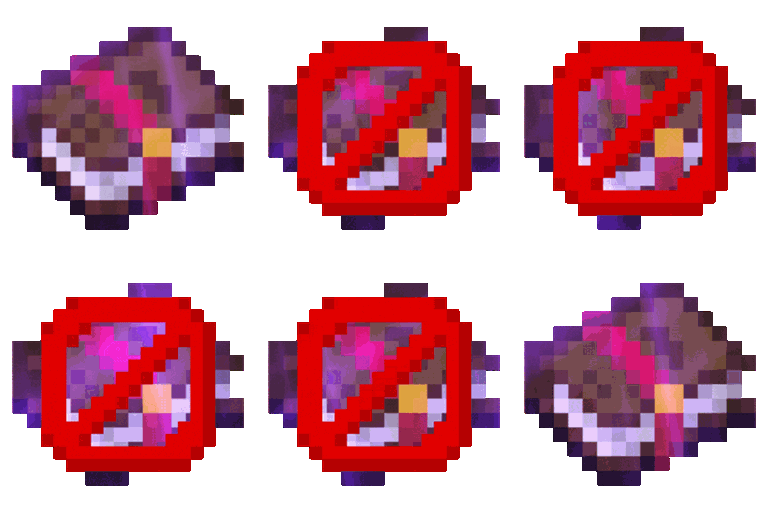
Remove Enchant Glint
Remove Enchant Glint enhances Minecraft gameplay by removing the shimmering effect on enchanted items, providing a cleaner visual experience and reducing distractions during play.Install

Shiny Ores - Heycronus
This texture makes the ores in your game shinyInstall

Mizuno's Allay Variants
A Texture Allay Variants for MizunoCraft16Install

Sheep Girl
Changes the appearance of sheeps into that of cute sheep girls.Install

SPBR-GlowingOre
SPBR Patches Add Glowing Ore into the world. Find all diamonds hiding in the dark.Install

Compatibility Patch for Faithful64x & FreshAnimations
Allows the usage of Fresh Animations with Faithful64xInstall

Custom Outline
Personalise your Minecraft block outline with Respackopts support and an online generator.Install

Realistic Rain
A long-time resource pack developed to reimagine the Minecraft rain sound effects and textures.Install

prism - cotton candy
a clean and vibrant pack to enhance your minecraft experience - now in 1.21! and recolored in cotton candy!Install

Old Iron Chest
Return the Iron Chest 1.12 textures!Install
Immersive Interfaces - Farmer's Delight
This texture pack adds special compatibility with Farmer's Delight, integrating its grooves into the aesthetics of Immersive Interfaces.Install

Vanilla Food Hunger Bar
Reverts the Food/Hunger Icons to the default, vanilla ones when put above other Resourcepacks. HUD Hotbar!Install
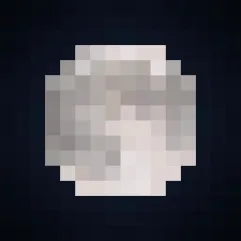
Fresh Moon Phases
Gives the Moon texture a new fresh look. Improving the Sky! Rounder! The Full Cycle: New Moon, Waxing Crescent, First Quarter, Waxing Gibbous, Full Moon, Waning Gibbous, Third Quarter, and Waning Crescent!! Made using real moon images.Install

[Chilli's] Punchy! Cobblemon
A Resource pack for punchy! compat and more!InstallFAQ
Do I need Forge or Fabric for a resource pack?
No. A resource pack works on the regular game with no loaders or mods. Click “Install” and Millida Launcher will put the pack into the right modpack — then just enable it in the settings.
What do 16×, 32×, 64× mean?
The resolution of a single texture in pixels. 16× matches the original game, 32× and 64× are more detailed and heavier, and 128× and up put a noticeable load on your graphics card.
Will a pack made for another version work?
Most likely partly: older packs don't have textures for newer blocks, so those will stay default. The game won't break, though.
How is a texture pack different from a resource pack?
Only by name and age. Before version 1.6 the sets were called texture packs and changed only textures; in 1.6 resource packs replaced them and also change sounds, fonts and the interface. Old texture packs for 1.5 and below do not work on new versions without conversion.
Which texture packs are best for PvP?
PvP packs: 16× resolution or lower, shortened swords, low fire, a clear sky and bright particles. They barely load the computer and make the opponent easier to see. These packs are collected in the PvP theme.
How do I install a resource pack?
Press Install and Millida Launcher puts the pack into the resourcepacks folder of the right instance. Then enable it in the game: Options, then Resource Packs. Manually, the archive goes into resourcepacks inside the game folder, no need to unpack it.
Resource packs for Minecraft Java 1.21
Resource packs for Minecraft 1.21: 1,674 items in the Resource packs section. Compatibility is checked against the files, not the description: only items with a build for exactly these conditions stay in the list.
The key thing about a pack is its resolution. The game's default textures are 16×16 pixels; 32× and 64× packs look more detailed, while 128× and up need a real graphics card and are usually paired with shaders. On a weak machine it makes sense to stay at 16× or go for packs that deliberately simplify graphics for more FPS. Every pack here lists its game version, author and license, and all released versions are gathered on one card. Put the downloaded archive in the resourcepacks folder and enable it in the game settings.