
Resource packs for Minecraft Java
4,185 itemsResource packs: list


Fresh Animations
Make your game like the trailers! Dynamic animated entities to freshen your Minecraft experience.Install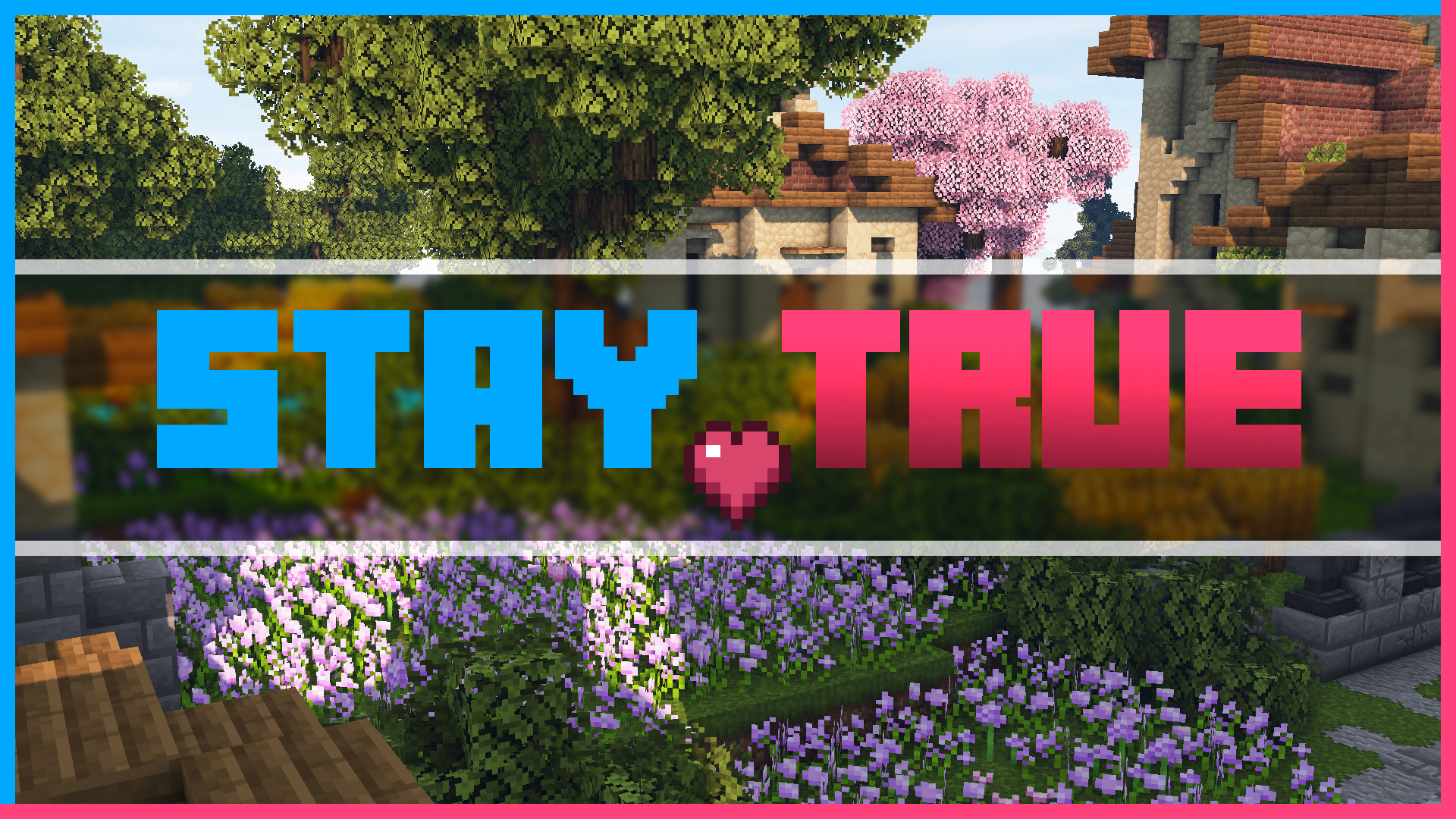

Stay True
Staying True to The Original Textures.Install
Mandala's GUI - Dark mode
An elegant Interface, in the style of Mandala Creations.Install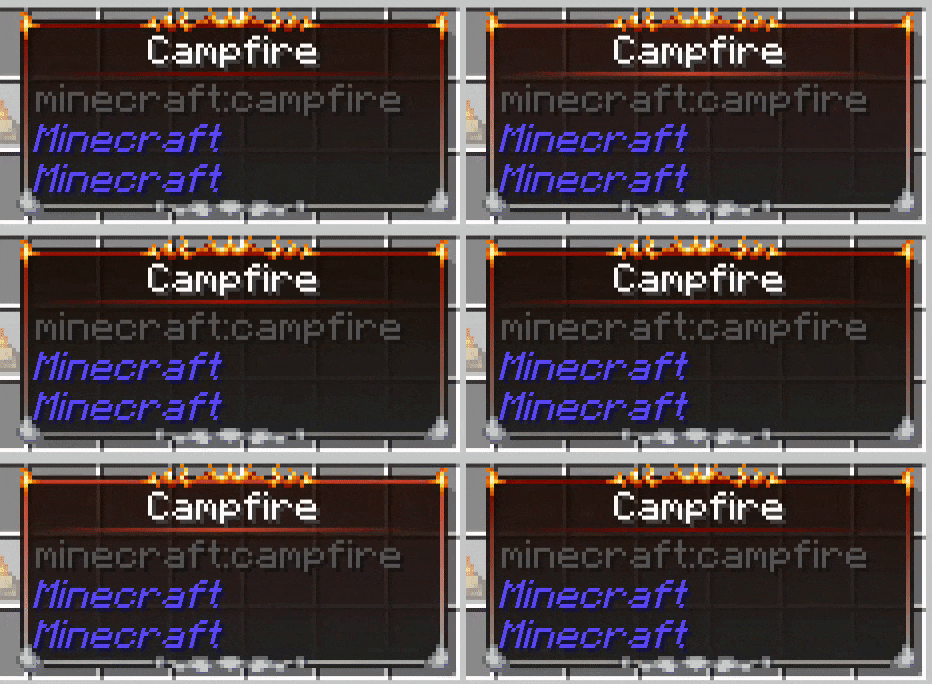

Eclectic Trove (Legendary Tooltips)
Adds 10 various custom frames for use with Legendary Tooltips.Install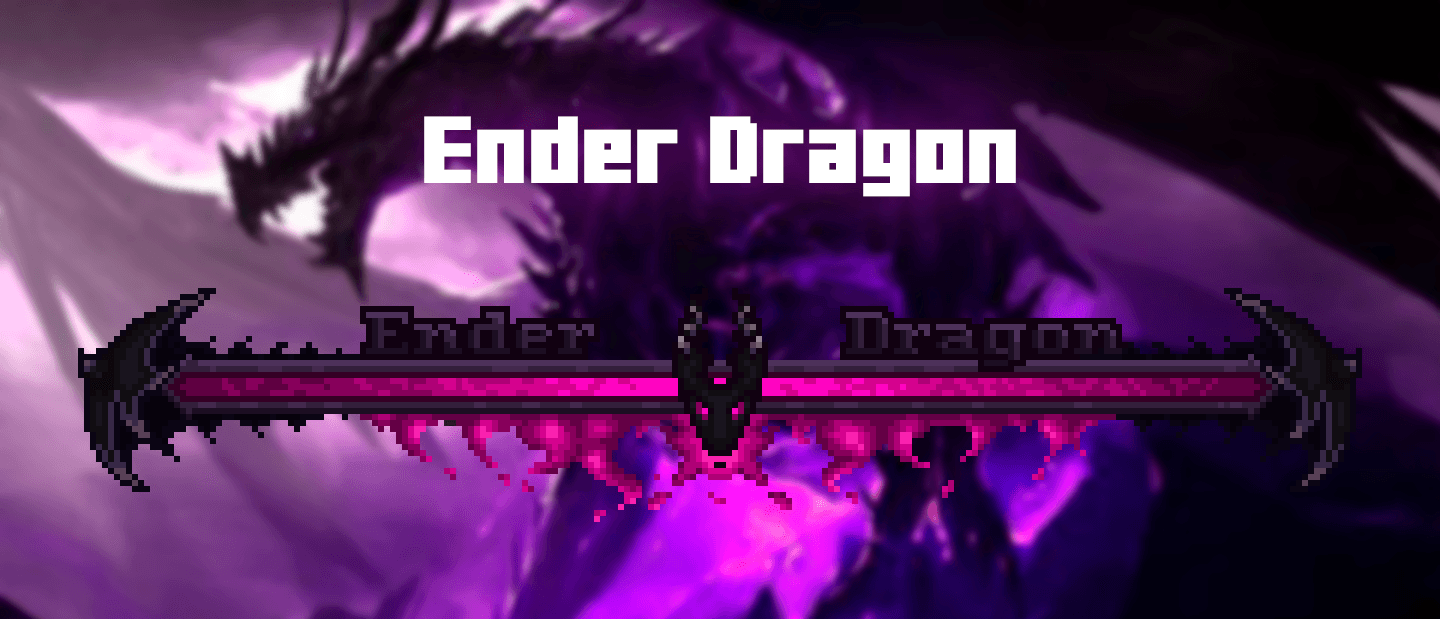

Enhanced Boss Bars
New improved boss bars!Install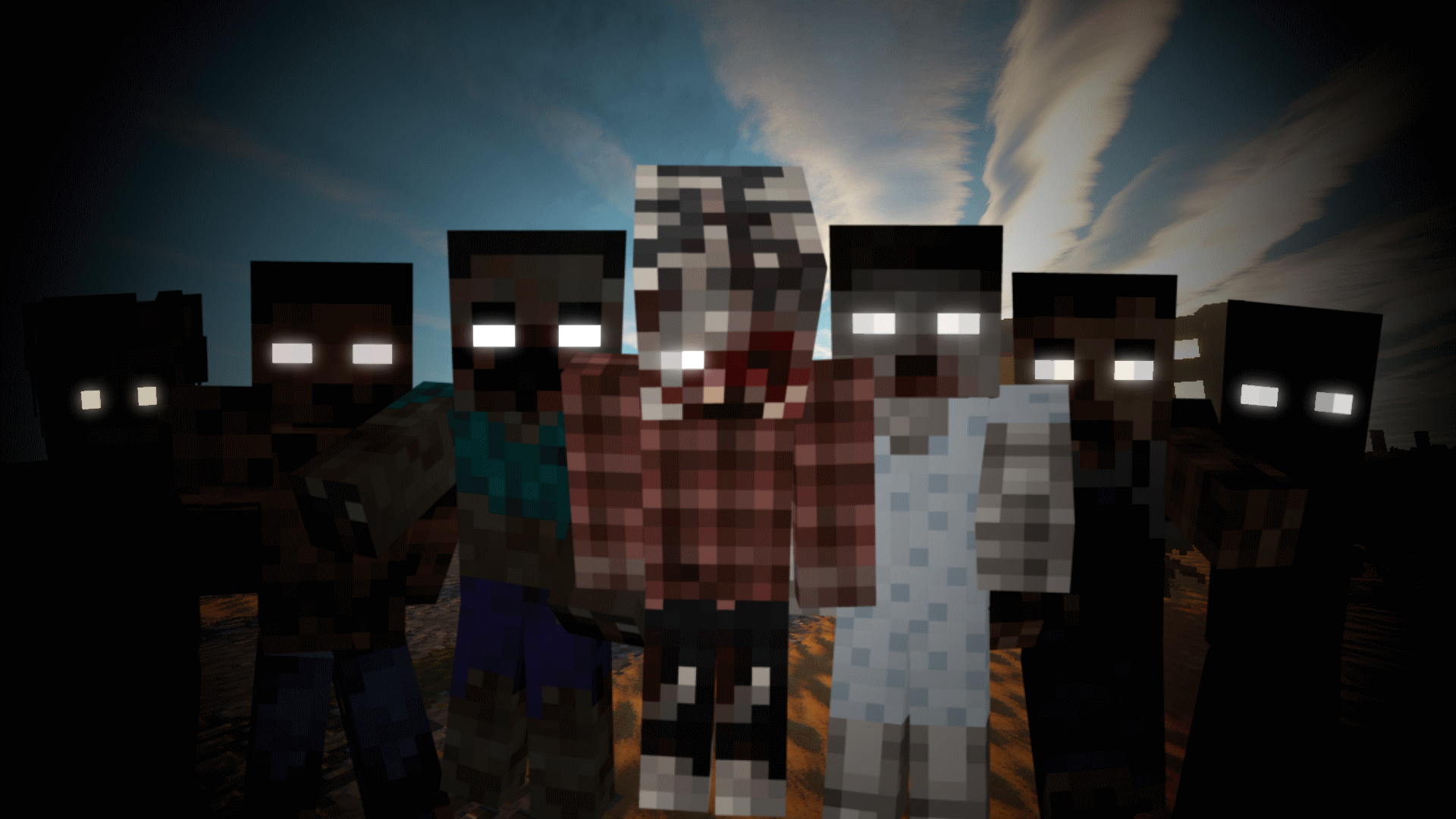

Tissou's Zombie Pack
This turns all undead to deadly horrifying walker-like creatures.Install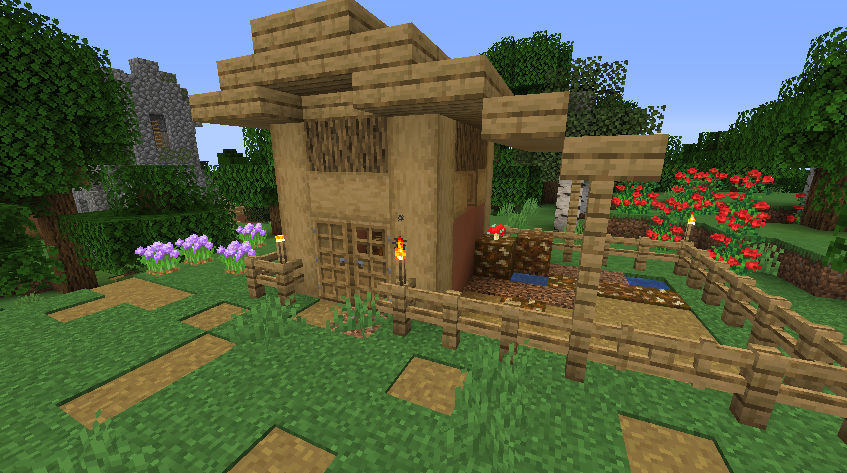
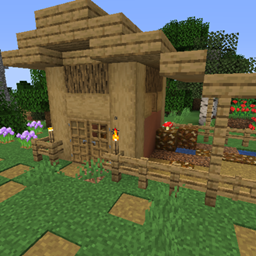
Repurposed Structures - Farmer's Delight Compat Datapack
Add Farmer's Delight to Repurposed Structures VillagesInstall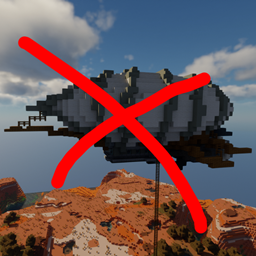
When Dungeons Arise - No Flying Structures
Disables WDA flying structures on the overworldInstall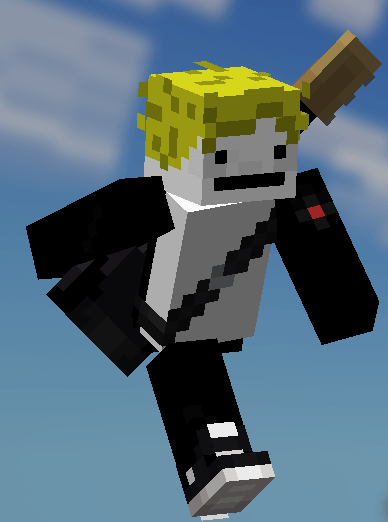

Fresh Moves
This is EMF Player Animation resource pack. Gives fancy animations to the player entity. Compatible with animations from other mods. Like Quark's emotes, Parcool techniques and Not Enough Animations.Install
When Dungeons Arise - Spacing Tweaks
Changes spacing and separation of several WDA structuresInstall

Translations for Sodium
Unofficial translations for the Sodium Minecraft modInstall

Motschen's Better Leaves
Improves the appearance of leaves with high mod compatibility and performance!Install
Embellished Stone (Advancement Plaques)
For use with the Advancement Plaques mod, gives them a look of embellished stone.Install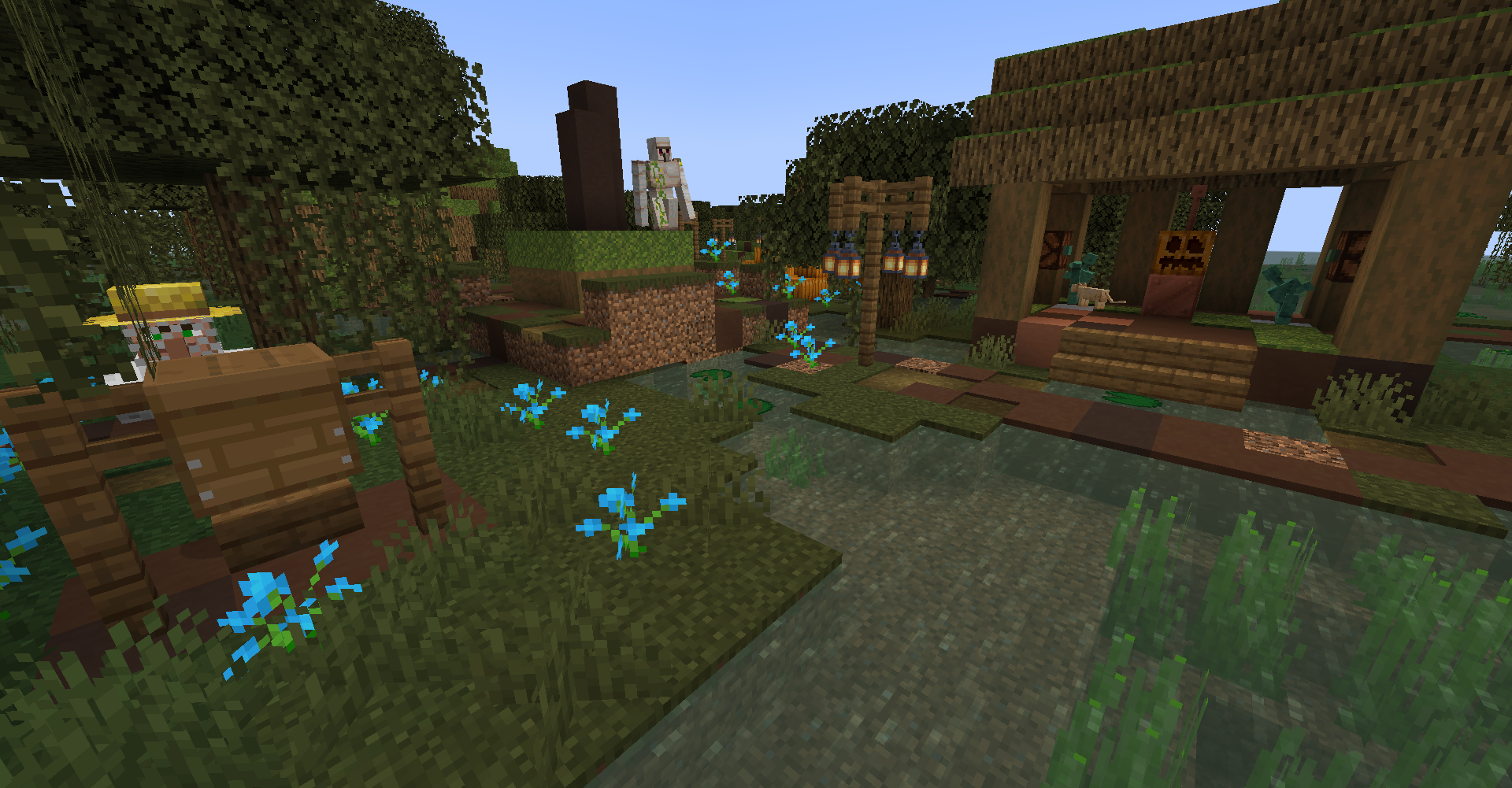
Repurposed Structures - Friends and Foes Compat Datapack
Add Copper Golems and Beekeepers to RS VillagesInstall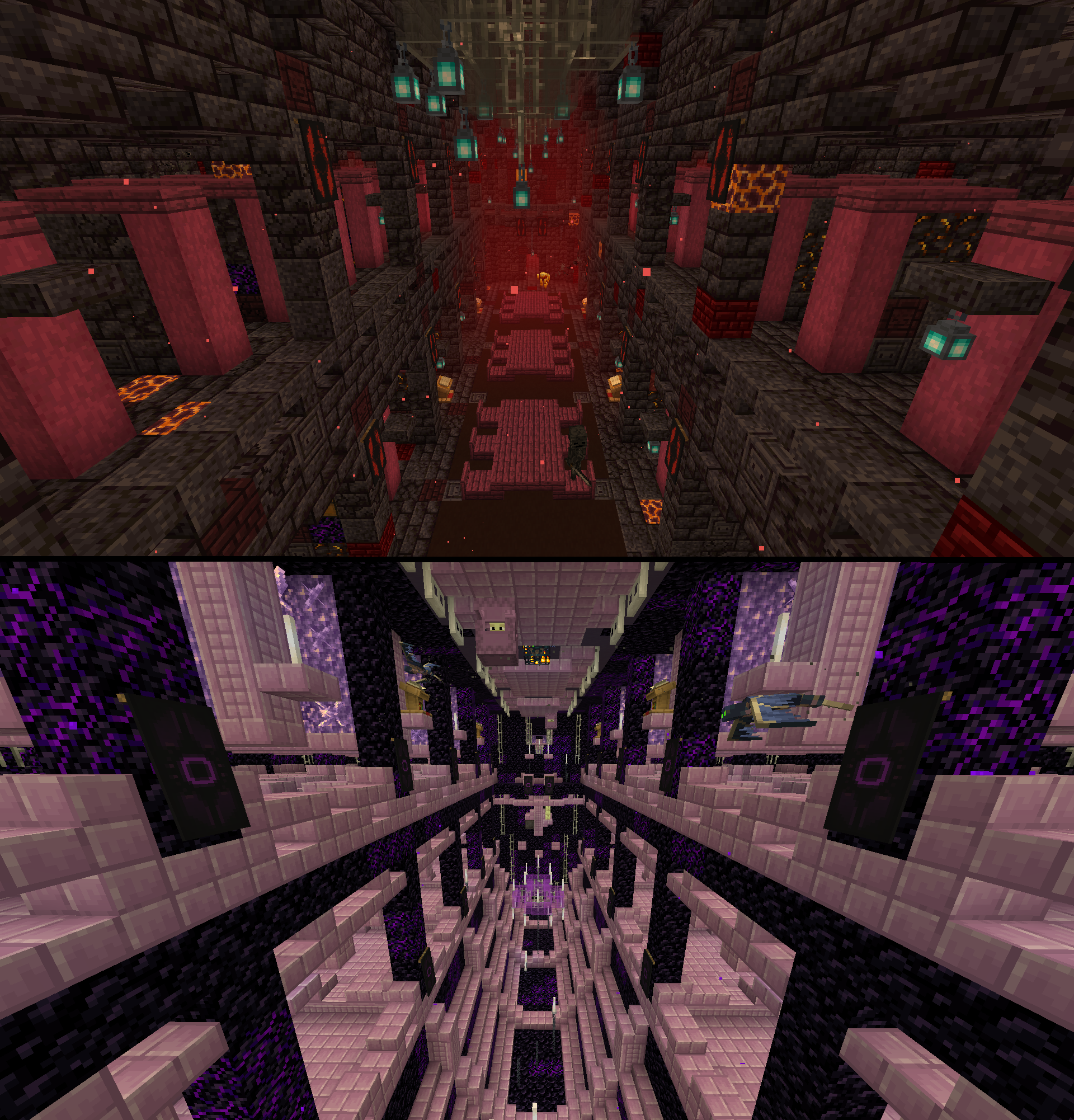
Repurposed Structures - Better Strongholds Compat Datapack
Change RS Strongholds to be in Better Stronghold's styleInstall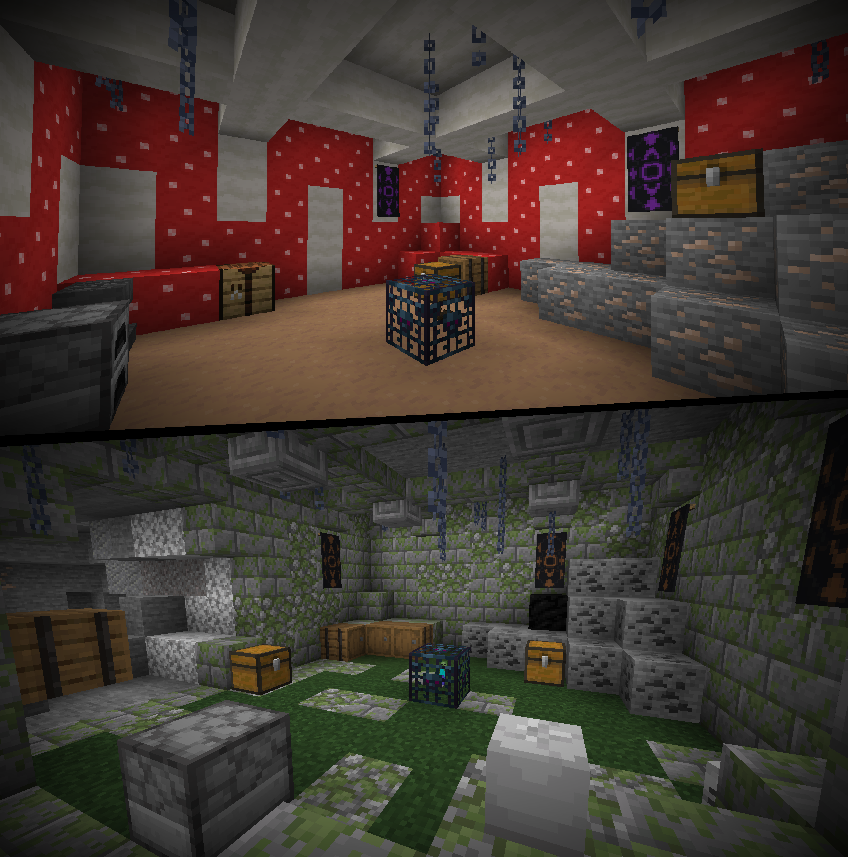
Repurposed Structures - Better Dungeons Compat Datapack
Change RS Dungeons to be in Better Dungeon's styleInstall
When Dungeons Arise - Loot Tweaks
A bunch of loot-changing datapacks to better fit certain modpacksInstall
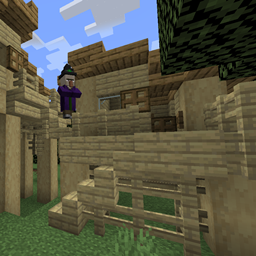
Repurposed Structures - Better Witch Huts Compat Datapack
Change RS Witch Huts to be in Better Witch Hut's styleInstall

Low On Fire
Low fire on your screen! Vanilla FriendlyInstall
Chat Reporting Helper
An educational tool that explains chat reporting in a simple and neutral way.Install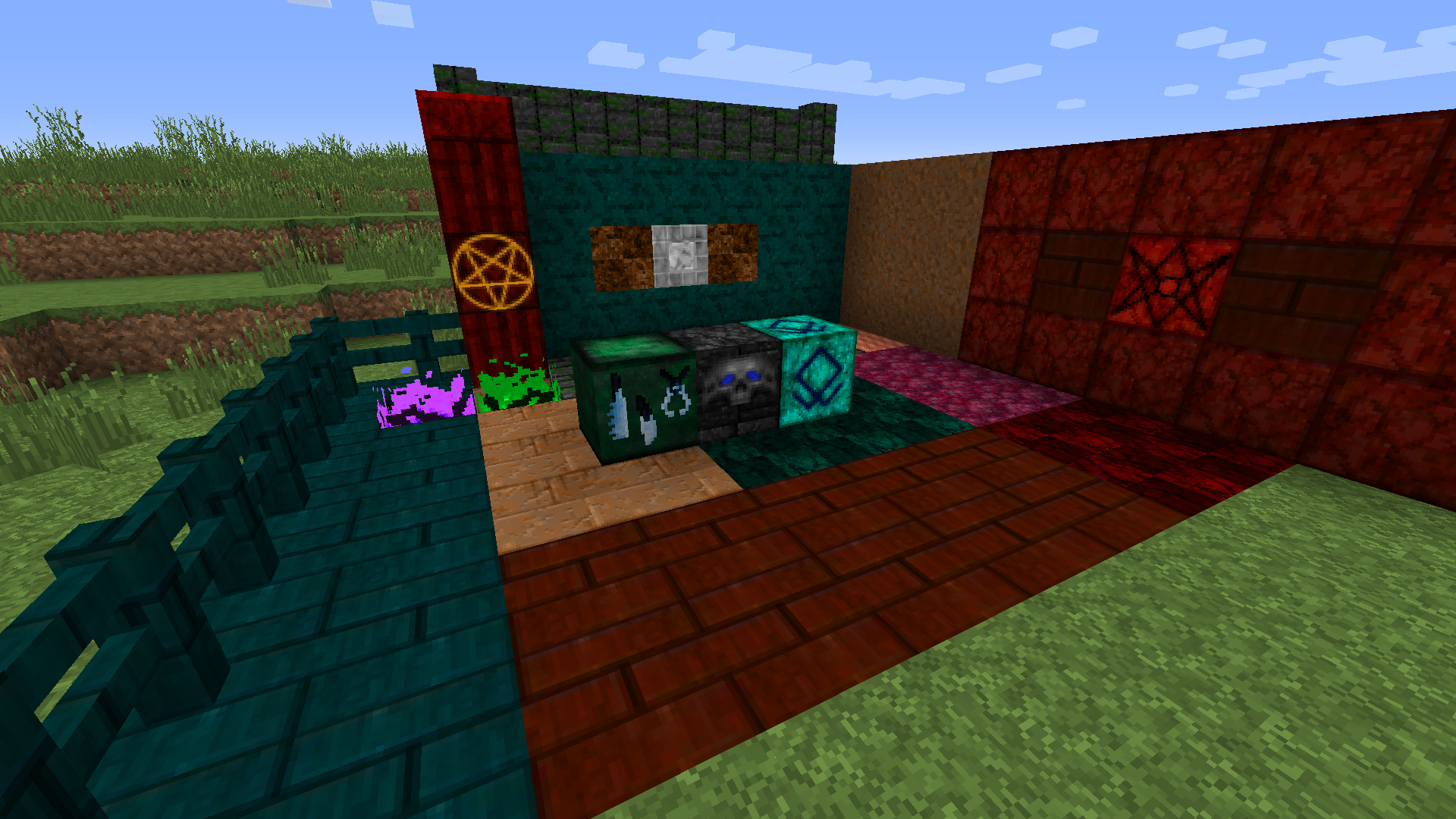

Lycanites Mobs 32X
32X Textures for Lycanites MobsInstall
Leviosa
LeviosaInstall
Backpacked Recipe Fix
Replaces Backpacked mod backpack recipeInstallFAQ
Do I need Forge or Fabric for a resource pack?
No. A resource pack works on the regular game with no loaders or mods. Click “Install” and Millida Launcher will put the pack into the right modpack — then just enable it in the settings.
What do 16×, 32×, 64× mean?
The resolution of a single texture in pixels. 16× matches the original game, 32× and 64× are more detailed and heavier, and 128× and up put a noticeable load on your graphics card.
Will a pack made for another version work?
Most likely partly: older packs don't have textures for newer blocks, so those will stay default. The game won't break, though.
How is a texture pack different from a resource pack?
Only by name and age. Before version 1.6 the sets were called texture packs and changed only textures; in 1.6 resource packs replaced them and also change sounds, fonts and the interface. Old texture packs for 1.5 and below do not work on new versions without conversion.
Which texture packs are best for PvP?
PvP packs: 16× resolution or lower, shortened swords, low fire, a clear sky and bright particles. They barely load the computer and make the opponent easier to see. These packs are collected in the PvP theme.
How do I install a resource pack?
Press Install and Millida Launcher puts the pack into the resourcepacks folder of the right instance. Then enable it in the game: Options, then Resource Packs. Manually, the archive goes into resourcepacks inside the game folder, no need to unpack it.
Resource packs for Minecraft Java
A resource pack changes how the game looks and sounds: block and item textures, fonts, the interface, sounds. It doesn't touch the game's code, so it needs no mod loader and breaks nothing on a server — the pack only works on your screen. That's exactly why a resource pack is safer than any mod: the worst that happens on a version mismatch is that some textures stay default.
Textures, texture packs and resource packs are essentially the same thing: since version 1.6 Mojang calls these sets resource packs, but the old name is still searched more often. PvP packs are a big genre of their own: shortened swords, low fire, bright particles and 16× resolution or lower, so the opponent stands out and the frame rate does not drop. Such packs are most often made for 1.8.9 and 1.16.5, the versions many PvP servers run on.
The key thing about a pack is its resolution. The game's default textures are 16×16 pixels; 32× and 64× packs look more detailed, while 128× and up need a real graphics card and are usually paired with shaders. On a weak machine it makes sense to stay at 16× or go for packs that deliberately simplify graphics for more FPS. Every pack here lists its game version, author and license, and all released versions are gathered on one card. Put the downloaded archive in the resourcepacks folder and enable it in the game settings.