
Modpacks for Minecraft Java — page 8
5,162 itemsModpacks: list



Landscapes Reimagined Genesis
Dive into adventure with our mod pack! Explore Terralith, marvel at YUNG's, MES, and MVS Structures; embrace the iconic Create mod and addons, pristine performance mods, embark on a captivating questline, and more!InstallOn a server
All the Mods 6 - To the Sky - ATM6sky - Skyblock
1.16.5 ATM6 SkyblockInstallOn a server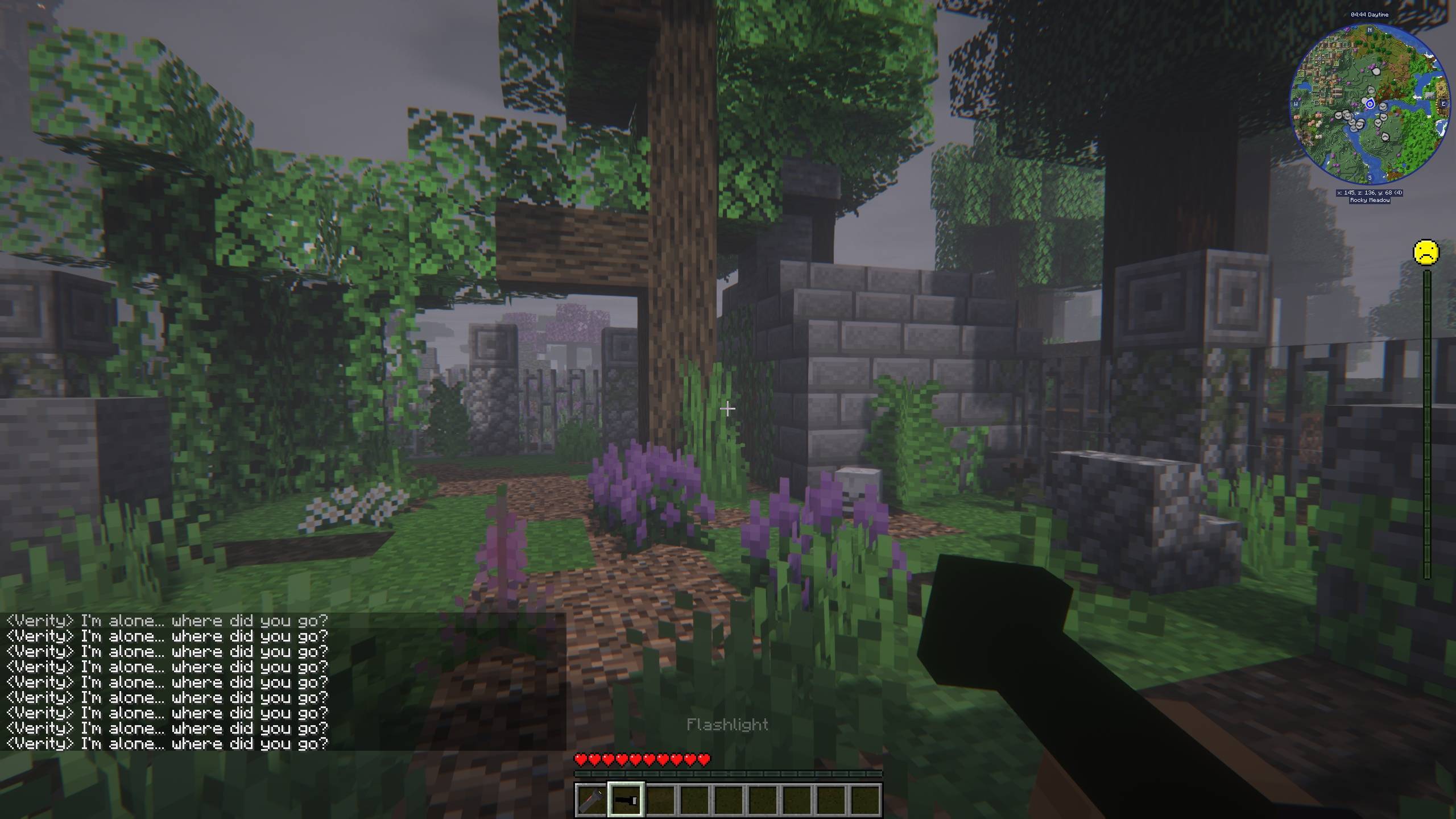

VerityCraft - A Realistic Horror Experience with Verity
A complete horror modpack featuring Verity and much more!InstallOn a server
Prominence Classic
Classic, content rich modded experience for everyone, with balance, custom content, quests and more!InstallOn a server

Hoplite for Lunar Client
Tailor-made list of popular mods to enhance your gameplay experience on Hoplite through Lunar Client, including in-game proximity voice chat.Install

All of Fabric 3 - AOF3
The latest & best of Fabric on 1.16.5. Quests, performance, technology, magic & exploration!InstallOn a server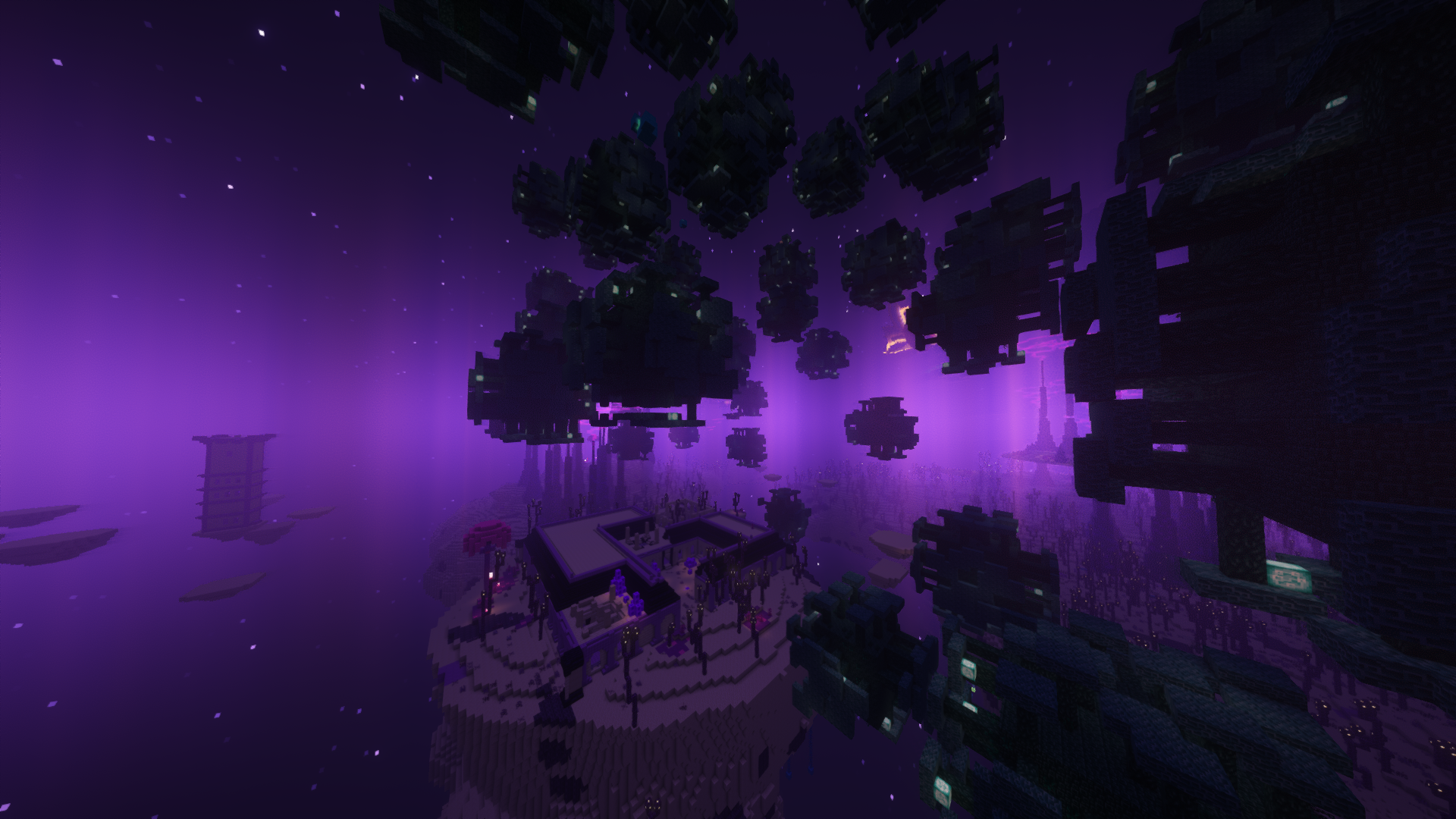
Chocolate Edition Minecraft
1.19.2- Custom Reworked Progression, 45+Balanced Bosses, 100’s of unique areas/mobs to discover, Multiple Endings, Multiplayer and so much more!InstallOn a server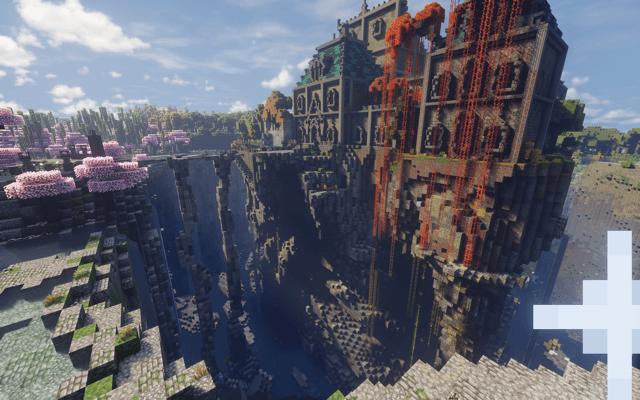
Soulrend - Dark Fantasy RPG Soulslike
Forge 1.20.1 | A soulslike action RPG adventure with epic combat, quests, bosses, factions, and moreInstallOn a server
All the Mods 11 - ATM11
Super early alpha for 26.1.2InstallOn a server
Guns, Cars and Morph
Guns, Cars, Morph and Mutant Mobs what more could you ask for in a Modpack.InstallOn a server

RealisticCraft
Taking Minecraft realism to the next level.InstallOn a server
FTB Continuum
FTB Continuum is an expert style modpack packed with some of the latest tech mods by Feed the Beast!...InstallOn a server
Enigmatica 2 - E2
A Questing Kitchen-Sink Modpack for Minecraft 1.12.2, with 200+ mods and over 800 quests!InstallOn a server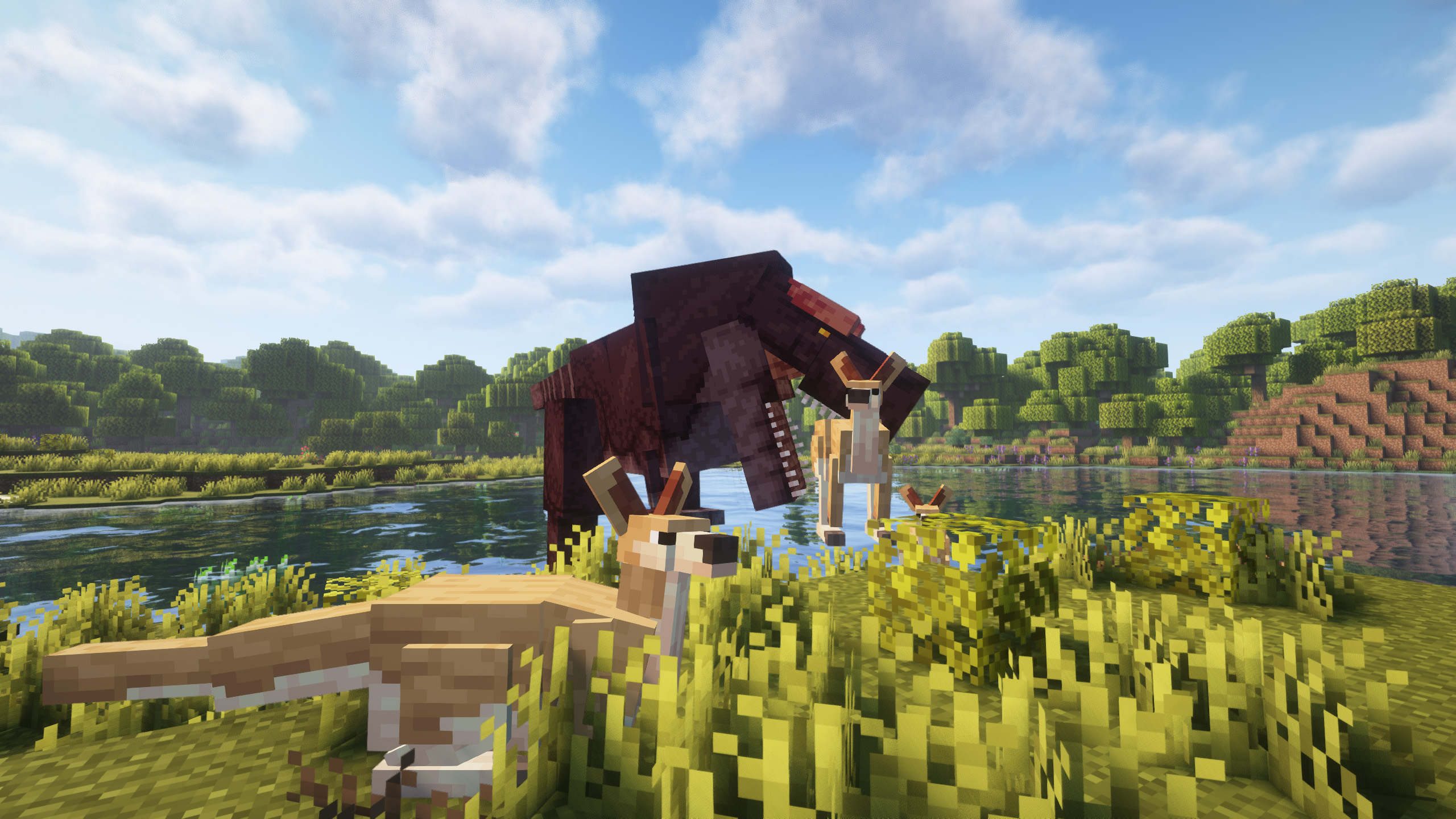
Prehistoric World - Dinosaurs, Adventure & Quests | NEW PREHISTORIC UPDATE!
Create your Jurassic Park! Find fossils, revive dinosaurs, and embark on epic quests in a Prehistoric World!InstallOn a server
One Block Horror
A one block modded to be horror and make it very difficult to reach the final objective.InstallOn a server
The Fog - A Horror Experience
A Horror Themed Modpack with Herobrine and Friends.InstallOn a server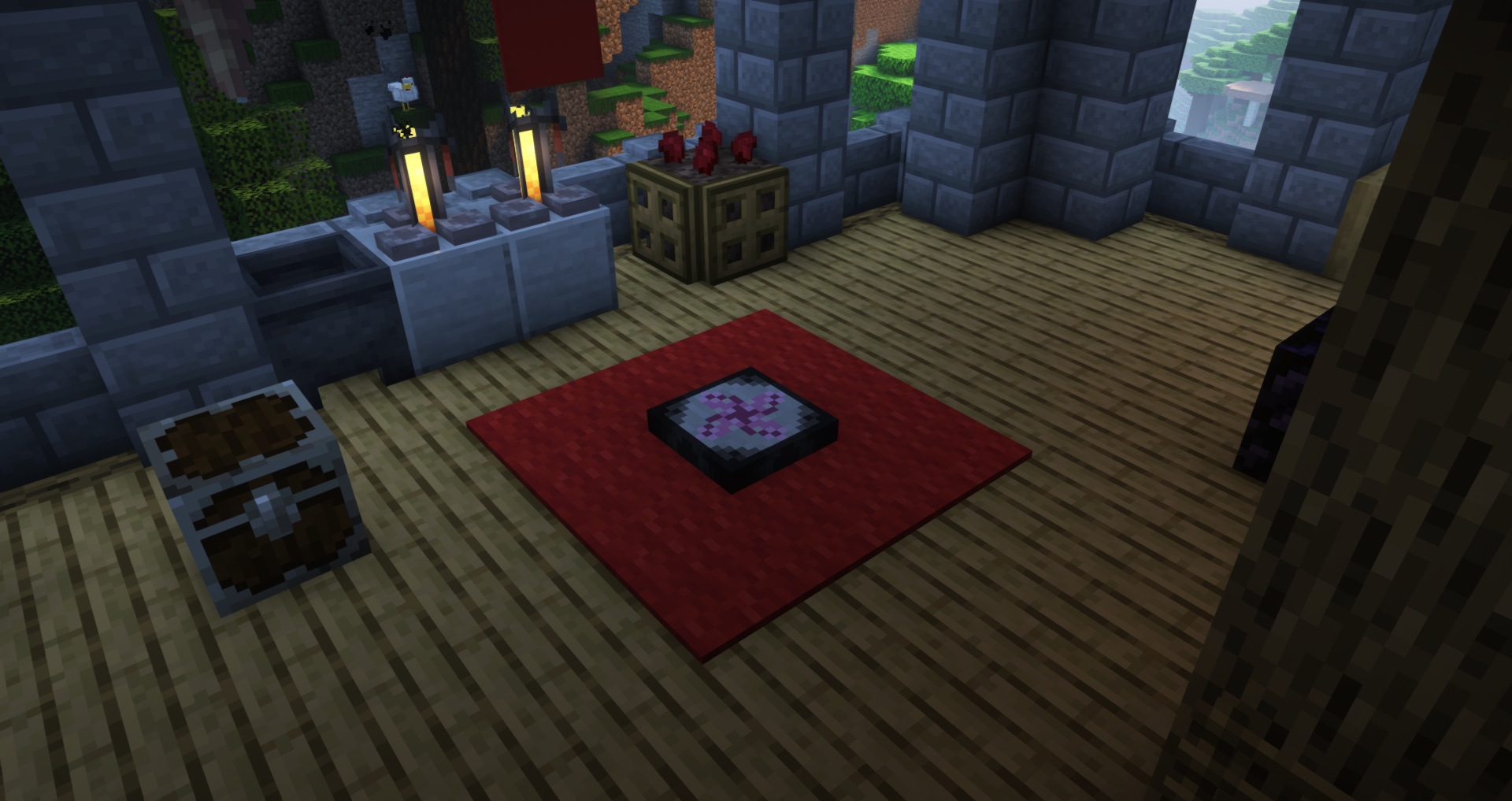

Project Architect 2
Dive into a meticulously crafted modpack focused on automation and EMC generation, allowing you to transform raw materials into valuable resources effortlessly with ProjectE custom automation challenges!InstallOn a server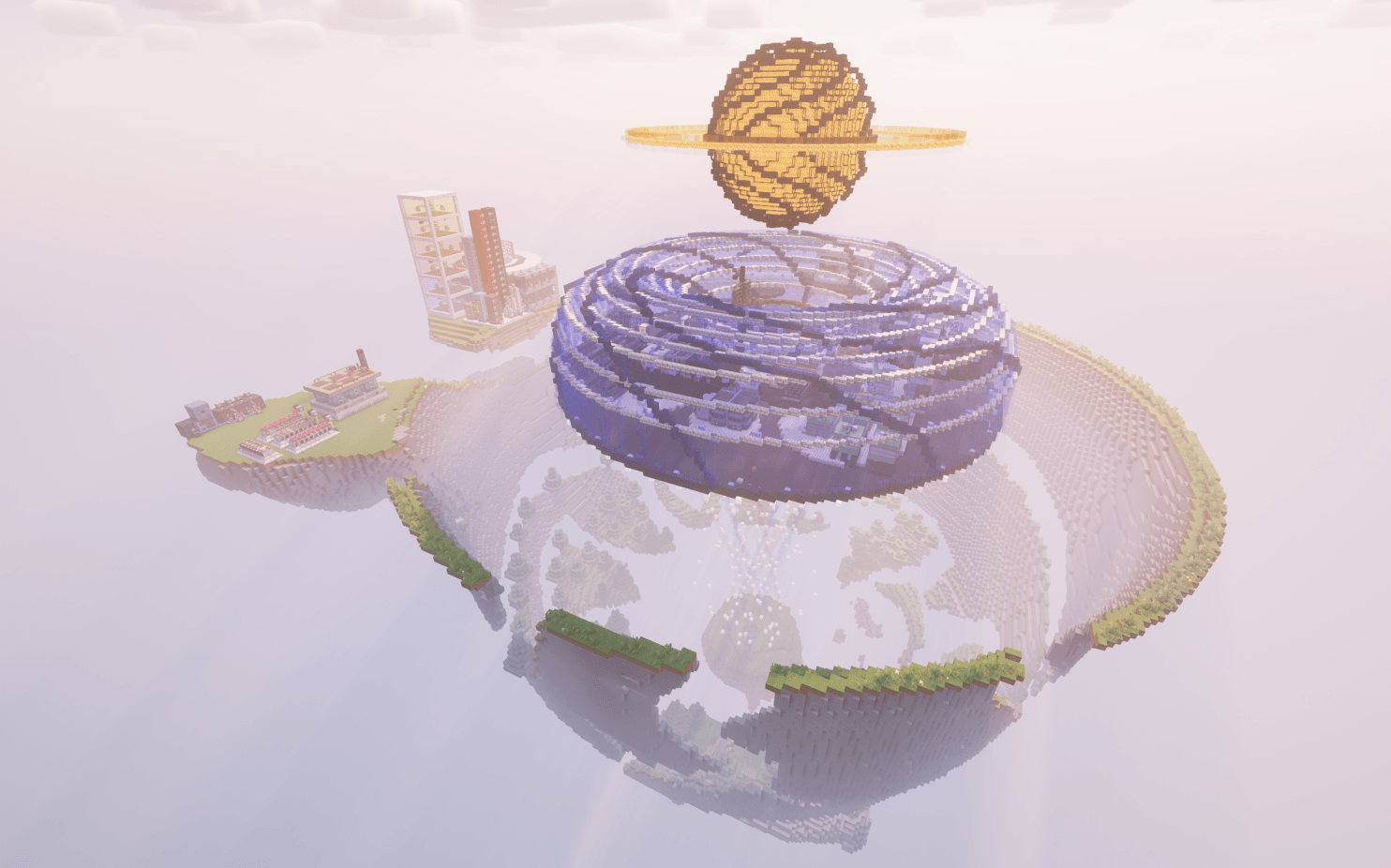

Star Technology
One of the first GregTech CEu Modern packs! It's a skyblock, btw.InstallOn a server
Cobblemon Updated - Includes Every Pokemon!
The Best Cobblemon Modpack!Includes every PokemonInstallOn a server

Backrooms: Found Footage
The Best Backrooms Experience for MinecraftInstallOn a server
Abyssal Ascent
A Modpack utilising immersive portals stacking 8 different dimensions vertically, each with their own ecosystem, resources, biodiversity and challenges, and you spawn at the very bottom of this world,.InstallOn a server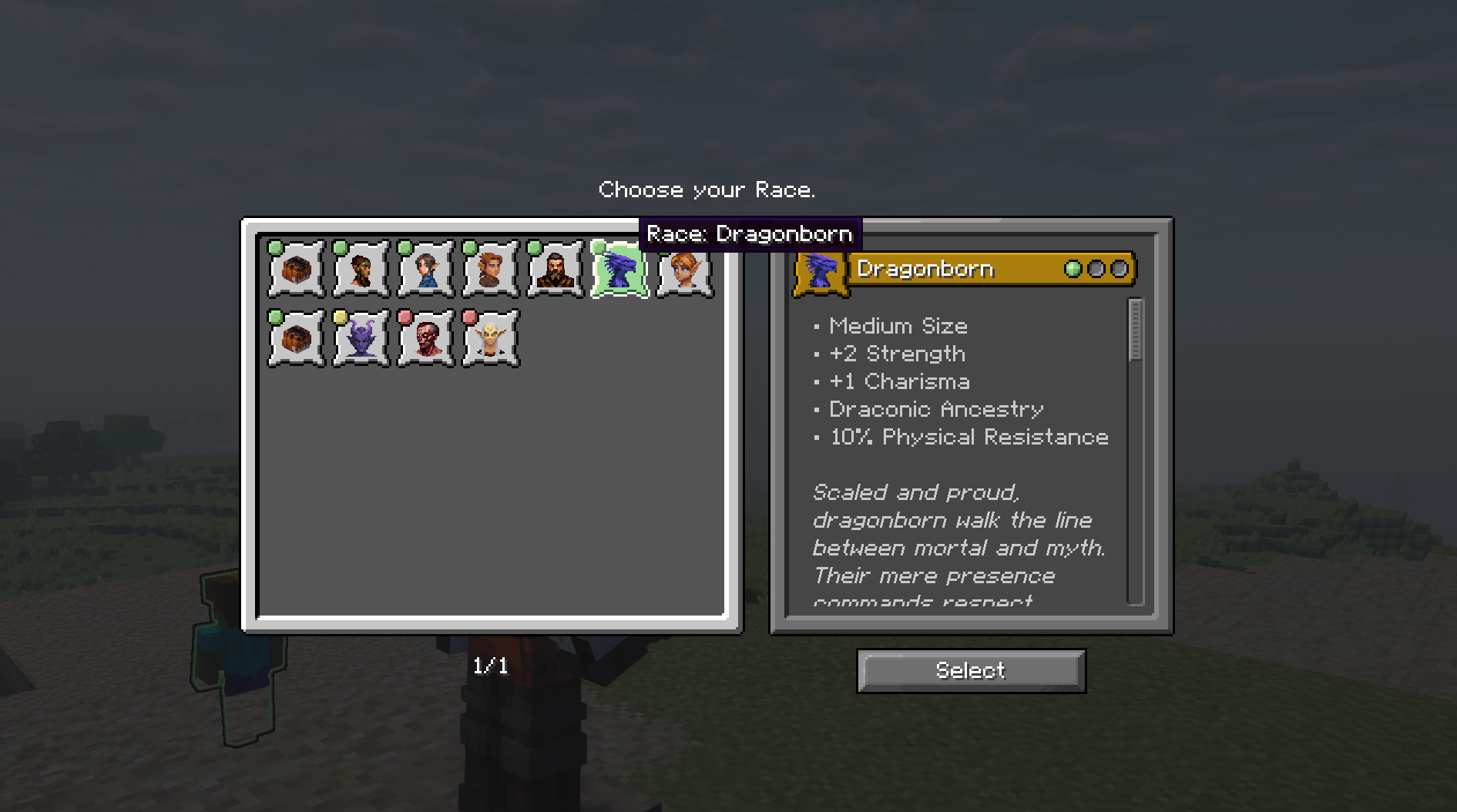
Otherworld [Dungeons & Dragons]
Fantasy RPG Story modpack based off the DnD 5e Handbook [Inspired by Baldur's Gate 3]InstallOn a server
Pokemon Adventure
Welcome to the world of PokemonInstallOn a serverFAQ
How is a modpack different from a bunch of mods?
A modpack is already a tuned set: mod versions are matched to each other, configs are set up, and recipes and progression are tied together. Mods downloaded one by one you'll have to make work together yourself.
How do I install a modpack?
Click “Install” and Millida Launcher will download the modpack and the right Java for you and create a separate profile for it. No need to install the mods or loader separately.
How much memory should I allocate?
Light performance modpacks run on 4 GB, mid-sized ones on 6 GB, and big tech-and-magic ones need 8 GB or more. You can change memory in the Millida Launcher profile settings; the exact figure is usually in the modpack description.
Which modpack should I pick to play with friends?
Turn on the With a friend filter under What for to keep modpacks made for playing together: co-op survival, Create, adventures with shared progression. The modpack version must match for every player and the server.
Are there modpacks with quests in my language?
Modpacks with a quest book and a story are in the With quests theme. The quest language depends on the author: most packs ship in English, and other languages are usually added by a separate translation mod — check the modpack description.
Will a modpack run on a low-end PC?
A light one will. The For low-end PCs filter keeps modpacks with a small mod list and performance mods, and 4 GB of memory is enough for them. Big tech-magic modpacks need 6–8 GB and lag on a weak machine even if they start.
How do I run a modpack on my own server?
A modpack page has an On a server button: it installs the modpack on a Millida Hosting server and switches the core to match, and a copy of the old world is kept in backups. Players then install the same modpack in Millida Launcher and join the server address.
Modpacks for Minecraft Java
A modpack is a ready-made set of mods, configs and recipes put together by the author so that everything works together. Building a set like that by hand takes ages: mods clash over versions, need libraries and handle game mechanics in different ways. A modpack has already done that work for you — all that's left is to pick the game version and loader.
A modpack is not only for your own game: you can also run it on a server to play with friends. Next to Install on a modpack page there is an On a server button: it installs the same modpack on a Millida Hosting server together with the right core, and a copy of the old world is kept in backups. Your friends install the modpack in the launcher and join the server address — everyone gets the same version because it comes from one place.
Each modpack here is one page with every released version. The card shows which game version and loader it's built for, how big the archive is and who the author is. Modpacks aren't installed like individual mods: click “Install” and Millida Launcher downloads all the modpack's mods, the right loader and Java, and creates a separate profile for it without touching your others. Mind the memory requirements: heavy tech-and-magic modpacks need six gigabytes or more and simply won't start on the default two.