
Modpacks for Minecraft Java 1.16.4
43 itemsModpacks: list

Modded OneBlock
Ever wanted to play one block modded well here it is. data pack and world by IJAMinecraftsInstallOn a server
Ice and Fire/ Magic Modpack
A modpack focused on dragons and magic with some other cool stuffInstallOn a server
Craft to Exile [Harmony]
Minecraft meets Path of Exile & Diablo!InstallOn a server
Create+
A lightweight vanilla plus pack focused around the create mod.InstallOn a server
Stacia Expert
Stacia: Expert is an expert pack with hundreds of Quests! [Craftable Creative Items] [+400 Custom Recipes] [Hundreds of Quests with FTB Quests]InstallOn a server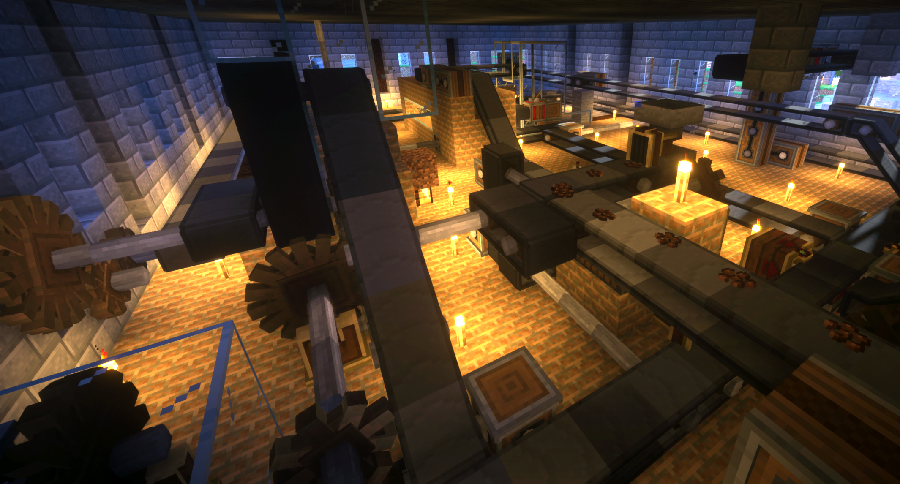
Create Live 2
Minecraft Create Live 2 is a Modpack created for the german YouTube/Twitch project "Minecraft Create Live 2".InstallOn a server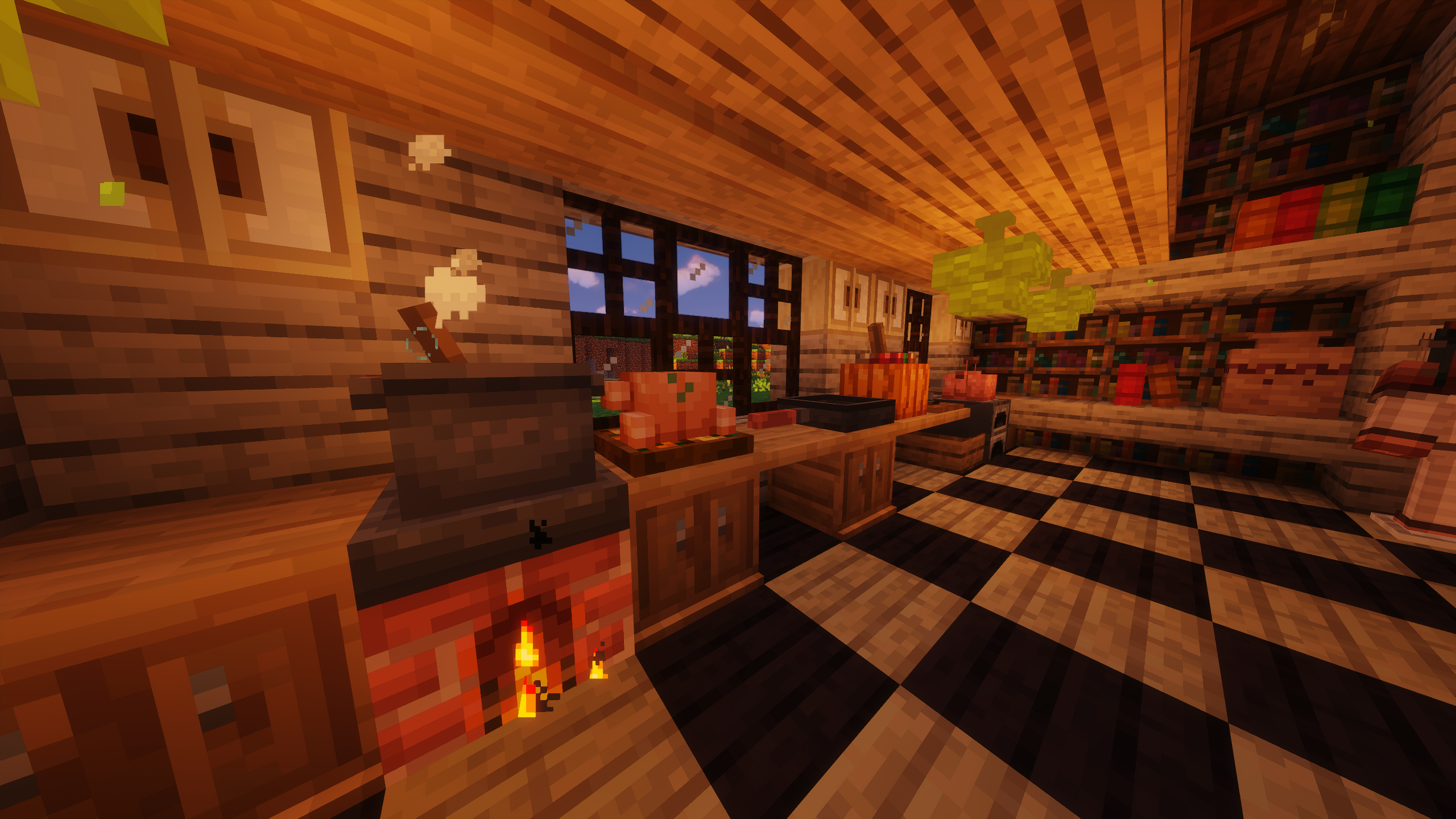
CottageCore Fantasy
A CottageCore modpack with tons of new crops, animals, biomes and blocks.InstallOn a server
Dark Souls Simulator
The name says it all.InstallOn a server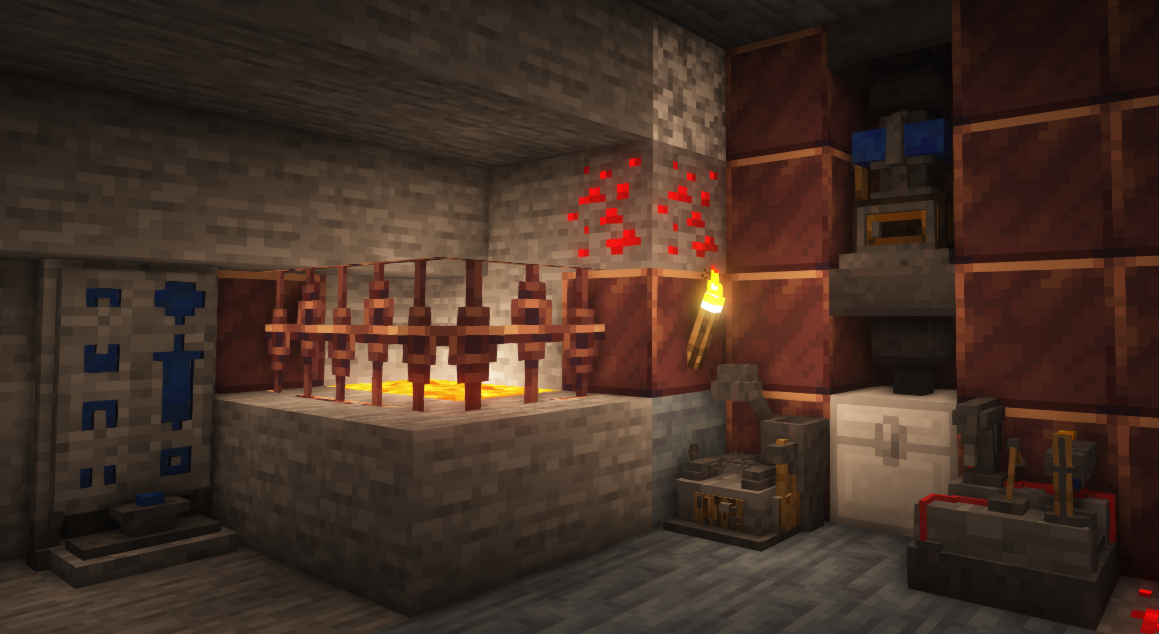
[FABRIC] Adventure Pack
+500 new quests, 150+ spells, weapons, Diablo/PoE/WoW mix, transformations and more! NEW UPDATE!InstallOn a server
Pokecube Pack
Official Modpack with Pokécube.InstallOn a server
Mineshafts & Monsters - LITE
A Semi-light RPG modpack that actually gives the player an immersive storyline and complex worldview.InstallOn a server
Attack on Titan Online (AOT)
A world full of TitansInstallOn a server
The Final Frontier 2
This is a Tech modpack with a focus on the best tech mods available in 1.16InstallOn a server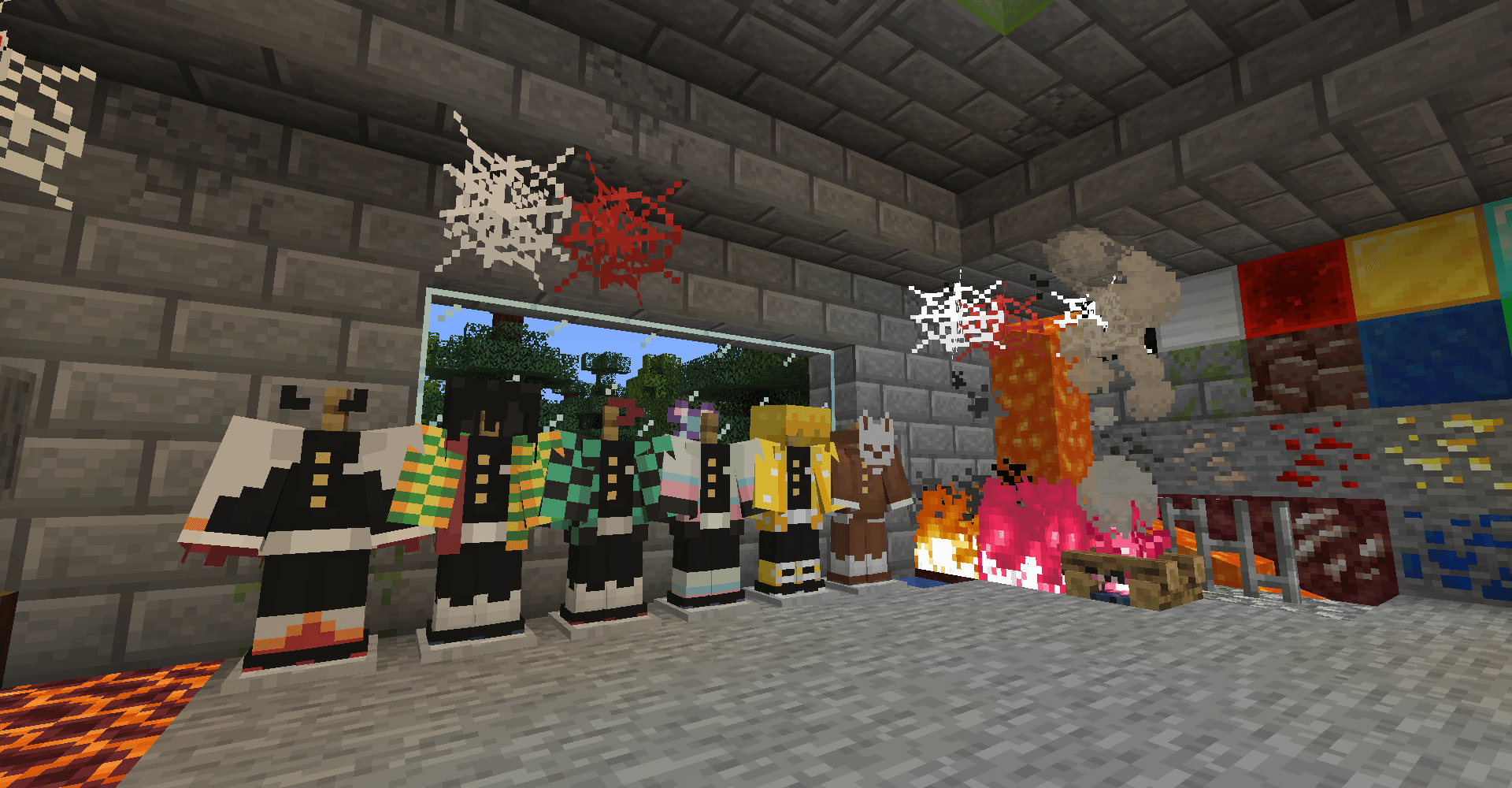
Demon SlayerCraft
Demon SlayerCraft: Rise of the Slayers is an adventure world inspired by the Demon Slayer anime. You become a demon hunter, fighting with new weapons and skills and uncovering the secrets of demons.InstallOn a server
Builder's QOL
Clientside optimizations, HUD expansion, and other toolsInstallOn a server
Brass
The 1.16.5 Progression Pack named after everyone's favorite alloy: Brass!InstallOn a server
Race to the Moon - Revived
An attempt at recreating Race to the Moon in a modern version of minecraft.InstallOn a server
MC+ | Better MC
This Modpack includes some standard mods like "Just Enought Items" and more to improve gameplay and performance.InstallOn a server

Skyopolis 3
A skyblock with modsInstallOn a server
Obfuscate
Adds a few mods that make vanilla just a bit betterInstallOn a server
Wildfire's Modpack
A modpack created for my Female Gender Mod Minecraft server.InstallOn a server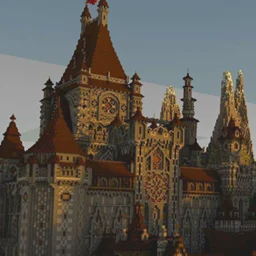
Epic Castle Siege
This is a modpack for you to seige or defend castles.InstallOn a server
FPSPlus
This modpack has all the mods to boost your fps!InstallOn a serverFAQ
How is a modpack different from a bunch of mods?
A modpack is already a tuned set: mod versions are matched to each other, configs are set up, and recipes and progression are tied together. Mods downloaded one by one you'll have to make work together yourself.
How do I install a modpack?
Click “Install” and Millida Launcher will download the modpack and the right Java for you and create a separate profile for it. No need to install the mods or loader separately.
How much memory should I allocate?
Light performance modpacks run on 4 GB, mid-sized ones on 6 GB, and big tech-and-magic ones need 8 GB or more. You can change memory in the Millida Launcher profile settings; the exact figure is usually in the modpack description.
Which modpack should I pick to play with friends?
Turn on the With a friend filter under What for to keep modpacks made for playing together: co-op survival, Create, adventures with shared progression. The modpack version must match for every player and the server.
Are there modpacks with quests in my language?
Modpacks with a quest book and a story are in the With quests theme. The quest language depends on the author: most packs ship in English, and other languages are usually added by a separate translation mod — check the modpack description.
Will a modpack run on a low-end PC?
A light one will. The For low-end PCs filter keeps modpacks with a small mod list and performance mods, and 4 GB of memory is enough for them. Big tech-magic modpacks need 6–8 GB and lag on a weak machine even if they start.
How do I run a modpack on my own server?
A modpack page has an On a server button: it installs the modpack on a Millida Hosting server and switches the core to match, and a copy of the old world is kept in backups. Players then install the same modpack in Millida Launcher and join the server address.
Modpacks for Minecraft Java 1.16.4
Modpacks for Minecraft 1.16.4: 43 items in the Modpacks section. Compatibility is checked against the files, not the description: only items with a build for exactly these conditions stay in the list.
Each modpack here is one page with every released version. The card shows which game version and loader it's built for, how big the archive is and who the author is. Modpacks aren't installed like individual mods: click “Install” and Millida Launcher downloads all the modpack's mods, the right loader and Java, and creates a separate profile for it without touching your others. Mind the memory requirements: heavy tech-and-magic modpacks need six gigabytes or more and simply won't start on the default two.