
Modpacks for Minecraft Java 1.12.1
21 itemsModpacks: list

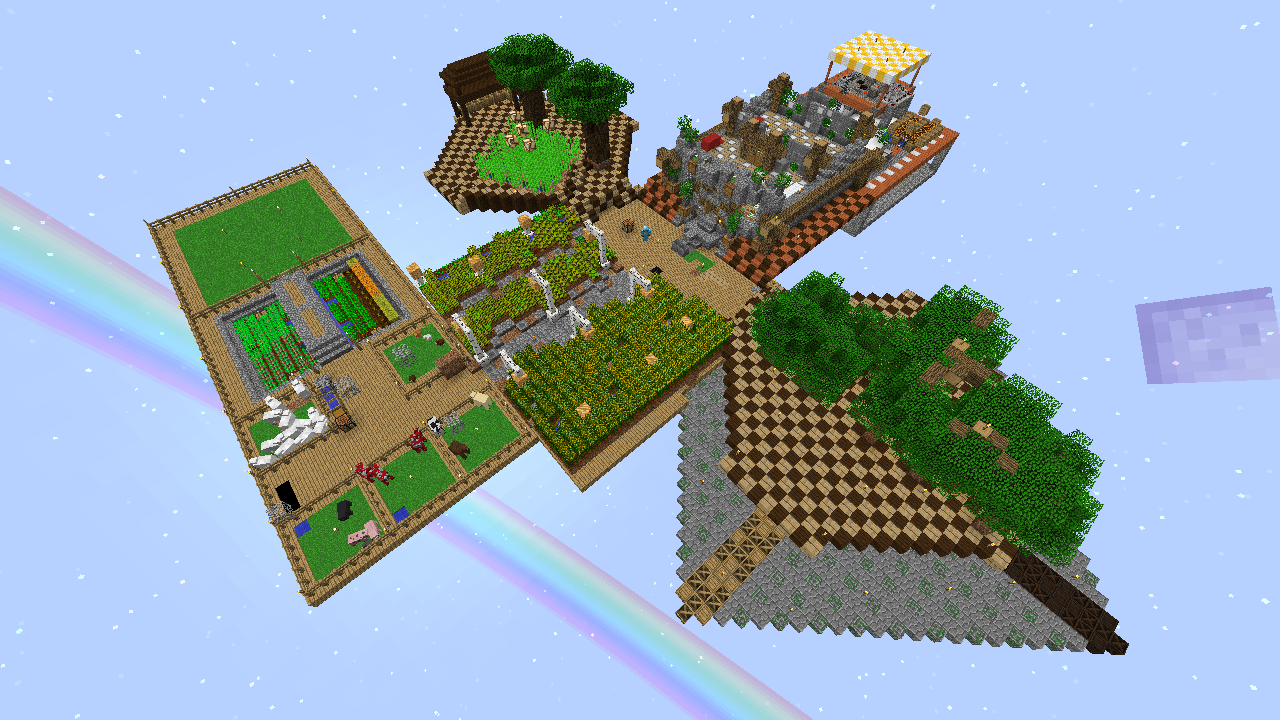
JASB 2.0 (Just Another SkyBlock)
Build more, Build better, Grind a little. A Lightweight Modded SkyBlock for newby Modded SkyBlock players or players that want a spiced up SkyBlock experience with tooons of AdvancementsInstallOn a server
All the Mods: All the Magic - ATM
Its like all the mods but only magic but only better!InstallOn a server
Tinker's Modpack
A Lightweight Modpack almost entirely focused around Tinker's ConstructInstallOn a server
InsaneVanilla++ B
Expanding Vanilla by staying ... VanillaInstallOn a server
FTB Unstable 1.12
The official bleeding-edge testing platform used by Feed The Beast for their more modern 1.12.X packs. Highly experimental and volatile. Just a reminder: no tech support will be offered for this pack!InstallOn a server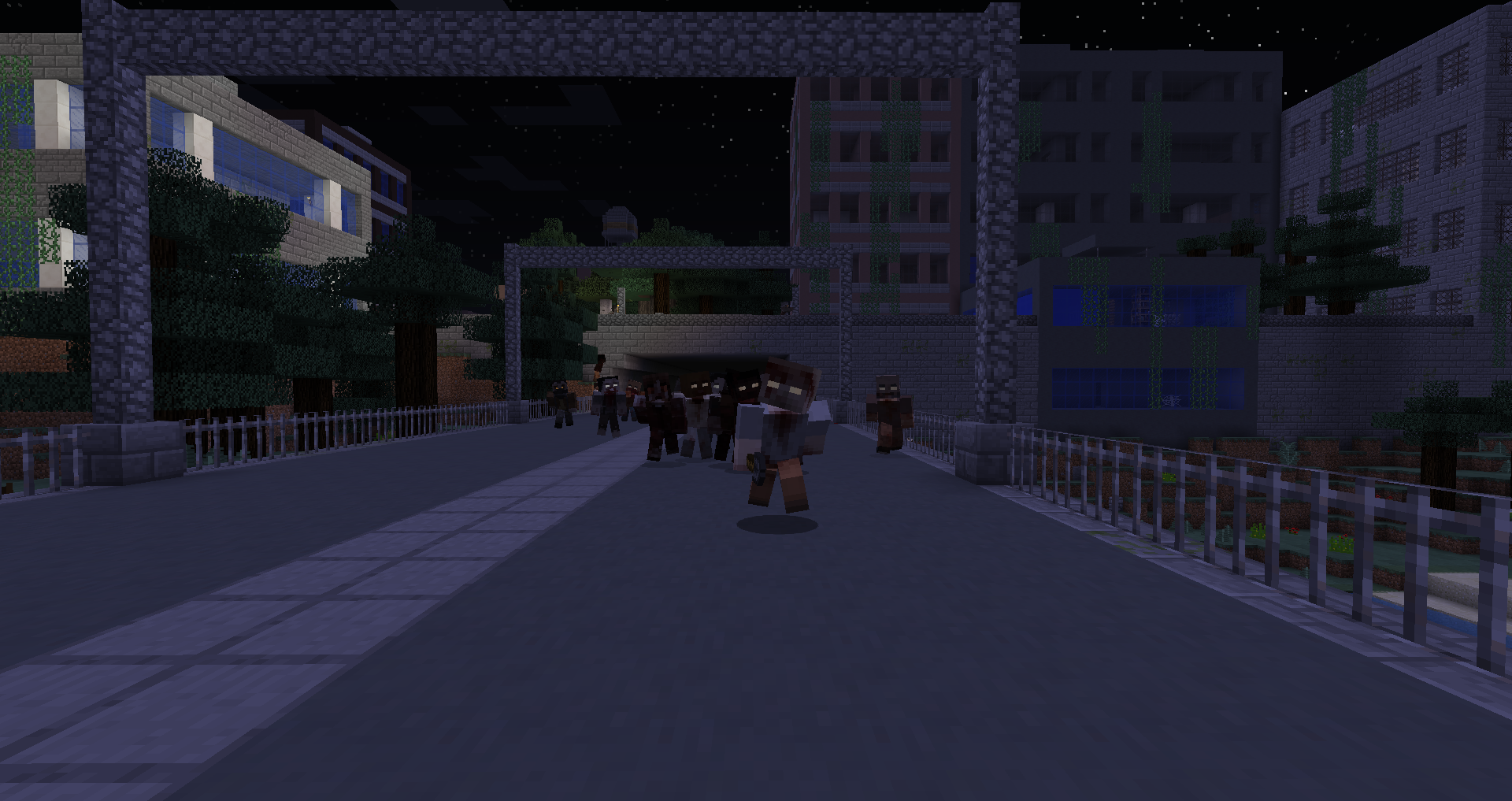
TWD - A Zombie Apocalypse
Fight your way through the zombie infested streets to take back your city!InstallOn a server

Sky Questing
A heavily quest based modpack in the sky!InstallOn a server
Beyond The Skies
An original skyblock modpack with 190 mods ! Tech, Magic, Ex Nihilo, Sky Ressources, Galacticraft and 400 quests... Everything is doable, by the fun way ! Not too much grinding, even in hard mode.InstallOn a server
Super Mario Mashup: PC Edition
A Super Mario Mashup Recreation on PCInstallOn a server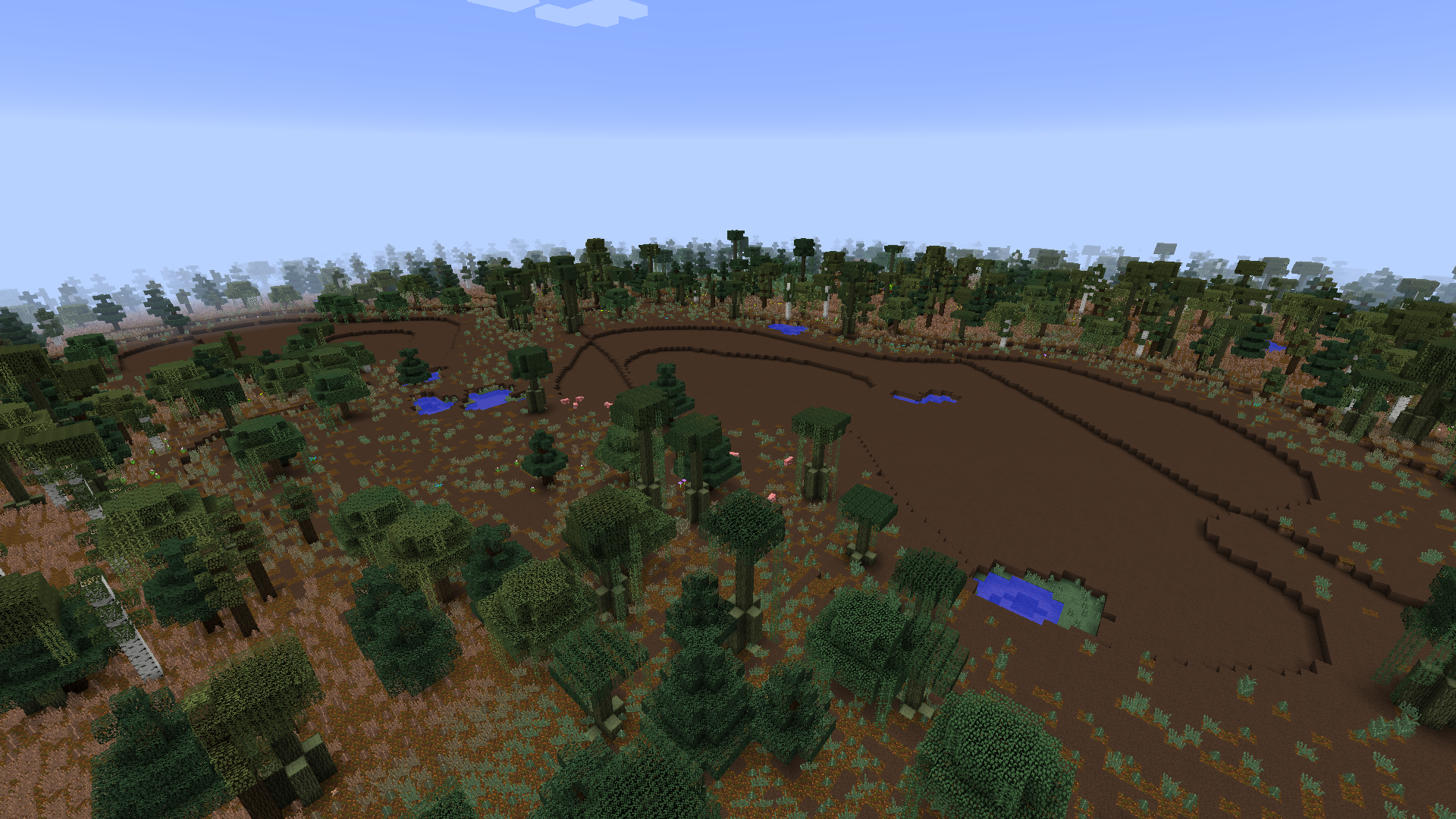

Dooglamoo Worlds - Biomes O Plenty
Dooglamoo Worlds mod with Biomes O Plenty integrationInstallOn a server
MC+ | Better MC
This Modpack includes some standard mods like "Just Enought Items" and more to improve gameplay and performance.InstallOn a server
The Anime Network ~ Avatar
A modpack made for the anime network, this has the mod for the anime Avatar or cartoon with all 4 elementsInstallOn a server
Power Heroes 2 - Comics
Save the world, use your SUPER POWER !!!InstallOn a server

Doctor Who Dalek 4 - Invasion
Traveling aboard the T.A.R.D.I.S. and fight evil Daleks.InstallOn a server
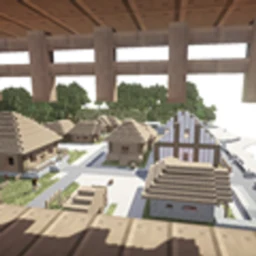
Minimalist MineColonies
Too many mods spoil the broth.InstallOn a server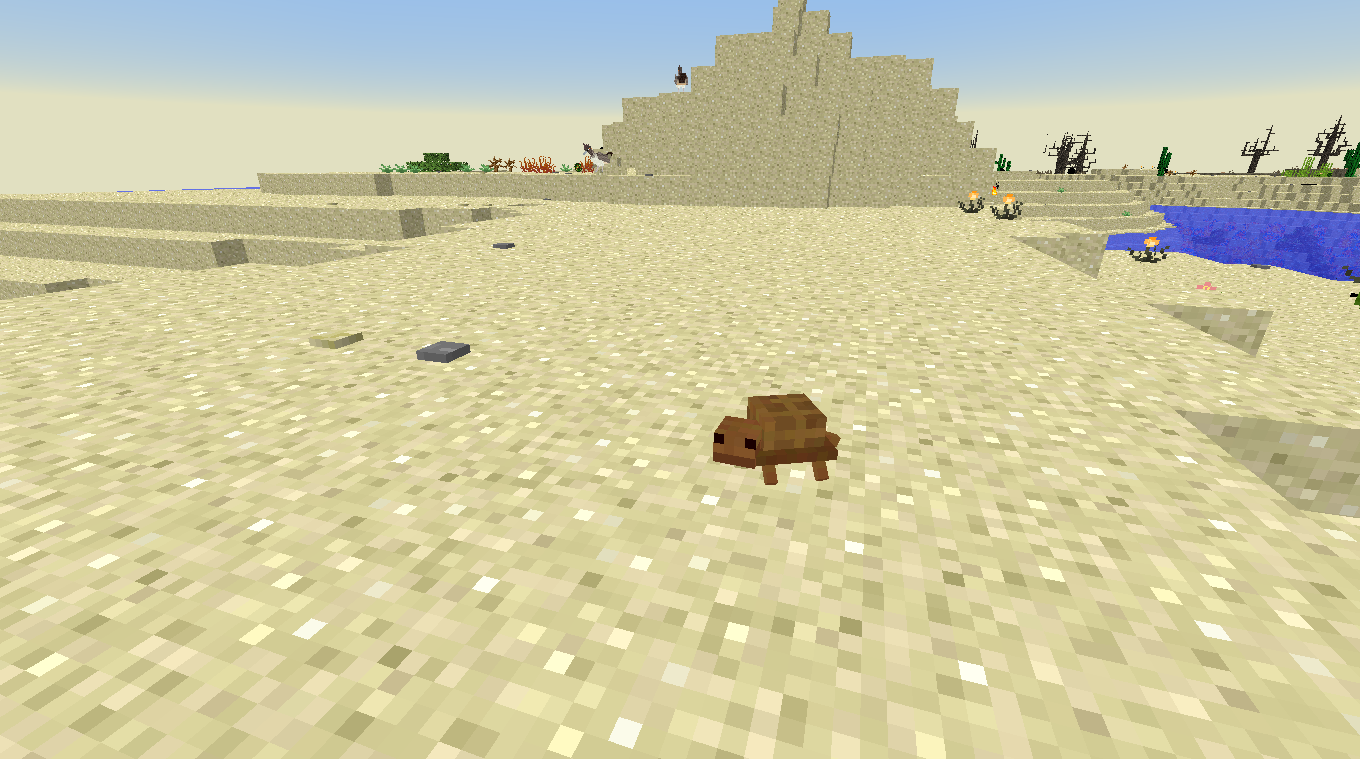

IRLCraft
[1.12.2] Simulate real life - seasons and weather, exploration, fishing overhaul, darkness mechanics, and moreInstallOn a server

Server-side modpack
A server-side vanilla modpack that adds lots of performance mods, capes, and even wavey ones!InstallOn a server

JurassicraftWorld
A 1.12.2 Jurassicraft Centered Pack!InstallOn a server
Alchemical Skyblock
Progression themed Skyblock + ProjectE for 1.12InstallOn a server
Fantasy Evolved: Quest For Magic
Quest Based Fantasy RPG and Kingdom BuildingInstallOn a serverFAQ
How is a modpack different from a bunch of mods?
A modpack is already a tuned set: mod versions are matched to each other, configs are set up, and recipes and progression are tied together. Mods downloaded one by one you'll have to make work together yourself.
How do I install a modpack?
Click “Install” and Millida Launcher will download the modpack and the right Java for you and create a separate profile for it. No need to install the mods or loader separately.
How much memory should I allocate?
Light performance modpacks run on 4 GB, mid-sized ones on 6 GB, and big tech-and-magic ones need 8 GB or more. You can change memory in the Millida Launcher profile settings; the exact figure is usually in the modpack description.
Which modpack should I pick to play with friends?
Turn on the With a friend filter under What for to keep modpacks made for playing together: co-op survival, Create, adventures with shared progression. The modpack version must match for every player and the server.
Are there modpacks with quests in my language?
Modpacks with a quest book and a story are in the With quests theme. The quest language depends on the author: most packs ship in English, and other languages are usually added by a separate translation mod — check the modpack description.
Will a modpack run on a low-end PC?
A light one will. The For low-end PCs filter keeps modpacks with a small mod list and performance mods, and 4 GB of memory is enough for them. Big tech-magic modpacks need 6–8 GB and lag on a weak machine even if they start.
How do I run a modpack on my own server?
A modpack page has an On a server button: it installs the modpack on a Millida Hosting server and switches the core to match, and a copy of the old world is kept in backups. Players then install the same modpack in Millida Launcher and join the server address.
Modpacks for Minecraft Java 1.12.1
Modpacks for Minecraft 1.12.1: 21 items in the Modpacks section. Compatibility is checked against the files, not the description: only items with a build for exactly these conditions stay in the list.
Each modpack here is one page with every released version. The card shows which game version and loader it's built for, how big the archive is and who the author is. Modpacks aren't installed like individual mods: click “Install” and Millida Launcher downloads all the modpack's mods, the right loader and Java, and creates a separate profile for it without touching your others. Mind the memory requirements: heavy tech-and-magic modpacks need six gigabytes or more and simply won't start on the default two.