
Modpacks for Minecraft Java — page 7
5,163 itemsModpacks: list
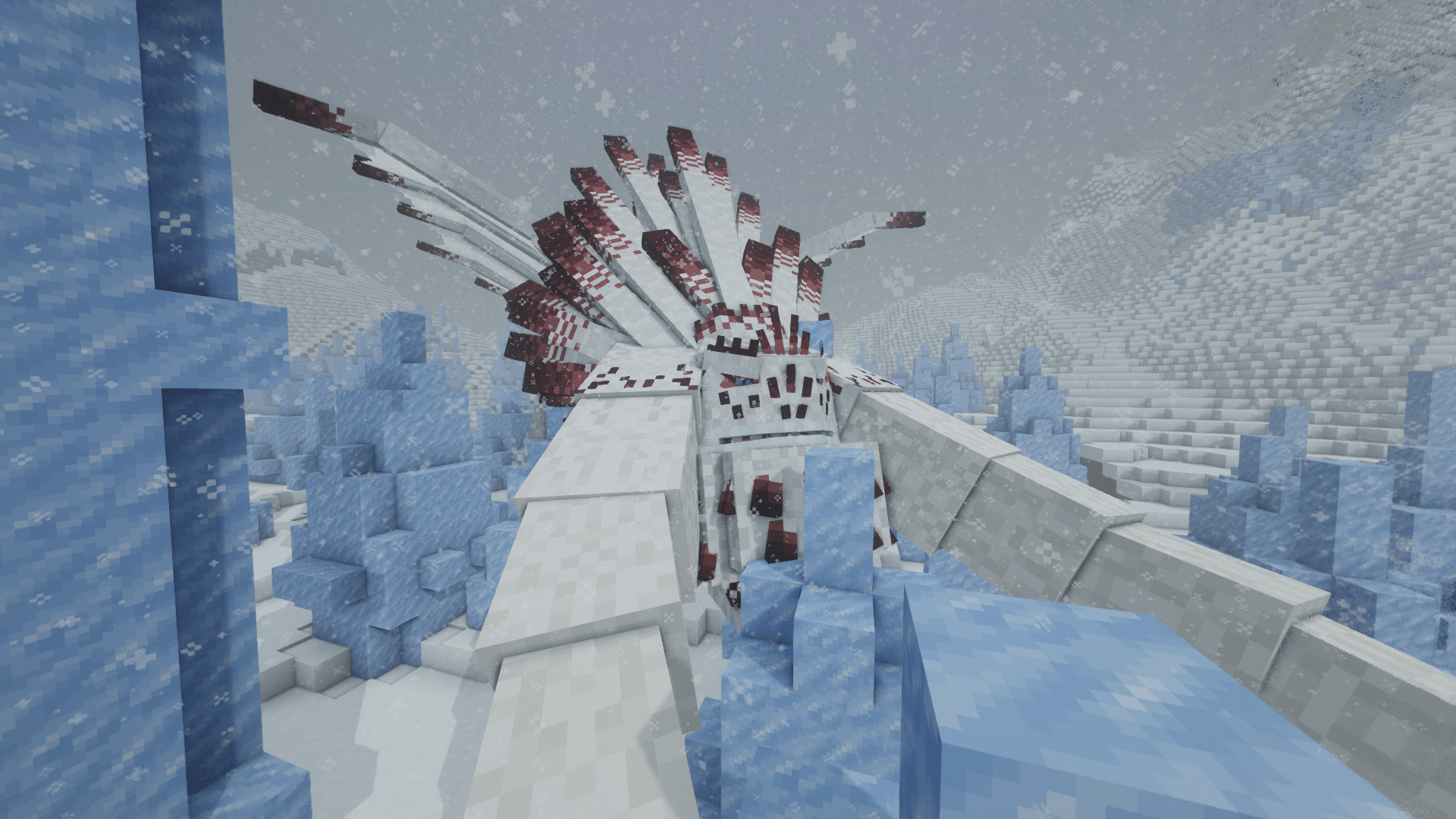


Last Days of Humanity
A Hardcore Zombie and Parasite Apocalypse survival experienceInstallOn a server
FTB Ultimate Reloaded
FTB Ultimate Reloaded is one of our lighter 1.12.2 modpacks based around the original Ultimate that was released on Minecraft 1.4.7 over 5 years ago. Ultimate was one of FTB’s largest and popular modpacks of its time... (See full description for more)InstallOn a server

Simply Shaders
Vanilla, Shaders and Soundscapes - Perfect for your WorldInstallOn a server
Winter Zombies by Forge Labs
A Fast Zombie Apocalypse!InstallOn a server

红石生电优化【Redstone Survival Optimization】
一个红石玩家必备的整合包,轻,快,小,是他的特点!A must-have integration package for a Redstone player, light, fast, and small, are his characteristics!InstallOn a server
Cobblemon SMP - The #1 Legendary Pokemon Adventure
✅💯 The Ultimate Pokémon Academy! 💯✅ Catch, train, and level your Pokémon with friends in Cobblemon. Enjoy mods included in cobbleverse, Level up, and grow all your mons —starting your cobblemon verse journey! The Best Optimized RPG MMO Experience atm!.🌟InstallOn a server
Create Live 4
Minecraft Create Live 4 is a Modpack created for the german YouTube/Twitch project "Minecraft Create Live 4".InstallOn a server

World of Dragons (wod)
Dragons, Magic, Technologies, Quests, Minecolonies, Mine & Slash & Create LegacyInstallOn a server

Pokemon Elysium
Modpack originally made for the Pokemon Elysium server, a Cobblemon-focused pack with hints of low-tech steampunk.InstallOn a server
Mystic Mesa
The official modpack for StacyPlays's YouTube and Twitch series.InstallOn a server
Space Astronomy
Space Astronomy is a space based modpack, that include loads of the latest tech and space mods.InstallOn a server

Linggango - [V6.6.5b IS OUT]
A Terraria-inspired modpack with classes, parrying, 90+ bosses, reforging and a world generator built from scratch.InstallOn a server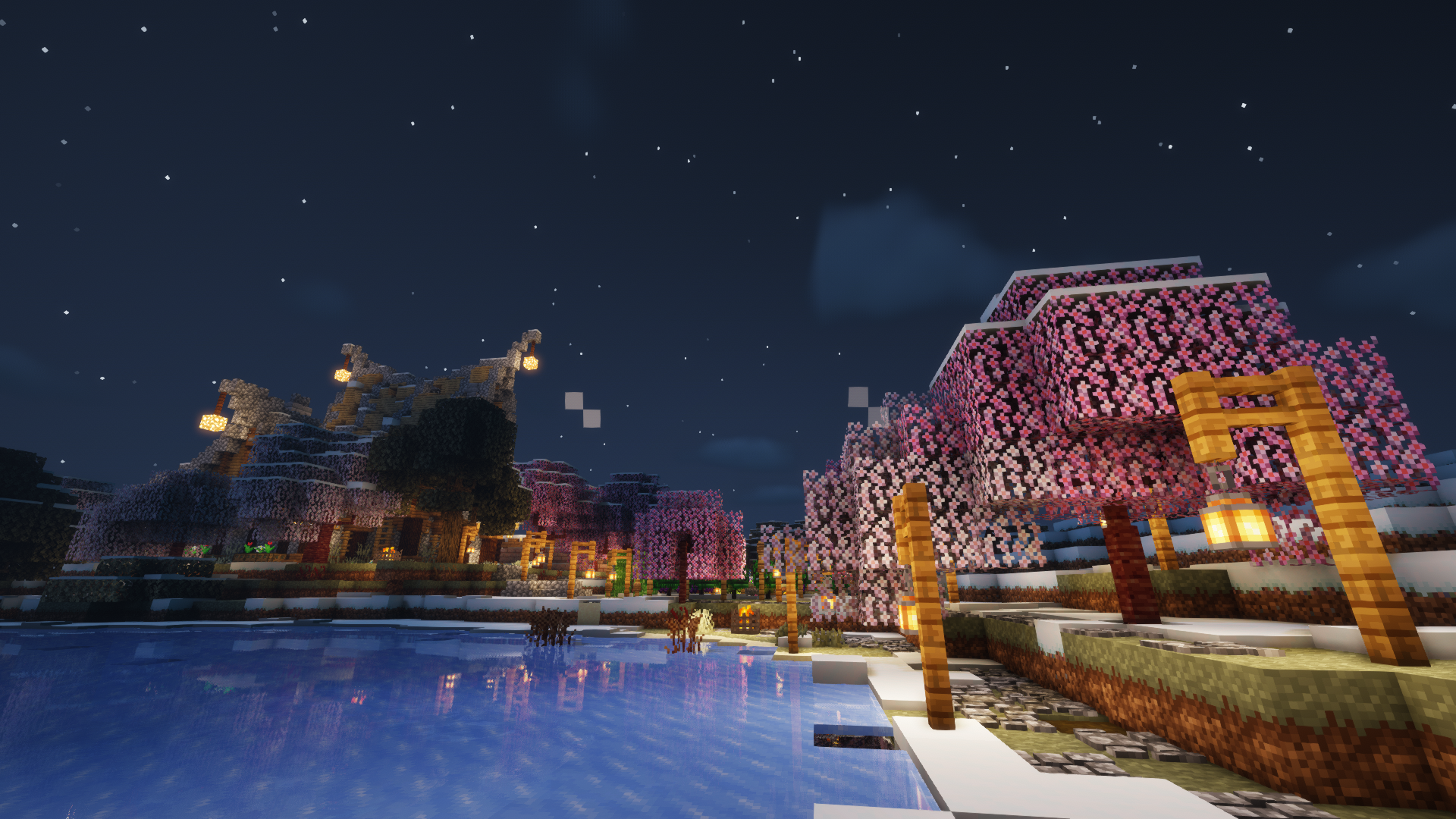
Rebirth of the Night (RotN)
Fear. Defy. Embrace. In an ever-changing world, bravery is vital... and arrogance is lethal.InstallOn a server
One piece Craft
A one piece mod pack which adds a number of changes to minecraft to add to the Ye old pirate experience with a anime based twistInstallOn a server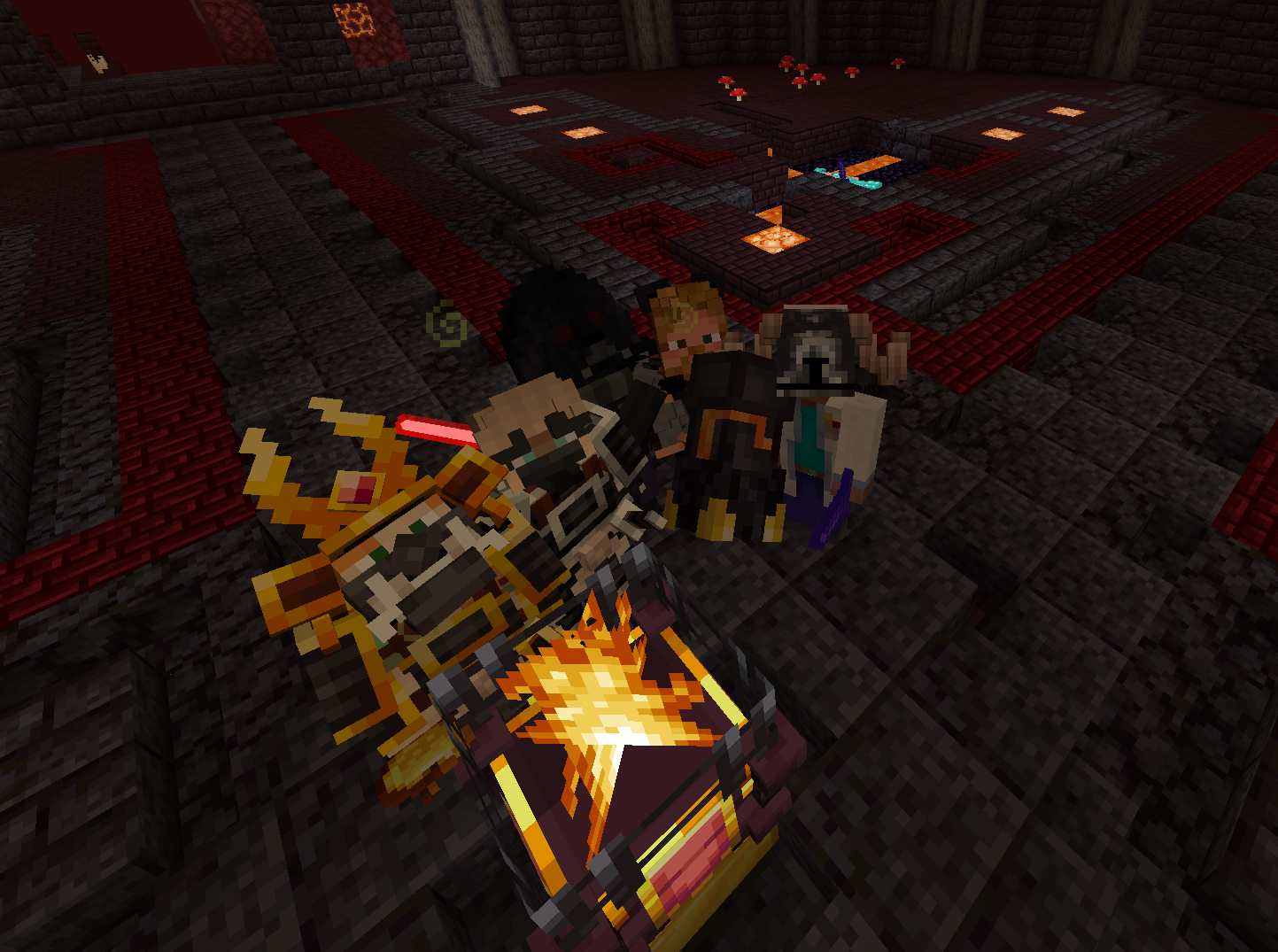
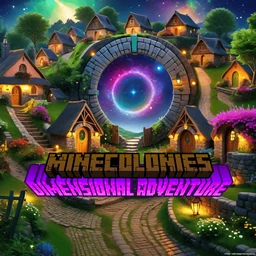
MineColonies: Dimensional Adventure
MineColonies, Tech, Magic and Exploration all mixed into a UNIQUE Experience!InstallOn a server
M-Tech
A minimalistic technical modpack with a deep philosophy and development by stages.InstallOn a server
All the Mods 9 - No Frills
ATM9 but with lots of bells and whistles removed while keeping the same endgame.InstallOn a server

Skyblocker Modpack - Hypixel Skyblock
A Hypixel Skyblock Modpack with common client-side utilities, along with the Skyblocker mod.Install
FTB Sky Odyssey
A casual Sky Block adventure pack.InstallOn a server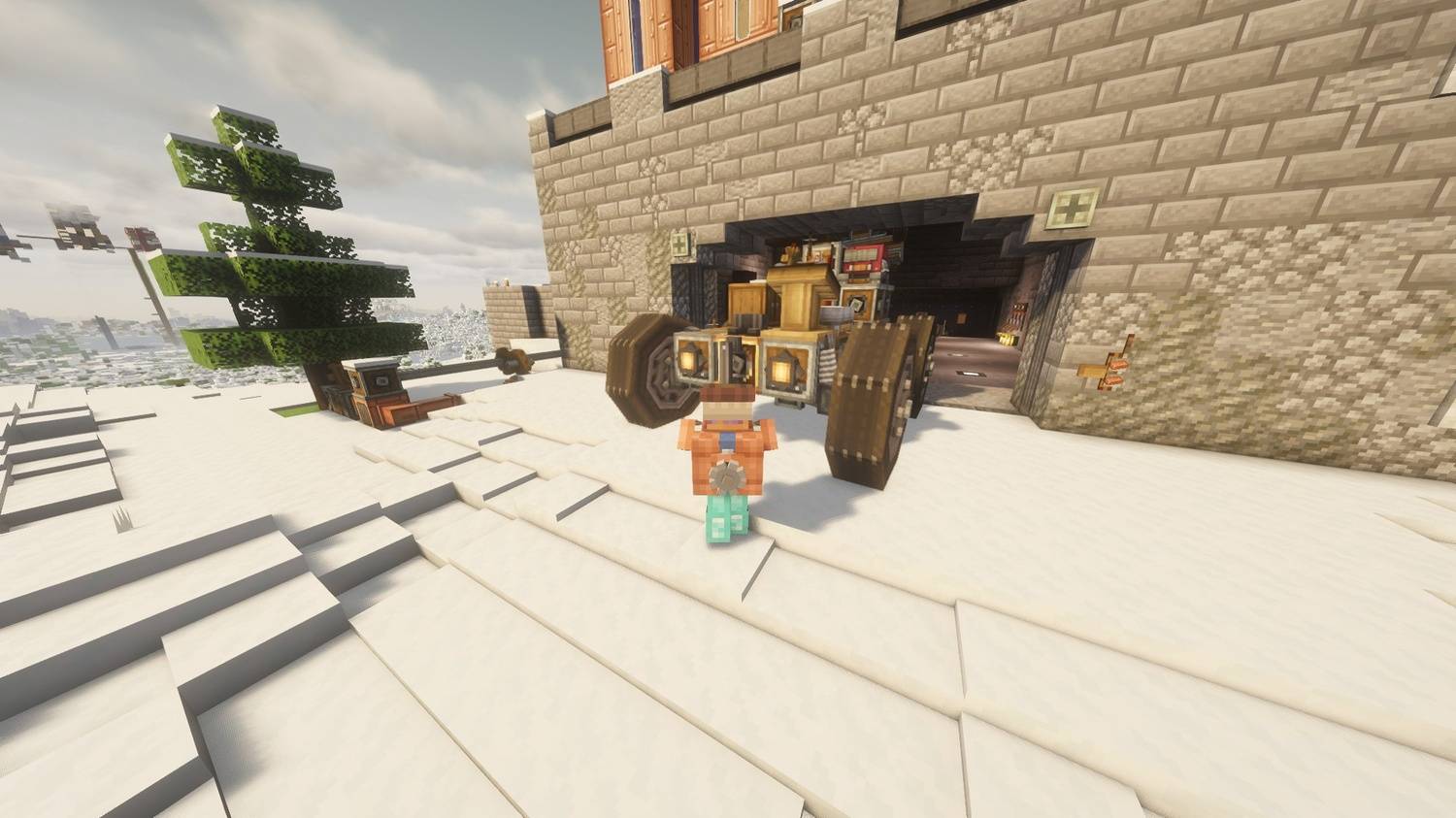
All of Create Aeronautics
The Ultimate Create Aeronautics Experience | Create Aeronautics with 50+ Addons, Quests and Great PerformanceInstallOn a server
HR: New Beginnings
New Beginnings is a 1.15.2 modpack that adds to the vanilla experience.InstallOn a server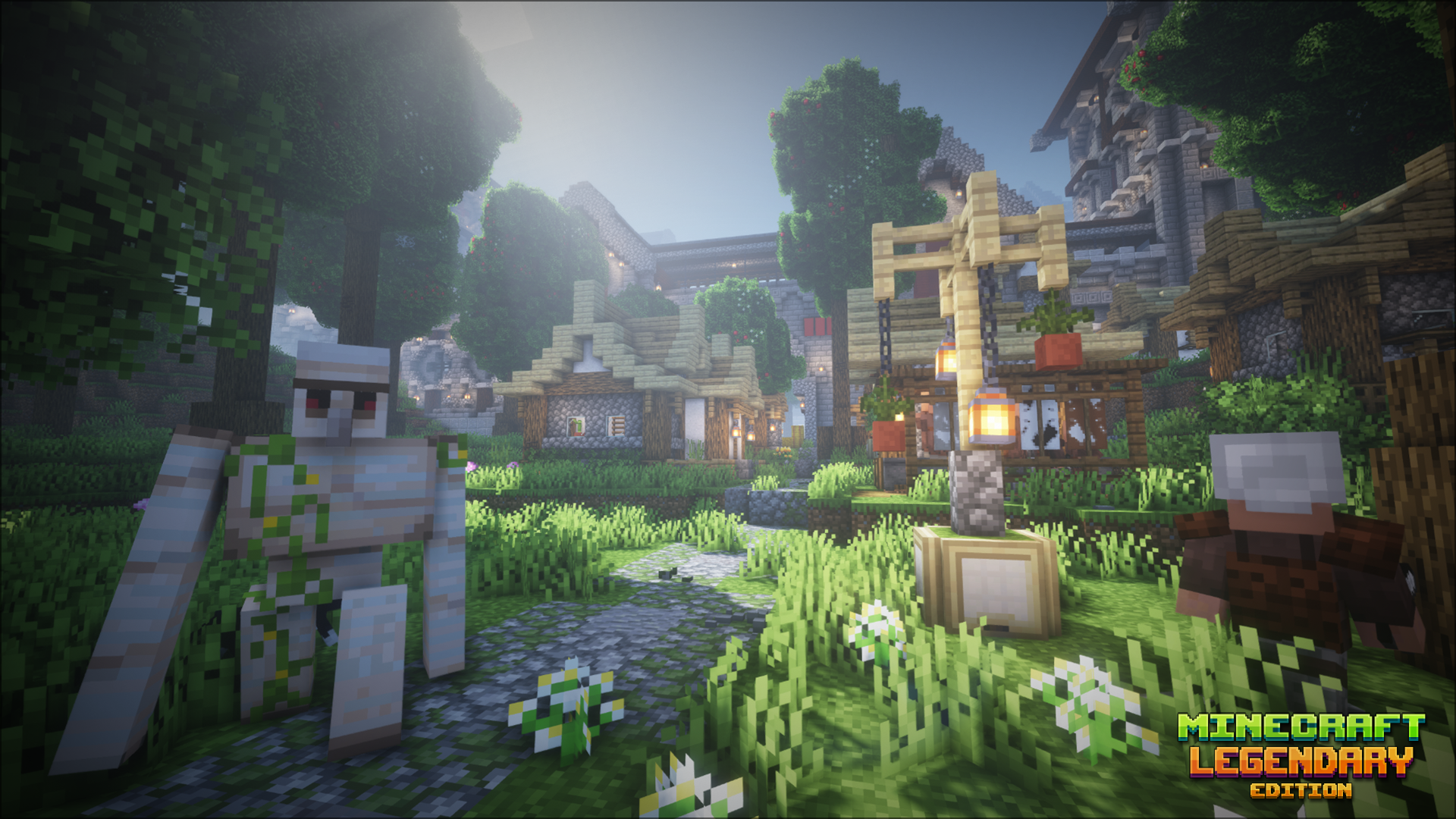

Legendary Edition
A Minecraft journey for hardcore adventurers.InstallOn a server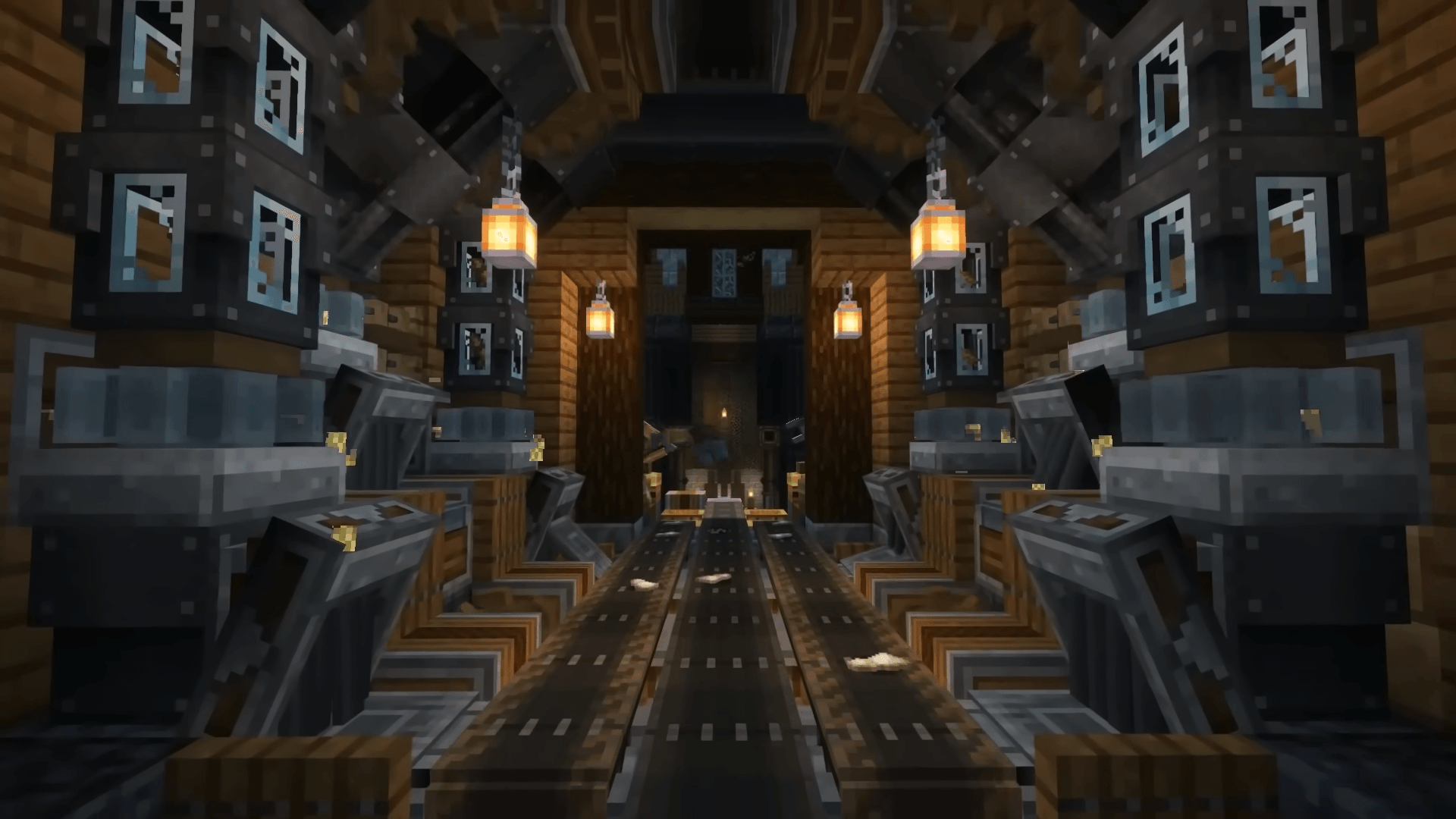
Create Ultimate Selection – Create Quests | Create Addons [1.20.1]
CREATE 6.0 AND QUESTS - With the Best Create Mods: Unlock the Full Potential of Engineering, Automation, and Innovation in MinecraftInstallOn a serverFAQ
How is a modpack different from a bunch of mods?
A modpack is already a tuned set: mod versions are matched to each other, configs are set up, and recipes and progression are tied together. Mods downloaded one by one you'll have to make work together yourself.
How do I install a modpack?
Click “Install” and Millida Launcher will download the modpack and the right Java for you and create a separate profile for it. No need to install the mods or loader separately.
How much memory should I allocate?
Light performance modpacks run on 4 GB, mid-sized ones on 6 GB, and big tech-and-magic ones need 8 GB or more. You can change memory in the Millida Launcher profile settings; the exact figure is usually in the modpack description.
Which modpack should I pick to play with friends?
Turn on the With a friend filter under What for to keep modpacks made for playing together: co-op survival, Create, adventures with shared progression. The modpack version must match for every player and the server.
Are there modpacks with quests in my language?
Modpacks with a quest book and a story are in the With quests theme. The quest language depends on the author: most packs ship in English, and other languages are usually added by a separate translation mod — check the modpack description.
Will a modpack run on a low-end PC?
A light one will. The For low-end PCs filter keeps modpacks with a small mod list and performance mods, and 4 GB of memory is enough for them. Big tech-magic modpacks need 6–8 GB and lag on a weak machine even if they start.
How do I run a modpack on my own server?
A modpack page has an On a server button: it installs the modpack on a Millida Hosting server and switches the core to match, and a copy of the old world is kept in backups. Players then install the same modpack in Millida Launcher and join the server address.
Modpacks for Minecraft Java
A modpack is a ready-made set of mods, configs and recipes put together by the author so that everything works together. Building a set like that by hand takes ages: mods clash over versions, need libraries and handle game mechanics in different ways. A modpack has already done that work for you — all that's left is to pick the game version and loader.
A modpack is not only for your own game: you can also run it on a server to play with friends. Next to Install on a modpack page there is an On a server button: it installs the same modpack on a Millida Hosting server together with the right core, and a copy of the old world is kept in backups. Your friends install the modpack in the launcher and join the server address — everyone gets the same version because it comes from one place.
Each modpack here is one page with every released version. The card shows which game version and loader it's built for, how big the archive is and who the author is. Modpacks aren't installed like individual mods: click “Install” and Millida Launcher downloads all the modpack's mods, the right loader and Java, and creates a separate profile for it without touching your others. Mind the memory requirements: heavy tech-and-magic modpacks need six gigabytes or more and simply won't start on the default two.