
Modpacks for Minecraft Java 1.10.2
106 itemsModpacks: list


Farming Valley
This modpack is centered around the genre of games that Stardew Valley and Harvest Moon are in.InstallOn a server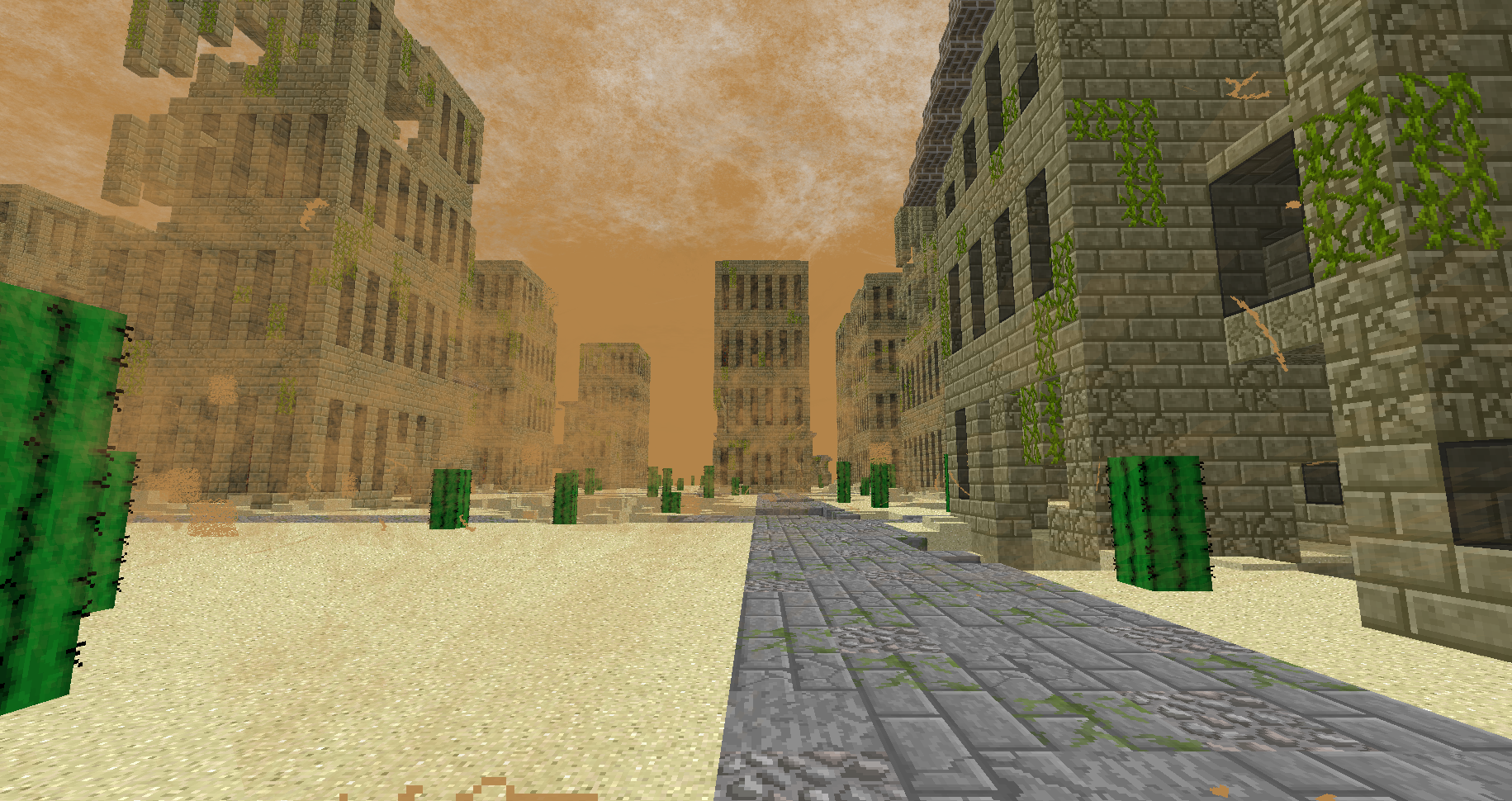
Forever Stranded
Forever alone on a dry hot world can you survive and rebuildInstallOn a server
FTB Beyond
The pack for all people. Beyond is the general all-purpose pack from the FTB team that is designed for solo play as well as small and medium population servers.InstallOn a server
Pokemon Adventure
Welcome to the world of PokemonInstallOn a server
FTB Presents Direwolf20 1.10
Play along with Direwolf20 in this FTB pack curated and designed to match his 1.10.2 YouTube series.InstallOn a server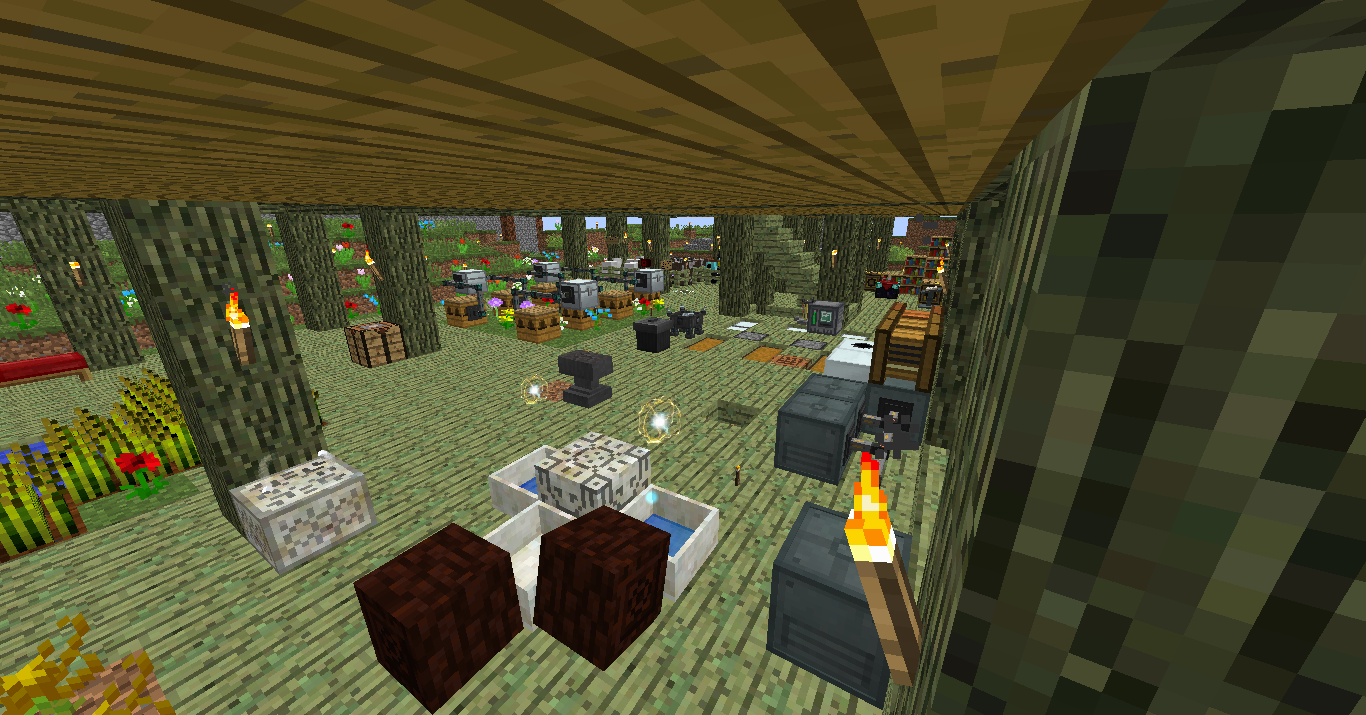
All the Mods - ATM1
Always updating to have all the newest mods and keeping around the classics. Small config changes made to keep balance and make the pack fun.InstallOn a server
Skyexchange
EMC based, skyblock map where you start on a grass block and nothing more, Inspired by FTB RetroInstallOn a server
FTB Infinity Lite 1.10
Infinity Lite is a mix of Tech and Magic mods compiled into a medium sized modpack from the FTB team that is designed for solo play as well as small and medium population servers.InstallOn a server
Space Astronomy 2
Space Astronomy 2 is a space based modpack, that include loads of the latest tech and space mods.InstallOn a server
FoolCraft
FoolCraft is a Minecraft 1.10.2 Modpack aimed at having as much fun as freakin' possible.InstallOn a server
Invasion
In a world devoid of resources, will you stand above the rest and survive? Check out development at: darkosto.tv/InvasionLiveInstallOn a server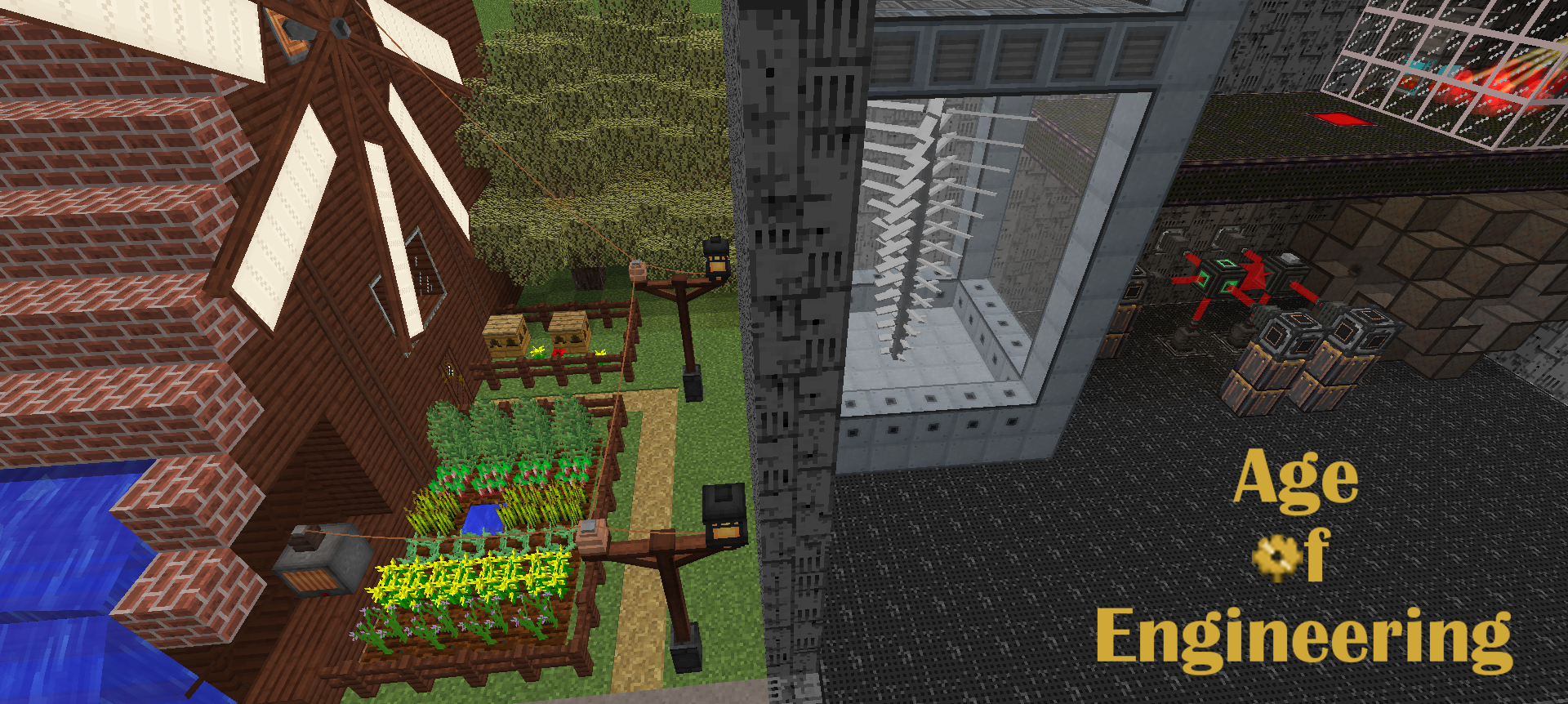
Age of Engineering
Tech-only modpack with guide and trophies. Focus in progression, divided in 15 agesInstallOn a server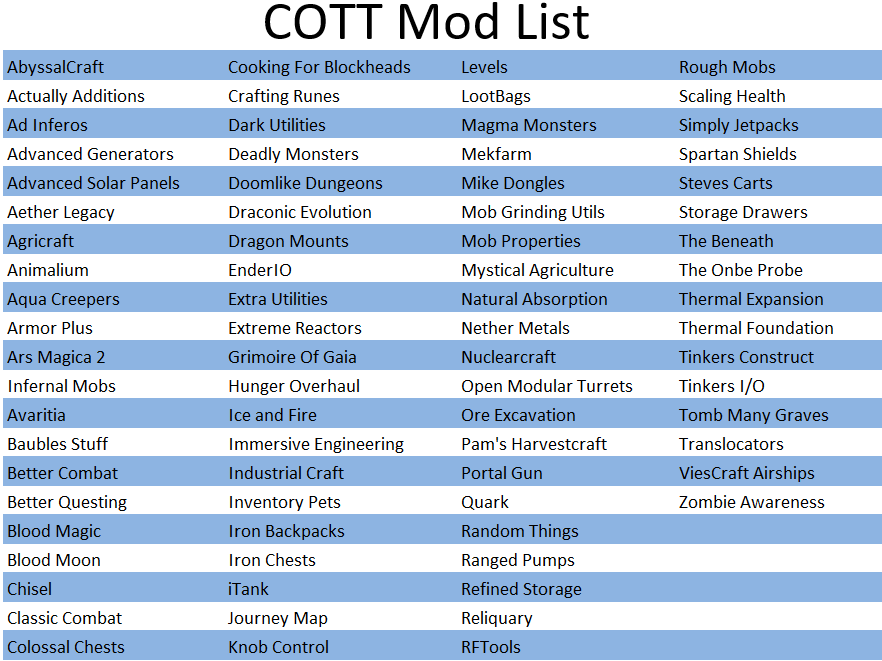
Craft Of The Titans
An Adventure Questing Pack where both you AND the mobs you face are extremely powerful. Face off against 20+ Boss Titans and claim this land for your own.InstallOn a server
FTB Presents HermitPack
Play along with the Hermitcraft members on their various YouTube and Twitch series with this customized 1.10.2 pack.InstallOn a server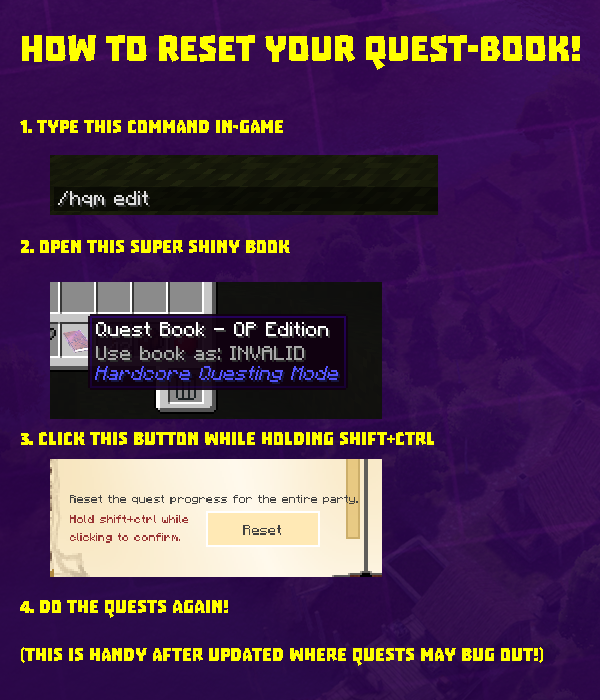
The Simple Life 2
An Immersive and Rewarding Questing Pack with a focus on Simplicity and ProgressionInstallOn a server
Project Ozone Lite
Remake the world or claim a new land/dimension of your choice. This is Project Ozone as Lite as possible to give the feel of a Project Ozone pack.InstallOn a server

Farming Valley - Lite
Lite version of Farming Valley. This modpack is centered around the genre of games that Stardew Valley and Harvest Moon are in.InstallOn a server
The Modded Way-Pixelmon
The Modded Way's Pixelmon pack for the official public server.InstallOn a server
Sprout - Explore for More
An Exploration RPG pack in an immersive world.InstallOn a server
FTB Unstable 1.10
The official bleeding-edge testing platform used by Feed The Beast for their more modern 1.10 packs. Highly experimental and volatile. Just a reminder: no tech support will be offered for this pack!InstallOn a server
FTB Skyfactory Challenges
Welcome to Sky Factory Challenges, the first official FTB map since FTB Insanity. Built from the ground up with the speedrunning community in mind, Sky Factory Challenges is designed to allow people to experience the core Sky Factory gameplay in a new...InstallOn a server
In The Sea
Hardcore HQM MapInstallOn a server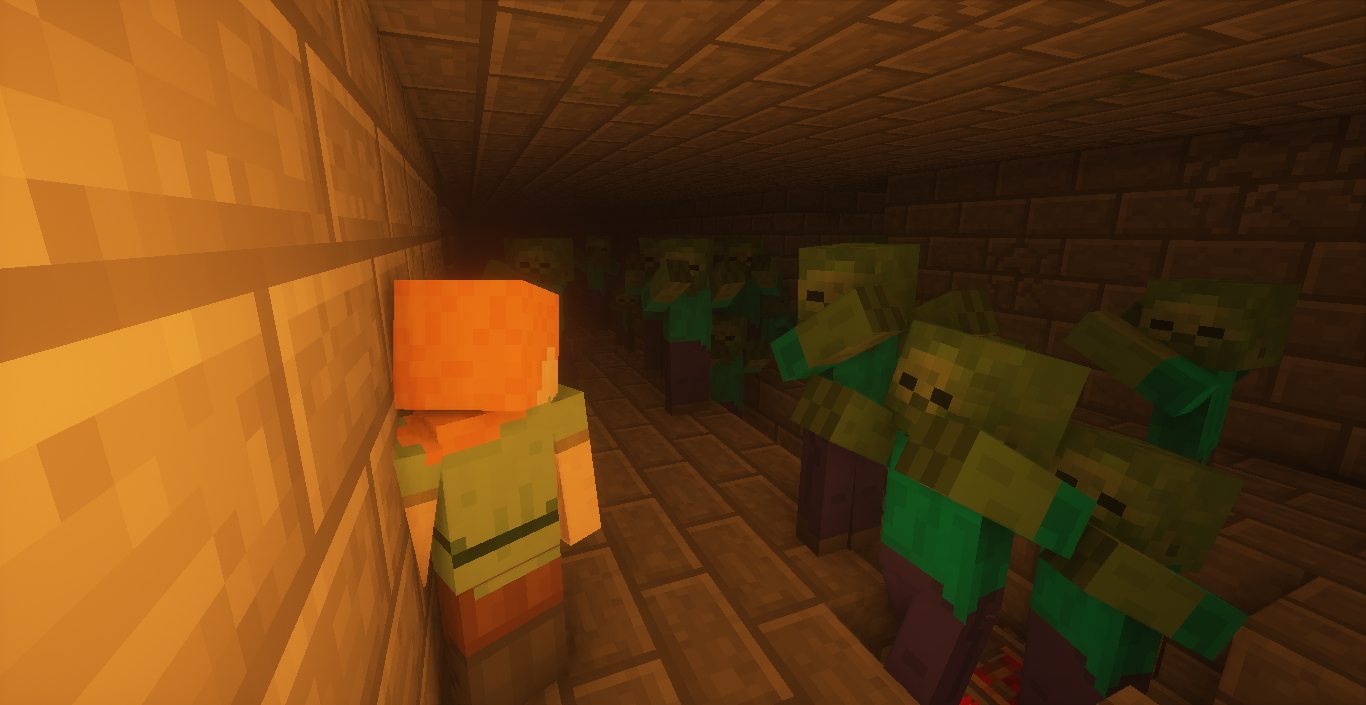
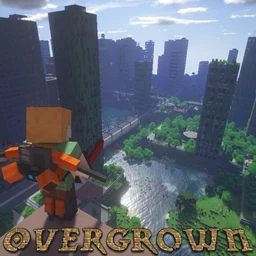
Overgrown
An endless procedurally generated cityscape, with overgrown skyscrapers and highways reclaimed by nature. Lots of tech/farming mods and 700+ custom quests!InstallOn a serverFAQ
How is a modpack different from a bunch of mods?
A modpack is already a tuned set: mod versions are matched to each other, configs are set up, and recipes and progression are tied together. Mods downloaded one by one you'll have to make work together yourself.
How do I install a modpack?
Click “Install” and Millida Launcher will download the modpack and the right Java for you and create a separate profile for it. No need to install the mods or loader separately.
How much memory should I allocate?
Light performance modpacks run on 4 GB, mid-sized ones on 6 GB, and big tech-and-magic ones need 8 GB or more. You can change memory in the Millida Launcher profile settings; the exact figure is usually in the modpack description.
Which modpack should I pick to play with friends?
Turn on the With a friend filter under What for to keep modpacks made for playing together: co-op survival, Create, adventures with shared progression. The modpack version must match for every player and the server.
Are there modpacks with quests in my language?
Modpacks with a quest book and a story are in the With quests theme. The quest language depends on the author: most packs ship in English, and other languages are usually added by a separate translation mod — check the modpack description.
Will a modpack run on a low-end PC?
A light one will. The For low-end PCs filter keeps modpacks with a small mod list and performance mods, and 4 GB of memory is enough for them. Big tech-magic modpacks need 6–8 GB and lag on a weak machine even if they start.
How do I run a modpack on my own server?
A modpack page has an On a server button: it installs the modpack on a Millida Hosting server and switches the core to match, and a copy of the old world is kept in backups. Players then install the same modpack in Millida Launcher and join the server address.
Modpacks for Minecraft Java 1.10.2
Modpacks for Minecraft 1.10.2: 106 items in the Modpacks section. Compatibility is checked against the files, not the description: only items with a build for exactly these conditions stay in the list.
Each modpack here is one page with every released version. The card shows which game version and loader it's built for, how big the archive is and who the author is. Modpacks aren't installed like individual mods: click “Install” and Millida Launcher downloads all the modpack's mods, the right loader and Java, and creates a separate profile for it without touching your others. Mind the memory requirements: heavy tech-and-magic modpacks need six gigabytes or more and simply won't start on the default two.