
Modpacks for Minecraft Java 26.1.2
138 itemsModpacks: list


SkyBlock Enhanced
The only Hypixel SkyBlock modpack you need. Built for modern Minecraft — 60+ optimized mods, a guided setup wizard, and a config system no other pack comes close to match.Install

OptiFabric
Best alternative to OptiFineInstall

Remarkably Optimized
1.16.5-26.3 | A performance mod pack to save your computer from doubling as a starchy spud with a remarkably optimized collection of mods!Install
All the Mods 11 - ATM11
Super early alpha for 26.1.2InstallOn a server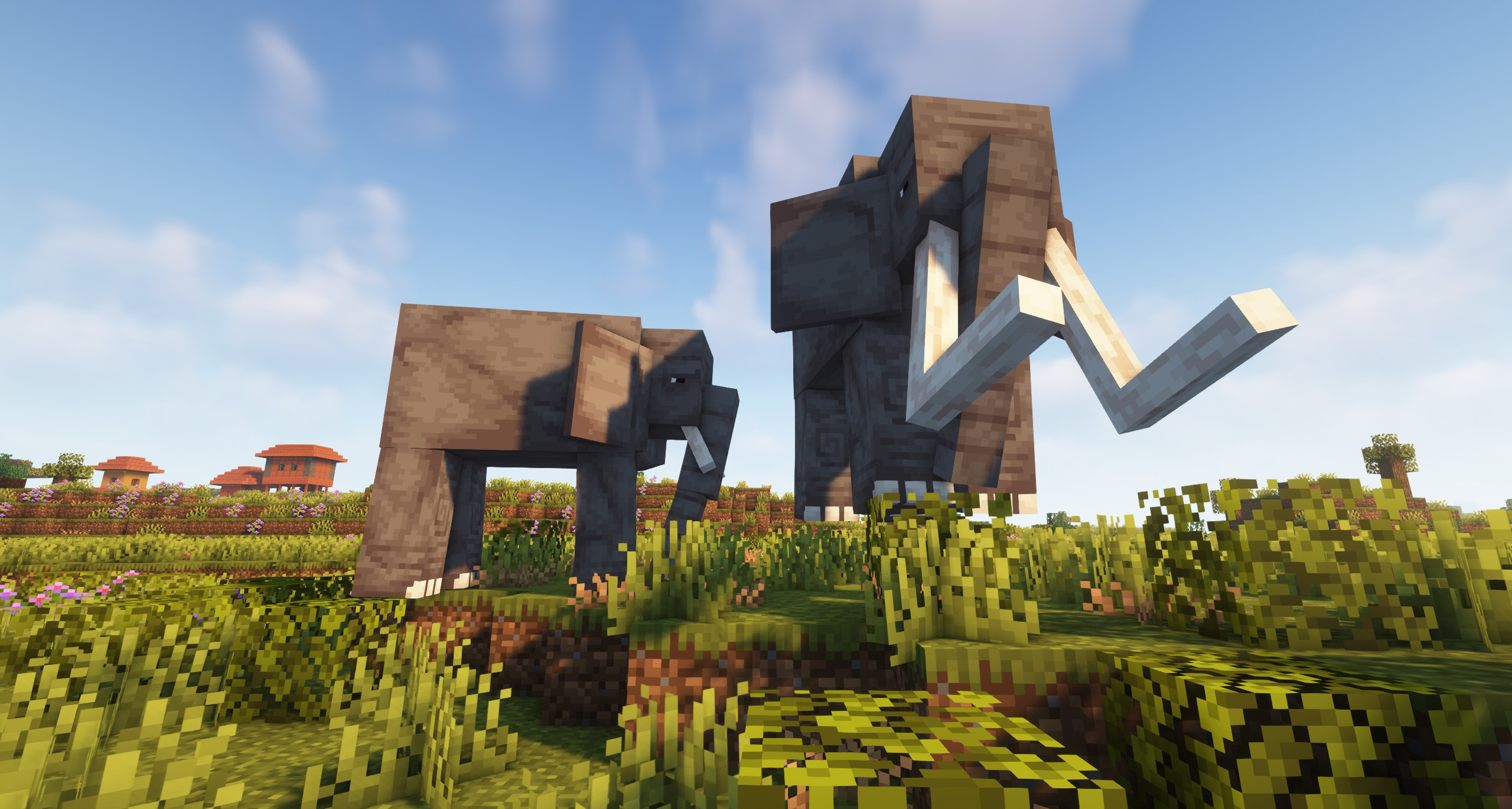

New Game - An Improved Experience | 26.1.2 UPDATE!
An awesome modpack! | Improve the vanilla experience, adding biomes, creatures, elements and other interesting features.InstallOn a server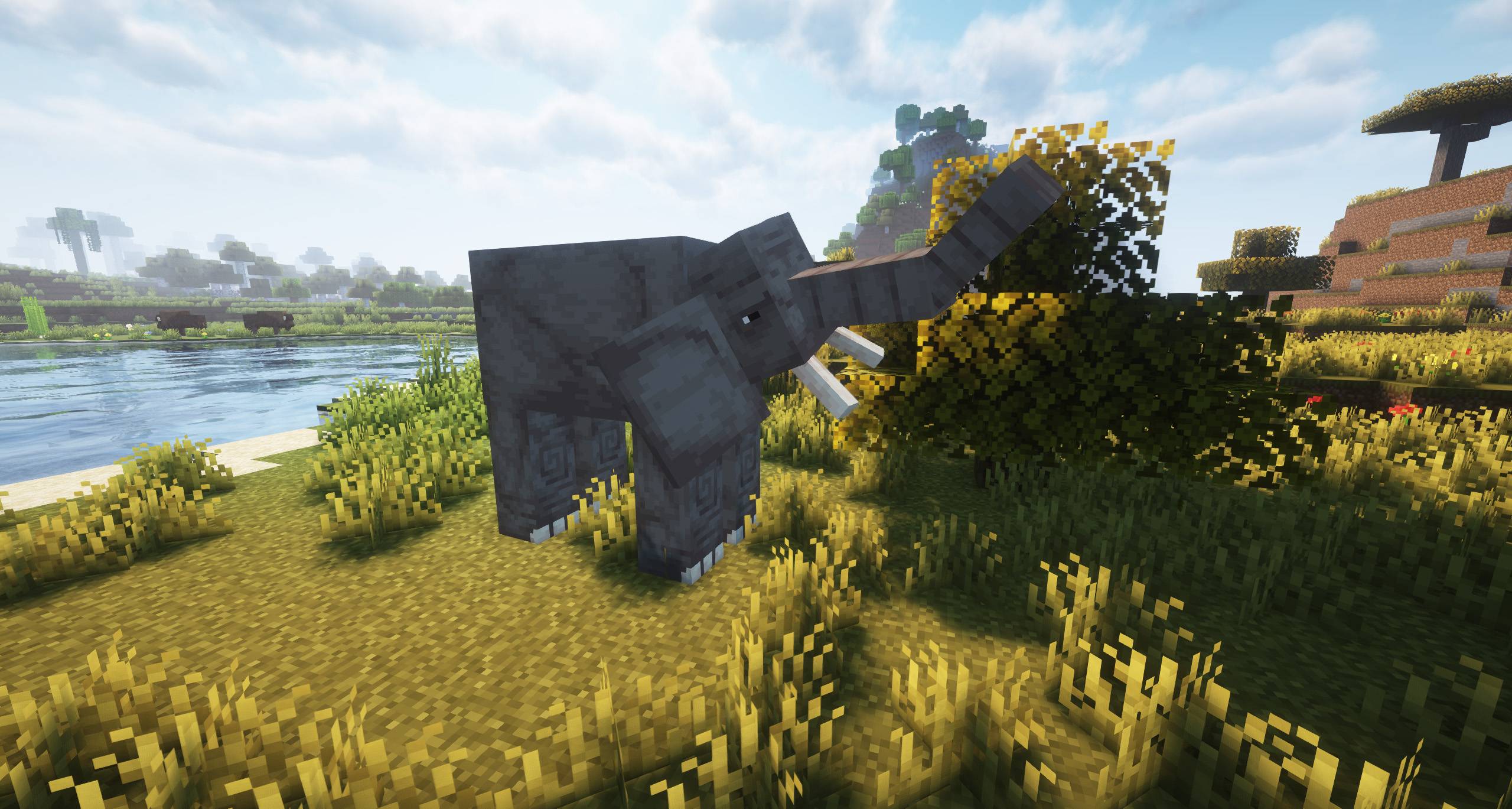

Essentials Mods [FORGE] - 1.21 RELEASE!
A modpack consisting of only the mods that you should never miss in your game! It's the perfect modpack!InstallOn a server

Rapid Optimization
A concise and ultimate optimization modpack! with full cross-platform support across all versions.Install

Adrenaline
mc26.3 beta! - A lightweight, open-source performance modpack for FabricInstallOn a server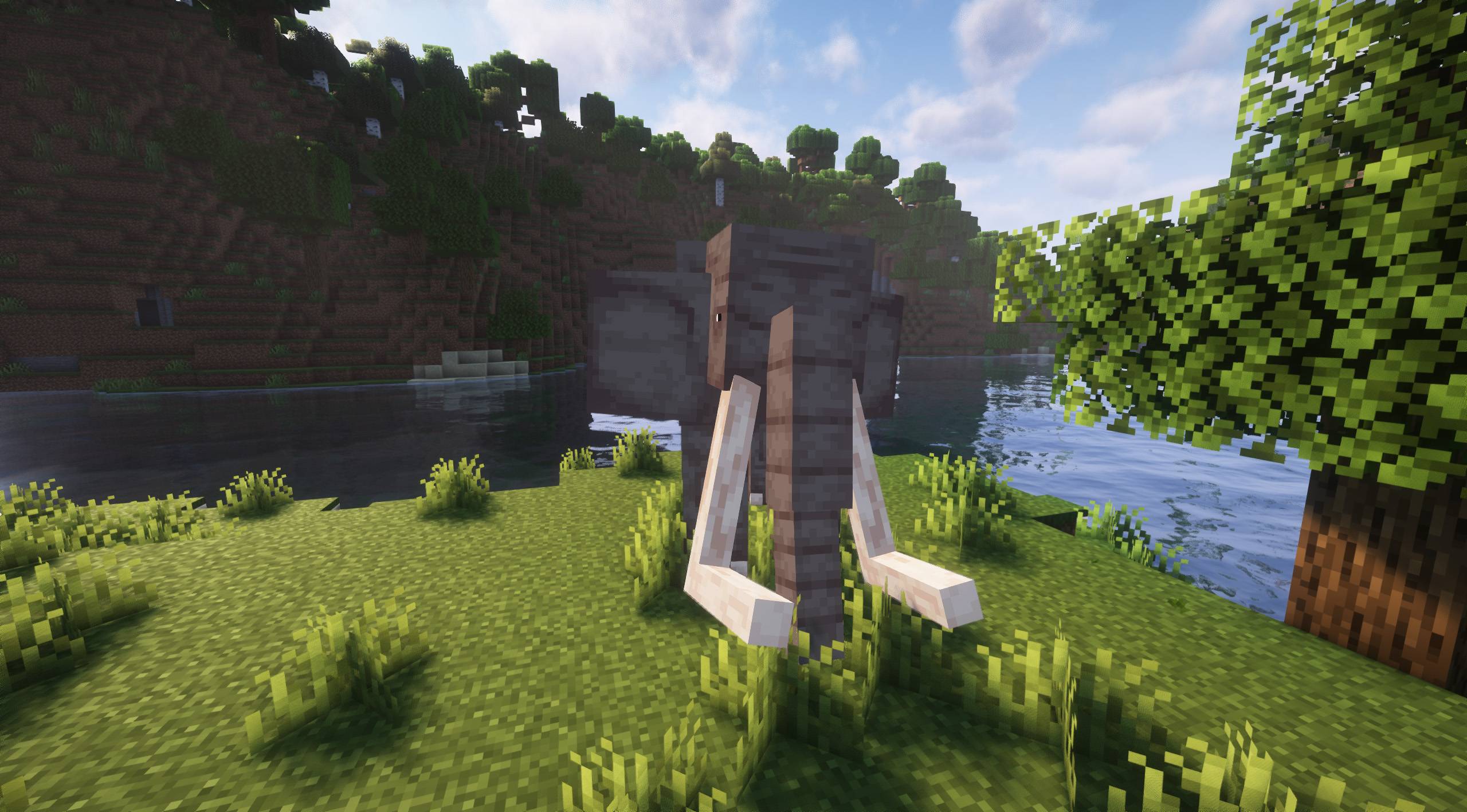

More Animals [FORGE] - 1.21 UPDATE!
A vanilla+ modpack ideal for animal lovers!InstallOn a server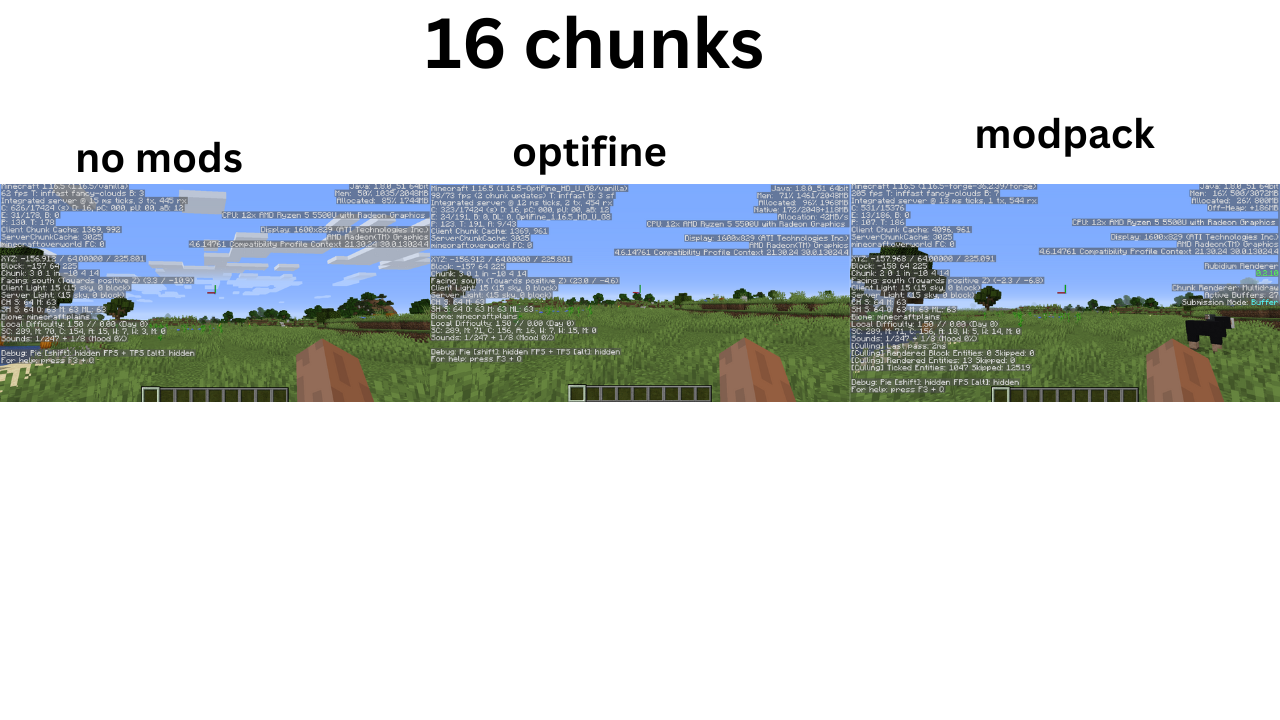

Optimized fps [(NEO)FORGE]
Modpack Featuring Performance Mods on (Neo)ForgeInstallOn a server

FPS Booster
Optimizes Minecraft for better performance, higher FPS, reduced lag, and smoother gameplay. 1.21.9-26.1.2Install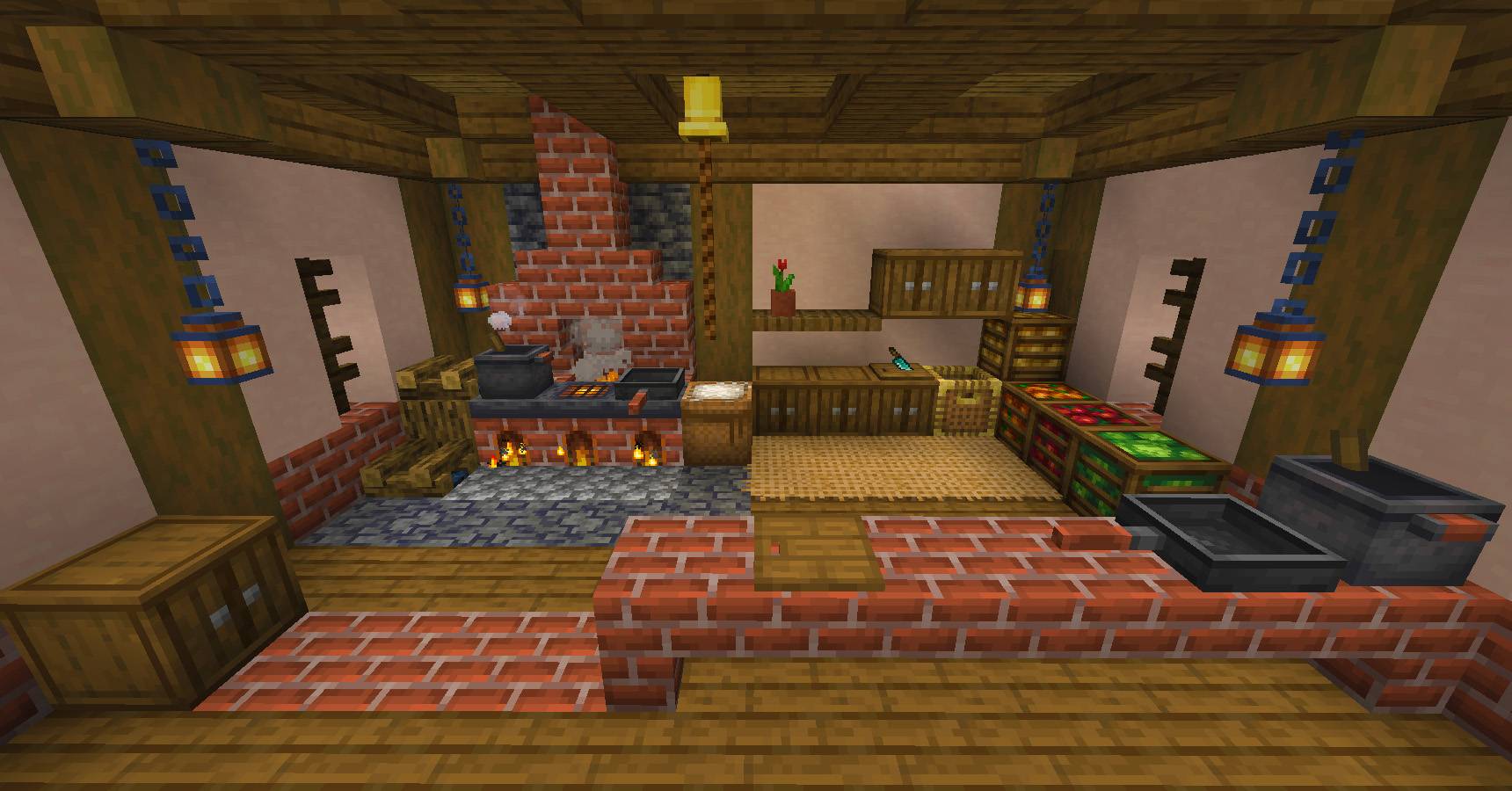

More Decorations [FORGE] - 1.21 UPDATE!
An incredible modpack designed for decoration lovers, although it adds much more vanilla+ content...InstallOn a server

Act. & Better
🌍 A fully client-side modpack that tries to replicate the atmosphere as when playing with Actions & Stuff for Java Edition. The modpack combines excellent ⚡ performance, ✨ atmosphere and beauty.Install

Thunder
[26.3 available] Boost FPS, reduce lag, speed up load times, and save resources with this modpack! Perfect for low-end computers. No extra mods, just pure performance improvement.Install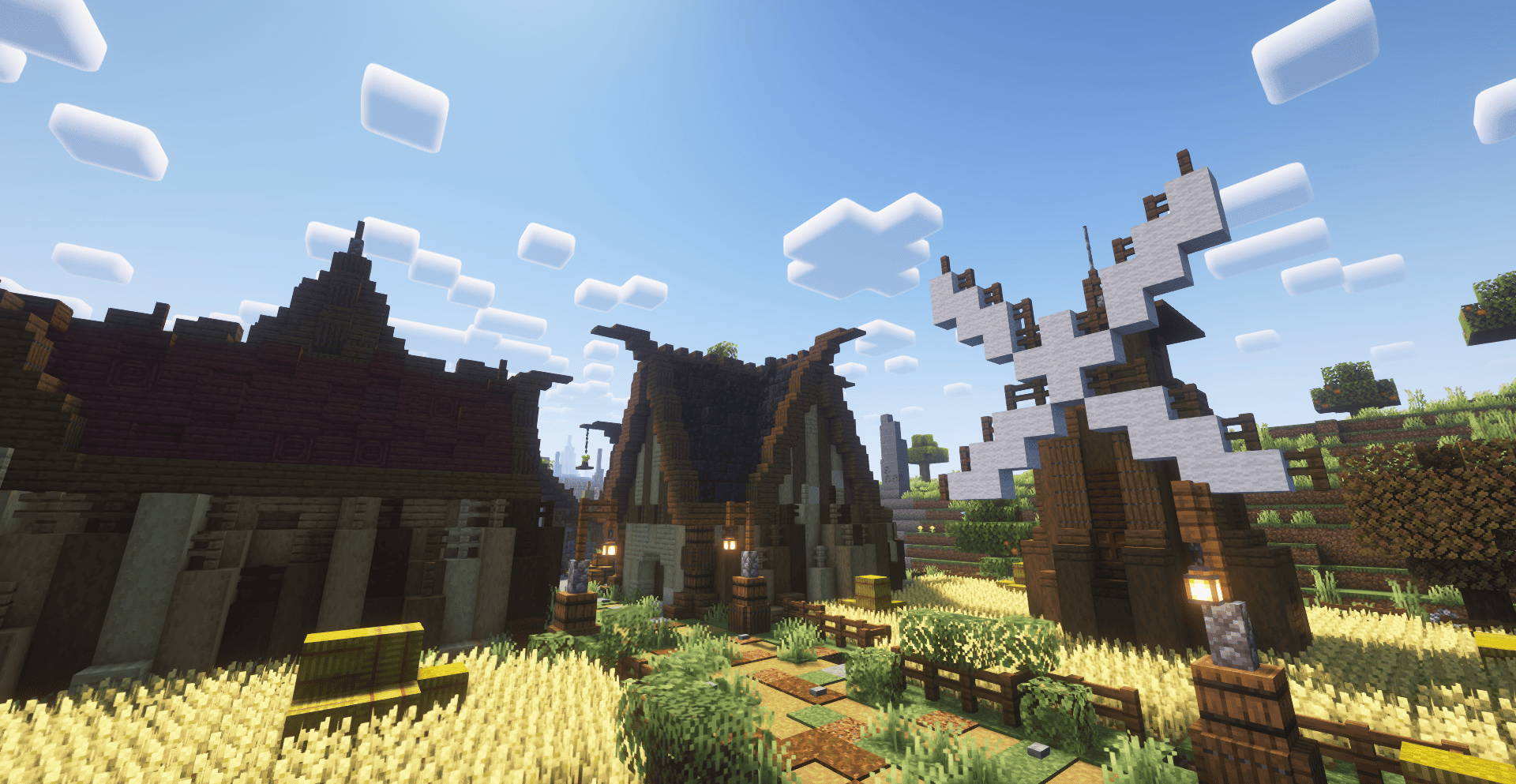

Best Vanilla World 2 - New Vanilla 26.2!
Experience a better Minecraft journey with new adventures, diverse biomes, powerful creatures, and advanced crafting systems that elevate your game.InstallOn a server

SpeedrunPack
All verifiable mods on speedrun.com for modern versions of Minecraft.InstallOn a server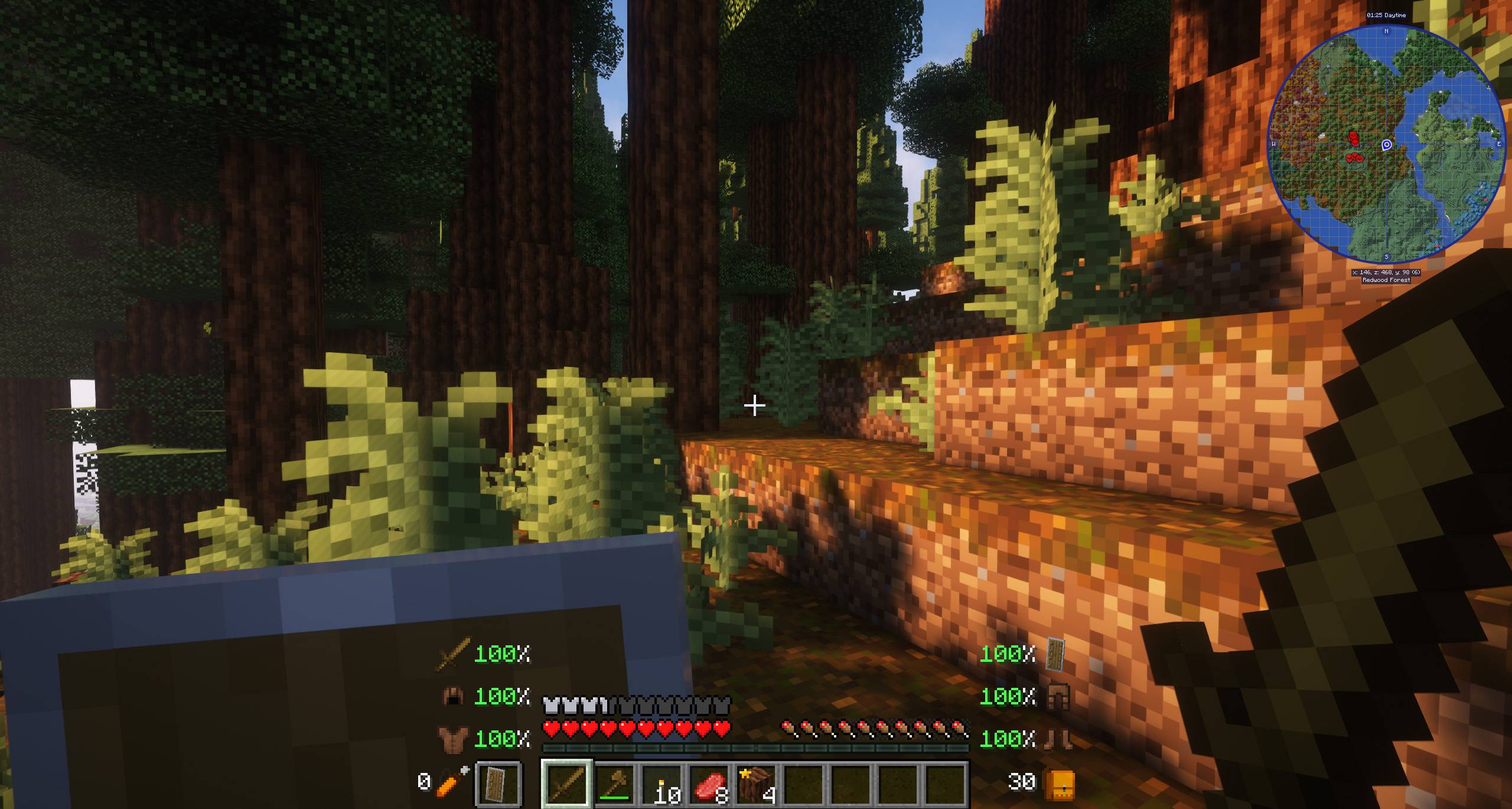
New Revolution - An Improved Vanilla Experience | 1.21 UPDATE!
An incredible modpack that expands all the features of the game. Try it, you won't regret it!InstallOn a server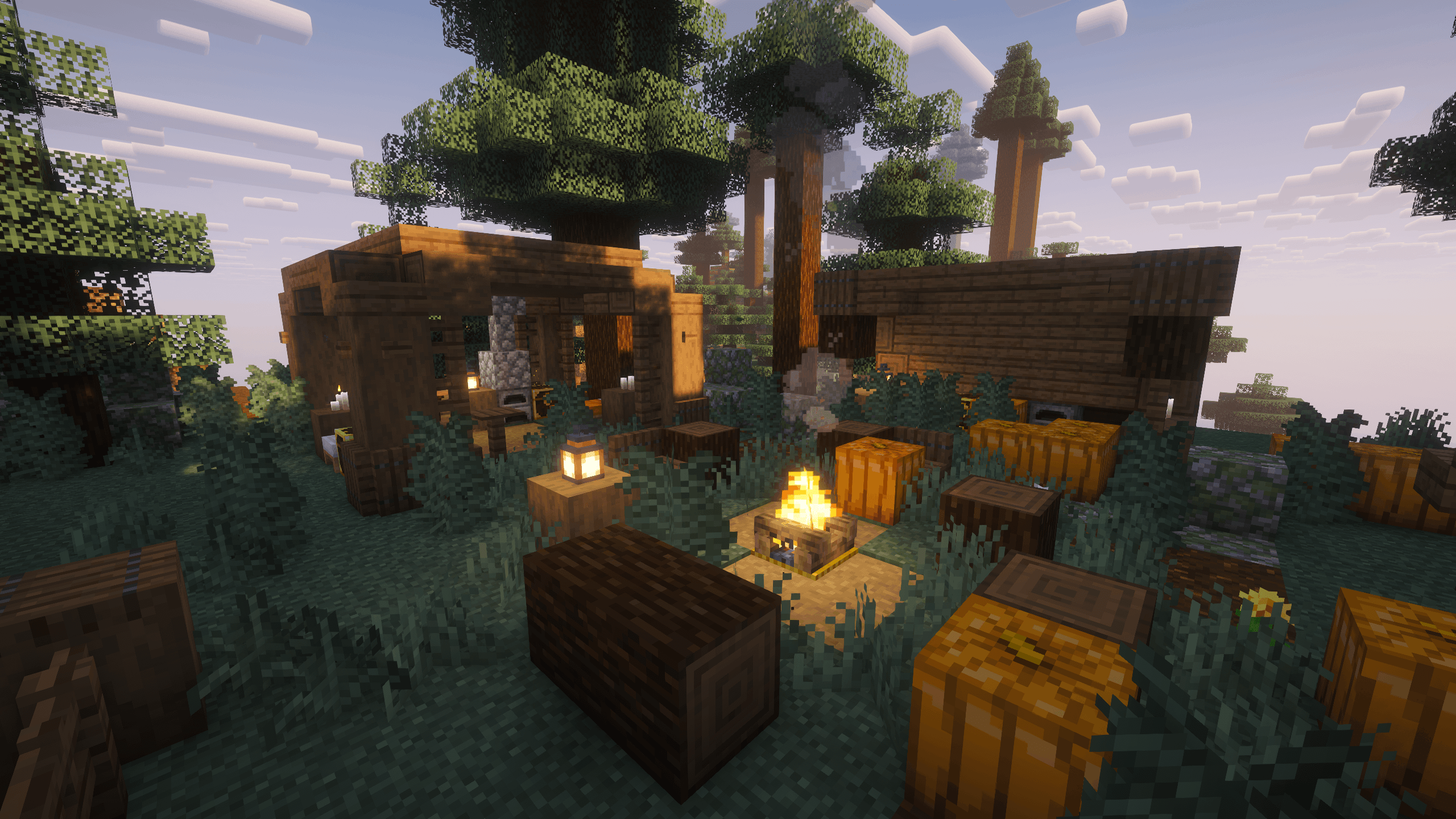

Vanilla+ Lightweight | Beta 26.3!
A vanilla+ modpack with a few mods so you can enjoy lag-free gameplay on a low-spec computer!InstallOn a server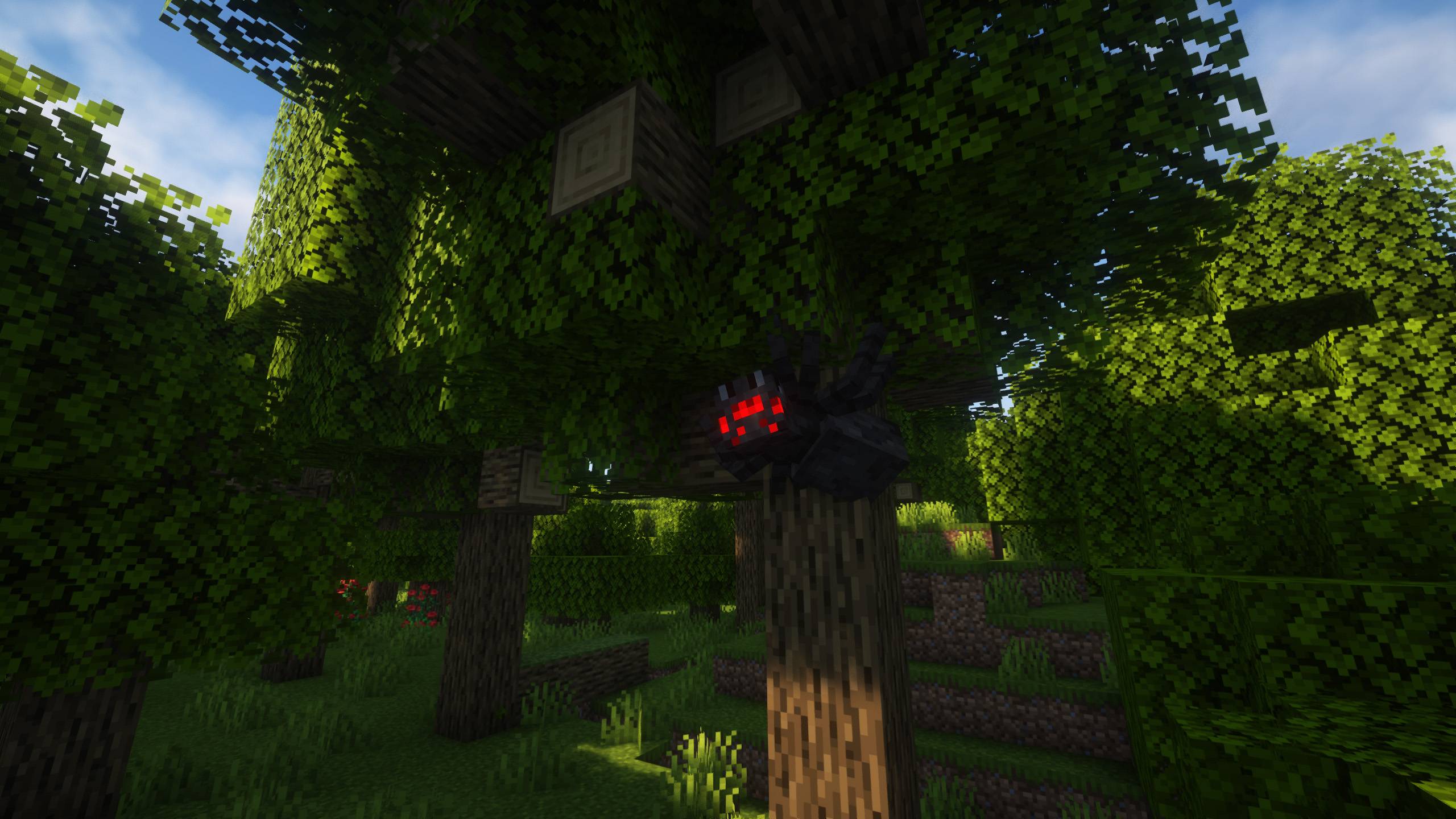

More Realistic [FORGE] - 1.21 UPDATE!
Enjoy a much more exciting and realistic gameplay, with lots of new animations.InstallOn a server

Sodium Extra
Lightweight optimization modpackInstall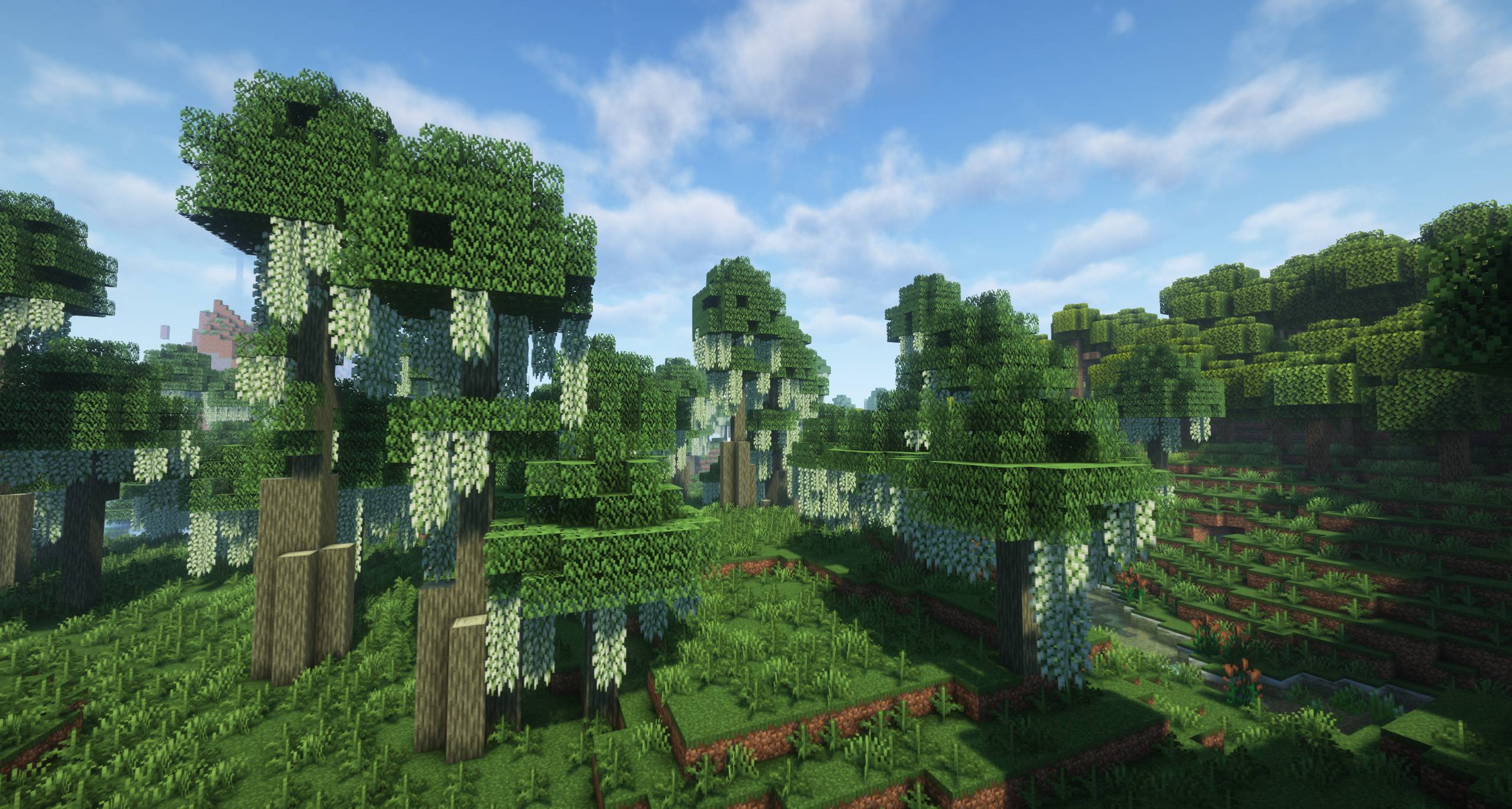

More Biomes [FORGE] - 1.21 UPDATE!
A complete modpack focusing on exploration! Discover hundreds of biomes, structures, animals and much more.InstallOn a server

FrostClient
Frost Client is a clean, minimal performance modpack for 1.21.11 — the spiritual successor to FoxClient, rebuilt for modern Minecraft with more stability, more FPS, and zero bloat.Install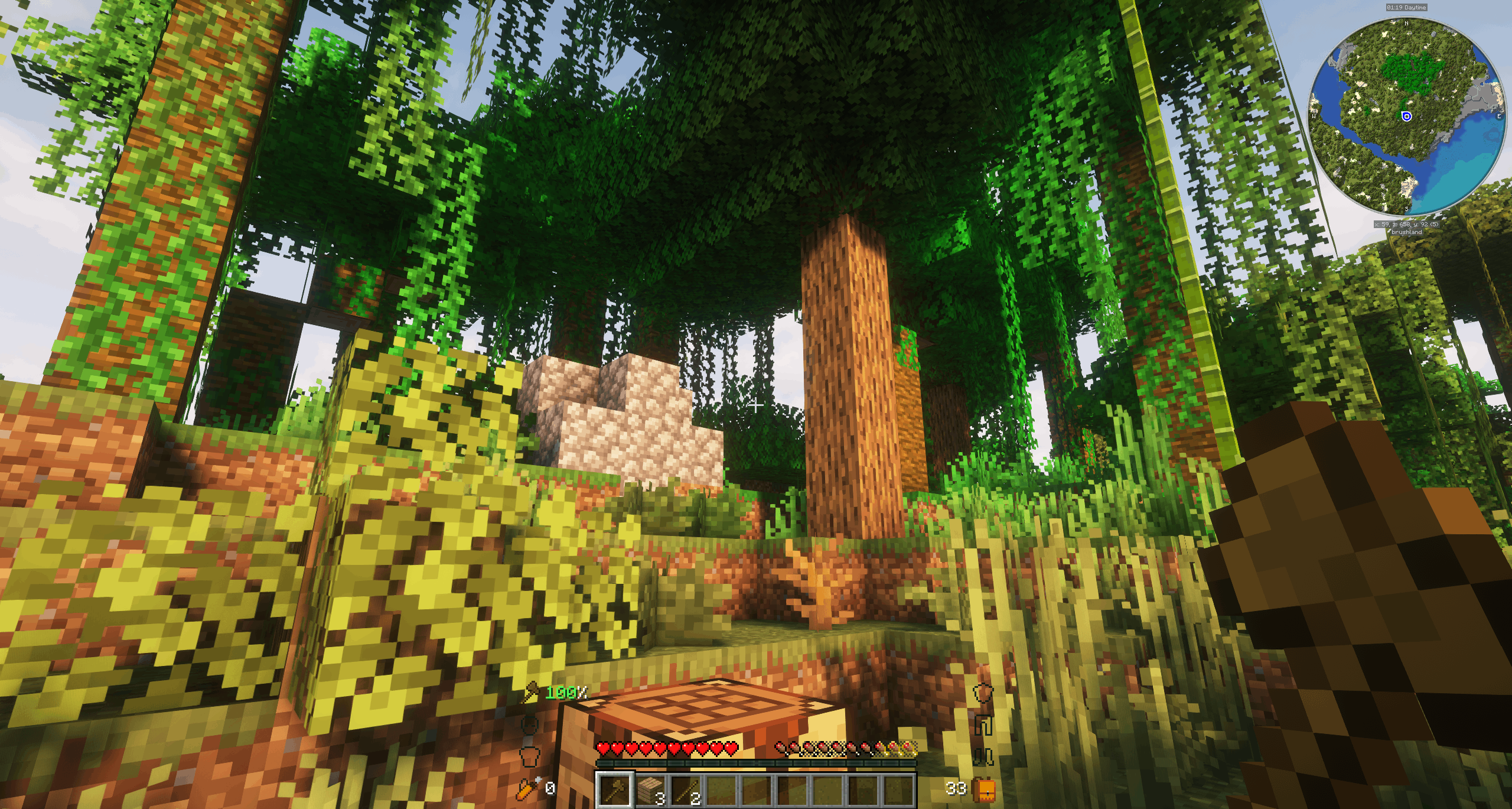
Intermediate Version - Vanilla+ for Minecraft 26.1.2!
A Vanilla+ modpack for Minecraft’s latest versions (e.g., 1.21.11), ~250 mods, new biomes, animals, structures, dimensions, optimized performance...InstallOn a serverFAQ
How is a modpack different from a bunch of mods?
A modpack is already a tuned set: mod versions are matched to each other, configs are set up, and recipes and progression are tied together. Mods downloaded one by one you'll have to make work together yourself.
How do I install a modpack?
Click “Install” and Millida Launcher will download the modpack and the right Java for you and create a separate profile for it. No need to install the mods or loader separately.
How much memory should I allocate?
Light performance modpacks run on 4 GB, mid-sized ones on 6 GB, and big tech-and-magic ones need 8 GB or more. You can change memory in the Millida Launcher profile settings; the exact figure is usually in the modpack description.
Which modpack should I pick to play with friends?
Turn on the With a friend filter under What for to keep modpacks made for playing together: co-op survival, Create, adventures with shared progression. The modpack version must match for every player and the server.
Are there modpacks with quests in my language?
Modpacks with a quest book and a story are in the With quests theme. The quest language depends on the author: most packs ship in English, and other languages are usually added by a separate translation mod — check the modpack description.
Will a modpack run on a low-end PC?
A light one will. The For low-end PCs filter keeps modpacks with a small mod list and performance mods, and 4 GB of memory is enough for them. Big tech-magic modpacks need 6–8 GB and lag on a weak machine even if they start.
How do I run a modpack on my own server?
A modpack page has an On a server button: it installs the modpack on a Millida Hosting server and switches the core to match, and a copy of the old world is kept in backups. Players then install the same modpack in Millida Launcher and join the server address.
Modpacks for Minecraft Java 26.1.2
Modpacks for Minecraft 26.1.2: 138 items in the Modpacks section. Compatibility is checked against the files, not the description: only items with a build for exactly these conditions stay in the list.
Each modpack here is one page with every released version. The card shows which game version and loader it's built for, how big the archive is and who the author is. Modpacks aren't installed like individual mods: click “Install” and Millida Launcher downloads all the modpack's mods, the right loader and Java, and creates a separate profile for it without touching your others. Mind the memory requirements: heavy tech-and-magic modpacks need six gigabytes or more and simply won't start on the default two.