
Modpacks for Minecraft Java 1.15.2
47 itemsModpacks: list
HR: New Beginnings
New Beginnings is a 1.15.2 modpack that adds to the vanilla experience.InstallOn a server
Modded OneBlock
Ever wanted to play one block modded well here it is. data pack and world by IJAMinecraftsInstallOn a server
Craft to Exile [Dissonance]
Minecraft meets Path of Exile & Diablo!InstallOn a server
All the Mods 5 - ATM5
ATM on 1.15.2! All of our favorites with a wave of new content.InstallOn a server
Grand Piece - A One Piece Modpack
Become the Pirate King and play Minecraft with this new ModpackInstallOn a server

SpeedrunPack
All verifiable mods on speedrun.com for modern versions of Minecraft.InstallOn a server
Plunger
Plunger is the aptly named kitchen sink mod pack for 1.15.2InstallOn a server
Just Not Enough Mods 2 (JNEM2)
Just Not Enough Mods 2InstallOn a server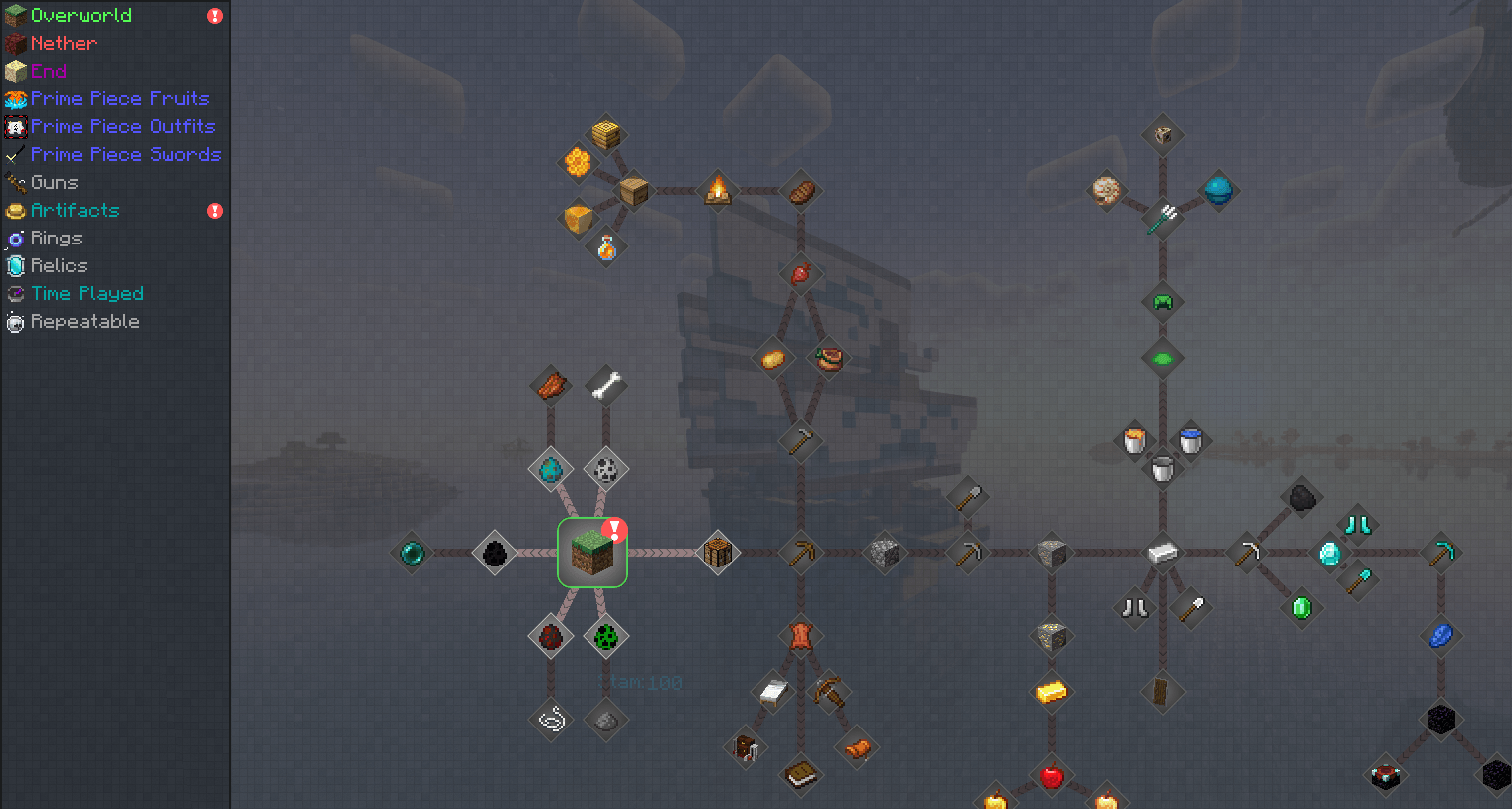

New Line (One Piece ModPack)
Modpack based on One Piece mangaInstallOn a server
One Piece 100 Bounites Modpack
The modpack used by Senpirates during his 100 Days in the world of One Piece!InstallOn a server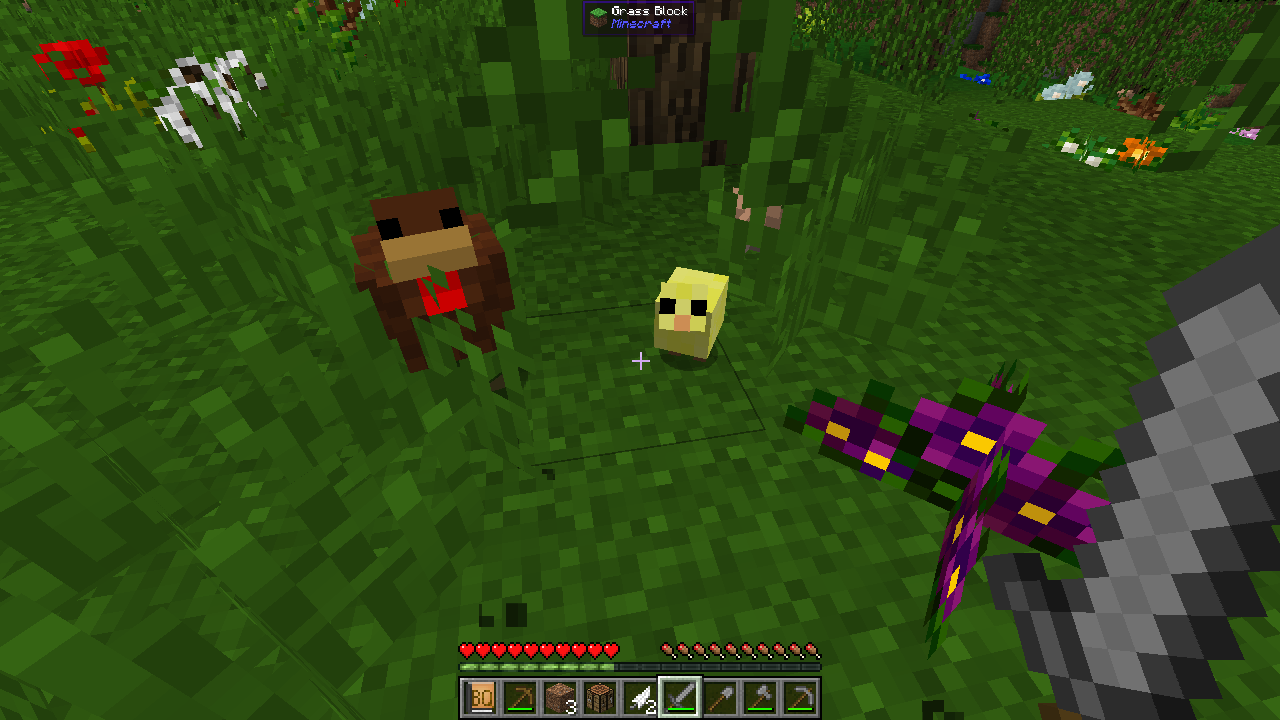
InsaneVanilla++ B
Expanding Vanilla by staying ... VanillaInstallOn a server
X-Life 2
Start with one heart and only 10 lives. If you die you gain a heart. xlifeInstallOn a server
OneBlock: EXPANDED
A Modpack for Forge that expands the OneBlock!InstallOn a server
RAM - Really Awesome Mods
Bringing you adventure, technology, magic, building and new mods to discover!InstallOn a server

World of Dragons - A New Age (WODNA)
Build thriving colonies, tame dragons, adorn realms with rich decorations, harness RFTools tech, weave ancient magic, and battle through Mine & Slash progression for loot-driven RPG thrills in a boundless sandbox adventure. Forge epic gear, automate buildsInstallOn a server
Just Add Shaders
A Small Collections of Mods that Enhance the Vanilla Experience!InstallOn a server
The Endless Frontier
Come Join us as We explore the world of 1.15 and all the new things added to the game as well as some new and fun mods added and some on classics like MekanismInstallOn a server
Valhelsia: Origins
Valhelsia: Origins is a highly curated experience that focuses on player creativity (1.15.2).InstallOn a server
One Craft
A One piece modpack with customs quests, mods , and other good thingsInstallOn a server
Enigmatica 5 - E5
All-purpose modpack for Minecraft 1.15.2InstallOn a server
Realistic Colonies
A modpack to make MineColonies have more of a realistic touchInstallOn a server
Factory Builder
Allows you to build your own factoriesInstallOn a server
Q-tech
Light weight non-expert tech progression pack for 1.15.2InstallOn a serverFAQ
How is a modpack different from a bunch of mods?
A modpack is already a tuned set: mod versions are matched to each other, configs are set up, and recipes and progression are tied together. Mods downloaded one by one you'll have to make work together yourself.
How do I install a modpack?
Click “Install” and Millida Launcher will download the modpack and the right Java for you and create a separate profile for it. No need to install the mods or loader separately.
How much memory should I allocate?
Light performance modpacks run on 4 GB, mid-sized ones on 6 GB, and big tech-and-magic ones need 8 GB or more. You can change memory in the Millida Launcher profile settings; the exact figure is usually in the modpack description.
Which modpack should I pick to play with friends?
Turn on the With a friend filter under What for to keep modpacks made for playing together: co-op survival, Create, adventures with shared progression. The modpack version must match for every player and the server.
Are there modpacks with quests in my language?
Modpacks with a quest book and a story are in the With quests theme. The quest language depends on the author: most packs ship in English, and other languages are usually added by a separate translation mod — check the modpack description.
Will a modpack run on a low-end PC?
A light one will. The For low-end PCs filter keeps modpacks with a small mod list and performance mods, and 4 GB of memory is enough for them. Big tech-magic modpacks need 6–8 GB and lag on a weak machine even if they start.
How do I run a modpack on my own server?
A modpack page has an On a server button: it installs the modpack on a Millida Hosting server and switches the core to match, and a copy of the old world is kept in backups. Players then install the same modpack in Millida Launcher and join the server address.
Modpacks for Minecraft Java 1.15.2
Modpacks for Minecraft 1.15.2: 47 items in the Modpacks section. Compatibility is checked against the files, not the description: only items with a build for exactly these conditions stay in the list.
Each modpack here is one page with every released version. The card shows which game version and loader it's built for, how big the archive is and who the author is. Modpacks aren't installed like individual mods: click “Install” and Millida Launcher downloads all the modpack's mods, the right loader and Java, and creates a separate profile for it without touching your others. Mind the memory requirements: heavy tech-and-magic modpacks need six gigabytes or more and simply won't start on the default two.