
Modpacks for Minecraft Java 1.20.2
44 itemsModpacks: list

Immersed With Shaders
NeoForge & Fabric Modpack, Spectacular Visuals, Boosted FPS, Immersive sounds, QoL mods, Works on vanilla serversInstallOn a server
OccultCraft
OccultCraft - A fantasy/medieval themed modpack with an emphasis on bosses, magic and fun.InstallOn a server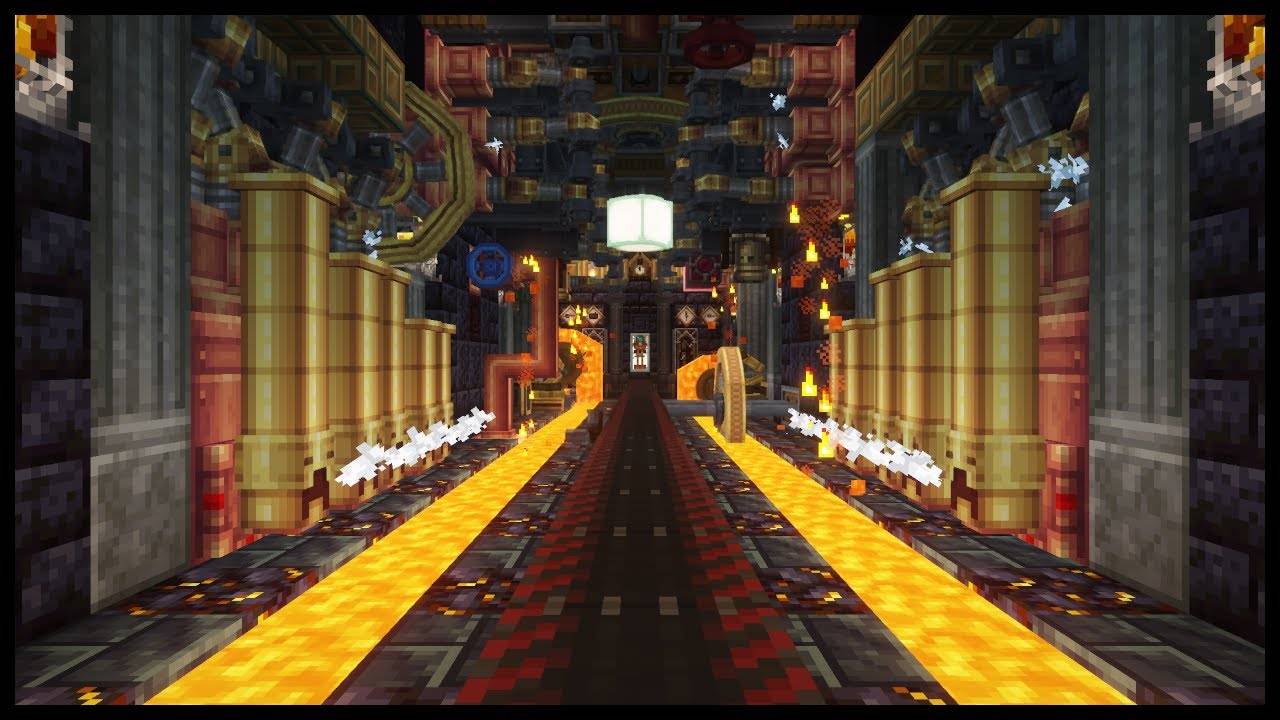
All in one: Create
Love the create mod? perfect modpack with create, its addons, QOL mods and some other fun mods.InstallOn a server
Ultimate Lucky Oneblock
Lucky block Oneblock, enhanced with automation, machines, gear, bosses, and QoL features.InstallOn a server

One Block Lucky Block
Chaotic and exciting Minecraft modpack that combines the classic One Block survival challenge with the unpredictable fun of Lucky Blocks.InstallOn a server
Vanilla Forge
Simple Vanilla MC with a few client side mods for more experienceInstallOn a server
i-Pixelmon - Official Server's Pixelmon Reforged Pack
🔥 i-Pixelmon | ⭐ Real Gym Leaders | 🏆 Elite Four & Champion | 🌎 NO ResetsInstallOn a server
Pixelmon Forever | Reforged Modpack
Play and have fun with over 1000+ Pokemon and venture out with them!InstallOn a server
MC+ | Better MC
This Modpack includes some standard mods like "Just Enought Items" and more to improve gameplay and performance.InstallOn a server
the man from the fog
its a man from the fog rp you can play it alone or play it with friends also with the 3 books that you have to go in book 1 and 2 i spelt some words wrongInstallOn a server

Star Wars: The Rise of Thrawn
Thrawn is rising... and with him... a long forgotten power...InstallOn a server

Five Nights at Freddy's Legacy
Five Nights at Freddy's Minecraft Fully Playable MapInstall

ControllerCraft
Modpack that adds the BARE minimum to run things such as the steam deck and/or controllers with minecraft. (NOTE: you will have to bind your controllers your self)Install

Echoes of Nostalgia - Expert
Nostalgic's modpack of fan favorite mods with custom recipes and changed progression!InstallOn a server
ZenkaiSmp Server
Take on the DMZ sagas, challenge the most dangerous dungeons, and push beyond your limits on the ZenkaiSMP server. Create your own clan with your friends or make new ones as you explore the world, taking down the many villains of DMZInstallOn a server
LuckyMods
This modpack is intended to facilitate activities in the gameInstallOn a server

Valhelsia: Plasma
Enhance your Minecraft experience with built-in shaders, client-side optimization and visual improvements. Host singleplayer worlds and play with your friends anywhere.Install

Legends of the Galaxy
Forge your own galactic legacy with an advanced Star Wars action-adventure modpack, and the official modpack for Galaxies: Parzi's Star Wars Mod!InstallOn a server

Wynncraft Ultimate
The ultimate Wynncraft experience! Custom GUI's & HUD, Blazingly Fast Performance and Stunning Visuals.Install

Pixelmon: Ultron
Explore the vast area of the pokemon world!InstallOn a server

Server-side modpack
A server-side vanilla modpack that adds lots of performance mods, capes, and even wavey ones!InstallOn a server

Popsicle Pack
(only works with pojav launcher) Elevate your Minecraft journey with our Pojav Launcher modpack. VulkanMod transforms visuals, replacing OpenGL with Vulkan API, while client-side features enhance convenience.Install
MC-RP Laboria
Recommended Modpack for MC-RP Laboria ServerInstallOn a serverFAQ
How is a modpack different from a bunch of mods?
A modpack is already a tuned set: mod versions are matched to each other, configs are set up, and recipes and progression are tied together. Mods downloaded one by one you'll have to make work together yourself.
How do I install a modpack?
Click “Install” and Millida Launcher will download the modpack and the right Java for you and create a separate profile for it. No need to install the mods or loader separately.
How much memory should I allocate?
Light performance modpacks run on 4 GB, mid-sized ones on 6 GB, and big tech-and-magic ones need 8 GB or more. You can change memory in the Millida Launcher profile settings; the exact figure is usually in the modpack description.
Which modpack should I pick to play with friends?
Turn on the With a friend filter under What for to keep modpacks made for playing together: co-op survival, Create, adventures with shared progression. The modpack version must match for every player and the server.
Are there modpacks with quests in my language?
Modpacks with a quest book and a story are in the With quests theme. The quest language depends on the author: most packs ship in English, and other languages are usually added by a separate translation mod — check the modpack description.
Will a modpack run on a low-end PC?
A light one will. The For low-end PCs filter keeps modpacks with a small mod list and performance mods, and 4 GB of memory is enough for them. Big tech-magic modpacks need 6–8 GB and lag on a weak machine even if they start.
How do I run a modpack on my own server?
A modpack page has an On a server button: it installs the modpack on a Millida Hosting server and switches the core to match, and a copy of the old world is kept in backups. Players then install the same modpack in Millida Launcher and join the server address.
Modpacks for Minecraft Java 1.20.2
Modpacks for Minecraft 1.20.2: 44 items in the Modpacks section. Compatibility is checked against the files, not the description: only items with a build for exactly these conditions stay in the list.
Each modpack here is one page with every released version. The card shows which game version and loader it's built for, how big the archive is and who the author is. Modpacks aren't installed like individual mods: click “Install” and Millida Launcher downloads all the modpack's mods, the right loader and Java, and creates a separate profile for it without touching your others. Mind the memory requirements: heavy tech-and-magic modpacks need six gigabytes or more and simply won't start on the default two.