
Modpacks for Minecraft Java 1.19
129 itemsModpacks: list


Zombie Invade 100 Days
僵尸入侵 100 天(高版本惊变重制)—— Same as Forge Labs 100 Days Zombie Apocalypse in new MinecraftInstallOn a server

Sodium Plus
A client-side optimization modpack with a few extra tweaks.Install

Slimes Adventure
Tensura: that time i got reincarnated as a slime modpack with many featuresInstallOn a server

OptiFabric
Best alternative to OptiFineInstall

FPS Modpack
Minimal modpack optimized for improving game performance. Includes only essential mods to boost FPS and reduce system load while maintaining stability and smooth gameplay.Install

Aged
realistic / medieval / progression based modpack for Fabric 1.20.1InstallOn a server

Create+
A simple, optimized, Vanilla+ pack, with the special exception of Create (and its addons). Now with Create: Aeronautics!InstallOn a server

Remarkably Optimized
1.16.5-26.3 | A performance mod pack to save your computer from doubling as a starchy spud with a remarkably optimized collection of mods!Install

红石生电优化【Redstone Survival Optimization】
一个红石玩家必备的整合包,轻,快,小,是他的特点!A must-have integration package for a Redstone player, light, fast, and small, are his characteristics!InstallOn a server

Pokemon Elysium
Modpack originally made for the Pokemon Elysium server, a Cobblemon-focused pack with hints of low-tech steampunk.InstallOn a server

Skyblocker Modpack - Hypixel Skyblock
A Hypixel Skyblock Modpack with common client-side utilities, along with the Skyblocker mod.Install

Landscapes Reimagined Genesis
Dive into adventure with our mod pack! Explore Terralith, marvel at YUNG's, MES, and MVS Structures; embrace the iconic Create mod and addons, pristine performance mods, embark on a captivating questline, and more!InstallOn a server
Modded OneBlock
Ever wanted to play one block modded well here it is. data pack and world by IJAMinecraftsInstallOn a server

the horrors in the fog
a horror mod pack that is spookyInstallOn a server

OptiFine for Fabric
OptiFine features for Fabric — powered by Fabric optimization and modern Minecraft performance mods. High FPS even on low‑end systems. Shaders! 26.3: Wilderness Bound alpha!InstallOn a server

Optimized fps
Modpack Featuring Performance Mods on (Neo)ForgeInstallOn a server

THE DWELLERS
Horror modpack adding multiple dwellers, Herobrine, and numerous horror and immersion mechanics to the gameInstallOn a server

Vulkan Optimized
Optimized modpack based on VulkanModInstall
OccultCraft
OccultCraft - A fantasy/medieval themed modpack with an emphasis on bosses, magic and fun.InstallOn a server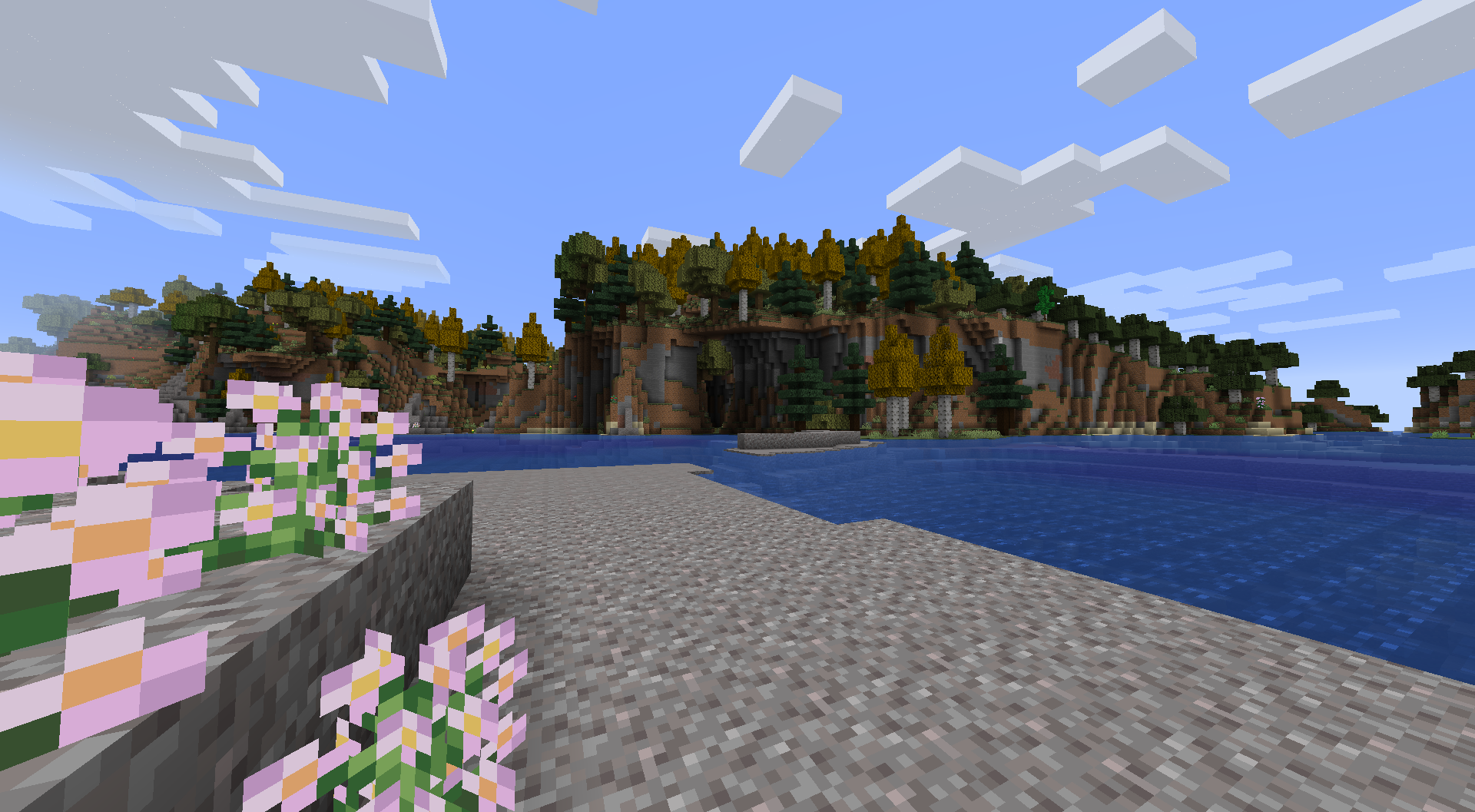

Slightly Flavoured
Carefully selected mods with a focus on quality over quantity!InstallOn a server

Spunky Optimized
One of The Best optimization modpack for Minecraft designed to enhance performance and improve gameplay experience.Install

Haste
Designed Optimization for PojavLauncher ✉️Notice Board✉️ Support Minecraft 1.21.1 Support Minecraft 1.21 Support Minecraft 1.20.6 Update Minecraft 1.20.4 Update Minecraft 1.20.2 Update Minecraft 1.20.1 2024.8.17Install

One block horror
It's regular one block survival, but with many dwellers to give you a chilling experience (optimized)InstallOn a serverFAQ
How is a modpack different from a bunch of mods?
A modpack is already a tuned set: mod versions are matched to each other, configs are set up, and recipes and progression are tied together. Mods downloaded one by one you'll have to make work together yourself.
How do I install a modpack?
Click “Install” and Millida Launcher will download the modpack and the right Java for you and create a separate profile for it. No need to install the mods or loader separately.
How much memory should I allocate?
Light performance modpacks run on 4 GB, mid-sized ones on 6 GB, and big tech-and-magic ones need 8 GB or more. You can change memory in the Millida Launcher profile settings; the exact figure is usually in the modpack description.
Which modpack should I pick to play with friends?
Turn on the With a friend filter under What for to keep modpacks made for playing together: co-op survival, Create, adventures with shared progression. The modpack version must match for every player and the server.
Are there modpacks with quests in my language?
Modpacks with a quest book and a story are in the With quests theme. The quest language depends on the author: most packs ship in English, and other languages are usually added by a separate translation mod — check the modpack description.
Will a modpack run on a low-end PC?
A light one will. The For low-end PCs filter keeps modpacks with a small mod list and performance mods, and 4 GB of memory is enough for them. Big tech-magic modpacks need 6–8 GB and lag on a weak machine even if they start.
How do I run a modpack on my own server?
A modpack page has an On a server button: it installs the modpack on a Millida Hosting server and switches the core to match, and a copy of the old world is kept in backups. Players then install the same modpack in Millida Launcher and join the server address.
Modpacks for Minecraft Java 1.19
Modpacks for Minecraft 1.19: 129 items in the Modpacks section. Compatibility is checked against the files, not the description: only items with a build for exactly these conditions stay in the list.
Each modpack here is one page with every released version. The card shows which game version and loader it's built for, how big the archive is and who the author is. Modpacks aren't installed like individual mods: click “Install” and Millida Launcher downloads all the modpack's mods, the right loader and Java, and creates a separate profile for it without touching your others. Mind the memory requirements: heavy tech-and-magic modpacks need six gigabytes or more and simply won't start on the default two.