
Resource packs for Minecraft Java — page 138
Resource packs: list


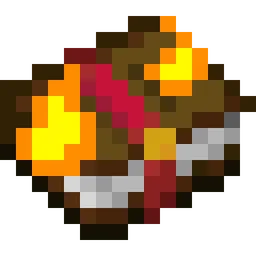
Visual Enchantment Books
A resource pack adding better textures to enchantment books. This pack works with Optifine, CIT Resewn, and Chime.Install

LowFire
Shrink fire, boost vision!Install
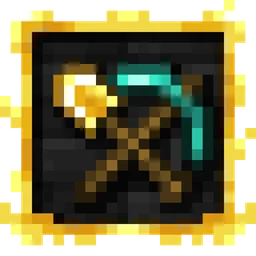
Hephaestus - Shinier Tools
Tools now live up to their respective swords' standards, while swords once again have the small details they lost in 1.14Install

Better Campfire
Better Campfire change item and block of campfire for add rock circle ! With animated Fire !Install

RequiemTweaks
An Exclusive Resource Pack used in Requiem: BETTER FANTASY modpackInstall

Undergrowth
Undergrowth is a resource pack that introduces little bits of foliage, rocks, sticks, mushrooms and many, many more!Install
Christmas Background Music
Adds Christmas Music to play in the background of your Minecraft World!Install

Hellay's Redone Endermans x Fresh Compats
Fixes endermans not having face when Hellay's Redone Endermans installed alongside Fresh CompatsInstall

Emma's Free Pet CIT Pack
Emma’s Pet CIT Pack features a thoughtfully assembled selection of 92 pet care essentials. Each item has been chosen to enhance the care and enjoyment of your virtual pets.Install

Bare Bones x Fresh Animations: Player Extension
FA: Player compatible with Bare Bones !Install

Default-Style Halloween Pack
A Halloween Themed revamp of the Default Experience!Install

Glowing 3D Buckets
Overhauled 3D bucket items! Compatible with Punchy!Install

Hk's Radical Cobblemon Trainers
Resource Pack that changes the default cobblemon trainers into actual different kinds of people.Install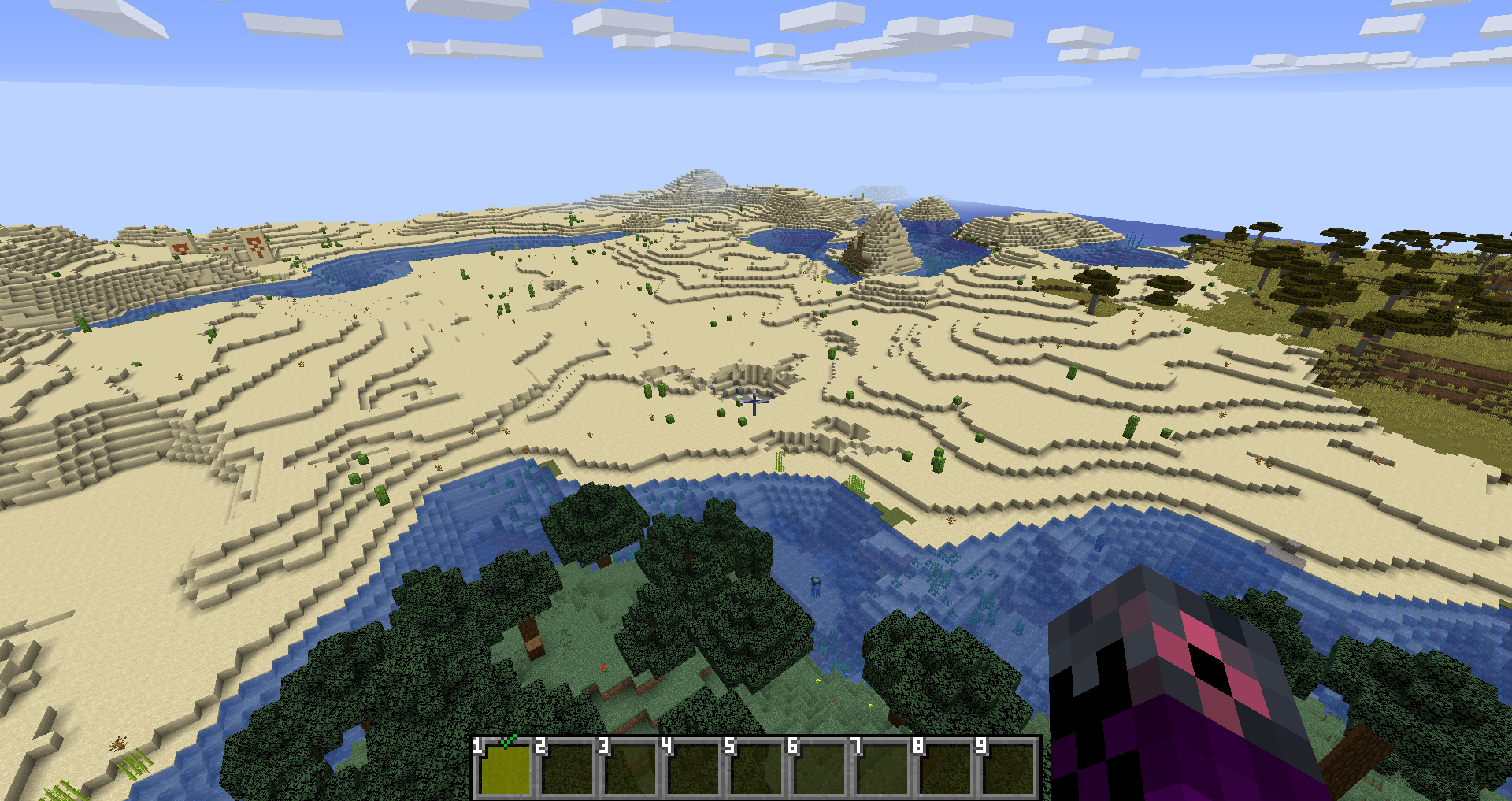
Numbered Hotbar
Adds numbers to your hotbar for convenience.Install
Shannon (or is it Jane?) for Immersive Railroading
Adds 'Shannon', or to residents of Wantage, 'Jane' to Immersive RailroadingInstall

Fresh Skybox
Better Day, Night, Sunrise, Sunset skies! Coming soon: falling stars, meteors and more events! [Day Night Cycle]Install
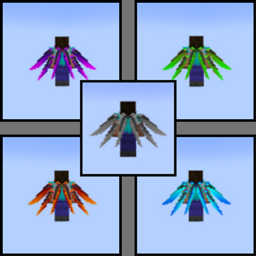
Dragon Wing Elytra
5 Different Colored Dragon Wing ElytraInstall
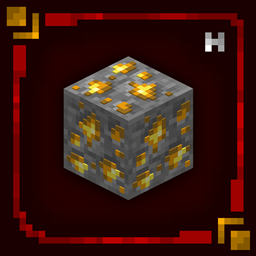
Hellim's 3D Ores
Transforms mineral blocks with embedded 3D detail, making ores feel more defined and naturally integrated without changing their vanilla textures.Install

Pekit's Bows to Guns - WWII
This pack turns the bow/crossbow into WWII era weaponsInstall
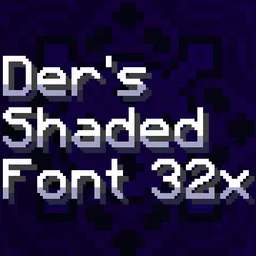
Der's Smooth Shaded Font (Faithful 32x)
10'000+ Shaded Glyphs | Config | Hypixel, Wynncraft & Modded Support | Languages | Styles | Tweaks | The most advanced smooth shaded font | MC 1.6.1-26.3+Install

[PK] Zombie Apocalipse Resoursepack
Resoursepack only for my zombie modpack.Install
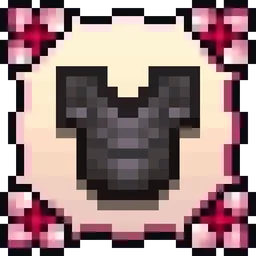
[Moonsu] Cherry Blossom (Advancements Plaques)
Replaces the original design with something more simple but elegantly flowered.Install

Better Vanilla Animals - Heycronus
Better Vanilla Animals transforma os animais do Minecraft, deixando-os mais bonitos e realistas sem perder a essência do jogo!InstallFAQ
Do I need Forge or Fabric for a resource pack?
No. A resource pack works on the regular game with no loaders or mods. Click “Install” and Millida Launcher will put the pack into the right modpack — then just enable it in the settings.
What do 16×, 32×, 64× mean?
The resolution of a single texture in pixels. 16× matches the original game, 32× and 64× are more detailed and heavier, and 128× and up put a noticeable load on your graphics card.
Will a pack made for another version work?
Most likely partly: older packs don't have textures for newer blocks, so those will stay default. The game won't break, though.
How is a texture pack different from a resource pack?
Only by name and age. Before version 1.6 the sets were called texture packs and changed only textures; in 1.6 resource packs replaced them and also change sounds, fonts and the interface. Old texture packs for 1.5 and below do not work on new versions without conversion.
Which texture packs are best for PvP?
PvP packs: 16× resolution or lower, shortened swords, low fire, a clear sky and bright particles. They barely load the computer and make the opponent easier to see. These packs are collected in the PvP theme.
How do I install a resource pack?
Press Install and Millida Launcher puts the pack into the resourcepacks folder of the right instance. Then enable it in the game: Options, then Resource Packs. Manually, the archive goes into resourcepacks inside the game folder, no need to unpack it.
Resource packs for Minecraft Java
A resource pack changes how the game looks and sounds: block and item textures, fonts, the interface, sounds. It doesn't touch the game's code, so it needs no mod loader and breaks nothing on a server — the pack only works on your screen. That's exactly why a resource pack is safer than any mod: the worst that happens on a version mismatch is that some textures stay default.
Textures, texture packs and resource packs are essentially the same thing: since version 1.6 Mojang calls these sets resource packs, but the old name is still searched more often. PvP packs are a big genre of their own: shortened swords, low fire, bright particles and 16× resolution or lower, so the opponent stands out and the frame rate does not drop. Such packs are most often made for 1.8.9 and 1.16.5, the versions many PvP servers run on.
The key thing about a pack is its resolution. The game's default textures are 16×16 pixels; 32× and 64× packs look more detailed, while 128× and up need a real graphics card and are usually paired with shaders. On a weak machine it makes sense to stay at 16× or go for packs that deliberately simplify graphics for more FPS. Every pack here lists its game version, author and license, and all released versions are gathered on one card. Put the downloaded archive in the resourcepacks folder and enable it in the game settings.