

 Vanilla game
VibrantPBR
This resource pack supports all features of LabPBR.

Including:
- Parallax
- AO[Ambient Occlusion]
- Emission
- SSS[Sub-Surface Scattering]
- Porosity
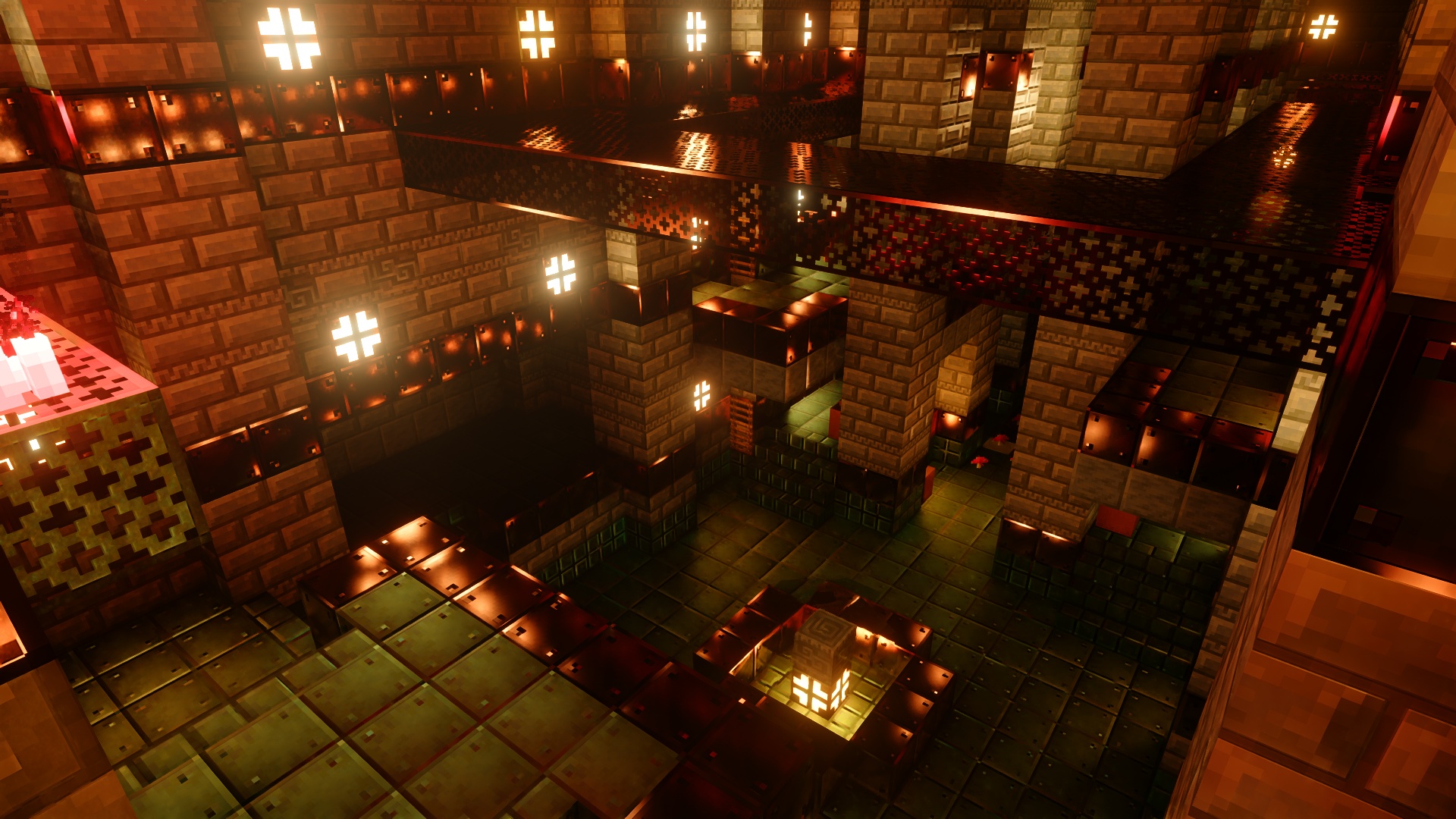
3D Models
Most 3D models are not added more models will be added in the future.
How to get the best visual of VibrantPBR
First, you need to make sure your shader supports LabPBR. Here are some recommended shaders
- Sundial
- Nostalgia
- Kappa
- Bliss
- Complementary
- SEUS GFME
- Photon
- BSL

Second, make sure you have enabled all features of LabPBR and Parallax
How to install VibrantPBR
With Millida Launcher
Install Millida Launcher
The launcher is free: download it at millida.net/launcher and sign in with any nickname.
Click “Install” on this page
The launcher opens and installs the resource pack for Minecraft 1.21.9–26.2 automatically.
Launch the game
A profile with it appears in the launcher: click “Play”.
Manually
Download the archive
Pick the file !§C§L V§FibrantPBR-§A§LR1.15.zip (30 MB) for your game version. No need to unpack it.
Put it in the resourcepacks folder
The easiest way: “Options”, then “Resource Packs”, then “Open Pack Folder”, and drag the archive there.
Enable the pack
In the same window, move the pack to the right-hand “Selected” column and click “Done”.
Versions
With dependencies
| Minecraft | Loader | File | Date | Actions |
|---|---|---|---|---|
| 26.2 | — | 26.230.3 MB 3 | ||
| 26.1 | — | 26.130.3 MB 17 |
Reviews
Be the first to rate VibrantPBR


