
Resource packs for Minecraft Java — page 139
Resource packs: list


Even Better Enchanted Books – Hold My Enchanted Book Items
Even Better Enchanted Books is a resource pack that gives each enchant a better, unique texture for enchanted books — all in a clean vanilla style.Install

Repurposed Structures - Domestication Innovation Compat Datapack
Pet Shops in RS villages!Install

Sky Bees Easter Egg
Its a Smal Ressourcepack with some Files for Sky BeesInstall

Fullmetal Alchemist Brotherhood Custom GUI Pack
Fullmetal Alchemist Brotherhood Custom GUI PackInstall

Comfy Heart Crosshair
Simply turns your crosshair into a little heart :)Install

Bedrock Skin Packs
Adds support for downloading Bedrock Edition Skin Packs, for use with the Bedrock Skins mod.Install

Refined Cats
Updates the cat textures as well as the model to have a refreshed appearance (Forge/Fabric)Install
Ashen + Inmis Support
A small, 16x pack adding compatibility between Ashen 16x and InmisInstall

Smooth Entity Shadows
Makes the Shadows under Entities Smooth. The closest you can get without shaders and optifine!Install
Hellim's 3D Redstone
Improves redstone components with clearer mechanical depth and structure, giving technical builds a more engineered feel while maintaining vanilla clarity.Install

IR Polar Express Pack [Immersive Railroading Pack]
Polar Express for Immersive RailroadingInstall

Detail Brush - VinURL Phantasm Compat
Adds Detail Brush compatibility for Phantasm's VinURL disc variant.Install

3D Mace Wind Burst Effect
Accurate Mace 3D model in First & Third person while staying in 2D in the GUI + Wind Burst Effect 💨Install

depressed crystal pvp
Depressed Crystal PvP Pack [16x] Greyscale 16x pack for crystal PvP. FPS-boosted, minimal distractions, custom sounds, and a beautiful sky for full focus.Install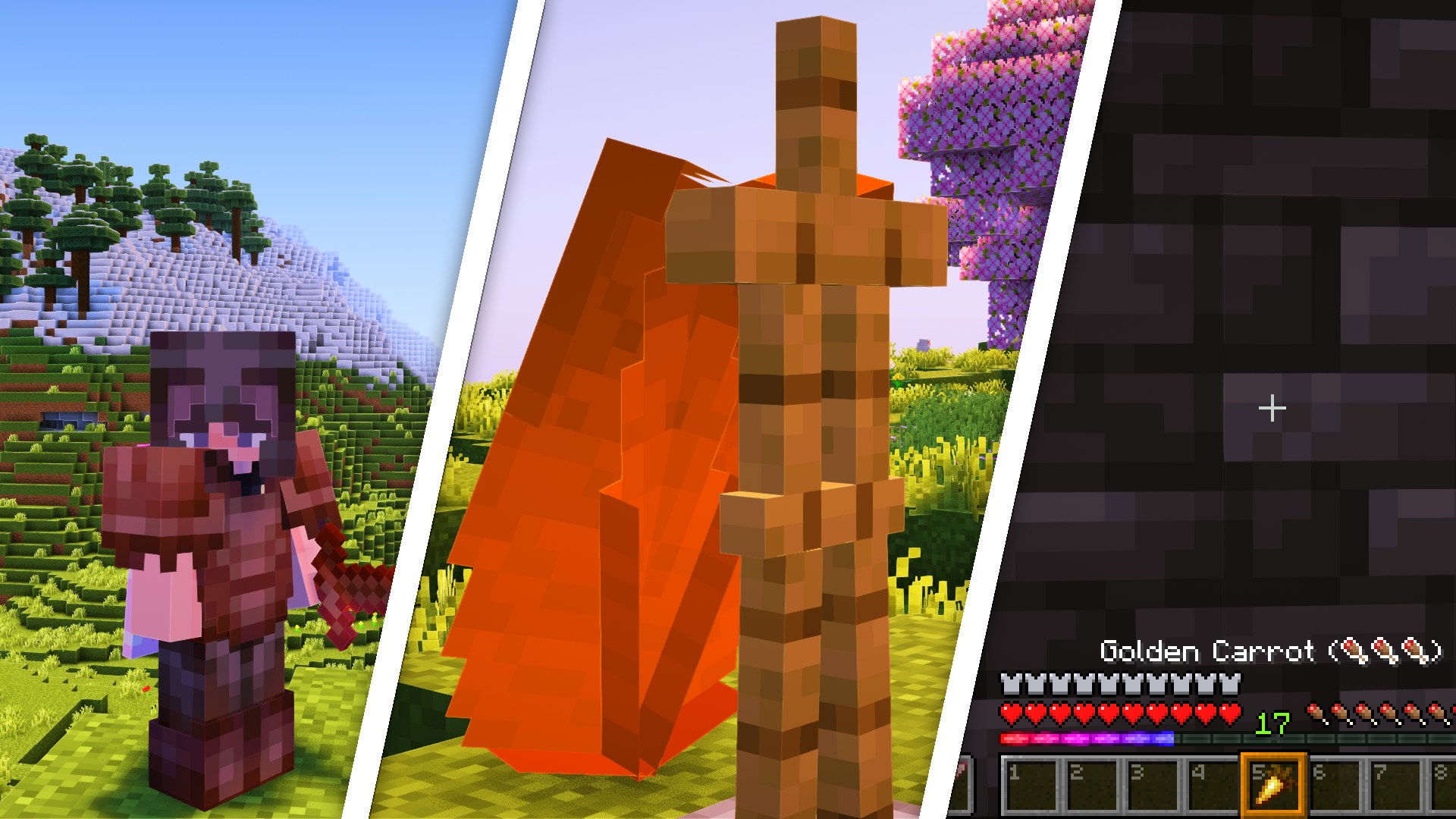
Deez FPS [Better Textures]
Better Textures while keeping the vanilla touch!Install

Hypixel Housing GUI Clarity
A pack was designed to improve the readability of the Housing GUI elementsInstall

Jadedcat's Modded Mixpack
Tweaked and combined Soartex and Wolfhound textures. (Permissions posted)Install

Grimdark Sky Pack
Create the perfect backdrop in your world with the Grimdark Sky Pack. This pack features high resolution cloud layers w/ exoplanets, shootings stars and a chaos moon.Install

Rainbow XP Bar
A clean, vanilla-friendly resource pack that transforms the XP bar into a smooth, vibrant rainbow gradient.Install
Creative Music
Allows Creative Mode music to be played in Survival.Install

Chobits GUI Pack
Overhauled Minecraft GUI in the theme off Chobits.Install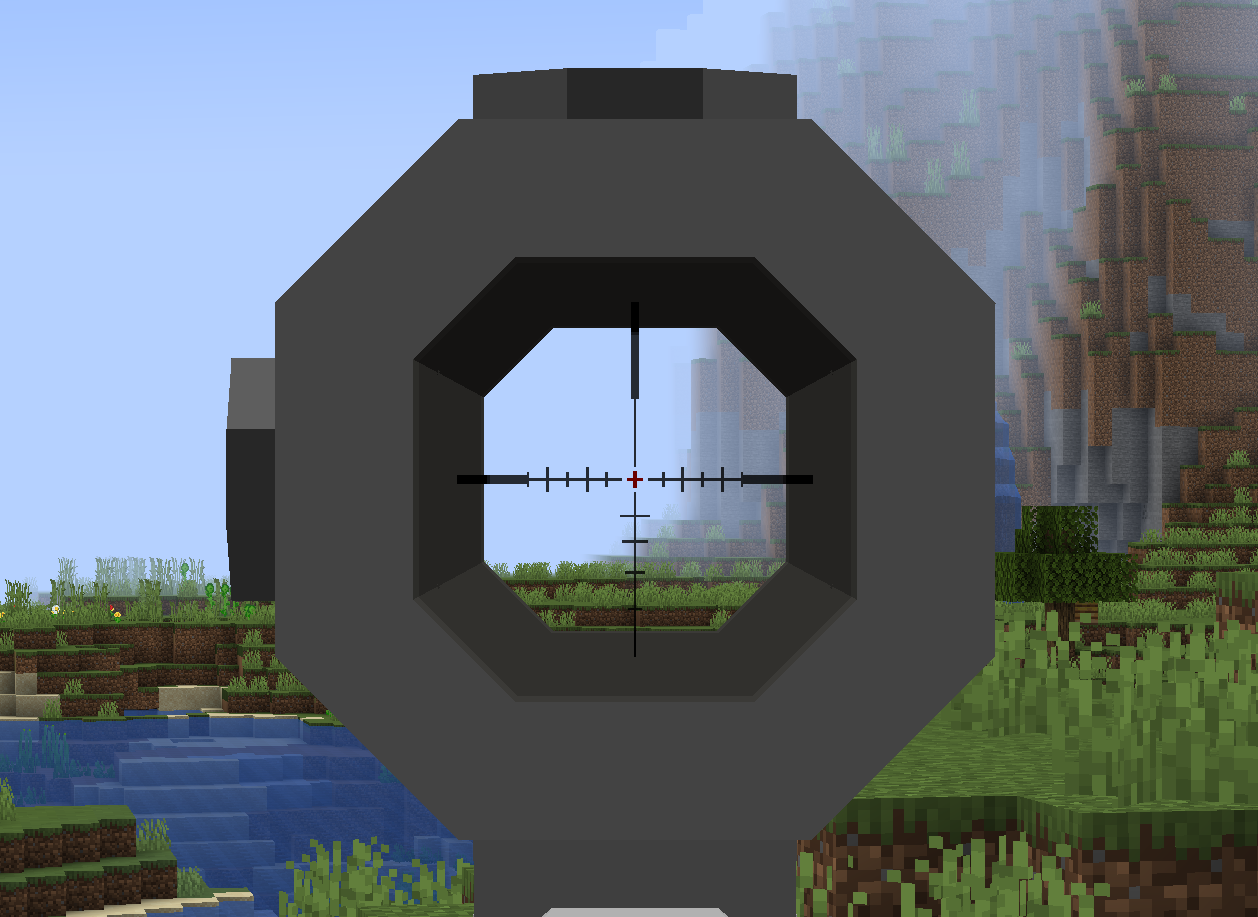
CGM Audio/Visual Enhancements
Audio and model enhancements for MrCrayfish's Gun Mod.Install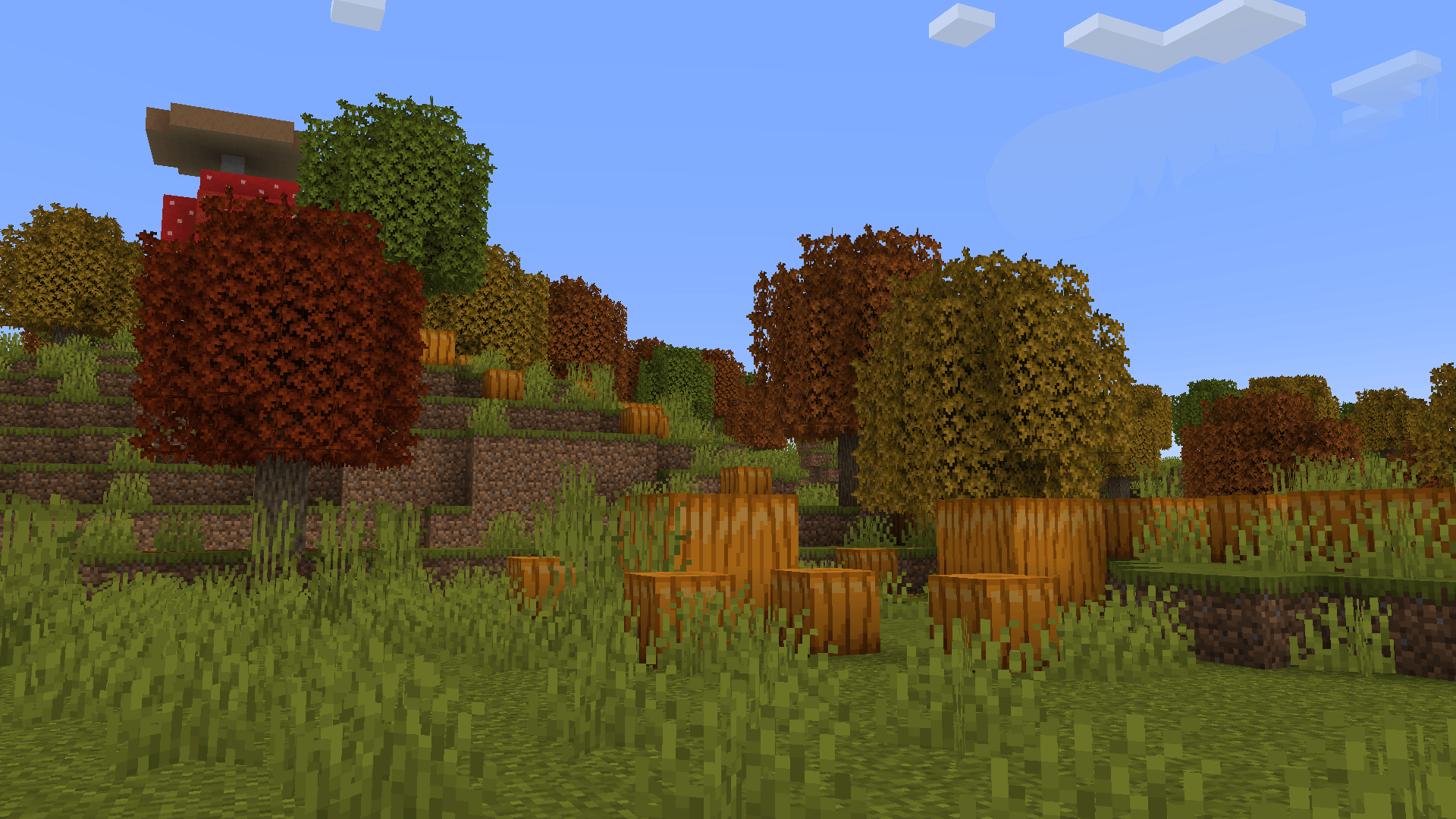

Abnormals Bushy Leaves
Adds bushy leaves compat to Abnormals Mods | 1.21.1InstallFAQ
Do I need Forge or Fabric for a resource pack?
No. A resource pack works on the regular game with no loaders or mods. Click “Install” and Millida Launcher will put the pack into the right modpack — then just enable it in the settings.
What do 16×, 32×, 64× mean?
The resolution of a single texture in pixels. 16× matches the original game, 32× and 64× are more detailed and heavier, and 128× and up put a noticeable load on your graphics card.
Will a pack made for another version work?
Most likely partly: older packs don't have textures for newer blocks, so those will stay default. The game won't break, though.
How is a texture pack different from a resource pack?
Only by name and age. Before version 1.6 the sets were called texture packs and changed only textures; in 1.6 resource packs replaced them and also change sounds, fonts and the interface. Old texture packs for 1.5 and below do not work on new versions without conversion.
Which texture packs are best for PvP?
PvP packs: 16× resolution or lower, shortened swords, low fire, a clear sky and bright particles. They barely load the computer and make the opponent easier to see. These packs are collected in the PvP theme.
How do I install a resource pack?
Press Install and Millida Launcher puts the pack into the resourcepacks folder of the right instance. Then enable it in the game: Options, then Resource Packs. Manually, the archive goes into resourcepacks inside the game folder, no need to unpack it.
Resource packs for Minecraft Java
A resource pack changes how the game looks and sounds: block and item textures, fonts, the interface, sounds. It doesn't touch the game's code, so it needs no mod loader and breaks nothing on a server — the pack only works on your screen. That's exactly why a resource pack is safer than any mod: the worst that happens on a version mismatch is that some textures stay default.
Textures, texture packs and resource packs are essentially the same thing: since version 1.6 Mojang calls these sets resource packs, but the old name is still searched more often. PvP packs are a big genre of their own: shortened swords, low fire, bright particles and 16× resolution or lower, so the opponent stands out and the frame rate does not drop. Such packs are most often made for 1.8.9 and 1.16.5, the versions many PvP servers run on.
The key thing about a pack is its resolution. The game's default textures are 16×16 pixels; 32× and 64× packs look more detailed, while 128× and up need a real graphics card and are usually paired with shaders. On a weak machine it makes sense to stay at 16× or go for packs that deliberately simplify graphics for more FPS. Every pack here lists its game version, author and license, and all released versions are gathered on one card. Put the downloaded archive in the resourcepacks folder and enable it in the game settings.