
Resource packs for Minecraft Java 1.21 — page 62
Resource packs: list


Immersive Interfaces - Watut Mod Support
Addon for Immersive Interfaces Resource Pack, that adds Watut mod compatibility.Install

Better OneBlock - Splash
Replaces and adds new splashes! The yellow text under the Minecraft Title!Install

Golden Days Mod Compat
Re-textures certain mods, such as Farmer's Delight and Biomes O' Plenty, for compatibility with Golden Days.Install

Mizuno's Better Crops
A Better Crops for Mizuno16 CraftInstall

Bedrock Water
A way for java players to have the same water as bedrock which includes the colors and animationInstall

datboiwill's Cobblemon Icons for Maps
Cobblemon pixel-art style icons for Xaero's World Map/ Xaero's Minimap AND Journeymap!Install

Barely Default x Fresh Animations
An addon that bridges FreshLX's Fresh Animations with my Barely Default. This is the best Minecraft experience you can haveInstall

Mods Russian Translation
Install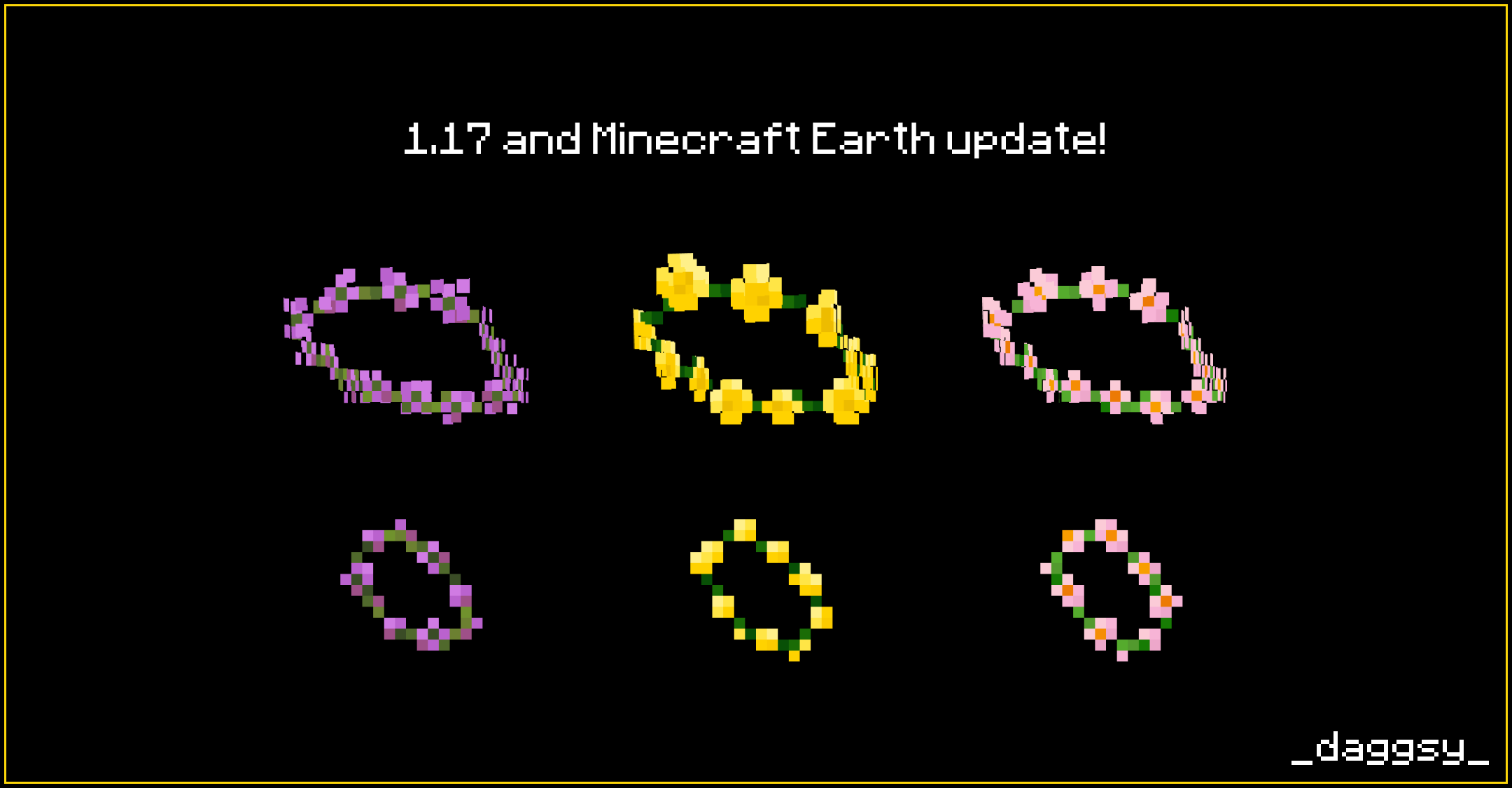

Flower Crowns
Adds 17 flower crowns to the game.Install

Font++
A lightweight font pack that has 10x the normal resolution and smoothens out characters.Install

Small Utills
A small and clean utility pack that improves gameplay without covering or cluttering your screen.Install

Small Particles
Makes some obtrusive particles smaller and quicker.Install

Better Horses x Fresh Animations
A Fresh Animations Add-on for Better Horses!Install

Boss Crosshair
Crosshair with another Shape and with ShadingInstall
Block-Accurate: 3D Item Models
Accurate 3D models for 2D sprite items! Compatible with mods!Install

Waifu Husbando Villagers & Illagers
Replaces the villager and illager to a more waifu and husbando modelInstall

No Armor / Invisible Armor
Invisible Armor for most mods i know (and vanilla)Install

Darked Vanilla PvP Overlay
A vanilla PvP overlay with features like small shield, low fire, small pop, small utils, visible powder snow and better particles!Install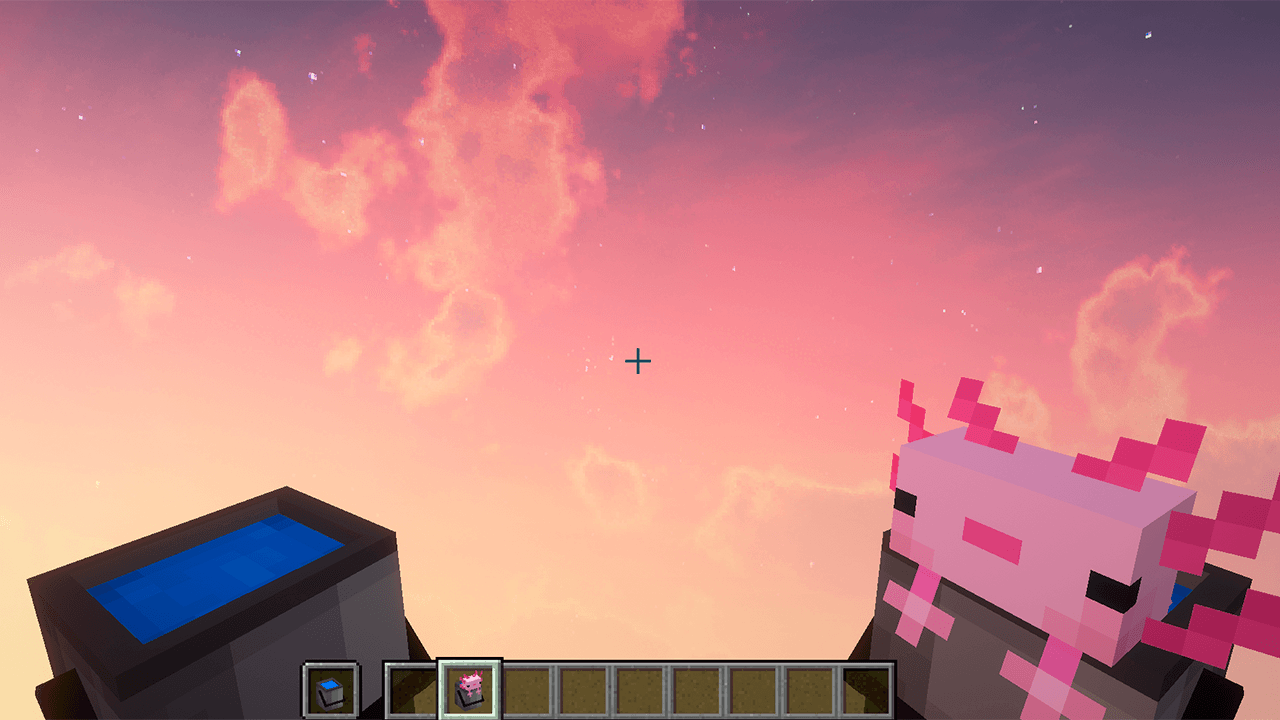
Immersive Bucket
This texture makes Minecraft buckets look 3DInstall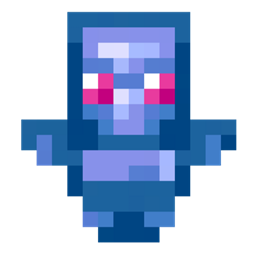
Blue Totem of Undying
Blue Totem updates the traditional Minecraft totem of undying with a vibrant blue color, adding a modern and stylish twist that enhances its visual appeal while maintaining its life-saving functionality.Install
Create Trash Cans
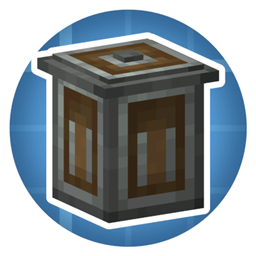
Makes Trash Cans Mod look more like Create mod!Install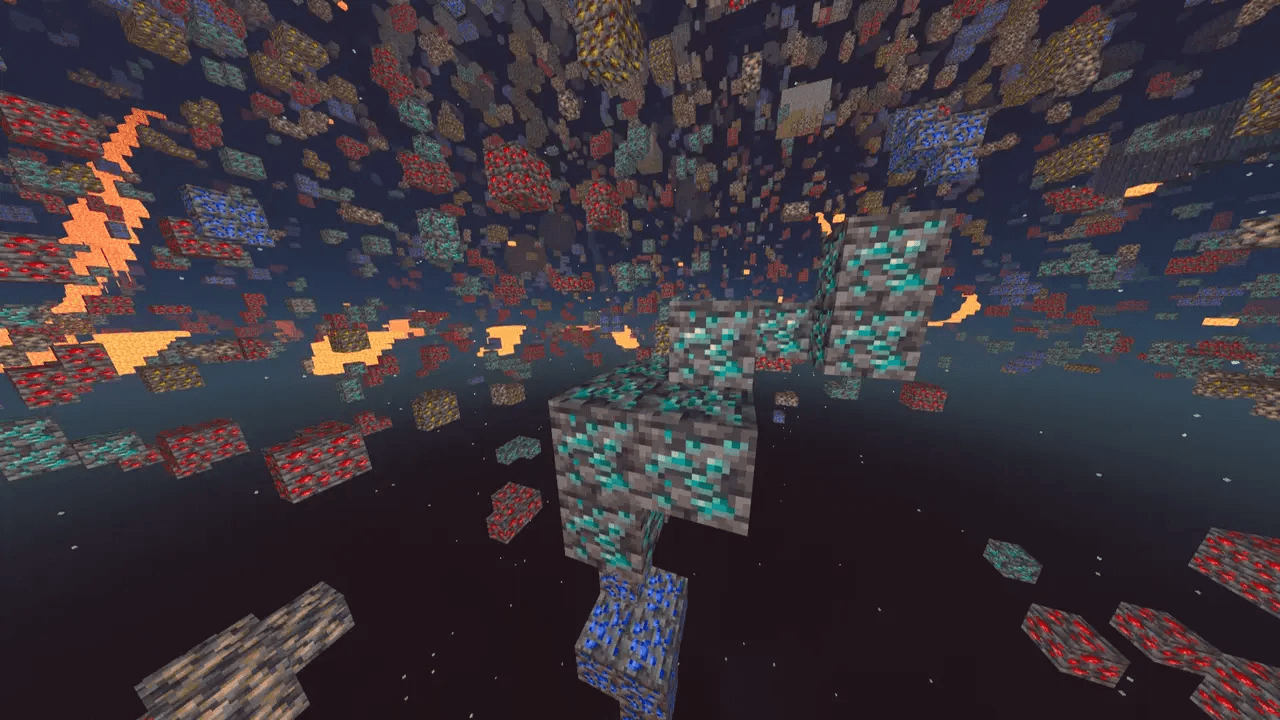
X-Ray Texture Pack
See through the world to uncover valuable ores, caves, and hidden structures with this powerful X-Ray pack for Minecraft. It highlights only the blocks you need, cutting out visual clutter for easier resource hunting.Install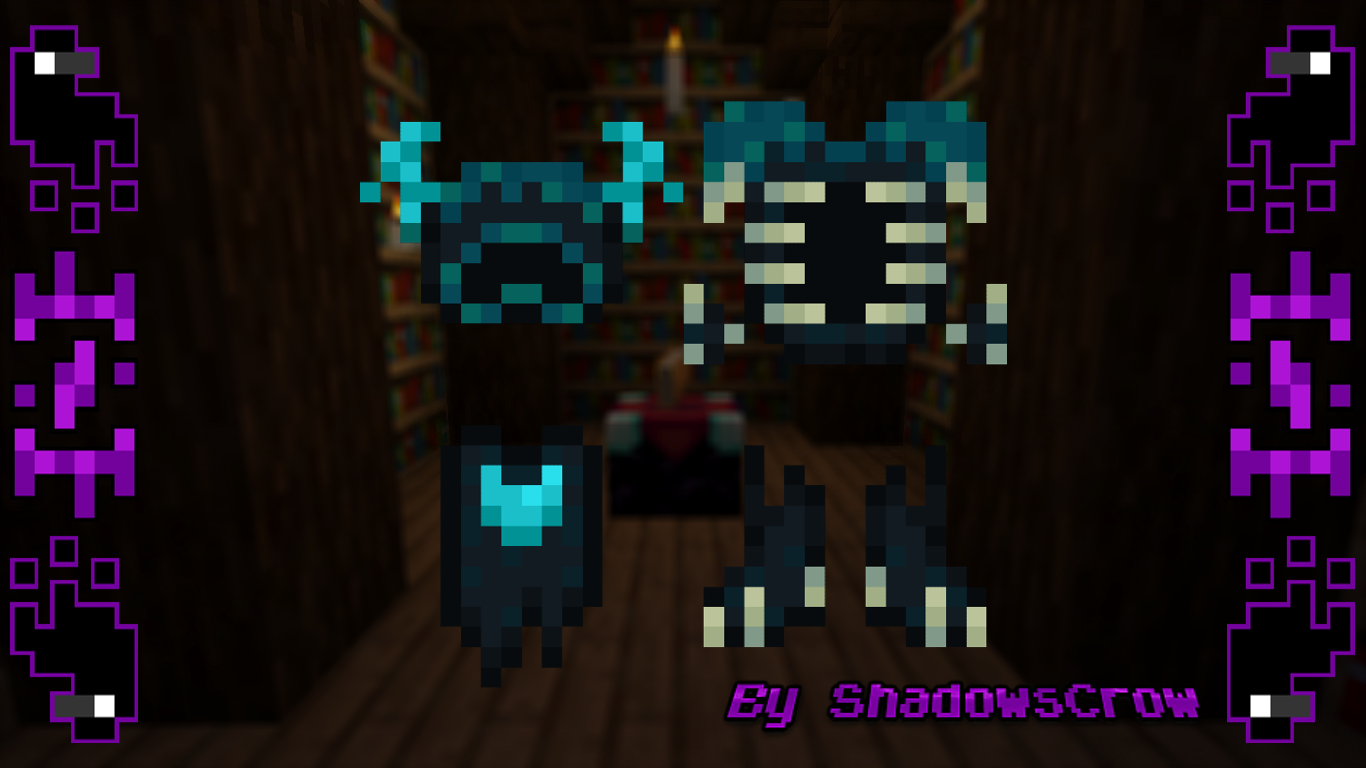
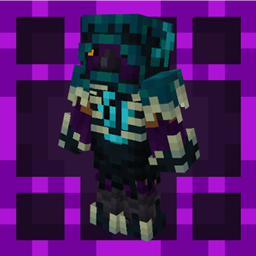
SHC Wardenite Armor
Change the netherite armor for a warden armorInstallFAQ
Do I need Forge or Fabric for a resource pack?
No. A resource pack works on the regular game with no loaders or mods. Click “Install” and Millida Launcher will put the pack into the right modpack — then just enable it in the settings.
What do 16×, 32×, 64× mean?
The resolution of a single texture in pixels. 16× matches the original game, 32× and 64× are more detailed and heavier, and 128× and up put a noticeable load on your graphics card.
Will a pack made for another version work?
Most likely partly: older packs don't have textures for newer blocks, so those will stay default. The game won't break, though.
How is a texture pack different from a resource pack?
Only by name and age. Before version 1.6 the sets were called texture packs and changed only textures; in 1.6 resource packs replaced them and also change sounds, fonts and the interface. Old texture packs for 1.5 and below do not work on new versions without conversion.
Which texture packs are best for PvP?
PvP packs: 16× resolution or lower, shortened swords, low fire, a clear sky and bright particles. They barely load the computer and make the opponent easier to see. These packs are collected in the PvP theme.
How do I install a resource pack?
Press Install and Millida Launcher puts the pack into the resourcepacks folder of the right instance. Then enable it in the game: Options, then Resource Packs. Manually, the archive goes into resourcepacks inside the game folder, no need to unpack it.
Resource packs for Minecraft Java 1.21
Resource packs for Minecraft 1.21: 1,674 items in the Resource packs section. Compatibility is checked against the files, not the description: only items with a build for exactly these conditions stay in the list.
The key thing about a pack is its resolution. The game's default textures are 16×16 pixels; 32× and 64× packs look more detailed, while 128× and up need a real graphics card and are usually paired with shaders. On a weak machine it makes sense to stay at 16× or go for packs that deliberately simplify graphics for more FPS. Every pack here lists its game version, author and license, and all released versions are gathered on one card. Put the downloaded archive in the resourcepacks folder and enable it in the game settings.