
About the X-Ray Texture Pack resource pack
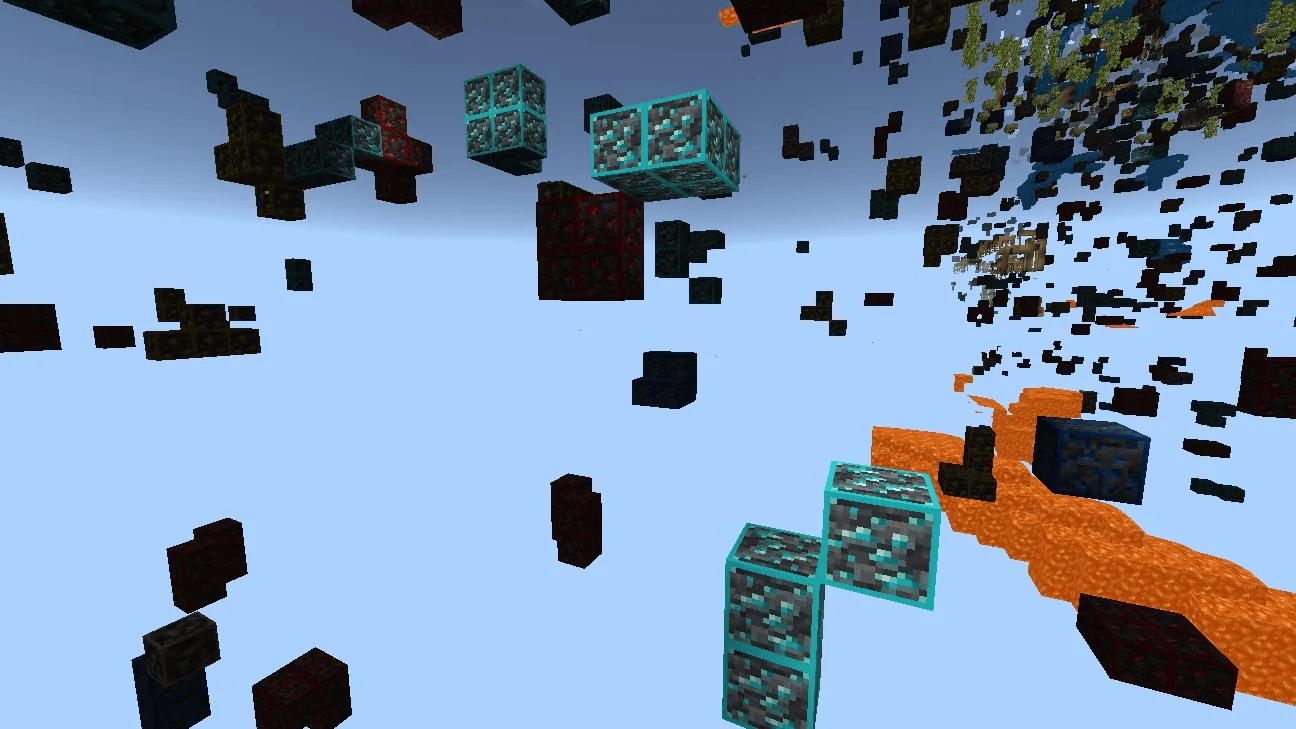
This X-ray pack for Minecraft Java Edition makes most blocks invisible, allowing you to easily see and locate ores, caves, spawners, and other hidden features underground. Simply install it like any other resource pack-no mods or extra setup required. Once activated, you'll see only the blocks that matter, making mining faster and more efficient.
Need an X-Ray pack for Bedrock Edition? Get it here → https://gildedbedrock.com/xray/
How to install X-Ray Texture Pack
Install Millida Launcher
The launcher is free: download it at millida.net/launcher and sign in with any nickname.
Click “Install” on this page
The launcher opens and installs the resource pack for Minecraft 1.20.2–26.2 automatically.
Launch the game
A profile with it appears in the launcher: click “Play”.
Versions
With dependencies
| Minecraft | Loader | File | Date | Actions |
|---|---|---|---|---|
| 1.21 | — | X-RAY Texture Pack570 KB 6 |
FAQ
Which Minecraft versions does X-Ray Texture Pack work on?
There are files for 1.20.2–26.2, 21 versions in total. The newest is 26.2.
How do I download X-Ray Texture Pack?
With Millida Launcher: it installs X-Ray Texture Pack into a modpack by itself, for the right game version and loader. The launcher is free.
Reviews
Be the first to rate X-Ray Texture Pack


