
Resource packs for Minecraft Java 1.21 — page 57
Resource packs: list



Smooth Entity Shadows
Makes the Shadows under Entities Smooth. The closest you can get without shaders and optifine!Install

Bedrock Skin Packs
Adds support for downloading Bedrock Edition Skin Packs, for use with the Bedrock Skins mod.Install
Ashen + Inmis Support
A small, 16x pack adding compatibility between Ashen 16x and InmisInstall

Comfy Heart Crosshair
Simply turns your crosshair into a little heart :)Install

Refined Cats
Updates the cat textures as well as the model to have a refreshed appearance (Forge/Fabric)Install
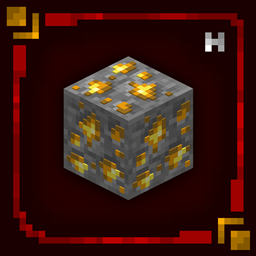
Hellim's 3D Ores
Transforms mineral blocks with embedded 3D detail, making ores feel more defined and naturally integrated without changing their vanilla textures.Install

Vanilla+ Font
Makes the font so much better using marloww's pvp packInstall

Better Vanilla Animals - Heycronus
Better Vanilla Animals transforma os animais do Minecraft, deixando-os mais bonitos e realistas sem perder a essência do jogo!Install

Realistic Cats
Now cats will be much more attractive! But they won't stop being friendly with vanilla...Install

K1RBE's CPvP Pack
An unofficial replica of the K1RBE texturepackInstall
axy's Honey Note-ify
Indicates if a beehive is full of honey with an eye-catching sticky note!Install
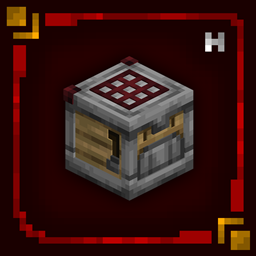
Hellim's 3D Redstone
Improves redstone components with clearer mechanical depth and structure, giving technical builds a more engineered feel while maintaining vanilla clarity.Install

Reduce the Vignette Effect - Less intense Shadow Borders/Corners
Reduces the Vignette Effect (The dark corners effect of the screen).Install

Chobits GUI Pack
Overhauled Minecraft GUI in the theme off Chobits.Install

Klasic Romance
Best Pink Crystal PVP Valentines day pack. Girls Rise up cute ftw. Ft short sword, Small shield, low fire and small totem. Now go out and enjoy the uwu and owo pvpInstall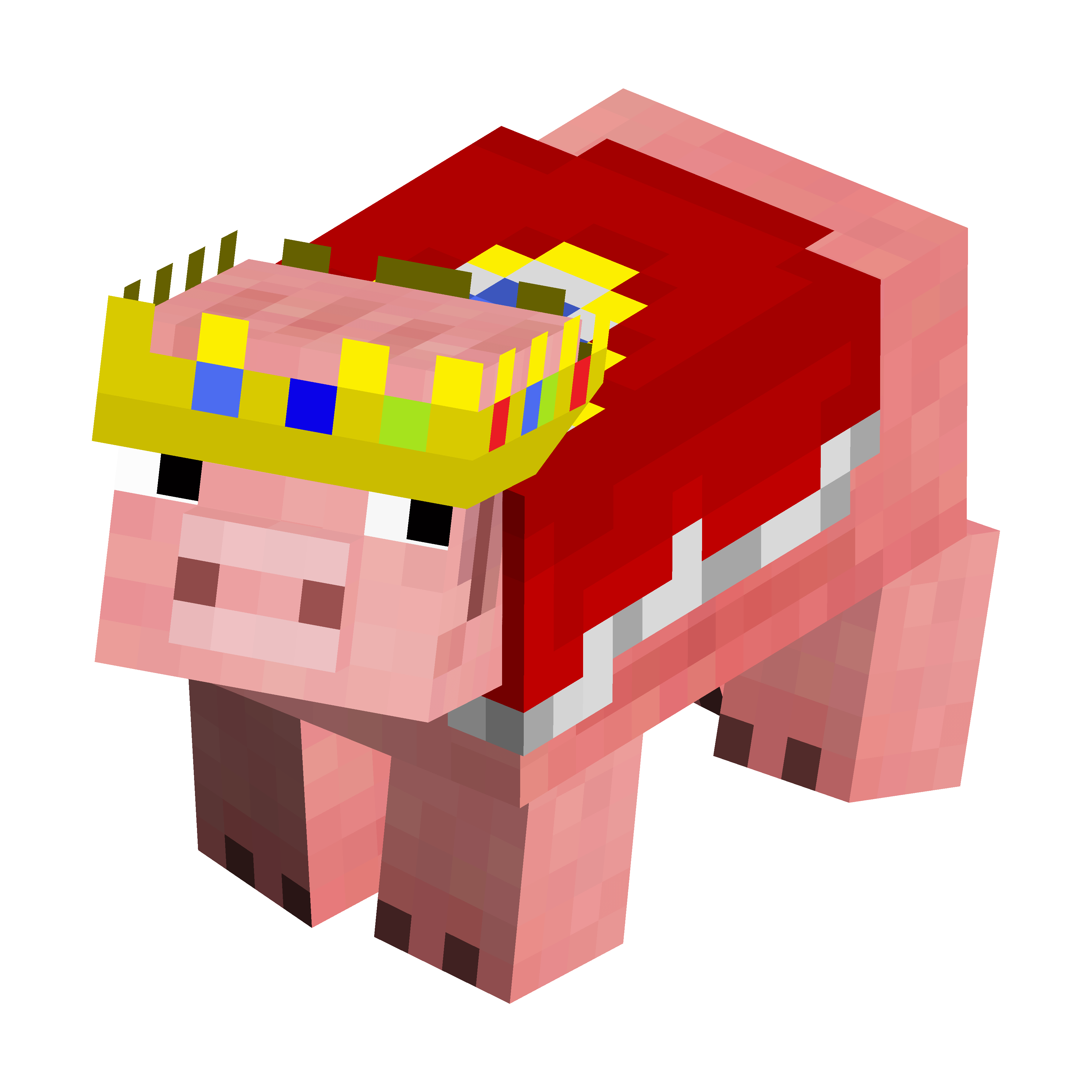

TechnoThePig - Fresh Animations (FreshTechnoThePig)
Adds a legendary pig variant to the game!Install
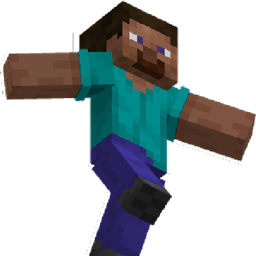
Classic Player
Give classic player animations to playersInstall

Smooth PVP
A texture pack with smooth blocks, clean GUI & clean font and more..Install

Better Animal Armor
Better horse and wolf armor, vanilla and modded, more to come!Install

Two Moons
Two Moons is a small addon resourcepack made for the sole purpose of adding two moons to the night sky in Minecraft.Install
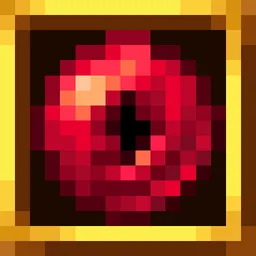
End Remastered Remastered
Enhances the looks of End Remastered's eyes & other items.Install
Loading Backgrounds - Create
Custom loading backgrounds with the Create mod!Install

Better visibility of ores
Adds border to every ore and make them easier to findInstallFAQ
Do I need Forge or Fabric for a resource pack?
No. A resource pack works on the regular game with no loaders or mods. Click “Install” and Millida Launcher will put the pack into the right modpack — then just enable it in the settings.
What do 16×, 32×, 64× mean?
The resolution of a single texture in pixels. 16× matches the original game, 32× and 64× are more detailed and heavier, and 128× and up put a noticeable load on your graphics card.
Will a pack made for another version work?
Most likely partly: older packs don't have textures for newer blocks, so those will stay default. The game won't break, though.
How is a texture pack different from a resource pack?
Only by name and age. Before version 1.6 the sets were called texture packs and changed only textures; in 1.6 resource packs replaced them and also change sounds, fonts and the interface. Old texture packs for 1.5 and below do not work on new versions without conversion.
Which texture packs are best for PvP?
PvP packs: 16× resolution or lower, shortened swords, low fire, a clear sky and bright particles. They barely load the computer and make the opponent easier to see. These packs are collected in the PvP theme.
How do I install a resource pack?
Press Install and Millida Launcher puts the pack into the resourcepacks folder of the right instance. Then enable it in the game: Options, then Resource Packs. Manually, the archive goes into resourcepacks inside the game folder, no need to unpack it.
Resource packs for Minecraft Java 1.21
Resource packs for Minecraft 1.21: 1,674 items in the Resource packs section. Compatibility is checked against the files, not the description: only items with a build for exactly these conditions stay in the list.
The key thing about a pack is its resolution. The game's default textures are 16×16 pixels; 32× and 64× packs look more detailed, while 128× and up need a real graphics card and are usually paired with shaders. On a weak machine it makes sense to stay at 16× or go for packs that deliberately simplify graphics for more FPS. Every pack here lists its game version, author and license, and all released versions are gathered on one card. Put the downloaded archive in the resourcepacks folder and enable it in the game settings.