
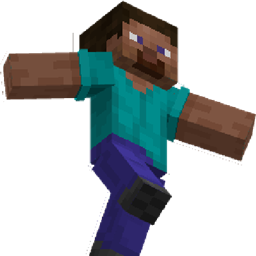
Classic Player Resource pack for Minecraft 1.20.1, 1.21.1
Give classic player animations to players
About the Classic Player resource pack
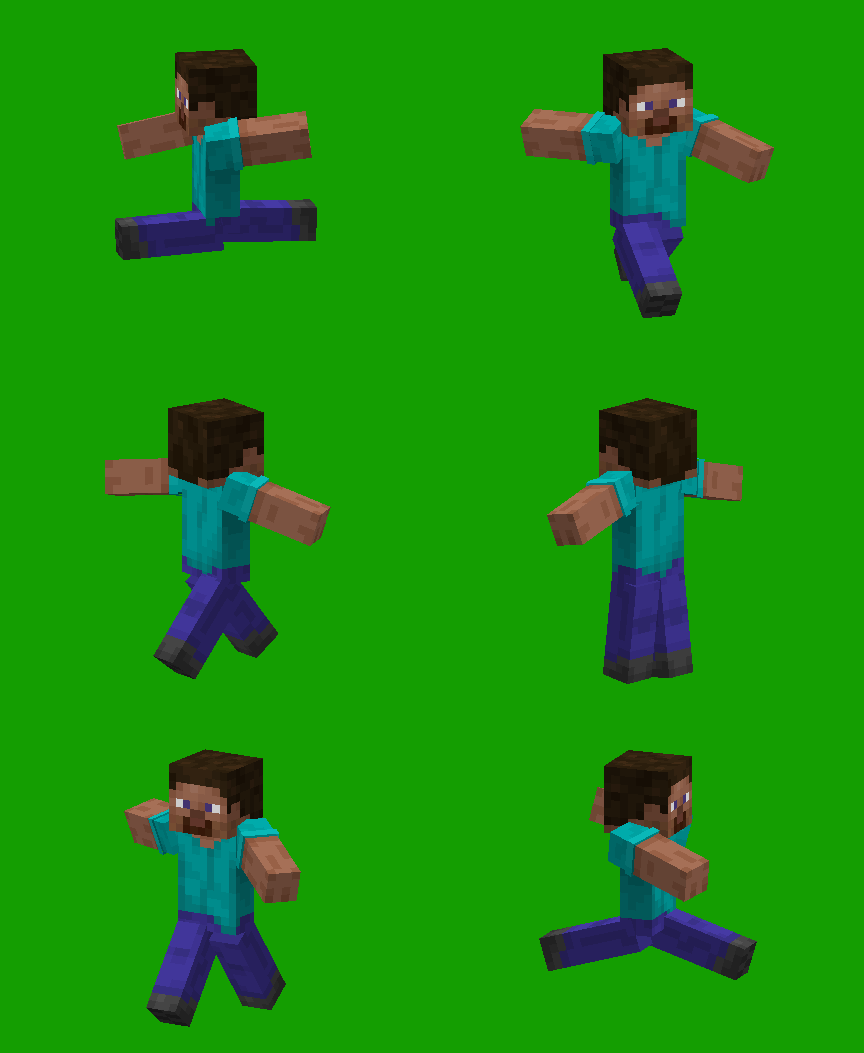
Change the player animations to one you got in classic mode. So you just have some crazy arms and legs mouvement when you walk :p
Looks hilarious on multiplayer :)
Require [Entity Texture Features] and [Entity Model Features] Should work on any version that these mods supports.
How to install Classic Player
Install Millida Launcher
The launcher is free: download it at millida.net/launcher and sign in with any nickname.
Click “Install” on this page
The launcher opens and installs the resource pack for Minecraft 1.20–26.3 automatically.
Launch the game
A profile with it appears in the launcher: click “Play”.
Versions
With dependencies
| Minecraft | Loader | File | Date | Actions |
|---|---|---|---|---|
| 1.21 | — | Classic Player 1.0.6.zip24.3 KB 1 |
FAQ
Which Minecraft versions does Classic Player work on?
There are files for 1.20–26.3, 24 versions in total. The newest is 26.3.
How do I download Classic Player?
With Millida Launcher: it installs Classic Player into a modpack by itself, for the right game version and loader. The launcher is free.
Reviews
Be the first to rate Classic Player



