
Resource packs for Minecraft Java 1.21 — page 50
Resource packs: list


Enhanced Side Shield!
Makes the shield appear on the side of your character to make it easier to see.Install

SwiftBoost PvP
SwiftBoost PvP: Fullbright, Low Fire, Small Shields & Items, Small totem use. Max FPS without OptiFine and no explosion particle and no particle totem use and small totem pop and better sand,blue netherite, Small sword, clear waterInstall

LabPBR Emissive Ores [No Optifine required]
Adds emissive ores using LabPBR format.Install

Lantern 3D - Better Lantern
3D Lantern transforms Minecraft’s classic lantern into a beautiful 3D model, adding depth, detail, and realism to your builds!Install

Silly Punchies!
A "Punchy!" Animation Overhaul Resource Pack!Install

Xbox 360 Accuracy Pack
Add-on to Re-Console that adds a lot of parity from Xbox 360 edition!Install
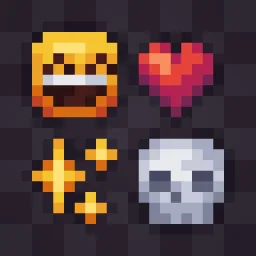
Allure Emoji Pack
Replaces the default Unicode Emojis with minimalistic Pixel Designs!Install
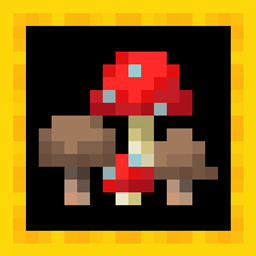
More Fungi
Adds variants for brown and red mushrooms.Install

(Bee's) Vanilla+ Collections
My take on an updated look and feel of MinecraftInstall
Mekanism Programmer's Art
Brings back the textures from Mekanism 1.19 to 1.20+Install

Fresh Weapons & Tools: Compat
Add-on for Fresh Weapons & Tools that adds mod compatibilityInstall

CLEAN WATER
This texture pack replaces normal water with a clearer one, you can easily see through it.Install
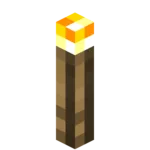
YFs - 3D Hand Torch and Lanterns
My texture pack adds freshness to the game because there are so few 3D things in Minecraft.Install
Foods 3D
Remakes most food items in 3DInstall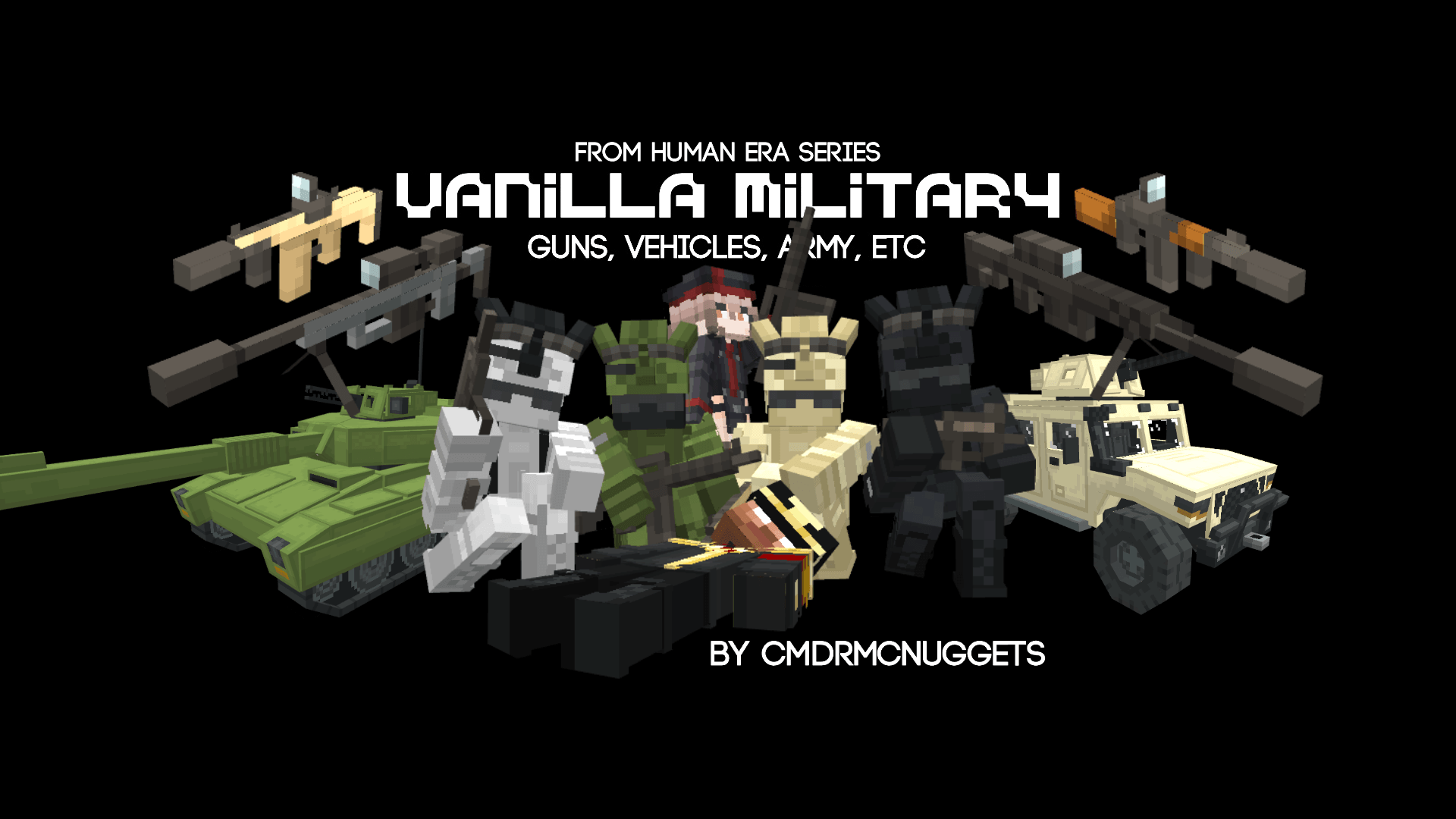

Human Era: Vanilla Military
This gives alot of military content, such as guns, vehicles, and soldiersInstall
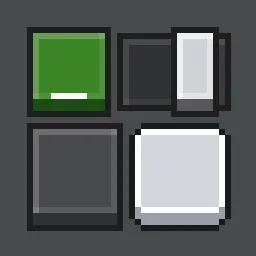
GUI Overhaul
Overhaul the Java Edition GUI, inspired by Bedrock's Ore UI!Install

Better Ender Dragon Remastered (Discontinued)
Remodels the Ender Dragon mob into an improved oneInstall

Better Boats
Make boats fancy and item accurateInstall

Sweet sweet HUD!!
A delicate overhaul of your HUD – hearts, hunger, XP, and hotbar turned into a seamless, elegant experienceInstall

Luna HD Resourcepack
Luna HD Resource Pack (1.21.3, 1.20.6) is inspired by the beauty of the moon itself. The Pack provides some of the most beautiful textures glued on 3D Models that are hand-crafted by the best artists in the community.Install

ZeroFog + Fps Boost
Removes fog from all dimensions for crystal-clear visibility — no mods required.Install

Fresh Sun
Gives the Sun texture a new fresh look. Improving the Sky!Install

Colored Ancient Debris
Changes Ancient Debris to a color you like.InstallFAQ
Do I need Forge or Fabric for a resource pack?
No. A resource pack works on the regular game with no loaders or mods. Click “Install” and Millida Launcher will put the pack into the right modpack — then just enable it in the settings.
What do 16×, 32×, 64× mean?
The resolution of a single texture in pixels. 16× matches the original game, 32× and 64× are more detailed and heavier, and 128× and up put a noticeable load on your graphics card.
Will a pack made for another version work?
Most likely partly: older packs don't have textures for newer blocks, so those will stay default. The game won't break, though.
How is a texture pack different from a resource pack?
Only by name and age. Before version 1.6 the sets were called texture packs and changed only textures; in 1.6 resource packs replaced them and also change sounds, fonts and the interface. Old texture packs for 1.5 and below do not work on new versions without conversion.
Which texture packs are best for PvP?
PvP packs: 16× resolution or lower, shortened swords, low fire, a clear sky and bright particles. They barely load the computer and make the opponent easier to see. These packs are collected in the PvP theme.
How do I install a resource pack?
Press Install and Millida Launcher puts the pack into the resourcepacks folder of the right instance. Then enable it in the game: Options, then Resource Packs. Manually, the archive goes into resourcepacks inside the game folder, no need to unpack it.
Resource packs for Minecraft Java 1.21
Resource packs for Minecraft 1.21: 1,675 items in the Resource packs section. Compatibility is checked against the files, not the description: only items with a build for exactly these conditions stay in the list.
The key thing about a pack is its resolution. The game's default textures are 16×16 pixels; 32× and 64× packs look more detailed, while 128× and up need a real graphics card and are usually paired with shaders. On a weak machine it makes sense to stay at 16× or go for packs that deliberately simplify graphics for more FPS. Every pack here lists its game version, author and license, and all released versions are gathered on one card. Put the downloaded archive in the resourcepacks folder and enable it in the game settings.