
Resource packs for Minecraft Java 1.21 — page 49
Resource packs: list


Aures - Medieval Style Lootr
Turns Lootr's bright gold chests into more medieval chests.Install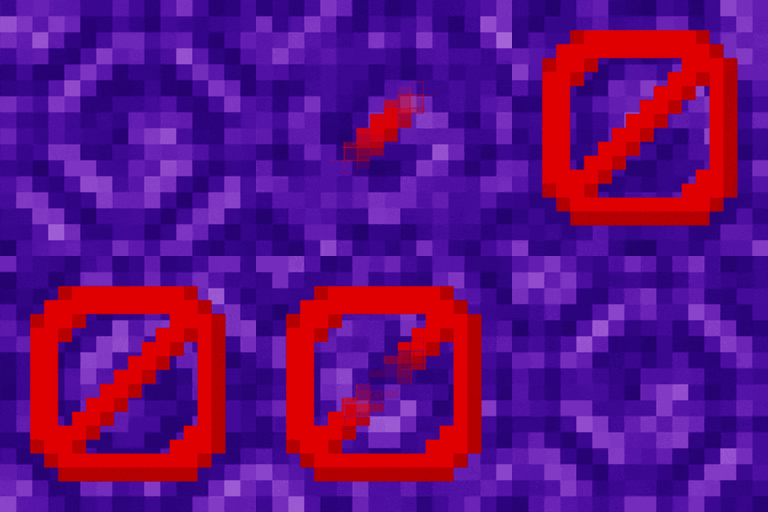
Removed Portal Animations
Simple Minecraft Portal without animationsInstall

Totem Highlight
Shows a red box around your totems in your inventory.Install

GUI Revision Compats
A resourcepack that adds compatibility for GUI Revision with 140+ mods.Install

Flower Pots +
Giving Flower Pots the upgrade they deserveInstall

No Explosion Particles
This Pack removes explosion particles and makes you better at crystal PVPInstall
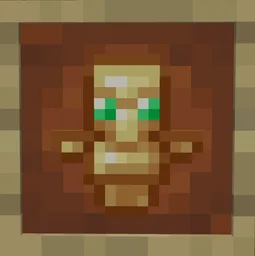
No Totem Pop Particles for Crystal PvP
This resource pack removes all particles when your totem inevitable pops.Install

Wisp's Better Lanterns
Remodels the lanterns to be a little fancier, whilst maintaining the vanilla style.Install

Enchant Display: Roman numerals
Adds a beautiful icon to your enchantments on item and booksInstall

Fox Girl
Changes the appearance of foxs into that of cute fox girls.Install
Fresh Animations X Epic Fight Compat
Add Fresh animation and Epic fight compatibility.Install
Slimefun Resourcepack
A simple remake version of Slimefun ResourcepackInstall

Villagers Refreshed
Villagers & Illagers with a Refreshed Take!Install

Sarah's Pink Diamonds
Turn Diamonds Pink!Install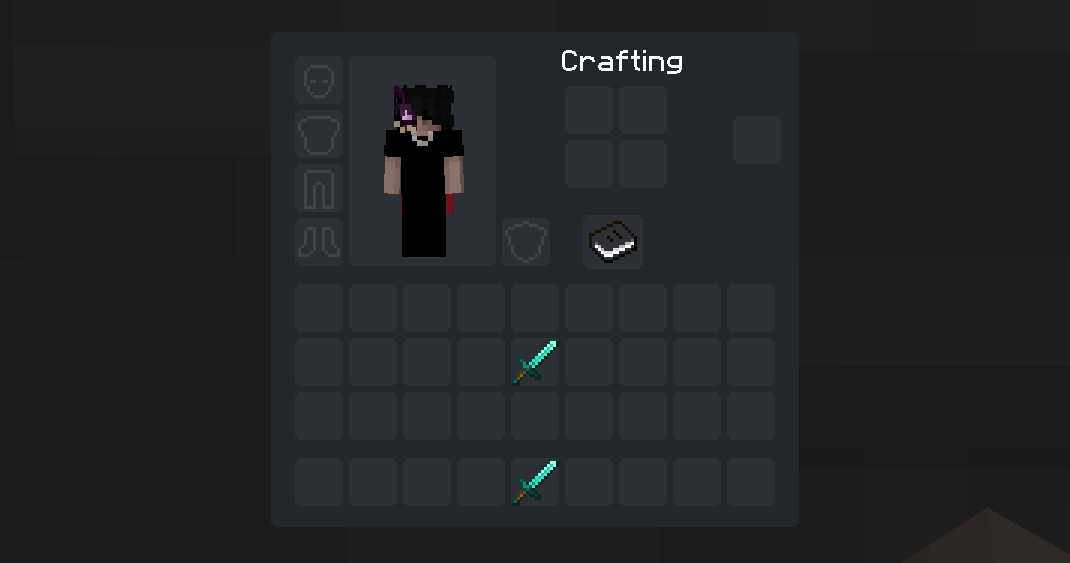
Minimalist dArk GUI (Dark Mode)
A minimalist GUI with dark theme for MinecraftInstall
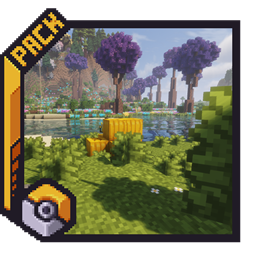
Pokemon Atmosphere
Subtle 16×16 environmental tweaks inspired by classic Pokémon games, enhancing Minecraft with richer colors, natural details, and softer weather.Install
Crucifix as Totem (16x or 128x)
Makes the totem of undying display as a crucifixInstall

Totem Pets
A Texture Pack that Make its so When you name a totem to the name of a mob in the game it will Change the model to that of said mob!Install

Extra Flowery GUI
An addon to Overgrown Flowery GUI modernizing your favorite pack and adding more floral effects. Flowers everywhere, hooray!Install
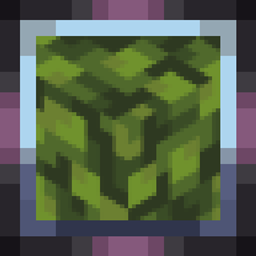
Fast Leaves
Cleaner foliage, solid leaves without transparency. Also fixes shaders! 🌿Install
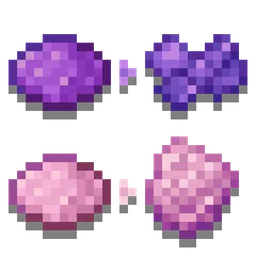
Distinct Dyes
Gives all dyes a different texture, making them easier to tell apart. Works for any version that supports resourcepacks (1.6.1+)! Useful for the colorblind.Install
Soft Weather
Makes rain and snow less visually obtrusive.Install

Os' Amethyst Harvest Indicator
This pack animates the final stage of the amethyst cluster so you know which ones are ripe for the harvest. Unlike other packs that break your immersion by putting an exclamation mark above the block, this adds an aesthetic glint and sparkle animation.InstallFAQ
Do I need Forge or Fabric for a resource pack?
No. A resource pack works on the regular game with no loaders or mods. Click “Install” and Millida Launcher will put the pack into the right modpack — then just enable it in the settings.
What do 16×, 32×, 64× mean?
The resolution of a single texture in pixels. 16× matches the original game, 32× and 64× are more detailed and heavier, and 128× and up put a noticeable load on your graphics card.
Will a pack made for another version work?
Most likely partly: older packs don't have textures for newer blocks, so those will stay default. The game won't break, though.
How is a texture pack different from a resource pack?
Only by name and age. Before version 1.6 the sets were called texture packs and changed only textures; in 1.6 resource packs replaced them and also change sounds, fonts and the interface. Old texture packs for 1.5 and below do not work on new versions without conversion.
Which texture packs are best for PvP?
PvP packs: 16× resolution or lower, shortened swords, low fire, a clear sky and bright particles. They barely load the computer and make the opponent easier to see. These packs are collected in the PvP theme.
How do I install a resource pack?
Press Install and Millida Launcher puts the pack into the resourcepacks folder of the right instance. Then enable it in the game: Options, then Resource Packs. Manually, the archive goes into resourcepacks inside the game folder, no need to unpack it.
Resource packs for Minecraft Java 1.21
Resource packs for Minecraft 1.21: 1,675 items in the Resource packs section. Compatibility is checked against the files, not the description: only items with a build for exactly these conditions stay in the list.
The key thing about a pack is its resolution. The game's default textures are 16×16 pixels; 32× and 64× packs look more detailed, while 128× and up need a real graphics card and are usually paired with shaders. On a weak machine it makes sense to stay at 16× or go for packs that deliberately simplify graphics for more FPS. Every pack here lists its game version, author and license, and all released versions are gathered on one card. Put the downloaded archive in the resourcepacks folder and enable it in the game settings.