
Resource packs for Minecraft Java 1.21 — page 45
Resource packs: list


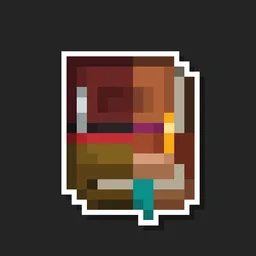
Enchanted Covers
Adds custom textures to enchanted books. Works on vanilla Minecraft.Install

Better Click Sounds
Changes the click sound in menus and UIs to the sound of the copper bulb toggling.Install
Loading Backgrounds - Prehistoric World 2
Prehistoric loading backgrounds designed for the Prehistoric World 2 modpack.Install

Fresh Flowers and Plants
A Minecraft resource pack that adds 3D plant and flowers models!Install

1.21.6 Panorama with Shaders
Great looking Resource Pack that adds Shaders to the 1.21.6 Panorama. | All Versions SupportedInstall

CPvP Agnes Tachyon Pack + Anime sky
This PvP/CPvP resource pack replaces the model textures, GUI, inventory, menu, and sky with a Agnes Tachyon theme.Install
Night Vision Craft
Night Vision Craft is a Minecraft texture pack designed to improve visibility during nighttime exploration. With enhanced lighting and clearer visuals, players can navigate caves, oceans, and dark areas with ease, making their adventures safer and moreInstall

Glow Ores
A resource pack that makes all ores glow in-game, requires Continuity/OptifineInstall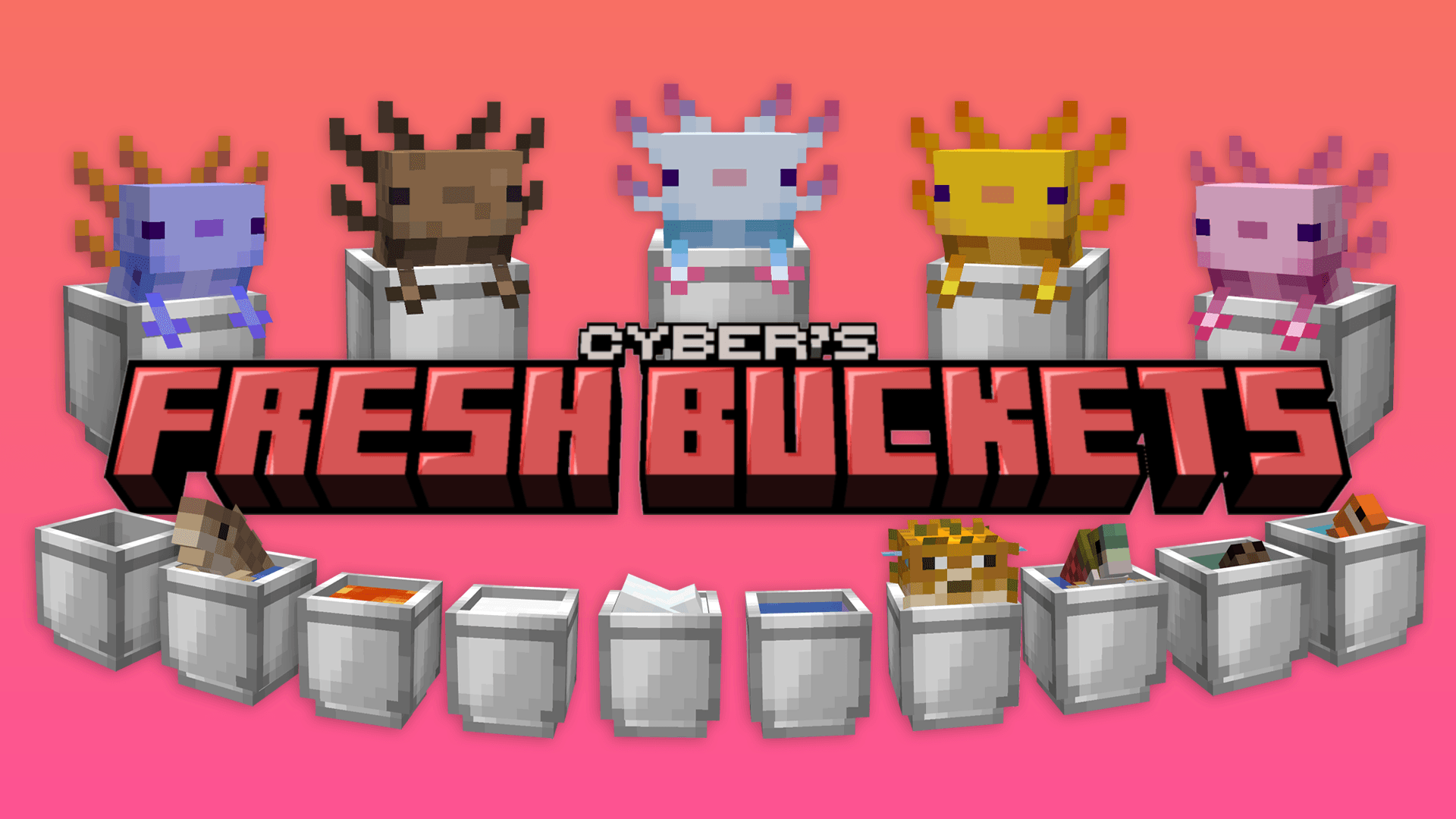

Fresh Buckets
A Minecraft resource pack that adds 3D bucket models!Install
Crisp Revival
A 16x16 resource pack with a rustic, medieval, fantasy feel.Install

Shield By Side
Hold your shield the same way as in 3rd person, and take up less screen space!Install

Excalibur | Bosses'Rise Support
Five monstrous rulers, forged anew through medieval fantasyInstall

Creepers Reforged
Adds a more realistic take on the creeper. Inspired by old fan arts from 10yrs ago.Install

UltimaCraft
Vanilla friendly improvements. Optifine features supportInstall

Old Sounds for Doors,Trapdoors and Fencegates
Brings Back Old Sounds for Doors,Trapdoors and FencegatesInstall

Immersive Interfaces - EMI
This texture pack adds support for EMI, matching its design with the look and feel of Immersive Interfaces.Install

PBR JG
Free HD, realistic resource pack at 256x with PBR shader support. (Java conversion of JG RTX.)Install

Translucent GUI
Makes the background of interfaces translucent.Install

(Bee's) Vanilla+ Collections
My take on an updated look and feel of MinecraftInstall
Glass Panes CTM Fix
Fixes connected textures for glass panes with ctm.Install

1.15 Panorama with Shaders
Great looking Resource Pack that adds Shaders to the 1.15 Panorama. | All Versions SupportedInstall

Small Tools
This resource pack makes the Sword , Axe , Pickaxe and Shovel smaller.Install

Hide Armor - See Player Skins
Hides the armor model so they don't render on the playerInstallFAQ
Do I need Forge or Fabric for a resource pack?
No. A resource pack works on the regular game with no loaders or mods. Click “Install” and Millida Launcher will put the pack into the right modpack — then just enable it in the settings.
What do 16×, 32×, 64× mean?
The resolution of a single texture in pixels. 16× matches the original game, 32× and 64× are more detailed and heavier, and 128× and up put a noticeable load on your graphics card.
Will a pack made for another version work?
Most likely partly: older packs don't have textures for newer blocks, so those will stay default. The game won't break, though.
How is a texture pack different from a resource pack?
Only by name and age. Before version 1.6 the sets were called texture packs and changed only textures; in 1.6 resource packs replaced them and also change sounds, fonts and the interface. Old texture packs for 1.5 and below do not work on new versions without conversion.
Which texture packs are best for PvP?
PvP packs: 16× resolution or lower, shortened swords, low fire, a clear sky and bright particles. They barely load the computer and make the opponent easier to see. These packs are collected in the PvP theme.
How do I install a resource pack?
Press Install and Millida Launcher puts the pack into the resourcepacks folder of the right instance. Then enable it in the game: Options, then Resource Packs. Manually, the archive goes into resourcepacks inside the game folder, no need to unpack it.
Resource packs for Minecraft Java 1.21
Resource packs for Minecraft 1.21: 1,675 items in the Resource packs section. Compatibility is checked against the files, not the description: only items with a build for exactly these conditions stay in the list.
The key thing about a pack is its resolution. The game's default textures are 16×16 pixels; 32× and 64× packs look more detailed, while 128× and up need a real graphics card and are usually paired with shaders. On a weak machine it makes sense to stay at 16× or go for packs that deliberately simplify graphics for more FPS. Every pack here lists its game version, author and license, and all released versions are gathered on one card. Put the downloaded archive in the resourcepacks folder and enable it in the game settings.