
Resource packs for Minecraft Java 1.21 — page 46
Resource packs: list



Night vision FPS Booster
See everything. Miss nothing. Bright nights, clear caves, zero effort.Install

Excalibur | Fallen Adventurers Support
This resource pack redraws the Realm RPG: Fallen Adventurers mod in the Excalibur styleInstall

low fire but better
this resource pack makes fire look better for pvpInstall

Excalibur | Friends and Foes Support
Friendly faces and fierce rivals, reimaginedInstall
1080p L4J KBM Icons
The Legacy4J keyboard and mouse icons redrawn for 1080pInstall

Private's Skies
Semi-realistic and fantasy resource pack that changes sky colors of many biomes.Install

SMP Utils
A Texture Pack That Adds Tons Of Quality Of Life Features For SMP's And PvPInstall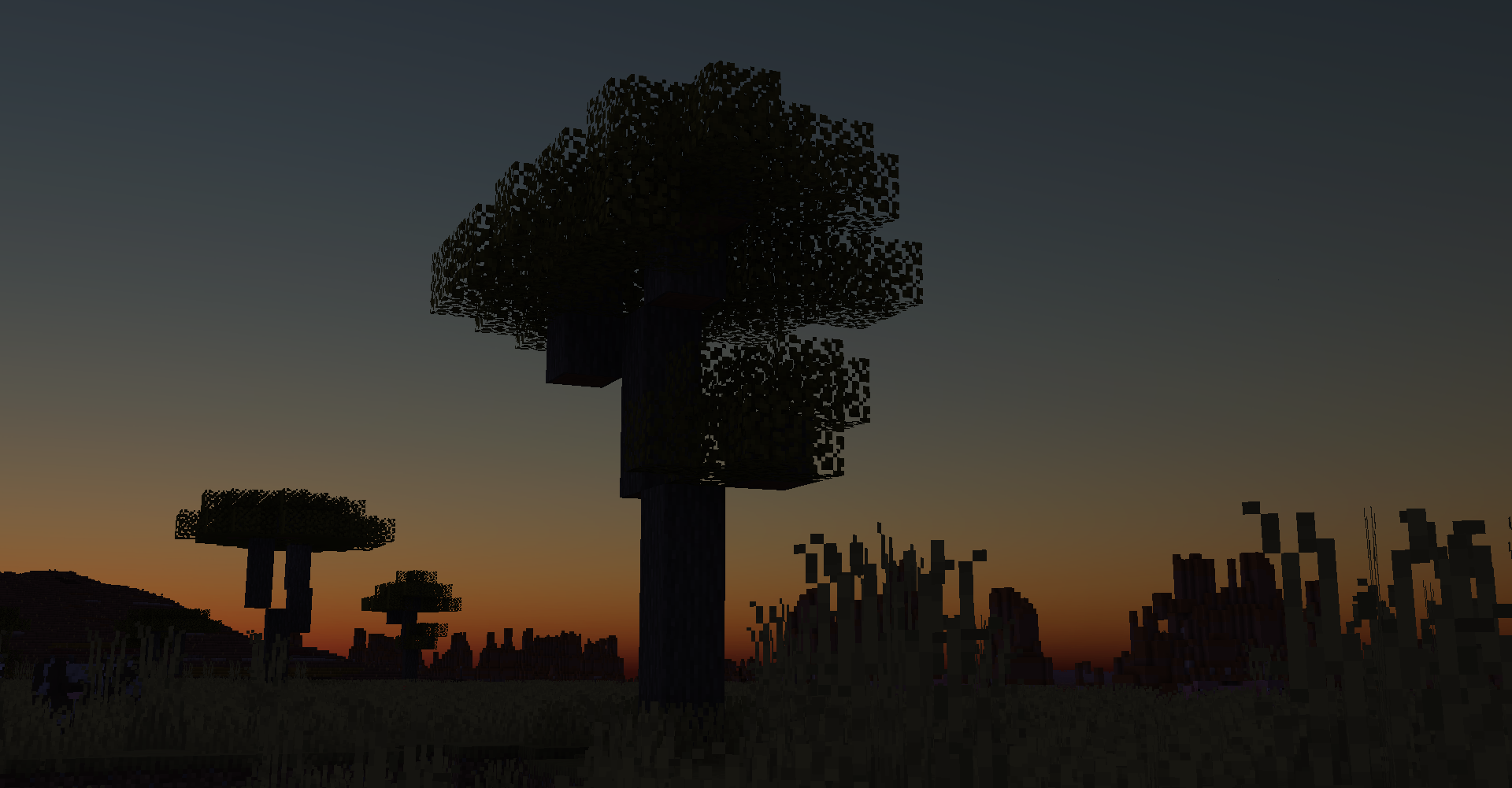

Better Skies
Improving the skies with custom skyboxes for better realism. [Now On Newer Versions!]Install

Fontolith
A blocky custom font with a slight hint of... fantasy?Install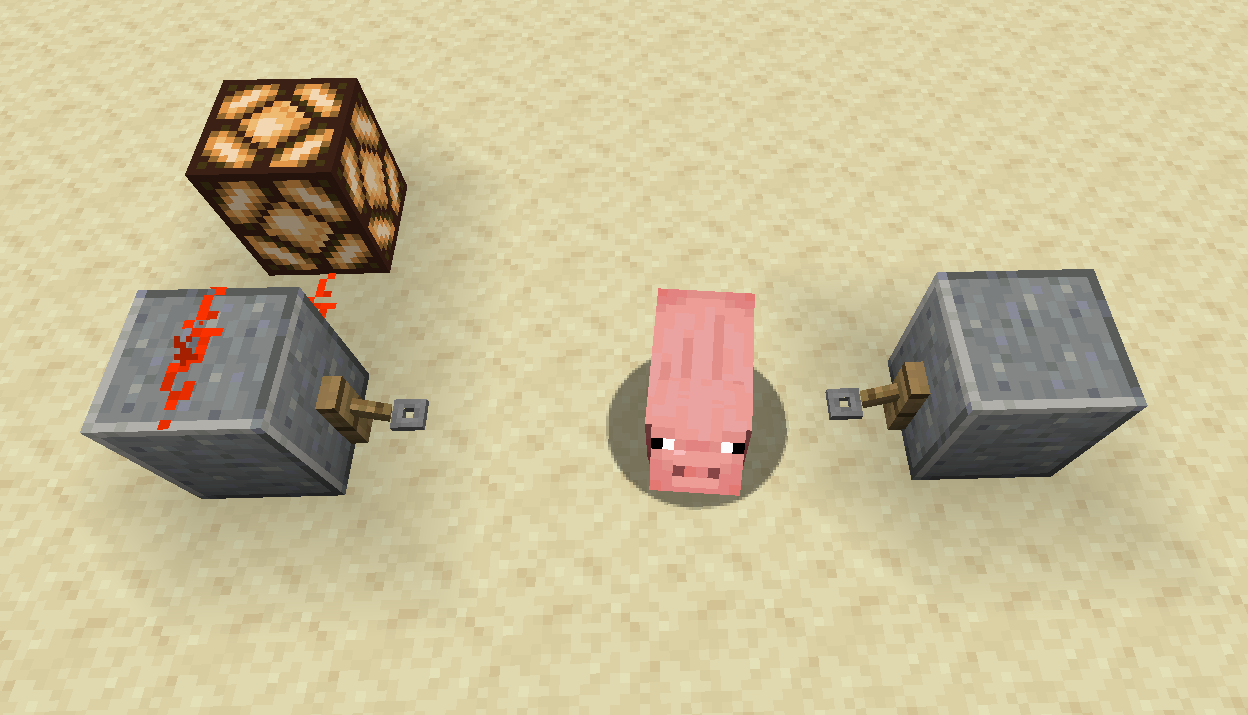

Invisible String
A Pack That Makes String Invisible So That Snow Proofing Is Less Ugly.Install

Whimscape x Cobblemon
An unofficial add-on pack that brings the style of Whimscape to the Cobblemon modInstall

Fresh Outlines
A resource pack that adds outlines to blocks!Install
Mods RU / ru_ru
Pack of Russian translations for OxFORTPACK modpacksInstall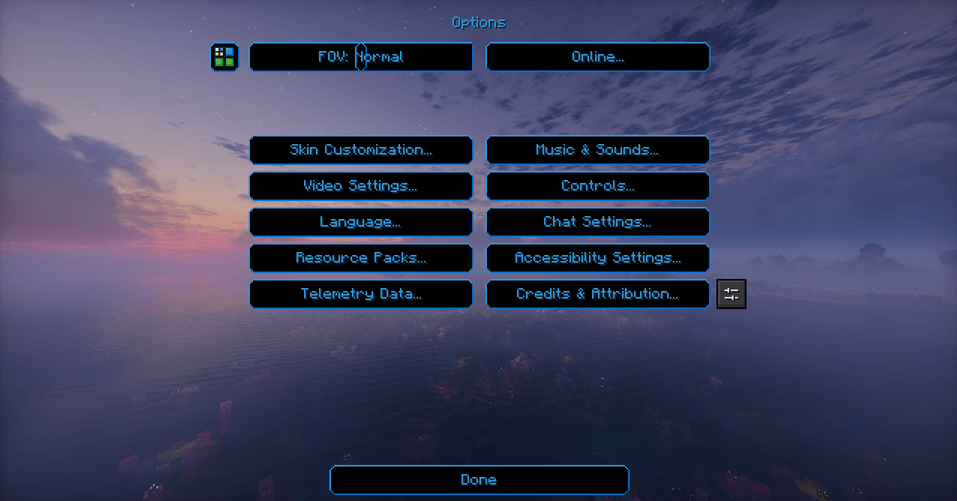

SI: Legacy UI - Darkmode Blue [DISCONTINUED]
DISCONTINUEDInstall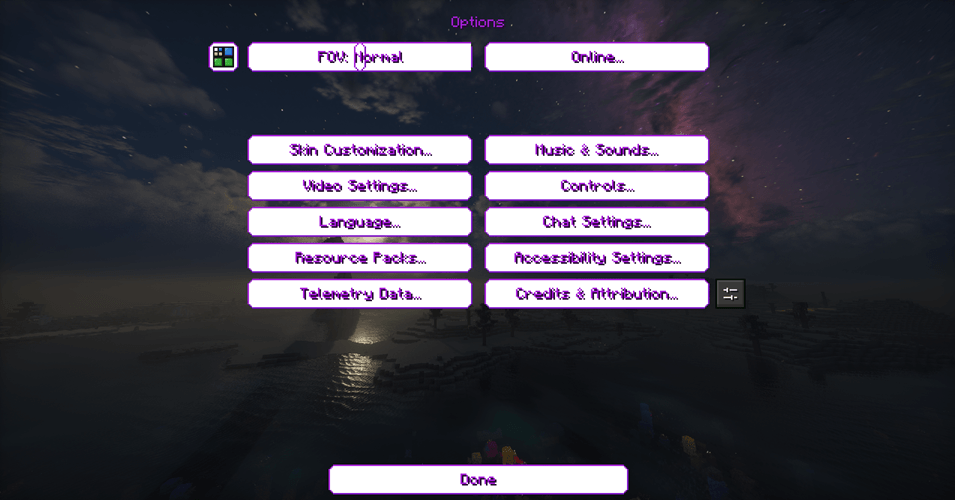

SI: Legacy UI - Lightmode Purple [DISCONTINUED]
DISCONTINUEDInstall

ClearVisionGlass 32x - Faithful Addon
This Faithful resourcepack addon that makes regular glass, all types of colored glass, and even the tinted glass clear!Install

Glowing Emissive Ores - Stay True
Adds emissive ore textures to the Stay True Resource PackInstall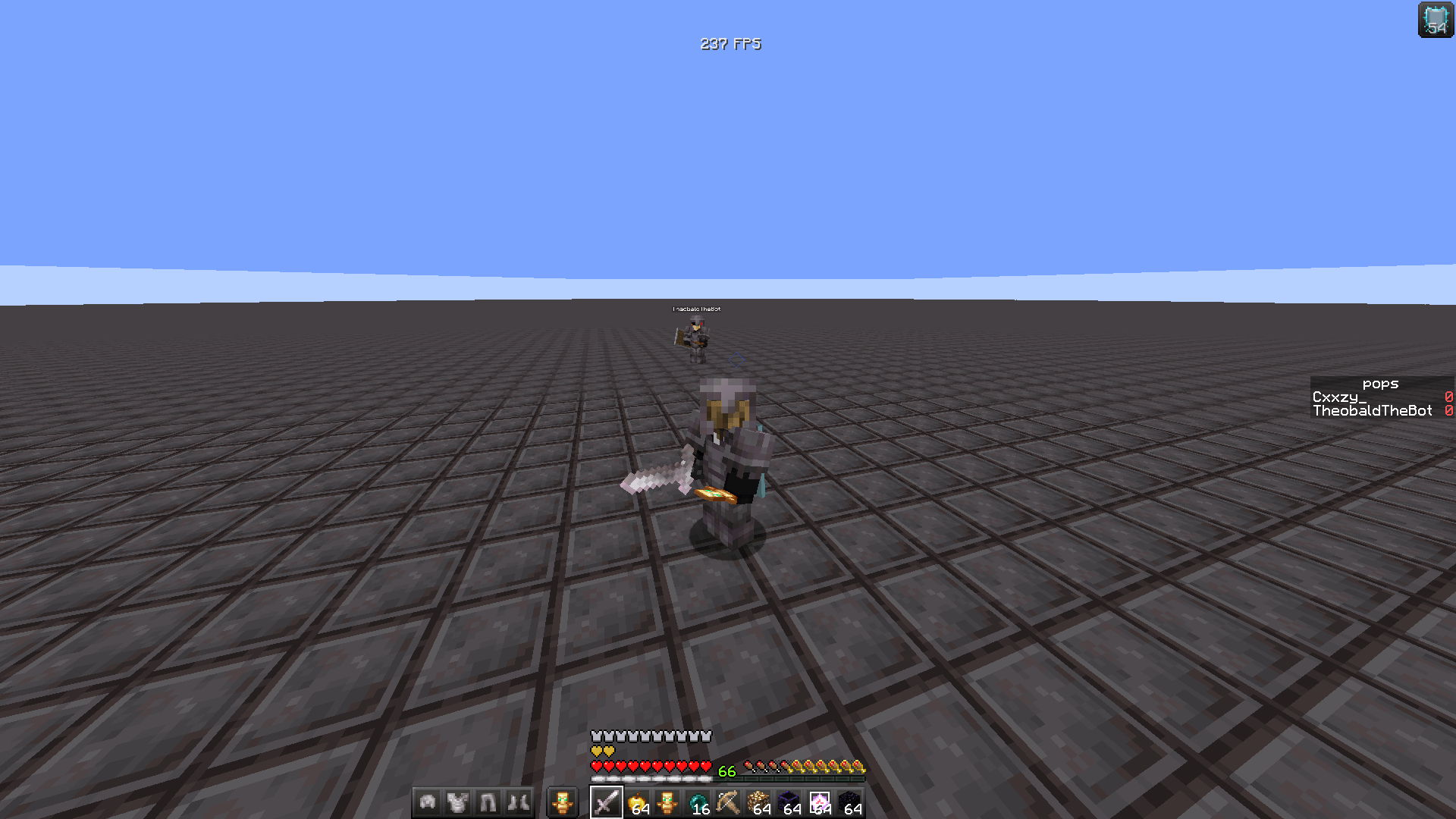
ONYX PvP Essentials
Built For Domination.Install

Zerotekz's Blades of War 2
Adds 3D weapon/shield models to MC! (Custom Item Textures)Install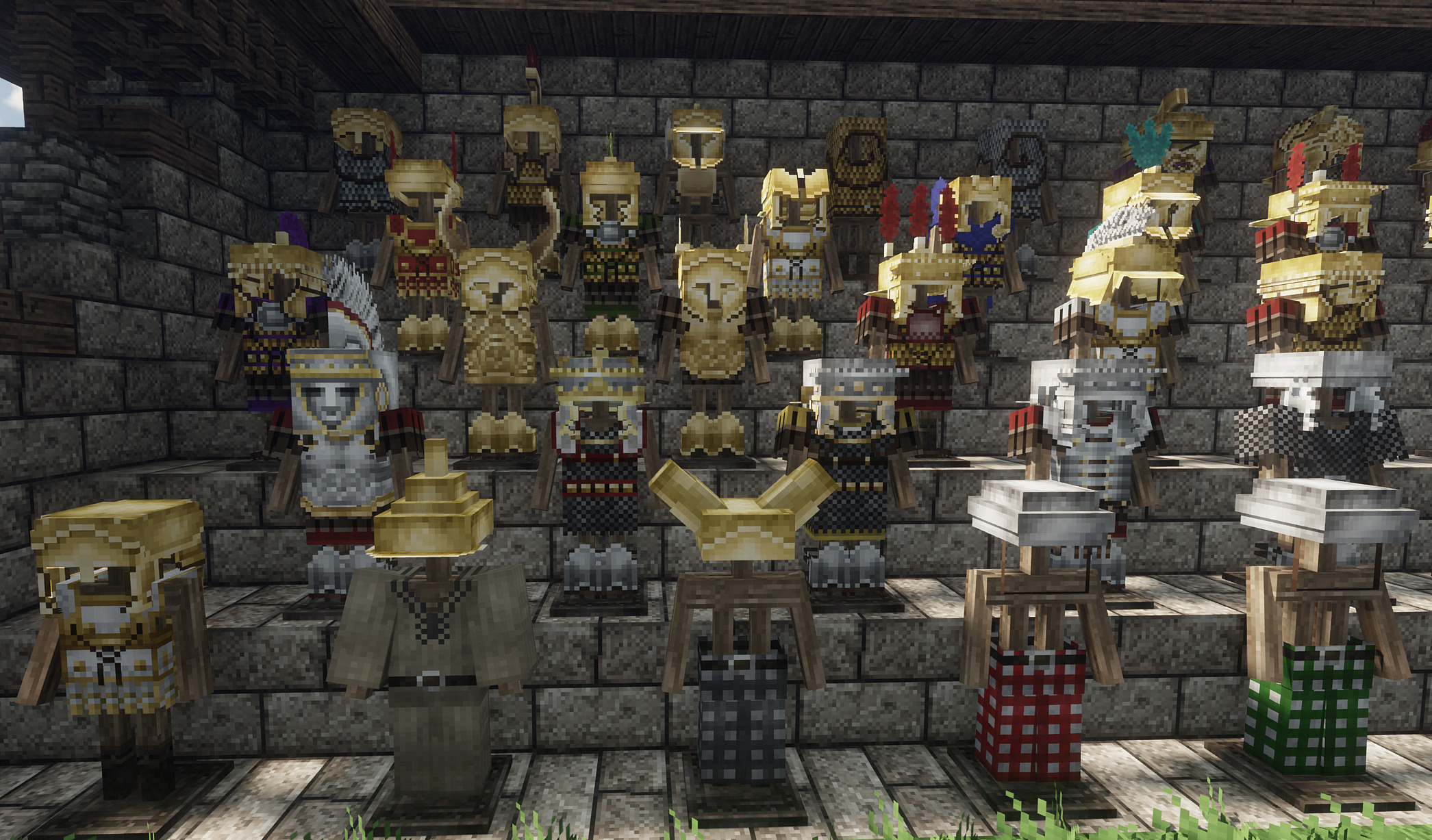
Knight's_Armory:Antique_Lagacy32X32
Knight's_Armory:Antique_LagacyInstall

Farm 3D
3D Farm is a visually stunning texture pack for Minecraft that transforms various plants into beautifully detailed 3D models, enhancing your agricultural and gardening experience.Install

CPvP Nino Nakano + Anime sky
The PvP/CPvP resource pack "Nino Nakano" adds a variety of textures, from the sky overlay to the GUI and sounds.Install

White Enchantment Glint
Enchanted items will now have a new White / Silver Enchant GlintInstallFAQ
Do I need Forge or Fabric for a resource pack?
No. A resource pack works on the regular game with no loaders or mods. Click “Install” and Millida Launcher will put the pack into the right modpack — then just enable it in the settings.
What do 16×, 32×, 64× mean?
The resolution of a single texture in pixels. 16× matches the original game, 32× and 64× are more detailed and heavier, and 128× and up put a noticeable load on your graphics card.
Will a pack made for another version work?
Most likely partly: older packs don't have textures for newer blocks, so those will stay default. The game won't break, though.
How is a texture pack different from a resource pack?
Only by name and age. Before version 1.6 the sets were called texture packs and changed only textures; in 1.6 resource packs replaced them and also change sounds, fonts and the interface. Old texture packs for 1.5 and below do not work on new versions without conversion.
Which texture packs are best for PvP?
PvP packs: 16× resolution or lower, shortened swords, low fire, a clear sky and bright particles. They barely load the computer and make the opponent easier to see. These packs are collected in the PvP theme.
How do I install a resource pack?
Press Install and Millida Launcher puts the pack into the resourcepacks folder of the right instance. Then enable it in the game: Options, then Resource Packs. Manually, the archive goes into resourcepacks inside the game folder, no need to unpack it.
Resource packs for Minecraft Java 1.21
Resource packs for Minecraft 1.21: 1,675 items in the Resource packs section. Compatibility is checked against the files, not the description: only items with a build for exactly these conditions stay in the list.
The key thing about a pack is its resolution. The game's default textures are 16×16 pixels; 32× and 64× packs look more detailed, while 128× and up need a real graphics card and are usually paired with shaders. On a weak machine it makes sense to stay at 16× or go for packs that deliberately simplify graphics for more FPS. Every pack here lists its game version, author and license, and all released versions are gathered on one card. Put the downloaded archive in the resourcepacks folder and enable it in the game settings.