
Resource packs for Minecraft Java 1.21 — page 35
Resource packs: list
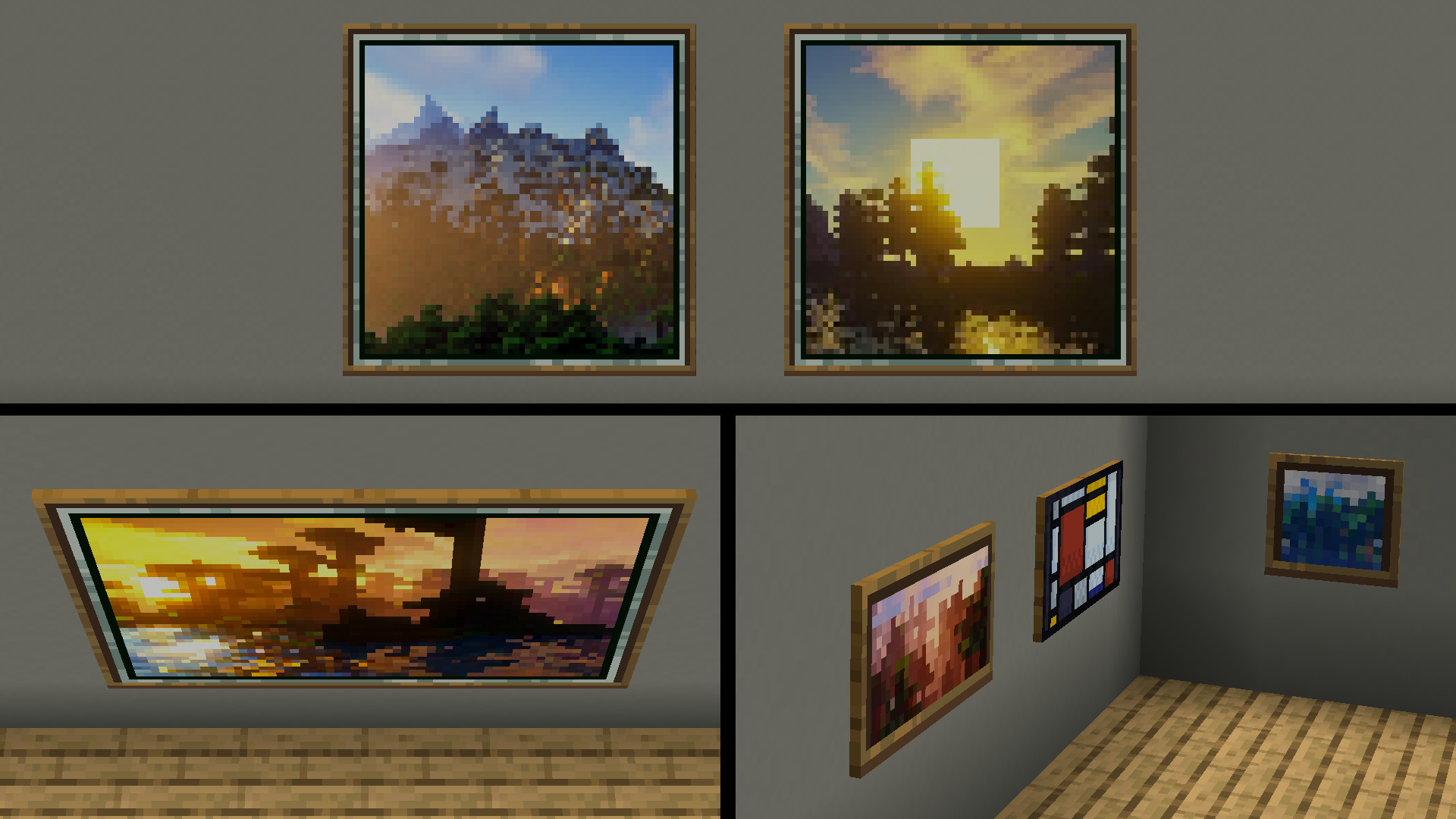
Enhanced Default
Resource pack that enhanced (but maintains) the default look and feel of Minecraft!Install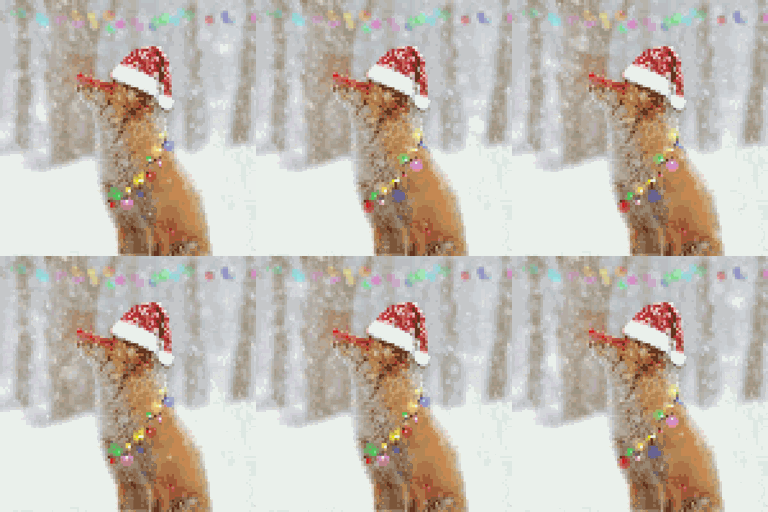
RPG Sound Button
Adds a New Click Sound on Minecraft!Install
Fossils And Archeology: (Advancement Plaques)
This resource pack makes the Advancement plaques base texture like a fossil.Install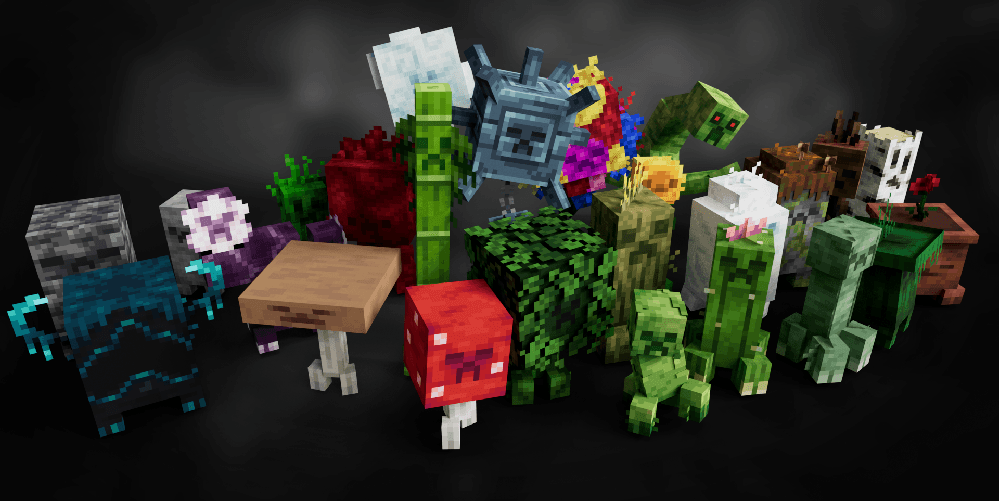

Creepers Refreshed + Fresh Animations
Fresh Animations compatibility for Creepers RefreshedInstall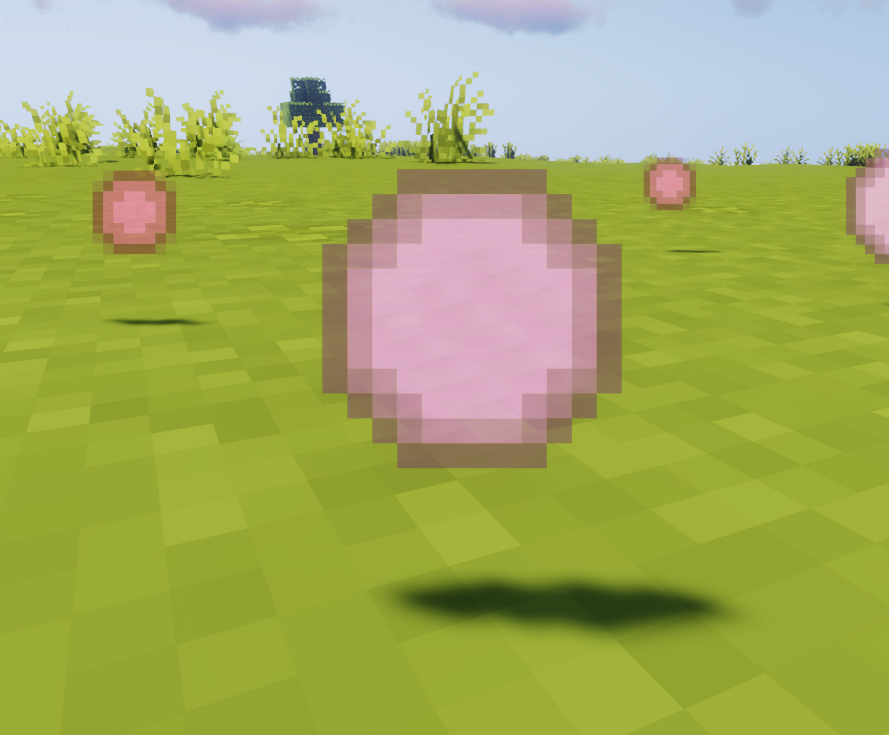

Melody's Cute XP Orbs Pink
♡ Pink experience obsInstall

ILAORE's TFC 32x
Textures of item, blocks and gui in 32x32 extension for Terra Firma Craft.Install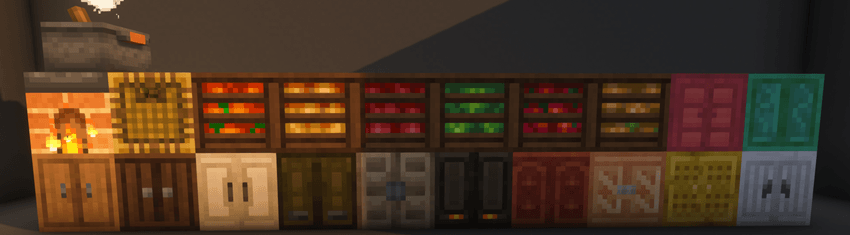
Mizuno's x Farmer's Delight
A Recource pack that makes Mizuno's Craft compatible with Farmer's DelightInstall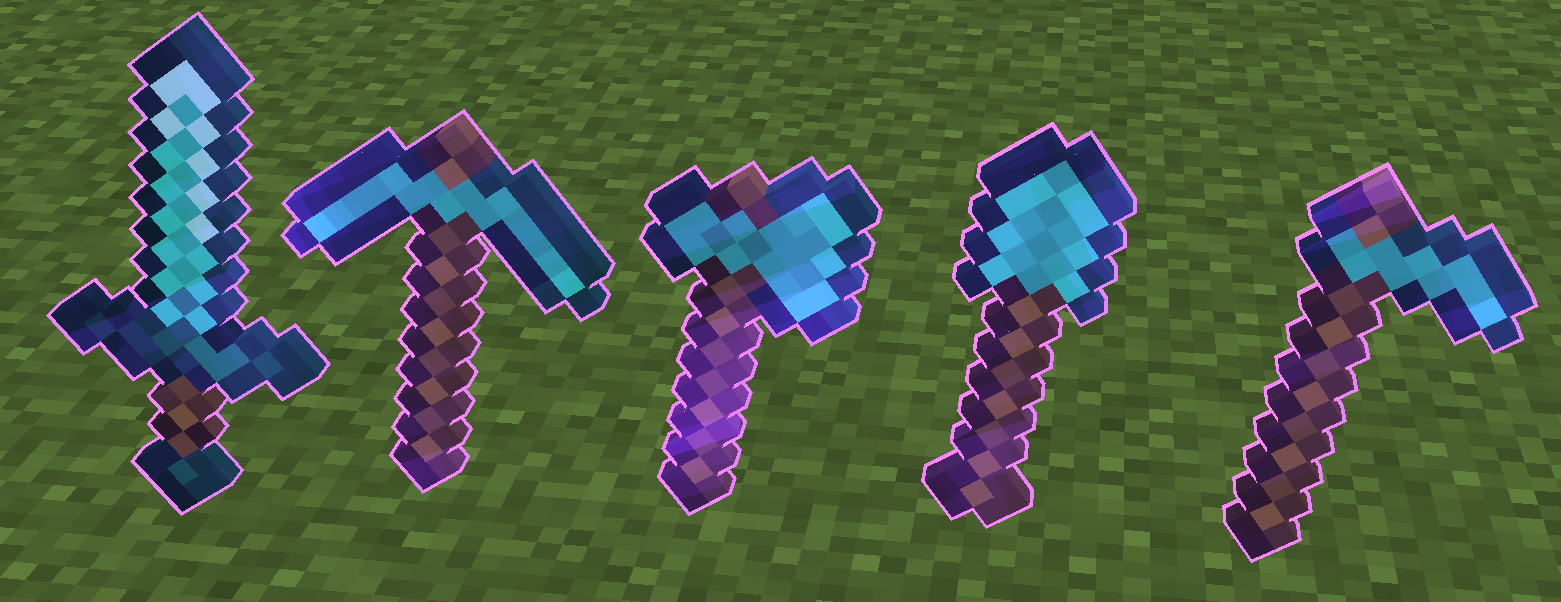
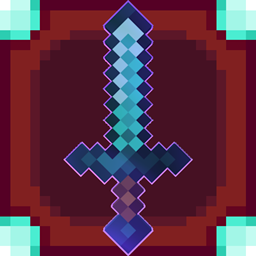
Enchantment Outline
Added a purple outline to enchanted toolsInstall

MS Painted
Minecraft retextured entirely in Microsoft PaintInstall

Fluid & Foolish
Powered by Punchy! Moves, Fluid & Foolish brings Silly Moves back and overhauls every action! Move fluidly, act foolish! :DInstall

Distant Horizons遥远的地平线汉化
(持续更新)个人精翻汉化,完整覆盖 DH 配置与界面文案。超远视距模组,顶级优化,极小性能开销。Install
Morrowind SFX Overhaul
Replaces as many sounds as possible with applicable sounds from TES III: Morrowind.Install
Colourful Containers Text Extension
Hides the ugly container names for an even better lookInstall

3D Mace
A resource pack that changes the mace to 3D without losing vanilla.Install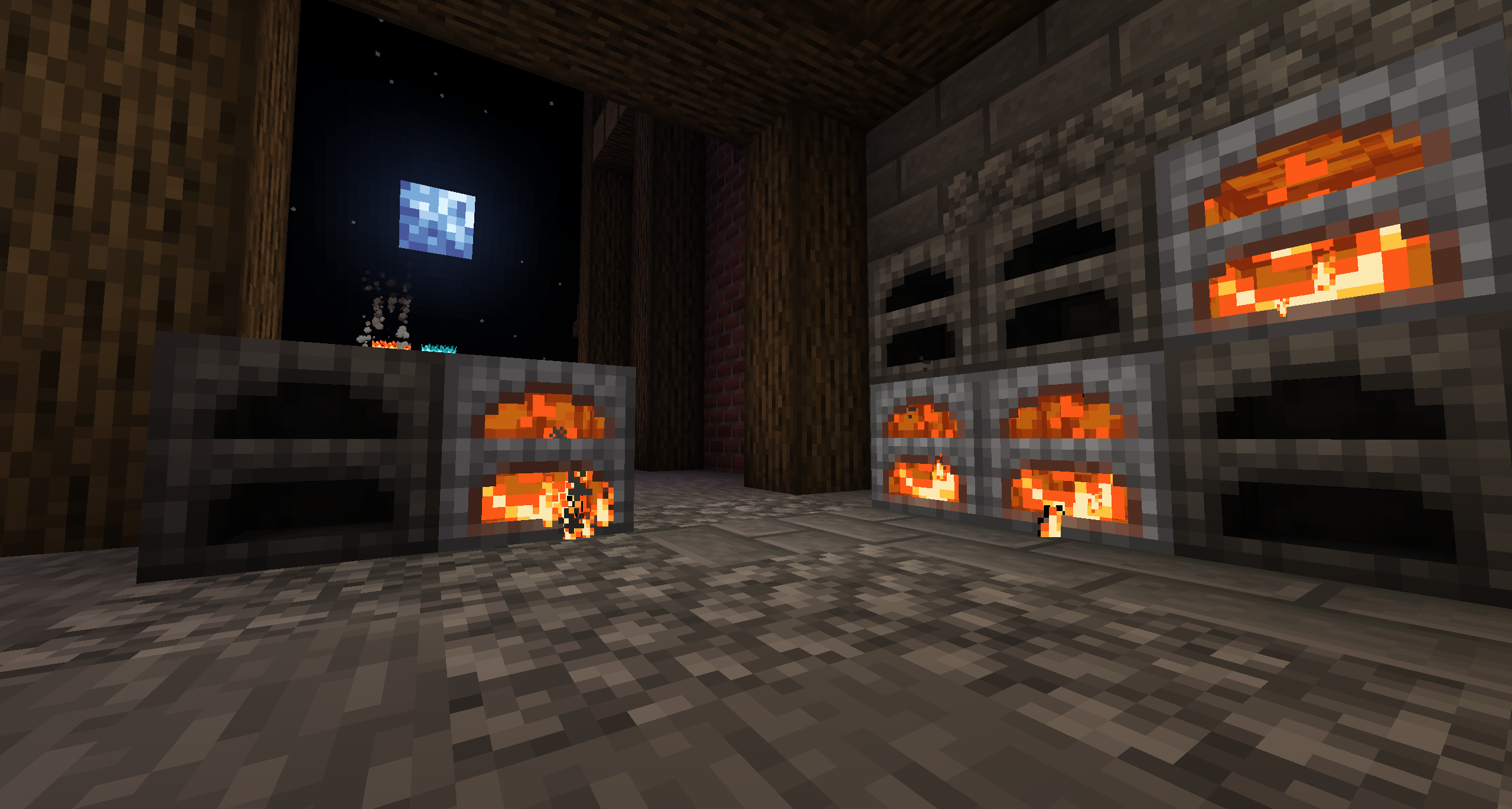
Furnaces Reimagined
Furnaces Refueled!Install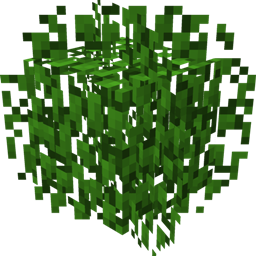
Motschen's Better Leaves (Programmer Art Edition)
Improves the appearance of leaves with high mod compatibility and performance – now with Programmer Art textures!Install

Glowing Ender Dragon
A resource pack which makes the ender dragon glowInstall

Vervada's enhanced plants
Vervada's enhanced plants brings 3D models to plants for a more immersive and realistic experience. Almost all plant gets a custom models and some have variants and specials features.Install
Animated RGB GUI Pack
A GUI pack to make an animated RGB XP bar, hotbar, and Inventory screens! OptiFine or Animatica (Fabric) is required.Install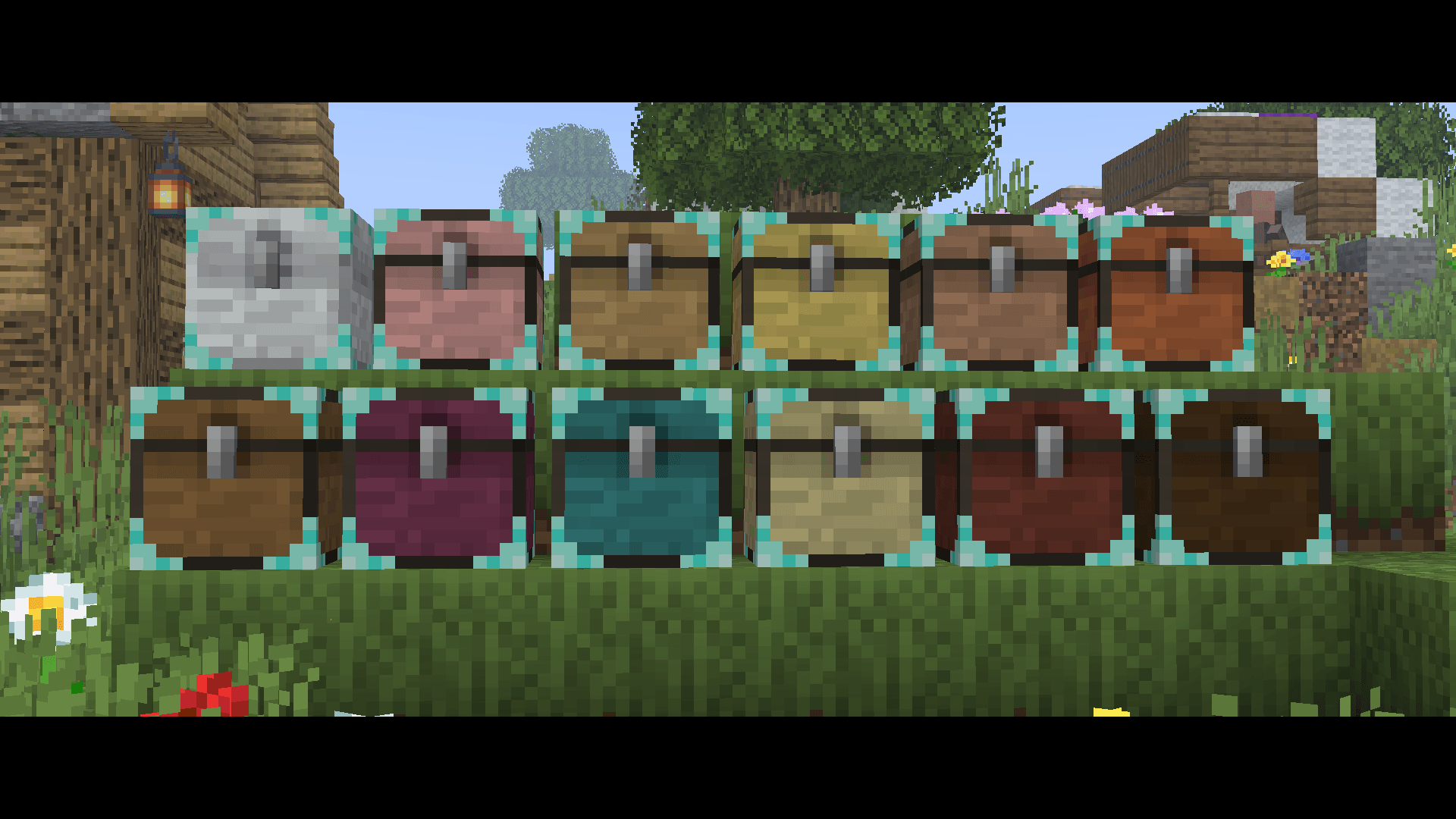
Sophisticated Storage Chests Quark Compat
Adds Quark’s visual style to Sophisticated Storage chests.Install

Light Leak
A resource pack that aims to make lightsources such as torches and lanterns cinematic and visually pleasing!Install
Dark Coffee GUI
A warm and dark reimagination of the GUI in a fancy, coffee inspired paletteInstall

Lanostry's foxes
A resourcepack that adds more variation to vanilla foxesInstallFAQ
Do I need Forge or Fabric for a resource pack?
No. A resource pack works on the regular game with no loaders or mods. Click “Install” and Millida Launcher will put the pack into the right modpack — then just enable it in the settings.
What do 16×, 32×, 64× mean?
The resolution of a single texture in pixels. 16× matches the original game, 32× and 64× are more detailed and heavier, and 128× and up put a noticeable load on your graphics card.
Will a pack made for another version work?
Most likely partly: older packs don't have textures for newer blocks, so those will stay default. The game won't break, though.
How is a texture pack different from a resource pack?
Only by name and age. Before version 1.6 the sets were called texture packs and changed only textures; in 1.6 resource packs replaced them and also change sounds, fonts and the interface. Old texture packs for 1.5 and below do not work on new versions without conversion.
Which texture packs are best for PvP?
PvP packs: 16× resolution or lower, shortened swords, low fire, a clear sky and bright particles. They barely load the computer and make the opponent easier to see. These packs are collected in the PvP theme.
How do I install a resource pack?
Press Install and Millida Launcher puts the pack into the resourcepacks folder of the right instance. Then enable it in the game: Options, then Resource Packs. Manually, the archive goes into resourcepacks inside the game folder, no need to unpack it.
Resource packs for Minecraft Java 1.21
Resource packs for Minecraft 1.21: 1,675 items in the Resource packs section. Compatibility is checked against the files, not the description: only items with a build for exactly these conditions stay in the list.
The key thing about a pack is its resolution. The game's default textures are 16×16 pixels; 32× and 64× packs look more detailed, while 128× and up need a real graphics card and are usually paired with shaders. On a weak machine it makes sense to stay at 16× or go for packs that deliberately simplify graphics for more FPS. Every pack here lists its game version, author and license, and all released versions are gathered on one card. Put the downloaded archive in the resourcepacks folder and enable it in the game settings.