
Resource packs for Minecraft Java 1.21 — page 22
Resource packs: list


Animated Rainbow XP Bar
The original Modrinth Animated Rainbow Experience Bar!Install
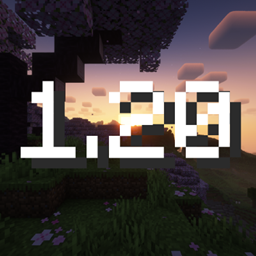
Trails and Tales (1.20) Panorama with Shaders
New panorama now with shaders!Install

Yuushya 16x
16x realistic pack that changes the way Minecraft looksInstall

Swight Texure Pack
A texure Pack for pvp, Reocommand for UHC, sword and Axe pvp!Install

Fantasy 3D Weapons CIT
Adds 3D weapon models to MC! (Custom Item Textures)Install

Alittl Axolotl & Friends- Animated 3D bucket friends! [Java Version]
little animated 3d friends in bucketsInstall
Classroom Of The Elite Custom GUI Pack
Classroom Of The Elite Custom GUI PackInstall

Low Fire PVP
This texture makes minecraft fire low 🔥Install

Bray's Llamas With Hats
Give llamas even more personality with new and improved designs when you put carpet on their backs!Install

Farm 3D
3D Farm makes your minecraft plants in 3D 🌷Install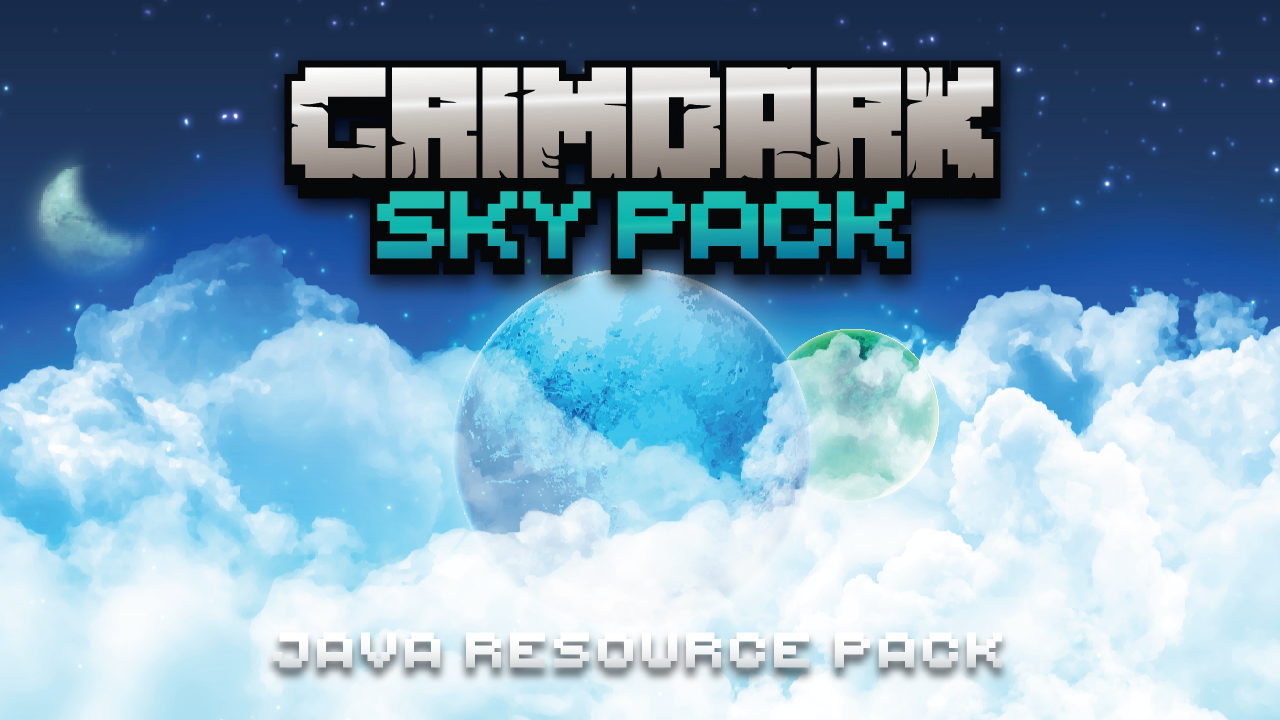

Kal's Grimdark Sky Pack
Custom Sky w/ Exoplanets, Chaos Moon & Shooting Stars by KalamonInstall
Willows Horror Cave Sounds
A Texture pack that replaces all Cave Sounds to something more terrifying (It's a RP not a Mod)Install
Analog Horror Music
Added a series of filters and down-sampling to Minecraft's music, to give it a creepy analog horror feel.Install

Tutorial World Add-on
An addon which adds all tutorial worlds (TU1-46) into Legacy4JInstall

Better Vanilla Animals
Make passive mobs much betterInstall

Loading Backgrounds - Prehistoric World
New prehistoric backgrounds with dinosaurs for the Prehistoric World modpack!Install

Loading Backgrounds - Horror
Spooky loading screens inspired by Whispers in the Void. Add a horror touch to your game’s loading moments.Install

My plugins resource pack
Adds all the textures required in my plugin.Install

Fallout Mash-up Pack
Explore a post-apocalyptic wasteland with the Fallout Mash-up Pack! A port from Legacy Console Edition.Install

Cobblemon Advancement Plaques
New Advancement Plaques for the Cobblemon Mod!Install

Better GUI
New GUIs for all Minecraft crafting tables and inventories!Install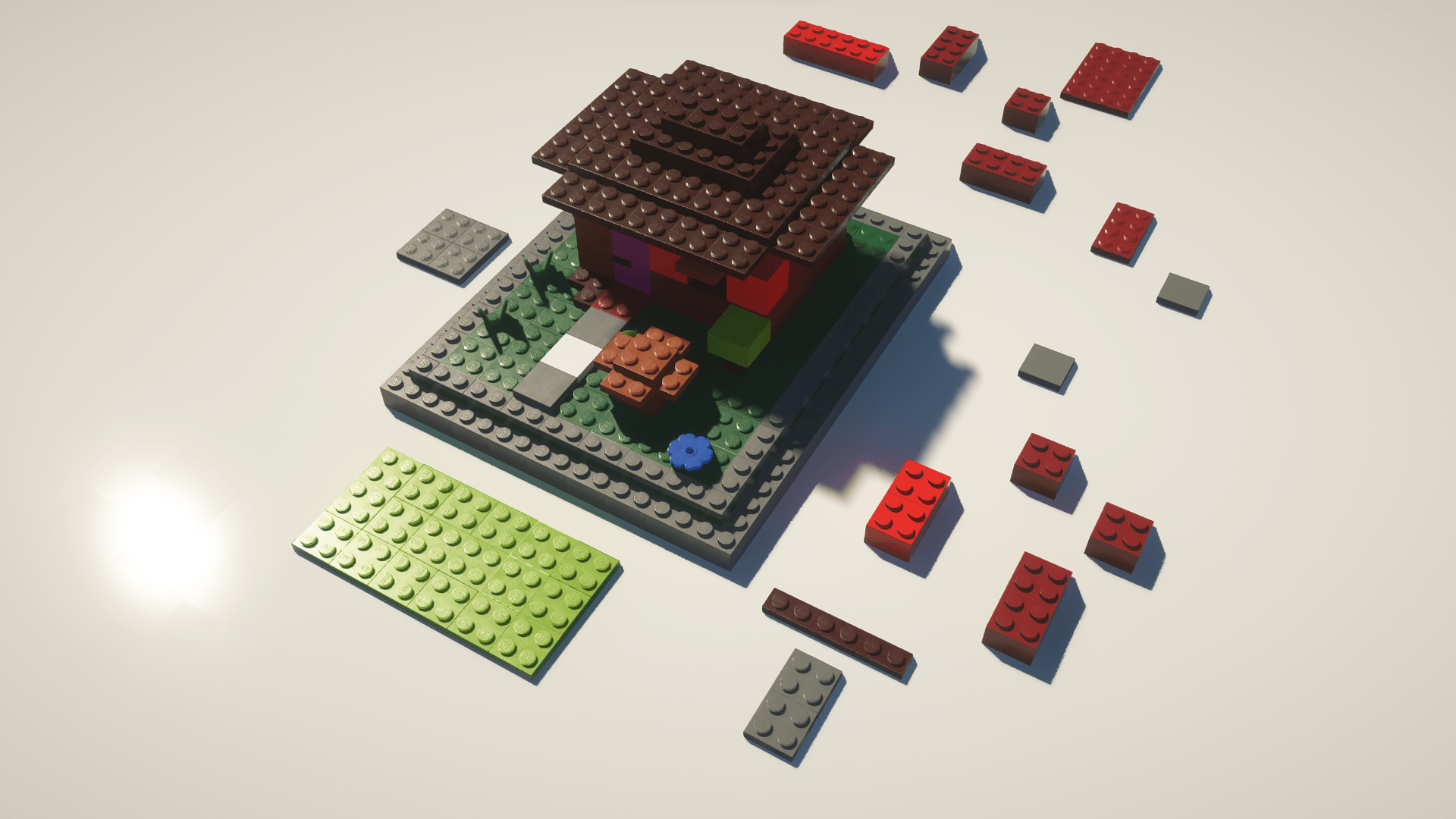
MineBricks
Klemmbaustein texturepack for MinecraftInstall
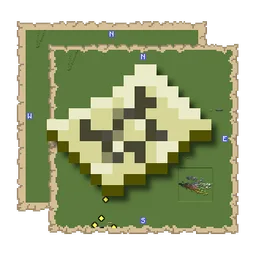
Xaero's Map Frame
Replaces the Xaero's Map frame with a map texture! Makes it feel slightly more Vanilla!InstallFAQ
Do I need Forge or Fabric for a resource pack?
No. A resource pack works on the regular game with no loaders or mods. Click “Install” and Millida Launcher will put the pack into the right modpack — then just enable it in the settings.
What do 16×, 32×, 64× mean?
The resolution of a single texture in pixels. 16× matches the original game, 32× and 64× are more detailed and heavier, and 128× and up put a noticeable load on your graphics card.
Will a pack made for another version work?
Most likely partly: older packs don't have textures for newer blocks, so those will stay default. The game won't break, though.
How is a texture pack different from a resource pack?
Only by name and age. Before version 1.6 the sets were called texture packs and changed only textures; in 1.6 resource packs replaced them and also change sounds, fonts and the interface. Old texture packs for 1.5 and below do not work on new versions without conversion.
Which texture packs are best for PvP?
PvP packs: 16× resolution or lower, shortened swords, low fire, a clear sky and bright particles. They barely load the computer and make the opponent easier to see. These packs are collected in the PvP theme.
How do I install a resource pack?
Press Install and Millida Launcher puts the pack into the resourcepacks folder of the right instance. Then enable it in the game: Options, then Resource Packs. Manually, the archive goes into resourcepacks inside the game folder, no need to unpack it.
Resource packs for Minecraft Java 1.21
Resource packs for Minecraft 1.21: 1,675 items in the Resource packs section. Compatibility is checked against the files, not the description: only items with a build for exactly these conditions stay in the list.
The key thing about a pack is its resolution. The game's default textures are 16×16 pixels; 32× and 64× packs look more detailed, while 128× and up need a real graphics card and are usually paired with shaders. On a weak machine it makes sense to stay at 16× or go for packs that deliberately simplify graphics for more FPS. Every pack here lists its game version, author and license, and all released versions are gathered on one card. Put the downloaded archive in the resourcepacks folder and enable it in the game settings.