
MineBricks Resource pack for Minecraft 1.21.1, 1.21
Klemmbaustein texturepack for Minecraft
About the MineBricks resource pack
A LEGO inspired texturepack for Minecraft!
HD versions are available on my Gumroad page: MineBricks
MineBricks Texturepack will transform your worlds into extremely realistic, shiny, plastic bricks. For free!
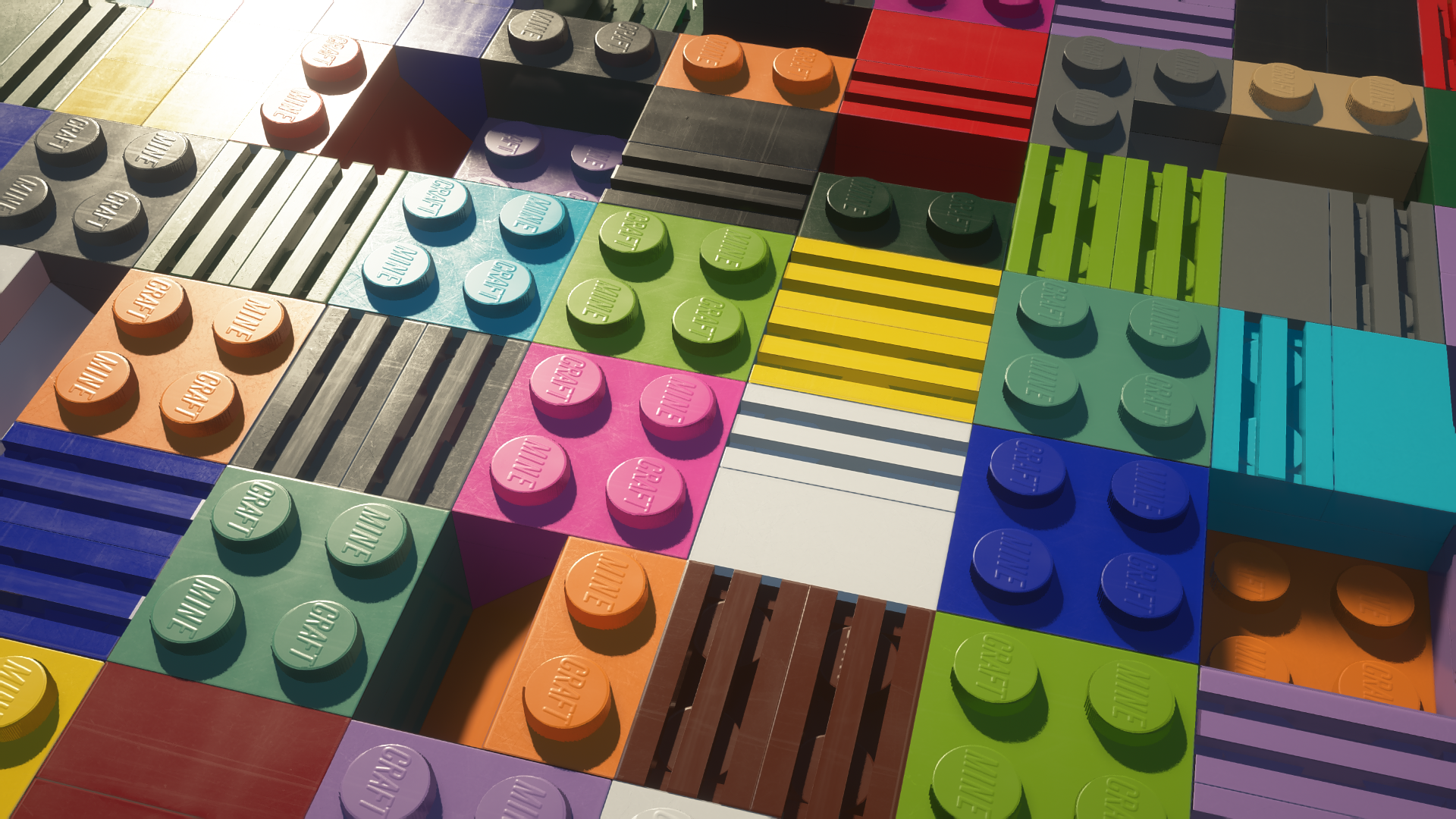
Building Blocks Resource Pack for Minecraft Java Edition
### INSTALLATION GUIDE https://drive.google.com/file/d/1EgL-V1-znuy32ADk4--ekxr4mONV29eW/view?usp=sharing
RECOMMENDED SETTINGS & CONFIGURATION (READ BEFORE INSTALLING):
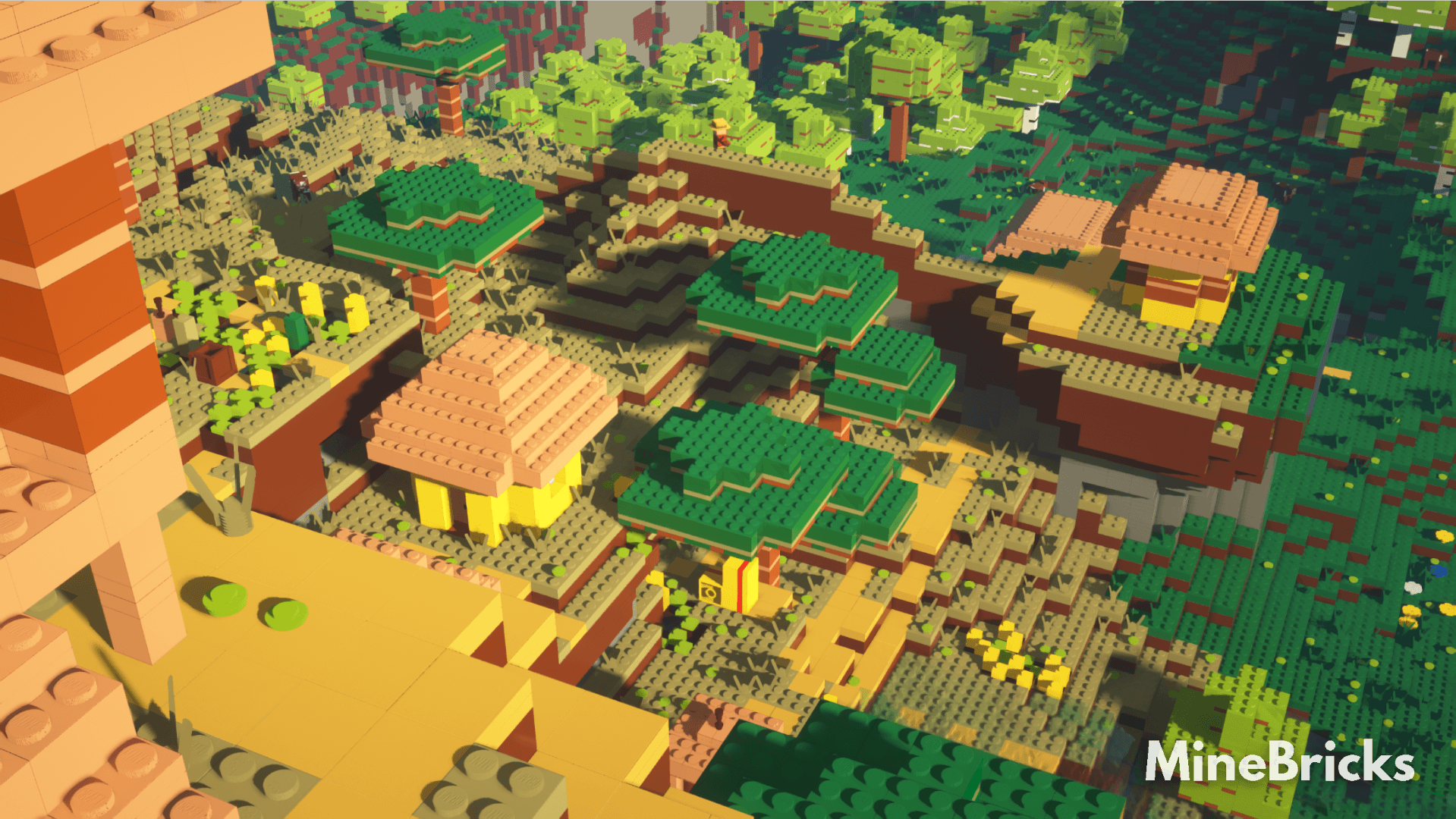
SEUS PTGI (PTGI HRR) shader recommended. OptiFine needed.
You can download the shader here: [Download] SEUS PTGI HRR Test 2.1 | Patreon
[Download] SEUS PTGI HRR 3 | Patreon
Version 3 may have worse performance. Version 2.1 may have some visual bugs inside caves. For path tracing at least RTX 2060 GPU is recommended.
This shader is necessary to achieve the photorealistic look from the trailers!
will work with Nostalgia shader, Photon Shader, SEUS Renewed, Chocapic Shaders (without reflections), BSL and more. You can play without shaders but it will look worse.
Please apply those settings before playing:
- Options > Video Settings > Detail settings > Alternate Blocks must be turned ON
- Options > Video Settings > Detail settings > Trees: Fancy or Smart
- Options > Video Settings > Detail settings > Biome Blend: OFF
- SEUS PTGI Shader Options > Raytracing Options > Geometry Trace Quality: 0
- SEUS PTGI Shader Options > Choose Texture Resolution to be the same as the resolution of the texturepack
Useful tutorials:
How to install OptiFine:
https://www.youtube.com/watch?v=8kiHuVc4SY4&ab_channel=TheBreakdown
How to install MineBricks
With Millida Launcher
Install Millida Launcher
The launcher is free: download it at millida.net/launcher and sign in with any nickname.
Click “Install” on this page
The launcher opens and installs the resource pack for Minecraft 1.21–1.21.3 automatically.
Launch the game
A profile with it appears in the launcher: click “Play”.
Manually
Download the archive
Pick the file MineBricks V11 128x Free (1.21).zip (47 MB) for your game version. No need to unpack it.
Put it in the resourcepacks folder
The easiest way: “Options”, then “Resource Packs”, then “Open Pack Folder”, and drag the archive there.
Enable the pack
In the same window, move the pack to the right-hand “Selected” column and click “Done”.
Versions
With dependencies
| Minecraft | Loader | File | Date | Actions |
|---|---|---|---|---|
| 1.21 | — | MineBricks V11 128x (1.21)47.5 MB 2 |
FAQ
Which Minecraft versions does MineBricks work on?
There are files for 1.21.3, 1.21.2, 1.21.1, 1.21. The newest is 1.21.3.
Where can I download MineBricks safely?
On this page: the file MineBricks V11 128x Free (1.21).zip (47 MB) is stored on Millida’s server, with no link shorteners. SHA-1 checksum: 330d83854756cd02bad87774cfbef54b1f44f4b2.
Reviews
Be the first to rate MineBricks



