
Resource packs for Minecraft Java 1.21 — page 17
Resource packs: list


Halloween Mash-up
Happy Halloween! Dress suitably spookily and prepare for the ultimate Minecraft Halloween thrill ride! A port from Legacy Console Edition.Install
Bleach Custom GUI Pack
Bleach Custom GUI PackInstall

AVPBR Retextured
A resource pack that improves the game textures visually with the use of labPBR features available with shaders!Install
Cobblemon Interface: Recolored
Changes the colors of the Cobblemon Interface resoucepack to match the Pokémon health and exp bar colors from Cobblemon.Install

Roundista - LabPBR
A PBR resource pack which changes the Pixel-Art style and makes it Round.Install

GUI Revision
Bringing a fresh design by keeping the simplicity of default GUIInstall
Horror Ambience Music: Echoes
Replaces all of minecraft's music with Dark atmospheric soundscapesInstall
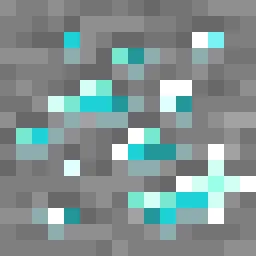
Animated Ore
Animated ores with different variants, and they are emissive.Install

Fancy End | End Aesthetic Overhaul
Reshading End items and blocks for a fresher, purplier look!Install
Blades of Majestica
Pack that allows you to change boring minecraft swords into majestic fantasy weapons!Install

PDB3D's Blocky Armor Stands - Arms Version
A Resource pack adding a Blockier Armor Stand Model. Requires Optifine or EntityModelFeaturesInstall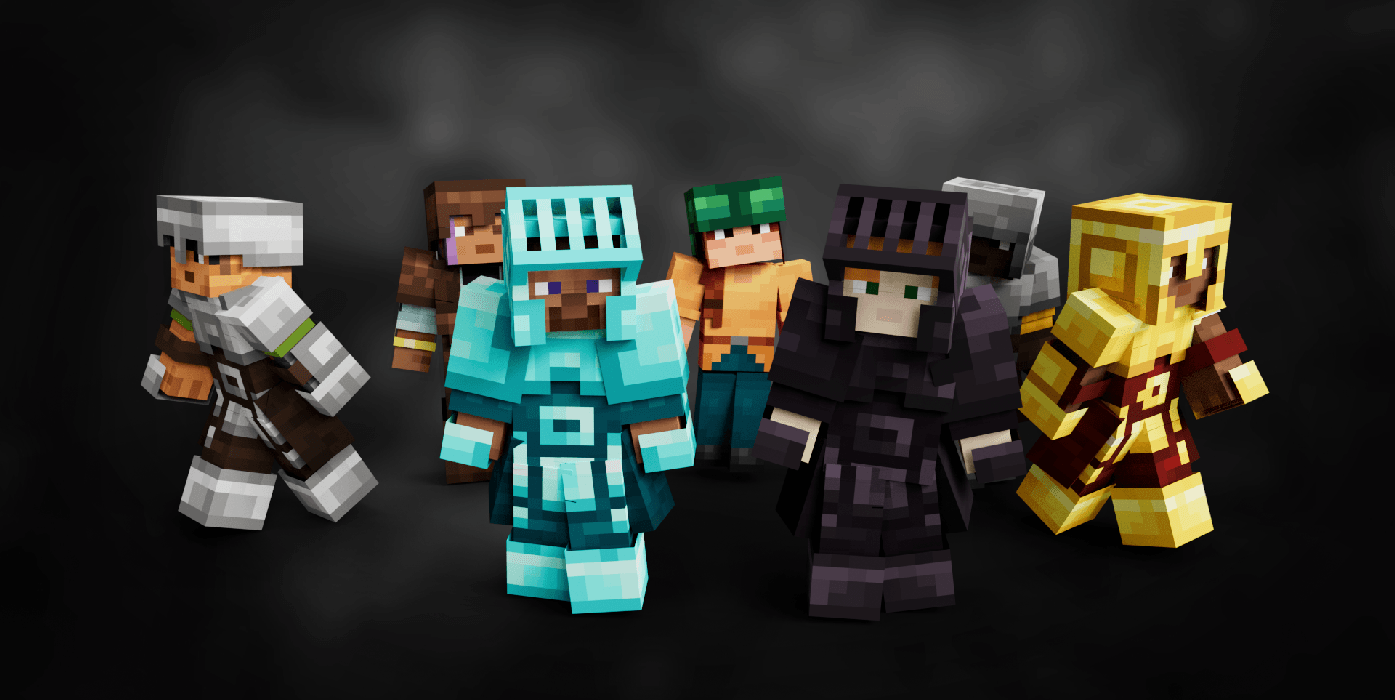
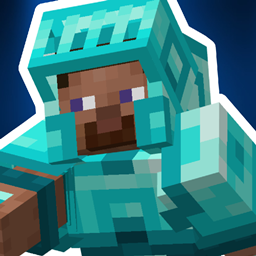
Armory Conglomery
Armors with a Refreshed Take!Install

Glowing Emissive Ores
Adds emissive ore textures to 314 mods and vanilla, no other resource pack supports as many! Updates add additional mod support, requests are welcome :)Install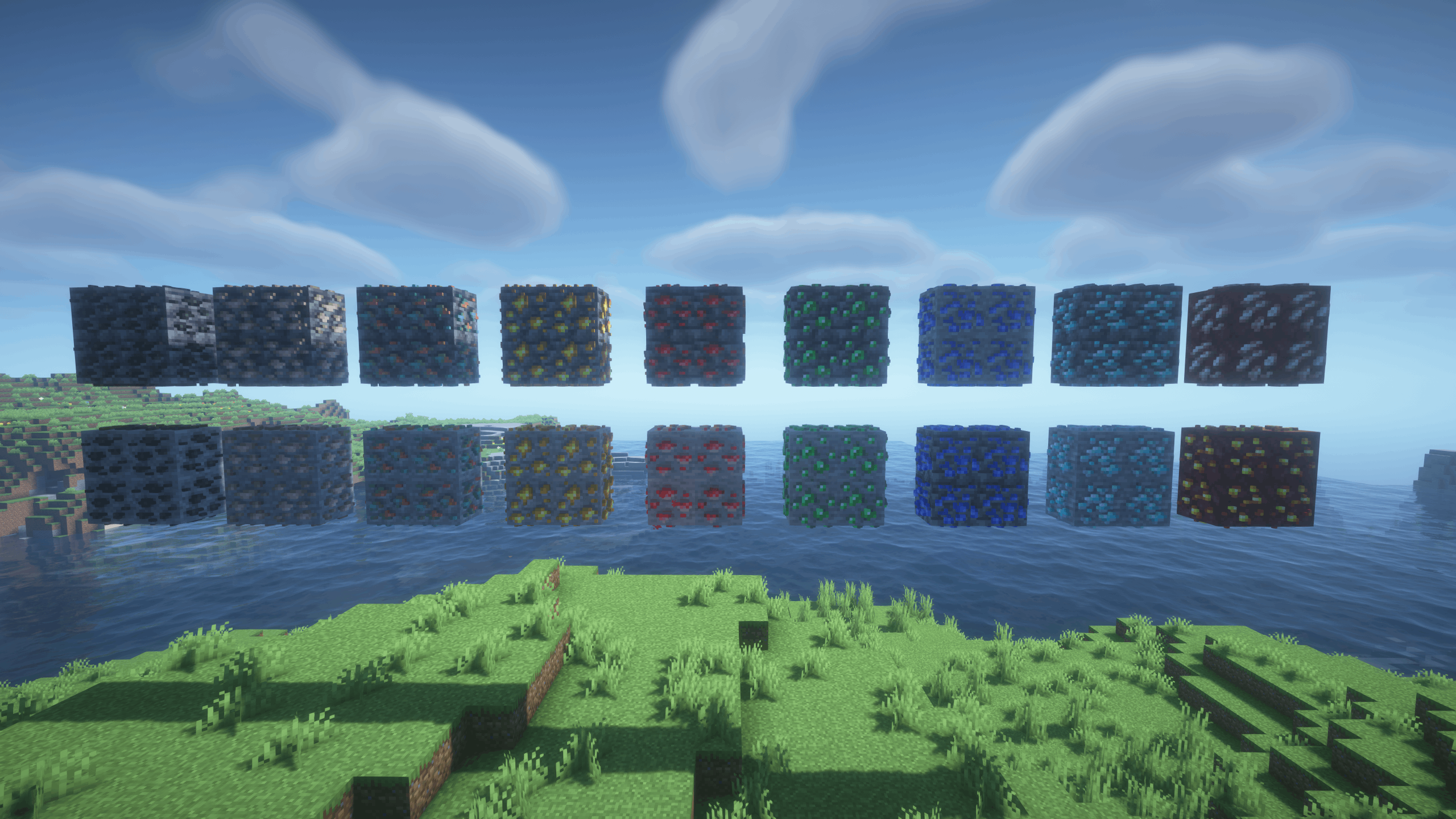
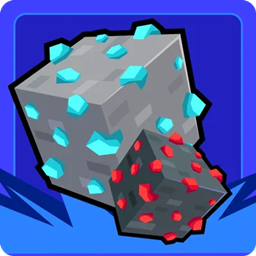
Realistic Ores (3D Ores)
Now all the ores will have 3D textures!Install

Just Fancy Torches
Changes all torch models to a Fresh and Fancy new LookInstall
My Hero Academia Custom GUI Pack
This is a GUI packed themed towards the show "Boku no Hīrō Akademia" or otherwise known as "My Hero Academia". Don't hesitate to comment down below , I have even changed hot bar as well hope you enjoy.Install

AL's Scorpions & Crabs
This pack is a splinter pack which adds the Scorpions and Crabs from AL's Spiders Revamped as a stand-alone!Install

Golems Refreshed + Fresh Animations
Fresh Animations Compatibility with Golems Refreshed.Install

Door Tweaks
3D windows, side textures and other additionsInstall

CPvP Marin Kitagawa PvP Pack + Anime sky
This PvP/CPvP resource pack replaces the model textures, sounds, GUI, inventory, menu, and sky with a Marin Kitagawa theme.Install

Optimum Realism
Realistic 64x Minecraft pack with PBR, POM, and custom models with 3M+ downloads across platformsInstall
SenpaiSpider 1 Million Texture Pack
Here is my 1M Texture Pack. While it may not be the most optimized, I hope my subscribers will enjoy it. Thank you for supportiInstall
Tokyo Ghoul Custom GUI Pack
This is a GUI packed themed towards the show "Tokyo Ghoul" or otherwise known". Don't hesitate to comment down below , I have even changed hot bar as well hope you enjoy.InstallFAQ
Do I need Forge or Fabric for a resource pack?
No. A resource pack works on the regular game with no loaders or mods. Click “Install” and Millida Launcher will put the pack into the right modpack — then just enable it in the settings.
What do 16×, 32×, 64× mean?
The resolution of a single texture in pixels. 16× matches the original game, 32× and 64× are more detailed and heavier, and 128× and up put a noticeable load on your graphics card.
Will a pack made for another version work?
Most likely partly: older packs don't have textures for newer blocks, so those will stay default. The game won't break, though.
How is a texture pack different from a resource pack?
Only by name and age. Before version 1.6 the sets were called texture packs and changed only textures; in 1.6 resource packs replaced them and also change sounds, fonts and the interface. Old texture packs for 1.5 and below do not work on new versions without conversion.
Which texture packs are best for PvP?
PvP packs: 16× resolution or lower, shortened swords, low fire, a clear sky and bright particles. They barely load the computer and make the opponent easier to see. These packs are collected in the PvP theme.
How do I install a resource pack?
Press Install and Millida Launcher puts the pack into the resourcepacks folder of the right instance. Then enable it in the game: Options, then Resource Packs. Manually, the archive goes into resourcepacks inside the game folder, no need to unpack it.
Resource packs for Minecraft Java 1.21
Resource packs for Minecraft 1.21: 1,674 items in the Resource packs section. Compatibility is checked against the files, not the description: only items with a build for exactly these conditions stay in the list.
The key thing about a pack is its resolution. The game's default textures are 16×16 pixels; 32× and 64× packs look more detailed, while 128× and up need a real graphics card and are usually paired with shaders. On a weak machine it makes sense to stay at 16× or go for packs that deliberately simplify graphics for more FPS. Every pack here lists its game version, author and license, and all released versions are gathered on one card. Put the downloaded archive in the resourcepacks folder and enable it in the game settings.