
Resource packs for Minecraft Java 1.21 — page 16
Resource packs: list



Transparent GUI and HUD
1.8.8+; Makes all of the GUIs and HUDs in the game transparent (clear; see-through) for a sleek and modern-looking minimal design! + Fire and Pumpkin overlay support.Install
STONEBORN UI Overhaul
STONEBORN is a simple and unique UI overhaul inspired by fantasy media.Install

Renewed Bookshelf
A new consistent look for the standard bookshelf!Install

More Mob Variants x Fresh Animations
Adds Fresh Animations compatibility to the More Mob Variants mod.Install

Shadify
Removes block shading and makes the game more vibrantInstall

Sky's 3D Barrel
A beautiful 3D Barrel modelInstall

Storage Drawers Ashen Compat
A resource pack that adapts Storage Drawers to the Ashen visual style.Install
No Waystone Recipes
Removes Waystone Recipes from the Waystones ModInstall

Reimagined Gui (Light)
Reimagined Minecraft GUI | Light ThemeInstall

Glowy Nether Portals
Gives nether portals of any size a bright border all around, while keeping the vanilla look.Install
Modded Coffee GUI
An addon to Dark Coffee GUI to add mod supportInstall
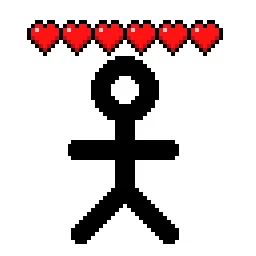
Player Health Indicators
Shows hearts/health above player heads as healthbarsInstall

Keep Inventory On - Better Enhanced Gameplay
Keep Inventory ON is a practical texture pack for Minecraft that automatically sets the game rule to keep inventory on death, allowing players to retain their items and experience, thus reducing the penalties of dying in-game.Install

Croptopia: Crop 'n' Refresh!
A texture pack meant to bring a refreshing twist to the textures of the crops in Croptopia!Install
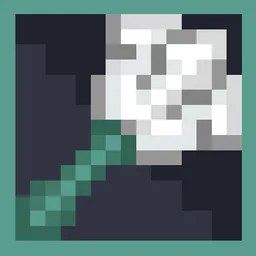
Trident Fusion
Trident Fusion gives the classic Minecraft trident a cleaner, more refined appearanceInstall
Visual Potion Effects (All languages)
Add effect icon to potion namesInstall

Invisible Item Frames
A Resource Pack that makes Item Frames invisible.Install

Cubic Leaves
Bushy leaves built to be extremely fast, without compromising vanilla aesthetics.Install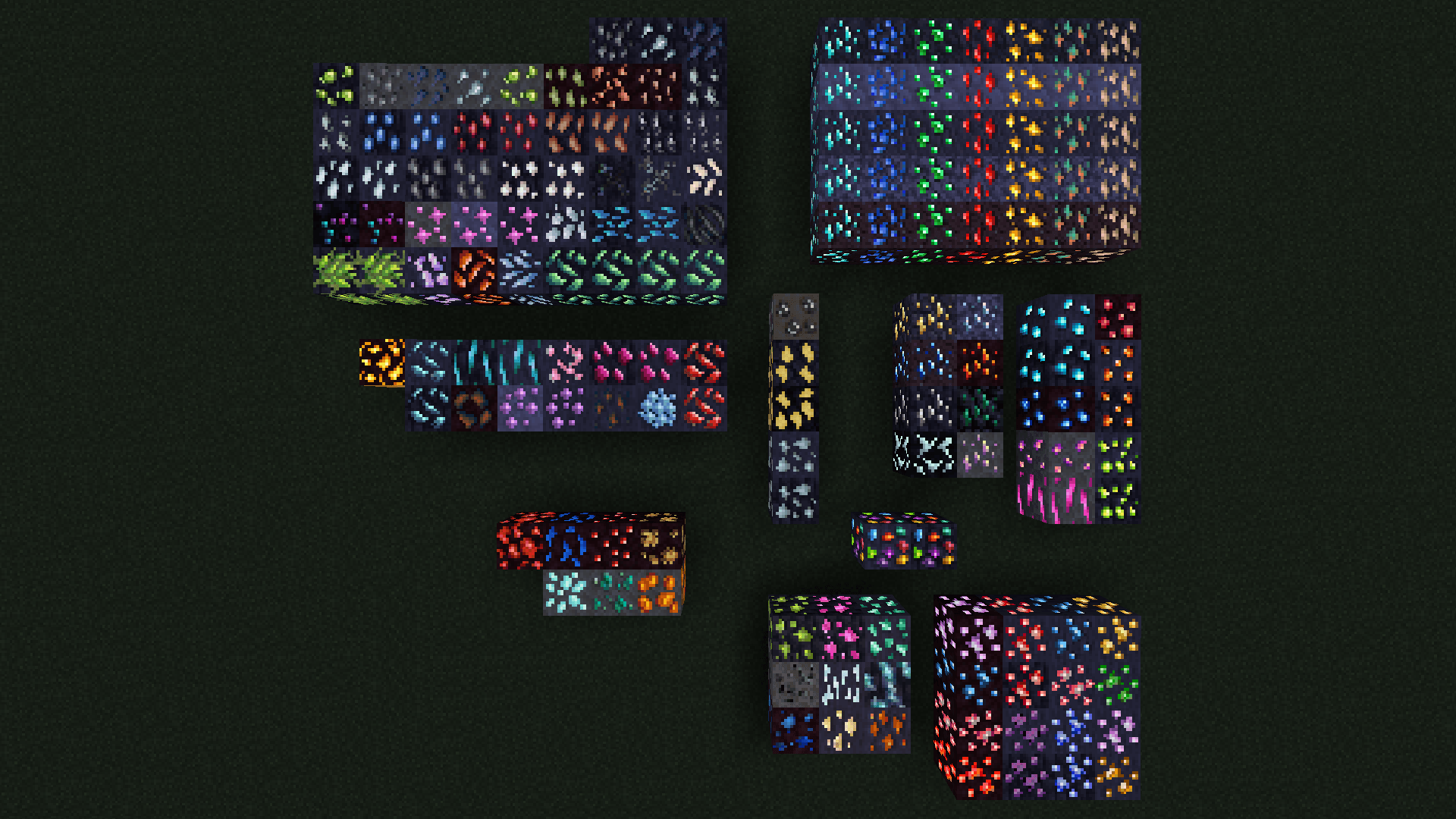
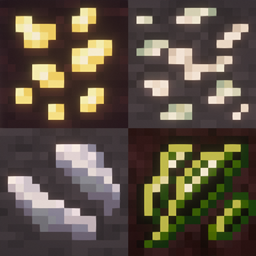
Glowing Ores (Create, Vanilla, Ice & Fire, & more!)
Adds emissive textures for ores from many mods. Requests always welcome.Install

Masa Mod Translation Pack
This is a module Chinese localization resource pack specially made for the Masa series of mods.Install

(Bee's) Fluffy Carpets and Wool
My take on prettier, fluffier carpets and wool blocksInstall
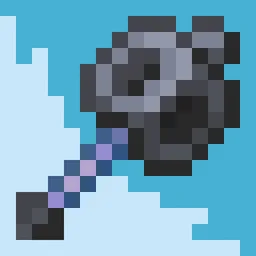
Mace Fusion
Mace Fusion gives the Minecraft mace a cleaner, more polished look with a refined 3D modelInstall
KonoSuba Custom GUI Pack
KonoSuba Custom GUI PackInstallFAQ
Do I need Forge or Fabric for a resource pack?
No. A resource pack works on the regular game with no loaders or mods. Click “Install” and Millida Launcher will put the pack into the right modpack — then just enable it in the settings.
What do 16×, 32×, 64× mean?
The resolution of a single texture in pixels. 16× matches the original game, 32× and 64× are more detailed and heavier, and 128× and up put a noticeable load on your graphics card.
Will a pack made for another version work?
Most likely partly: older packs don't have textures for newer blocks, so those will stay default. The game won't break, though.
How is a texture pack different from a resource pack?
Only by name and age. Before version 1.6 the sets were called texture packs and changed only textures; in 1.6 resource packs replaced them and also change sounds, fonts and the interface. Old texture packs for 1.5 and below do not work on new versions without conversion.
Which texture packs are best for PvP?
PvP packs: 16× resolution or lower, shortened swords, low fire, a clear sky and bright particles. They barely load the computer and make the opponent easier to see. These packs are collected in the PvP theme.
How do I install a resource pack?
Press Install and Millida Launcher puts the pack into the resourcepacks folder of the right instance. Then enable it in the game: Options, then Resource Packs. Manually, the archive goes into resourcepacks inside the game folder, no need to unpack it.
Resource packs for Minecraft Java 1.21
Resource packs for Minecraft 1.21: 1,674 items in the Resource packs section. Compatibility is checked against the files, not the description: only items with a build for exactly these conditions stay in the list.
The key thing about a pack is its resolution. The game's default textures are 16×16 pixels; 32× and 64× packs look more detailed, while 128× and up need a real graphics card and are usually paired with shaders. On a weak machine it makes sense to stay at 16× or go for packs that deliberately simplify graphics for more FPS. Every pack here lists its game version, author and license, and all released versions are gathered on one card. Put the downloaded archive in the resourcepacks folder and enable it in the game settings.