
Resource packs for Minecraft Java 1.21 — page 14
Resource packs: list



ModernArch
Realistic but still committed to vanilla textures!Install
My Dress-Up Darling Custom GUI Pack
My Dress-Up Darling Custom GUI PackInstall

3D Harnesses x Fresh Animations
3D Harnesses but with Fresh Animations supportInstall

Default HD Sun and Moon
A Default, HD take on the Minecraft Sun and MoonInstall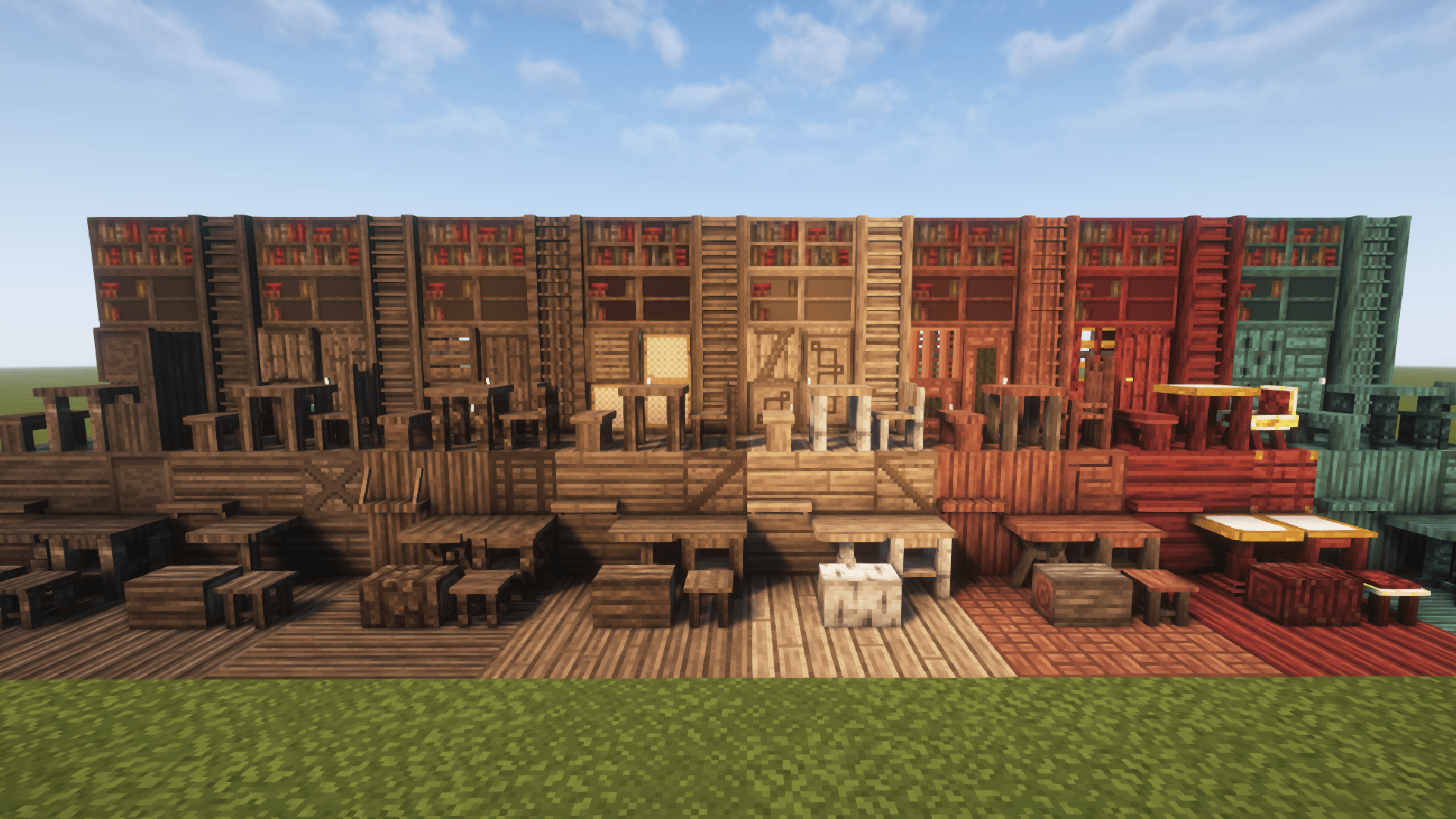
Excalibur | Furnish Support
This is an unofficial compatibility pack to make the textures in Furnish mod blend together with the incredible Excalibur texture pack.Install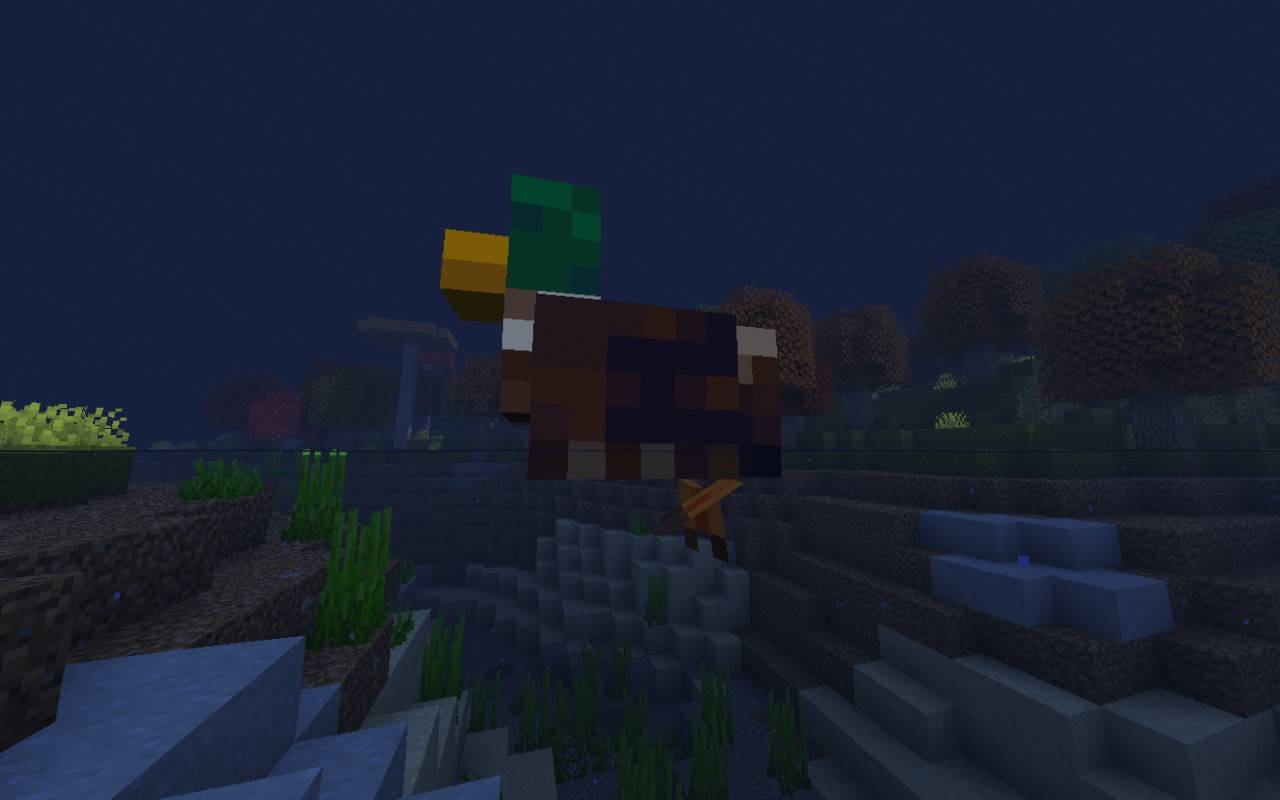
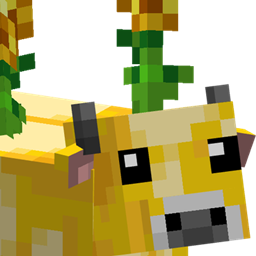
Abnormally Fresh
Adds compatibility for Fresh Animations to some of the Abnormals modsInstall

Joyful Motions
Take your player animations from static to fantastic!Install
Pokemon Custom GUI Pack
Pokemon Custom GUI PackInstall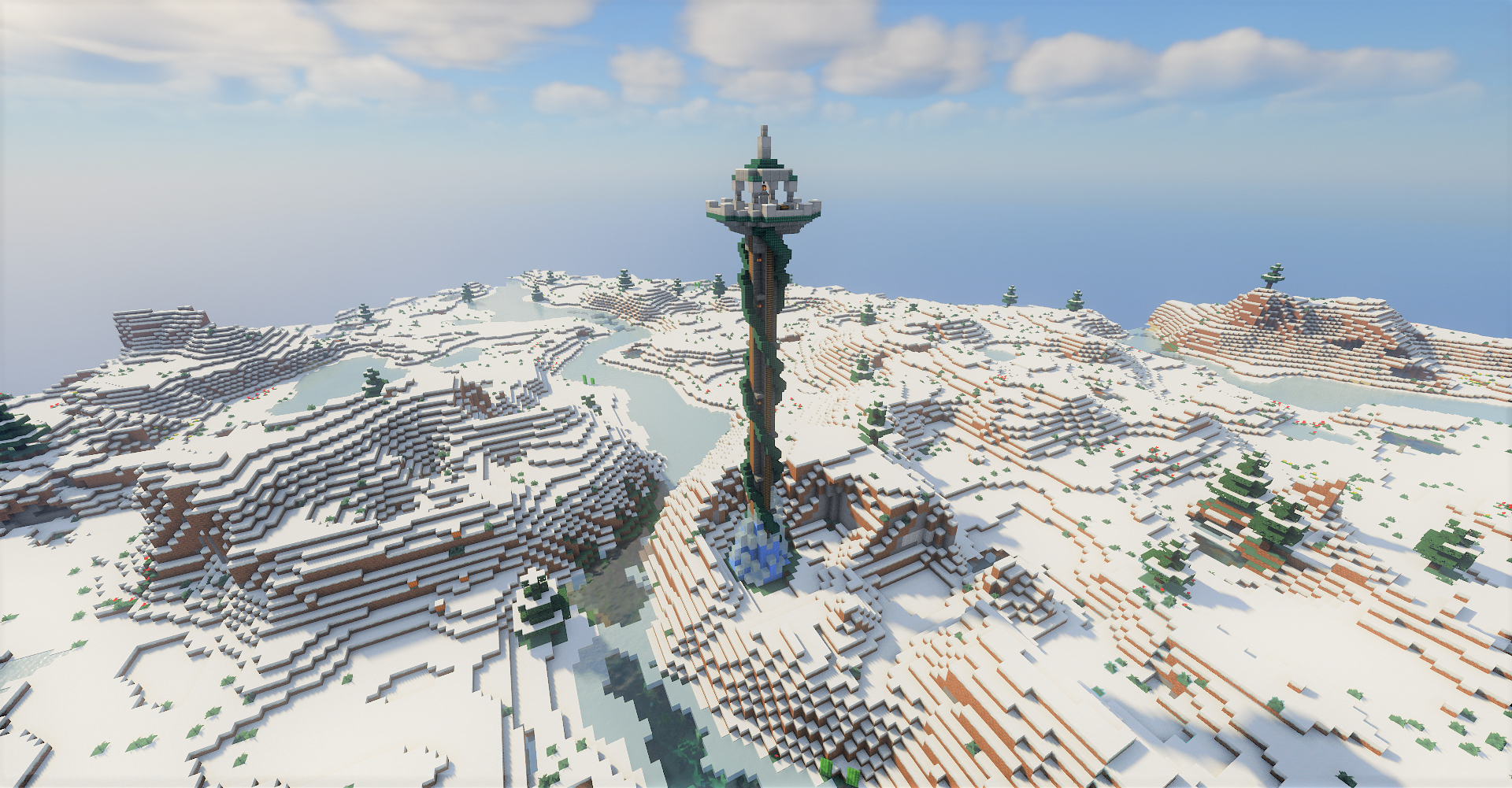

Towers of the Wild: Reworked (Datapack)
Adds Breath Of The Wild-like towers to make exploring a bit more fun!Install

Borderless Glass
Make all types of glass without borders!Install

Fresh Animations: Player Extension + Just Expressions
Adds eyes animations from Just Expressions (Fresh Moves) to Fresh Animations: Player Extension.Install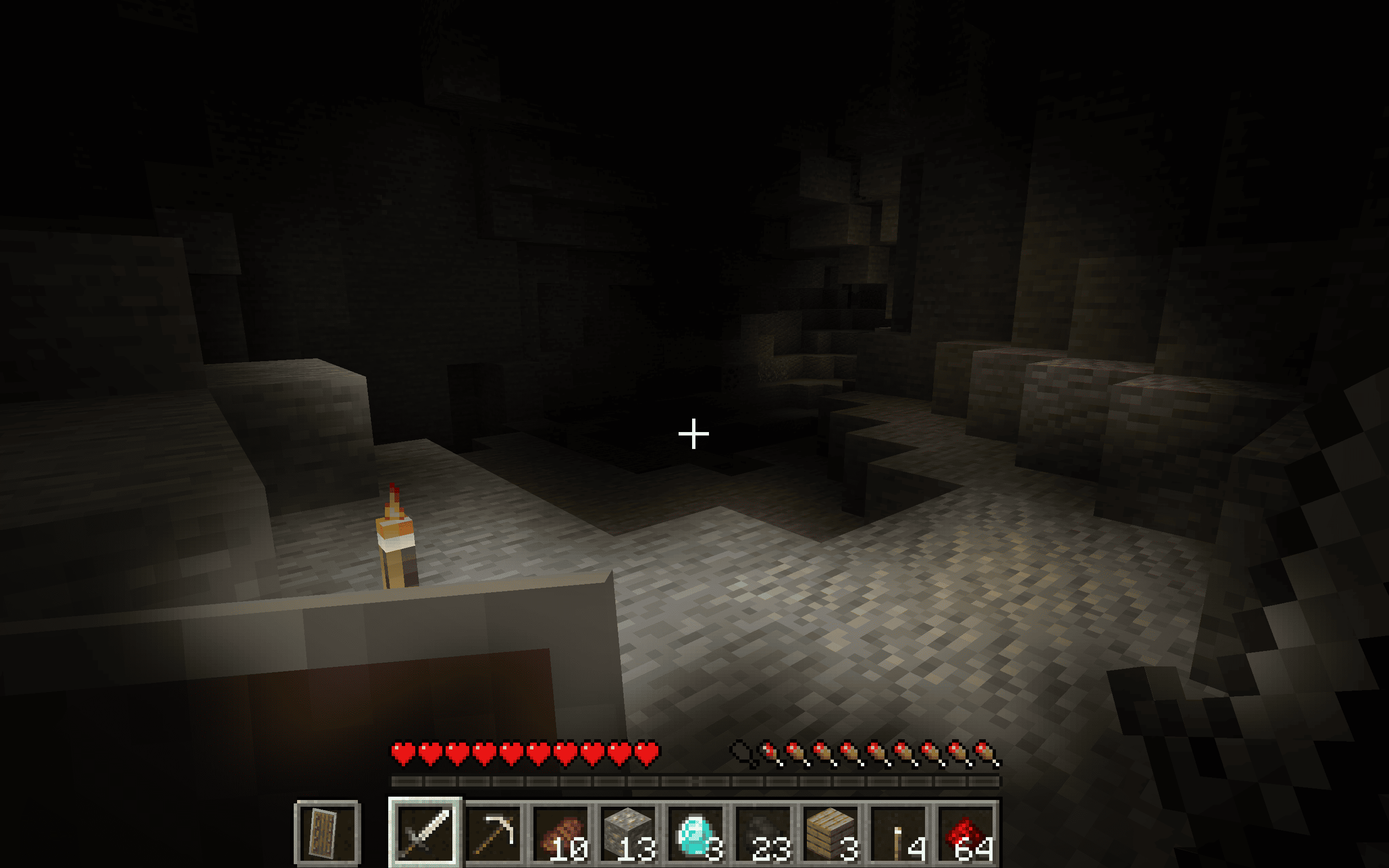

Transparent Pumpkin Overlay - Full Clear Visibility
Transparent Pumpkin Overlay transforms the traditional pumpkin head blur in Minecraft into a clear, transparent view, allowing players to enjoy full visibility while wearing pumpkins.Install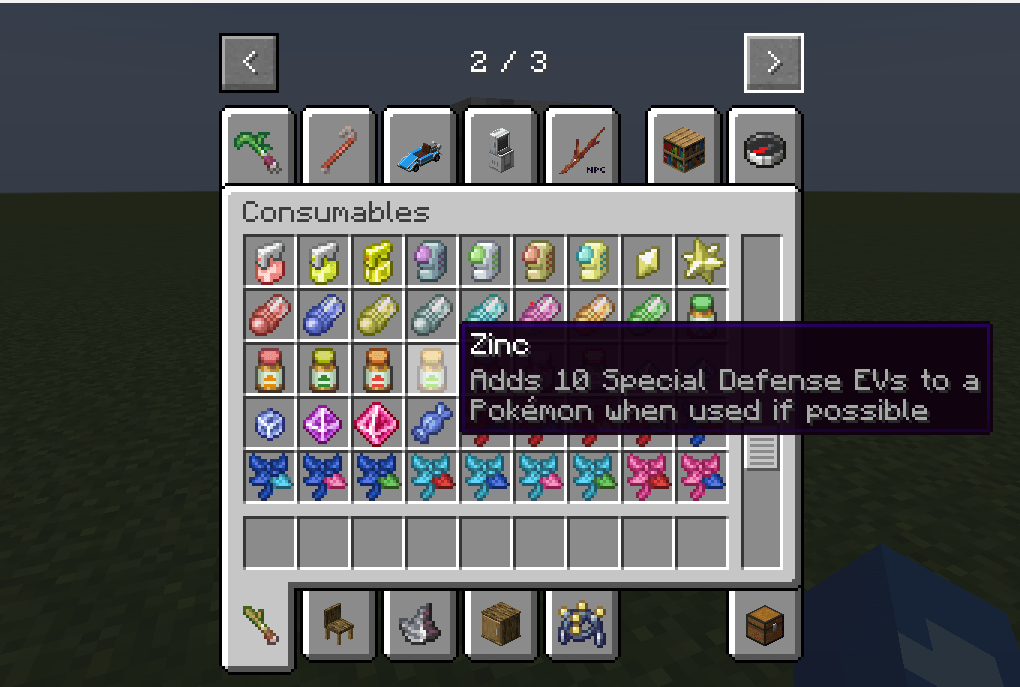

Boenk's Cobblemon Item Descriptions
Cobblemon item descriptions!Install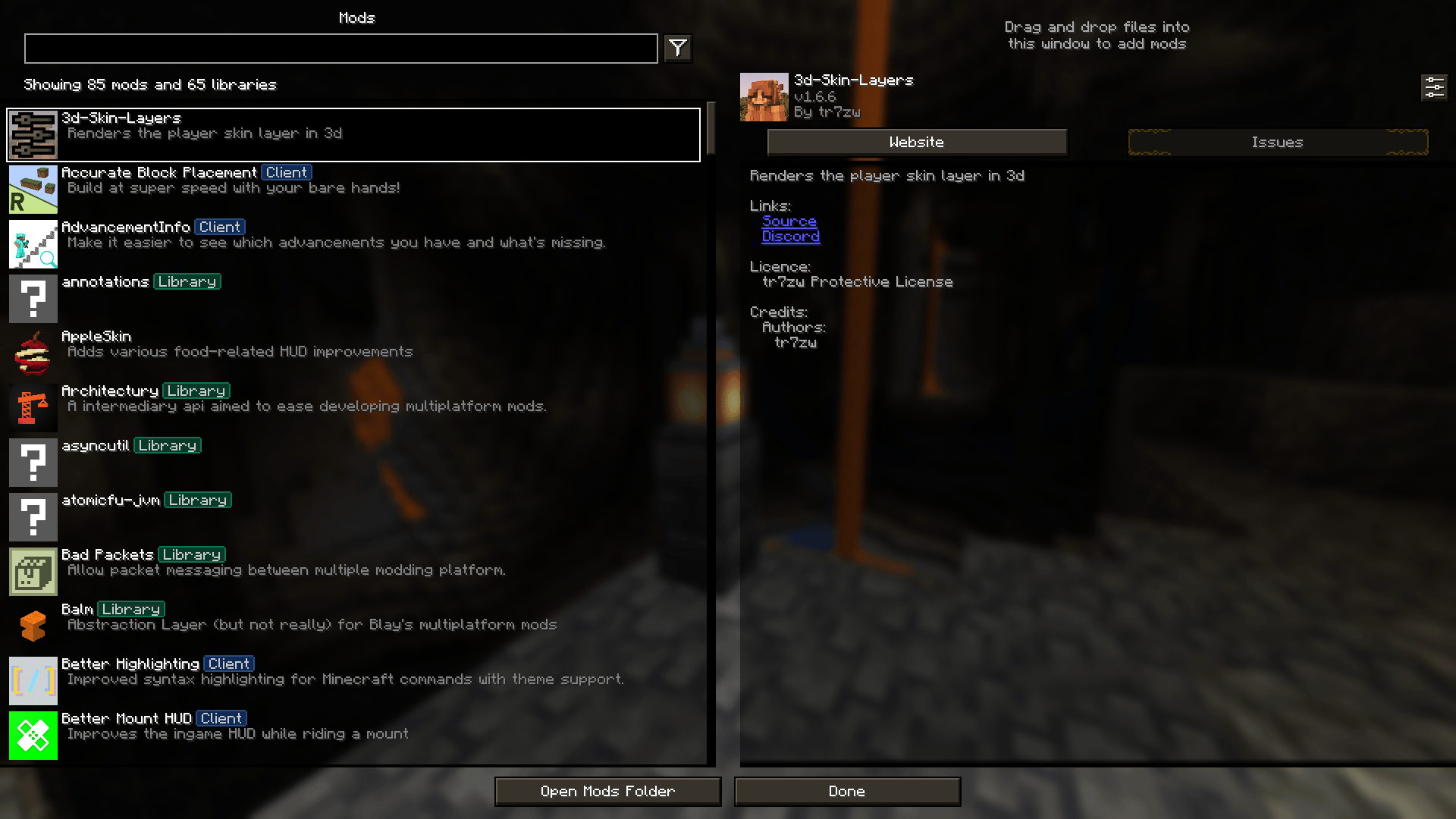
STONEBORN Mod Menu Support
STONEBORN support for the modmenu modInstall
rE-oCd
An unofficial continuation of FVDisco's oCd resource pack.Install
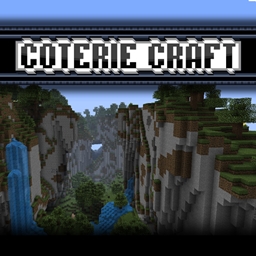
Coterie Craft LushBloom [16x]
A texture pack designed to take the vanilla textures and make them more lush and colorful. This pack was known for bringing what was known as better default to the game. Right now it's in the WIP stage and currently getting revamped for 1.20+.Install
The Wilder Forest Custom GUI Pack
The Wilder Forest Custom GUI PackInstall

Coven
Coven is a resource pack with full PBR support, Parallax, and does not require Optifine! It is recommended to use Iris.Install

Brush & Juice
A small resource pack that redesigns some vanilla assetsInstall

Sunbathing Godrays
Adds godrays to Minecraft! requires polytoneInstall
Visual Enchantments
A resourcepack that adds visual indicators to enchanted itemsInstall

Shiny Hearts
New great look of hearts and other icons in hotbar!Install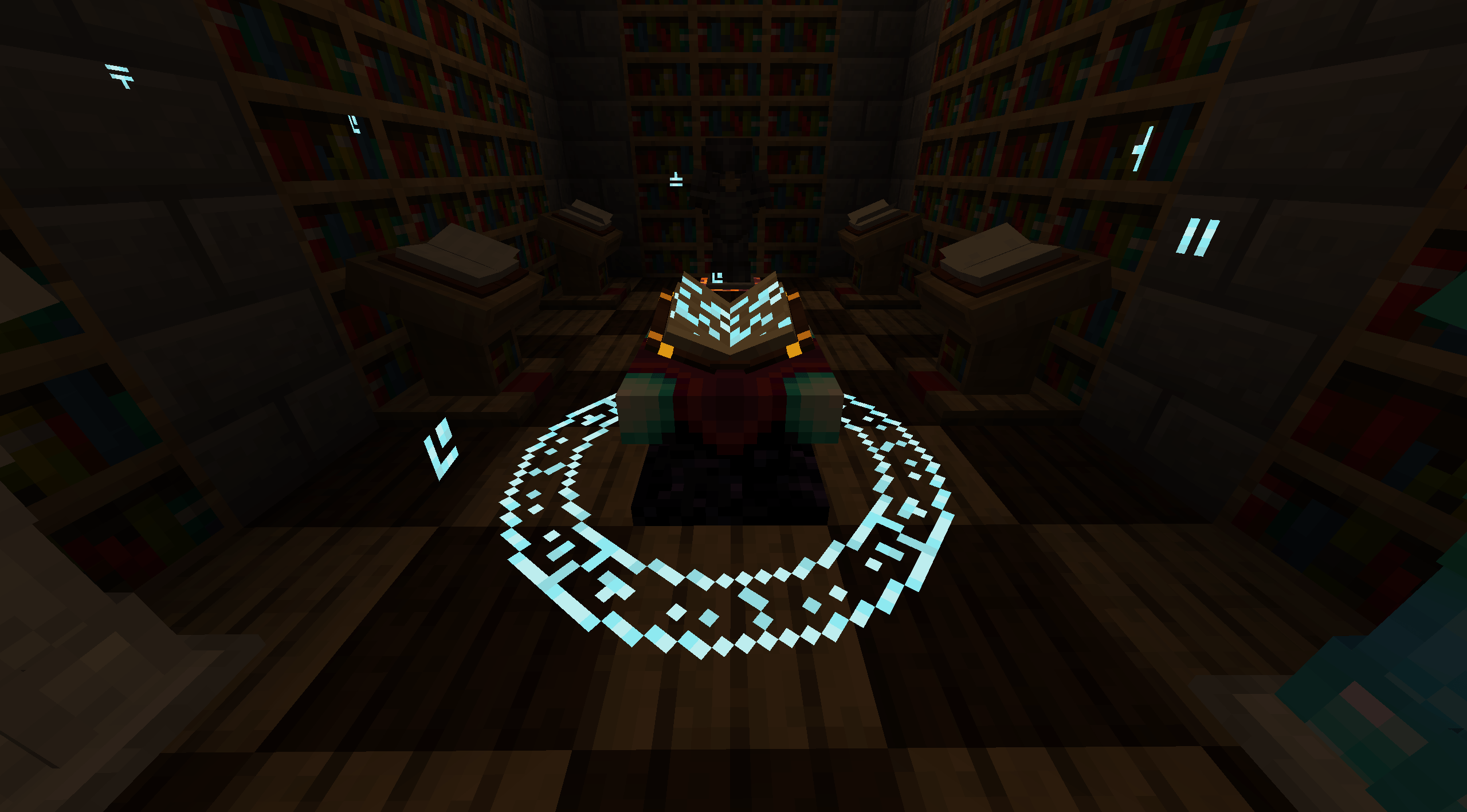
Enchanting Reimagined
Enchanting Re-Enchanted!InstallFAQ
Do I need Forge or Fabric for a resource pack?
No. A resource pack works on the regular game with no loaders or mods. Click “Install” and Millida Launcher will put the pack into the right modpack — then just enable it in the settings.
What do 16×, 32×, 64× mean?
The resolution of a single texture in pixels. 16× matches the original game, 32× and 64× are more detailed and heavier, and 128× and up put a noticeable load on your graphics card.
Will a pack made for another version work?
Most likely partly: older packs don't have textures for newer blocks, so those will stay default. The game won't break, though.
How is a texture pack different from a resource pack?
Only by name and age. Before version 1.6 the sets were called texture packs and changed only textures; in 1.6 resource packs replaced them and also change sounds, fonts and the interface. Old texture packs for 1.5 and below do not work on new versions without conversion.
Which texture packs are best for PvP?
PvP packs: 16× resolution or lower, shortened swords, low fire, a clear sky and bright particles. They barely load the computer and make the opponent easier to see. These packs are collected in the PvP theme.
How do I install a resource pack?
Press Install and Millida Launcher puts the pack into the resourcepacks folder of the right instance. Then enable it in the game: Options, then Resource Packs. Manually, the archive goes into resourcepacks inside the game folder, no need to unpack it.
Resource packs for Minecraft Java 1.21
Resource packs for Minecraft 1.21: 1,674 items in the Resource packs section. Compatibility is checked against the files, not the description: only items with a build for exactly these conditions stay in the list.
The key thing about a pack is its resolution. The game's default textures are 16×16 pixels; 32× and 64× packs look more detailed, while 128× and up need a real graphics card and are usually paired with shaders. On a weak machine it makes sense to stay at 16× or go for packs that deliberately simplify graphics for more FPS. Every pack here lists its game version, author and license, and all released versions are gathered on one card. Put the downloaded archive in the resourcepacks folder and enable it in the game settings.