
Resource packs for Minecraft Java 1.21 — page 13
Resource packs: list


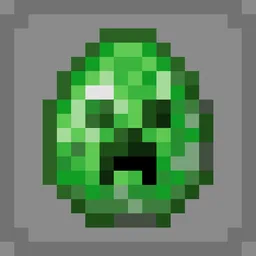
Modded Omelet - Modern Spawn Eggs
Modded Omelet is a resource pack made to not only backport the new spawn egg textures of 1.21.5 to older versions, but also adapt the spawn eggs of mods to match this new style.Install

Fresh Flower Pots: Compats
Add-on for Fresh Flower Pots that adds mod compatibility.Install

C418 Songs Only
A resource pack that removes all non-c418 background tracks from the game.Install

Bray's Zombie Overhaul x Fresh Animations
Bray's Zombie Overhaul pack with Fresh Animations compatibility!Install

Enchanting Table Magic Circle
Adds a magic circle to the enchanting table that appears when you approach itInstall

Plastic Texture Pack
Make your worlds simple, colorful and vibrant! A port from Legacy Console Edition.Install

Armor Trim Compat
Adds compatibility between many modded armor trims and trim materials!Install

Pixlli
A new pbr/pom resource pack that will give you more detail, preserving the vanilla of your game and creating a feeling of your favorite pixelation.Install
Aures - Create Style for Refined Storage
The container mod is now in brass color!Install

Clayful 256x
Minecraft in a Claylike, Sculpted Way! 256xInstall

Bray's Better Bow & Arrows
Greatly improves the look of bows and crossbows by loading and firing 3D projectiles! Works with "Real Arrow Tip" to show spectral and tipped arrow projectiles!Install

Hidden Armor
This resourcepack makes armor turn invisible for Minecraft and other mods too!Install

Glowing
Use Optifine/ConnectedTextureMod/Vanilla(CoreShaders) format to make some things glow or emissive for vanilla.Install
Luna's Journal - FTBQuests Addon
Just a cool retexture for the FTB Book and renames it to a Journal!Install

Better Animations
Overhaul your Minecraft player animations and bring them to life!Install

ReShaded
Shaders with no mods or FPS loss. Compatibility with 26.1-1.20.5 Vanilla, Sodium, and other mods!Install

Barely Default x Fresh Animations
A custom addon that makes Barely Default compatible with Fresh Animations <3Install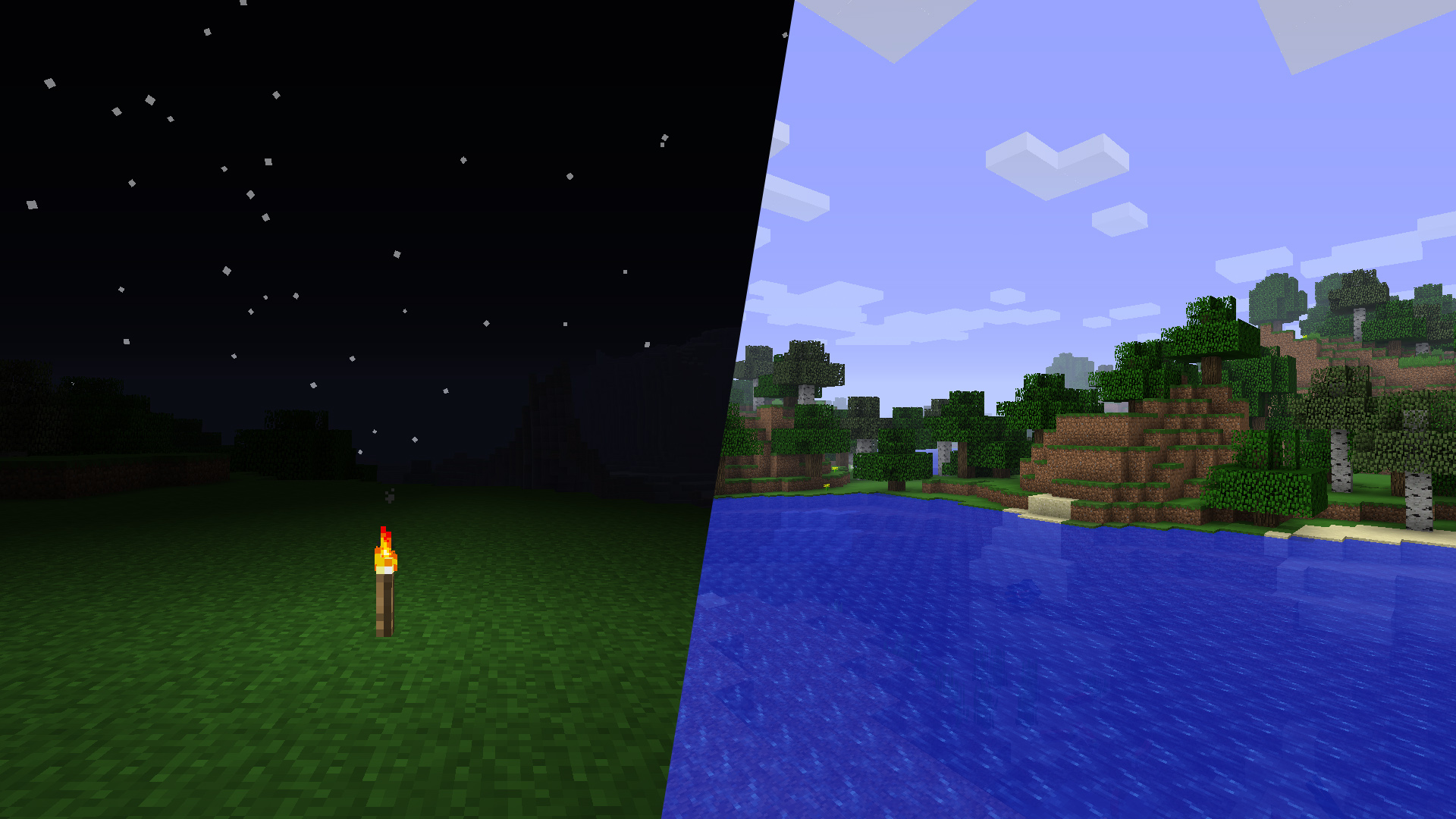
Old Lighting & Water
The original feel of MinecraftInstall
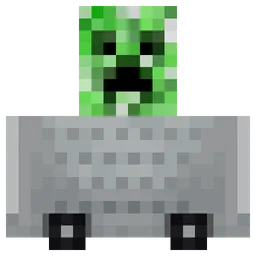
Minecarts with Wheels
Add working wheels to Minecarts!Install
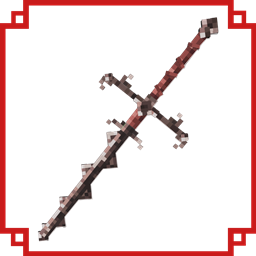
Iron's Spells 'n Spellbooks 3D weapons Resource Pack
Resource pack for Iron's Spells 'n Spellbooks modInstall
Puella Magi Madoka Magica Custom GUI Pack
Custom GUI PackInstall
Josh's Poké Flute Pack
Replaces Goat Horns with Poké Flutes. As well as re-texturing other things into keyitems from Pokemon. Each Poké Flute item plays a unique tune from the Pokemon series.Install

Cuter: Mutant Monsters
Resource Pack of that revamps the Mutant Monsters Mod in my art style.InstallFAQ
Do I need Forge or Fabric for a resource pack?
No. A resource pack works on the regular game with no loaders or mods. Click “Install” and Millida Launcher will put the pack into the right modpack — then just enable it in the settings.
What do 16×, 32×, 64× mean?
The resolution of a single texture in pixels. 16× matches the original game, 32× and 64× are more detailed and heavier, and 128× and up put a noticeable load on your graphics card.
Will a pack made for another version work?
Most likely partly: older packs don't have textures for newer blocks, so those will stay default. The game won't break, though.
How is a texture pack different from a resource pack?
Only by name and age. Before version 1.6 the sets were called texture packs and changed only textures; in 1.6 resource packs replaced them and also change sounds, fonts and the interface. Old texture packs for 1.5 and below do not work on new versions without conversion.
Which texture packs are best for PvP?
PvP packs: 16× resolution or lower, shortened swords, low fire, a clear sky and bright particles. They barely load the computer and make the opponent easier to see. These packs are collected in the PvP theme.
How do I install a resource pack?
Press Install and Millida Launcher puts the pack into the resourcepacks folder of the right instance. Then enable it in the game: Options, then Resource Packs. Manually, the archive goes into resourcepacks inside the game folder, no need to unpack it.
Resource packs for Minecraft Java 1.21
Resource packs for Minecraft 1.21: 1,674 items in the Resource packs section. Compatibility is checked against the files, not the description: only items with a build for exactly these conditions stay in the list.
The key thing about a pack is its resolution. The game's default textures are 16×16 pixels; 32× and 64× packs look more detailed, while 128× and up need a real graphics card and are usually paired with shaders. On a weak machine it makes sense to stay at 16× or go for packs that deliberately simplify graphics for more FPS. Every pack here lists its game version, author and license, and all released versions are gathered on one card. Put the downloaded archive in the resourcepacks folder and enable it in the game settings.