
Resource packs for Minecraft Java 1.13 — page 4
Resource packs: list


Glimmars Steampunk
A Victorian Steampunk Themed Texture PackInstall

Sun & Moon Fusion
Sun & Moon Fusion gives Minecraft a cleaner, more cartoony sun-and-moon-themed lookInstall

Fullbright
Simple fullbright resource pack compatible with 26.4 for Vanilla,Optifine,Vulkan and Sodium.Install
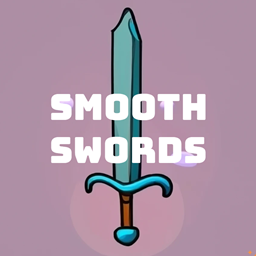
Smooth Swords
Smooth Swords simply replaces the old and boring minecraft and gives them a clean look that is aesthetic to look at and play with.Install

Default HD 256x
The classic Minecraft experience but in amazing 256x HD!Install
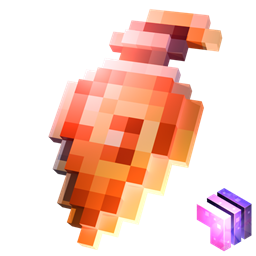
Stylized Potions
Unique potion textures!Install
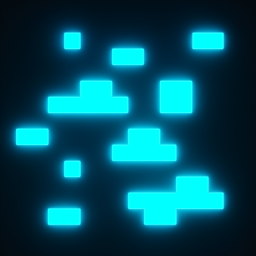
Glowing Ores Plus
Make your ores glow in Minecraft! 💎✨ Easily spot diamonds, emeralds, ancient debris, and more.Install
Another Vanilla PBR
A pack that supports PBR textures and adds a realistic feeling to your minecraft!Install

DSWG Glowing Eyes
Glowing Monster EyesInstall

xali's Potions
Escape the monotony of Minecraft's default textures with my custom potion texture pack. Witness a visual feast as each potion comes to life with unique and captivating designs. Say goodbye to dullness and embrace a world of vibrant and enchanting brews.Install
Yuushya 16x
16x realistic pack that changes the way Minecraft looksInstall

Fantasy 3D Weapons CIT
Adds 3D weapon models to MC! (Custom Item Textures)Install

Farm 3D
3D Farm makes your minecraft plants in 3D 🌷Install

Low Fire PVP
This texture makes minecraft fire low 🔥Install

Blue's Better Cats
Introduces new cat breeds while updating the existing ones to look more realistic (Optifine/Fabric support)Install

No Cave Ambience
Get rid of creepy cave ambience sounds (eerie noise)Install

Ender Dragon Reborn
A reimagined Ender Dragon inspired by Ice and Fire IIInstall

Better Dogs
Updates tamed wolves to look like actual dogs (41 new dog breeds)Install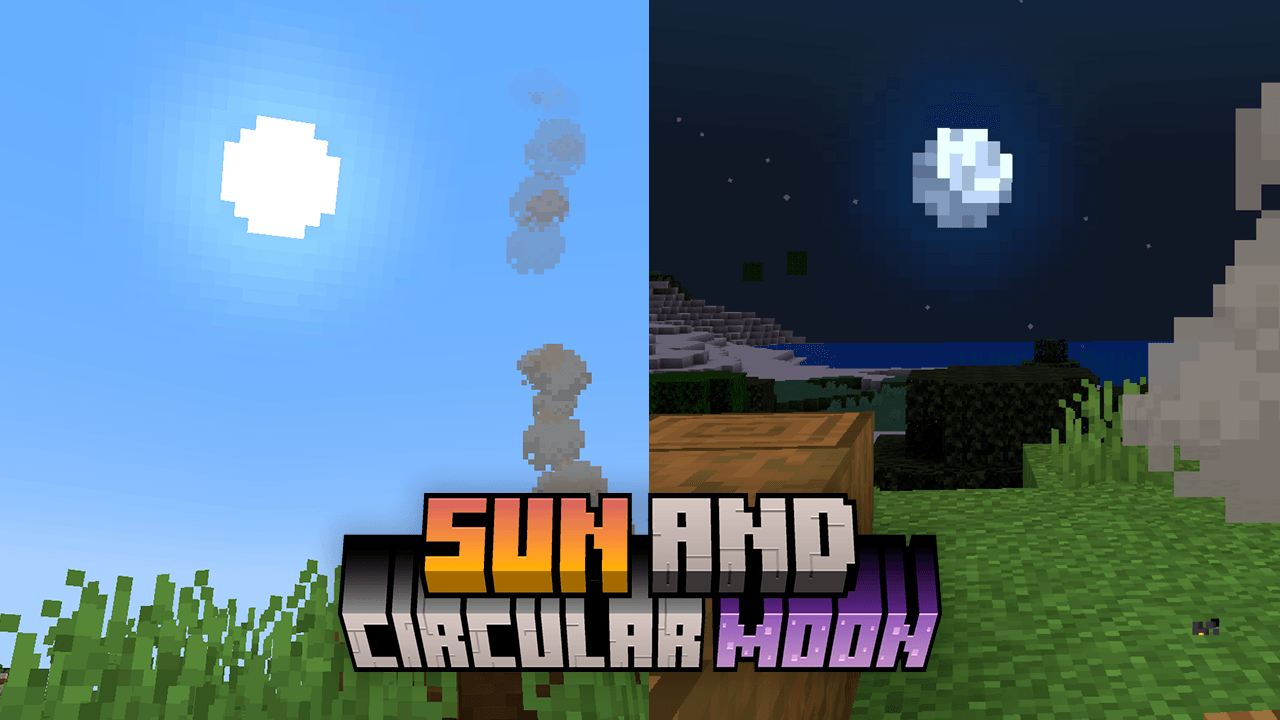
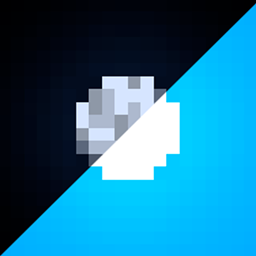
Sun and Moon Circular
This texture makes the sun and moon roundedInstall
Immersive Interfaces - Mod Support Unofficial
Shrimp's Immersive Interfaces Add-on: This Texture Pack adds small details to some mods to fit more with Immersive Interfaces.Install

Full Brightness
Transform your Minecraft experience with "Full Brightness"!Install

WU_SHUANGCB's Zombie Skin
Zombies are entwined with an unknown virus, giving them a more oppressive appearance.Install

Small Handhelds
Makes items held in a hand smaller and therefore less obstructive. All items, blocks, weapons and tools in the game are supported. Now configurable with Respackopts!InstallFAQ
Do I need Forge or Fabric for a resource pack?
No. A resource pack works on the regular game with no loaders or mods. Click “Install” and Millida Launcher will put the pack into the right modpack — then just enable it in the settings.
What do 16×, 32×, 64× mean?
The resolution of a single texture in pixels. 16× matches the original game, 32× and 64× are more detailed and heavier, and 128× and up put a noticeable load on your graphics card.
Will a pack made for another version work?
Most likely partly: older packs don't have textures for newer blocks, so those will stay default. The game won't break, though.
How is a texture pack different from a resource pack?
Only by name and age. Before version 1.6 the sets were called texture packs and changed only textures; in 1.6 resource packs replaced them and also change sounds, fonts and the interface. Old texture packs for 1.5 and below do not work on new versions without conversion.
Which texture packs are best for PvP?
PvP packs: 16× resolution or lower, shortened swords, low fire, a clear sky and bright particles. They barely load the computer and make the opponent easier to see. These packs are collected in the PvP theme.
How do I install a resource pack?
Press Install and Millida Launcher puts the pack into the resourcepacks folder of the right instance. Then enable it in the game: Options, then Resource Packs. Manually, the archive goes into resourcepacks inside the game folder, no need to unpack it.
Resource packs for Minecraft Java 1.13
Resource packs for Minecraft 1.13: 389 items in the Resource packs section. Compatibility is checked against the files, not the description: only items with a build for exactly these conditions stay in the list.
The key thing about a pack is its resolution. The game's default textures are 16×16 pixels; 32× and 64× packs look more detailed, while 128× and up need a real graphics card and are usually paired with shaders. On a weak machine it makes sense to stay at 16× or go for packs that deliberately simplify graphics for more FPS. Every pack here lists its game version, author and license, and all released versions are gathered on one card. Put the downloaded archive in the resourcepacks folder and enable it in the game settings.