
Resource packs for Minecraft Java 1.13 — page 3
389 itemsResource packs: list


Clayful 256x
Minecraft in a Claylike, Sculpted Way! 256xInstall

Default HD Sun and Moon
A Default, HD take on the Minecraft Sun and MoonInstall

Shiny Hearts
New great look of hearts and other icons in hotbar!Install

Transparent Pumpkin Overlay - Full Clear Visibility
Transparent Pumpkin Overlay transforms the traditional pumpkin head blur in Minecraft into a clear, transparent view, allowing players to enjoy full visibility while wearing pumpkins.Install

Glowy Nether Portals
Gives nether portals of any size a bright border all around, while keeping the vanilla look.Install

RealisCraft JE: Realistic Default Textures
Texture pack for Minecraft provides a realistic look with detailed textures and natural lighting effects. Perfect for fans of natural aesthetics.Install
ItemBound [16x]
In-game item customization using OptiFine. 1500 item skins so far!Install

Obscuria's Tools
Enhanced tools textures!Install

Invisible Item Frames
A Resource Pack that makes Item Frames invisible.Install
Modded Coffee GUI
An addon to Dark Coffee GUI to add mod supportInstall

Keep Inventory On - Better Enhanced Gameplay
Keep Inventory ON is a practical texture pack for Minecraft that automatically sets the game rule to keep inventory on death, allowing players to retain their items and experience, thus reducing the penalties of dying in-game.Install

Better Vanilla [16x]
Breathing new life into Minecraft's default textures!Install

Cubic Leaves
Bushy leaves built to be extremely fast, without compromising vanilla aesthetics.Install

Beyond The Lands
Medieval and Fantasy pack, with custom models, connected textures and moreInstall

Optimum Realism
Realistic 64x Minecraft pack with PBR, POM, and custom models with 3M+ downloads across platformsInstall

PDB3D's Blocky Armor Stands - Arms Version
A Resource pack adding a Blockier Armor Stand Model. Requires Optifine or EntityModelFeaturesInstall
Horror Ambience Music: Echoes
Replaces all of minecraft's music with Dark atmospheric soundscapesInstall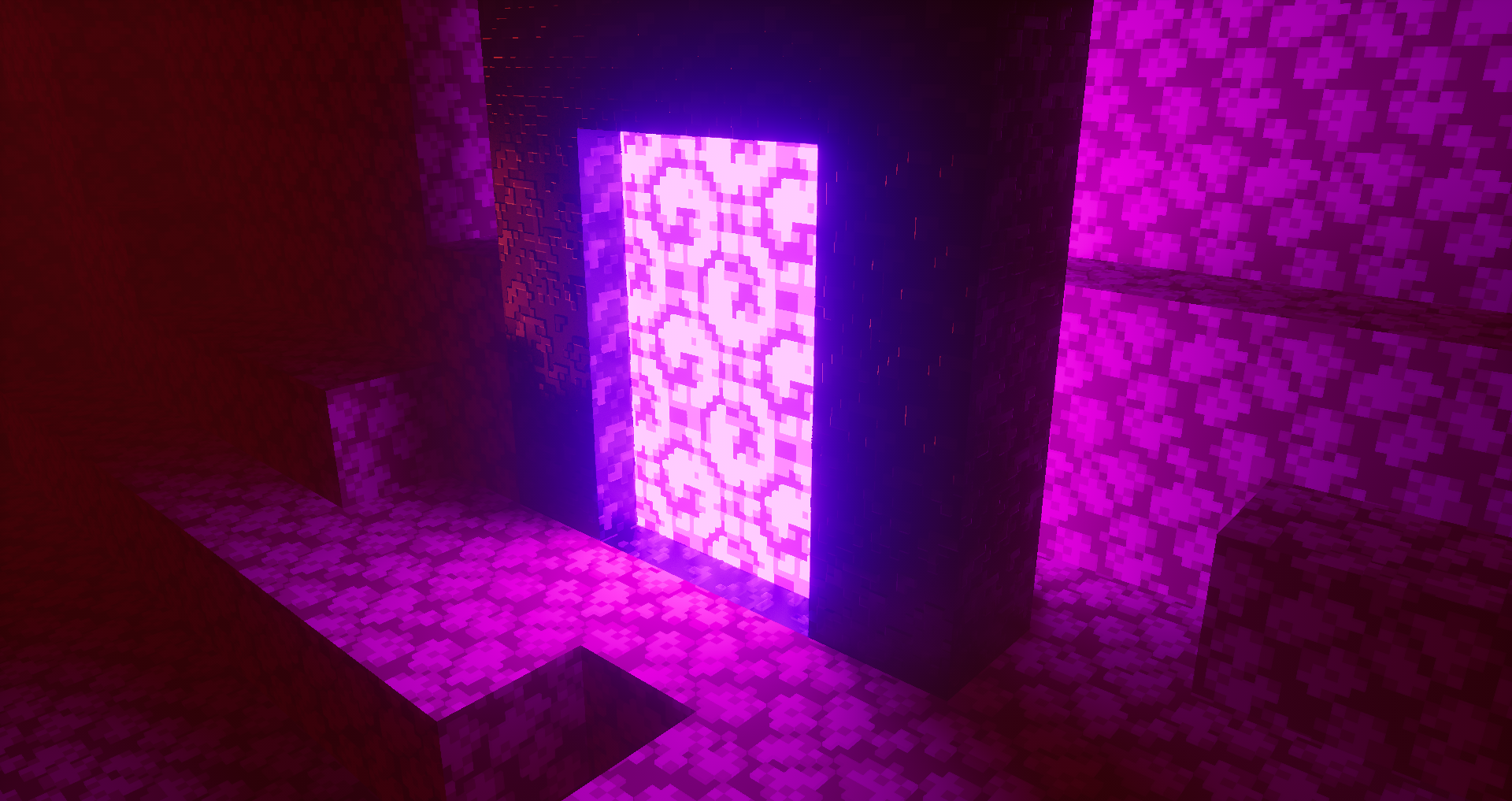

Project: OverSimplified
OverSimplified is a pack that recreates the look of the trailers with Shaders and PBR Features!Install

Colourful containers Dark Mode GUI
A container GUI replacement mod that hopes to match the menu to every one of Minecraft's colourful interactable blocks.Install

Overlay’s
26.3 × Adds seamless block overlays, blending compatible blocks together for a more natural and detailed world.Install

Glowing Ores! - Borderful Edition
a Resource pack that makes the Ores pop out a little more by giving it a Gradient outline and having support with "Optifine" and "Continuity" Mod! Which grants the Resource pack to glow due to the Emissive properties!Install

Metals Ultra
Handcrafted PBR textures for Minecraft & mod metals!Install

FullBrightness
Makes everything bright just like night visionInstallFAQ
Do I need Forge or Fabric for a resource pack?
No. A resource pack works on the regular game with no loaders or mods. Click “Install” and Millida Launcher will put the pack into the right modpack — then just enable it in the settings.
What do 16×, 32×, 64× mean?
The resolution of a single texture in pixels. 16× matches the original game, 32× and 64× are more detailed and heavier, and 128× and up put a noticeable load on your graphics card.
Will a pack made for another version work?
Most likely partly: older packs don't have textures for newer blocks, so those will stay default. The game won't break, though.
How is a texture pack different from a resource pack?
Only by name and age. Before version 1.6 the sets were called texture packs and changed only textures; in 1.6 resource packs replaced them and also change sounds, fonts and the interface. Old texture packs for 1.5 and below do not work on new versions without conversion.
Which texture packs are best for PvP?
PvP packs: 16× resolution or lower, shortened swords, low fire, a clear sky and bright particles. They barely load the computer and make the opponent easier to see. These packs are collected in the PvP theme.
How do I install a resource pack?
Press Install and Millida Launcher puts the pack into the resourcepacks folder of the right instance. Then enable it in the game: Options, then Resource Packs. Manually, the archive goes into resourcepacks inside the game folder, no need to unpack it.
Resource packs for Minecraft Java 1.13
Resource packs for Minecraft 1.13: 389 items in the Resource packs section. Compatibility is checked against the files, not the description: only items with a build for exactly these conditions stay in the list.
The key thing about a pack is its resolution. The game's default textures are 16×16 pixels; 32× and 64× packs look more detailed, while 128× and up need a real graphics card and are usually paired with shaders. On a weak machine it makes sense to stay at 16× or go for packs that deliberately simplify graphics for more FPS. Every pack here lists its game version, author and license, and all released versions are gathered on one card. Put the downloaded archive in the resourcepacks folder and enable it in the game settings.