
Resource packs for Minecraft Java 1.13 — page 5
Resource packs: list


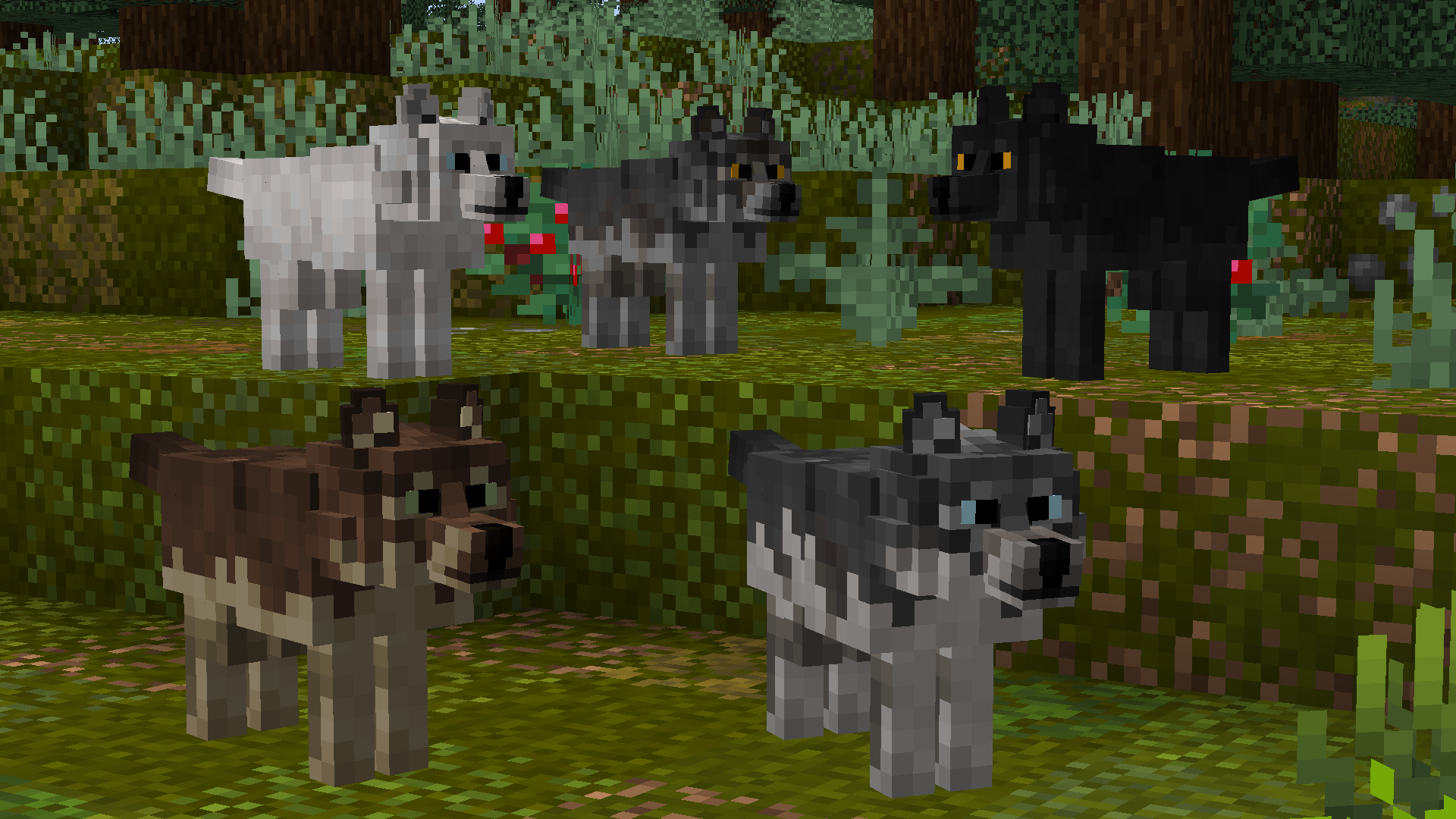
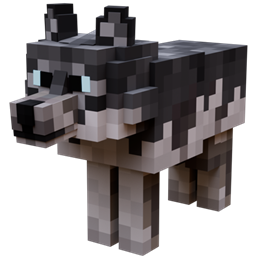
Better Wolves
Updates wolf models to look more realistic ━ Now compatible with Fabric!Install

Clayful 128x
Minecraft in a Claylike, Sculpted Way! 128xInstall

Icons Removed ADS
Removes the annoying logo from Icons resourcepackInstall

Sun and Moon Circular
Add a special touch to your Minecraft sky with the Sun and Moon Circular texture pack, which transforms the sun and moon phases into rounded, smoother shapes, offering a unique and elegant look to the game’s horizon.Install

Flower Clusters
Flowers cover the ground better, being placed in clusters rather than individuallyInstall

Link's 3D Rails
This is some 3D rails I made in Blockbench designed to fit within the Vanilla world!Install
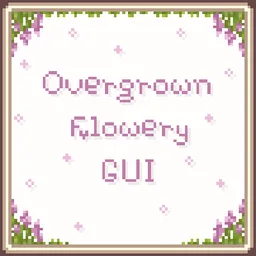
Overgrown Flowery GUI
Cute & Floral GUI overhaul resource packInstall

Simple Glowing Ores
This ressource pack make precious raw ore glow in the darkInstall

Night Vision Plus
Do you want to see in the dark without potions? With this texture pack you can do it. FullBrightInstall

No Fog – Clear View Resource Pack
Removes Minecraft’s fog for a crystal-clear view of your world.Install

Enchantment Descriptions Compat
Adds enchantment descriptions for modded enchantments that are missing them!Install

Invisible Totem Of Undying - Clear View When Held
Invisible Totem offers a unique advantage by making the totem of undying invisible when held, ensuring players have a clear field of view for navigating and reacting to game situations without visual obstruction.Install

Simple Hotbar
Resource Pack that changes hotbar, hearts and armor iconsInstall

Low Fire, Shield & More
Makes shield, food, totems, rockets, potions and fire lower and also adds eating animationInstall

Barebones Bossbars
simplistic per-mob icons and colors to decorate boss bars withInstall
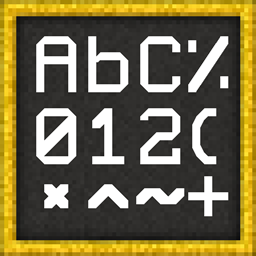
SharpFonts [48x] (GUI Scale Dependant)
A sharp font in the style of PVP packs, that looks vectorized on your screenInstall

DSWG Thunder Sound
Thunder SoundInstall

Better 3D Beds
These textures make your game's beds look 3DInstall

Xaero's Vanilla GUI
Gives the popular minimap and worldmap mod by xaero a more consistent design with vanilla.Install

3D Sugar Cane
The 3D Sugar Cane texture pack enhances the appearance of sugar cane in Minecraft by giving it a more realistic, three-dimensional lookInstall
Music Remastered [MMR]
Replacing all of Minecraft's tracks with music covers and live instrumental songs that are streamer friendly.Install

Fragrant Flowers: Expanded
An expanded flower-enhancing resource pack bundle with Bushier Flowers and modded plant compatibility.Install

FullBright
Fullbright without mods or shaders. Compatible with everything.InstallFAQ
Do I need Forge or Fabric for a resource pack?
No. A resource pack works on the regular game with no loaders or mods. Click “Install” and Millida Launcher will put the pack into the right modpack — then just enable it in the settings.
What do 16×, 32×, 64× mean?
The resolution of a single texture in pixels. 16× matches the original game, 32× and 64× are more detailed and heavier, and 128× and up put a noticeable load on your graphics card.
Will a pack made for another version work?
Most likely partly: older packs don't have textures for newer blocks, so those will stay default. The game won't break, though.
How is a texture pack different from a resource pack?
Only by name and age. Before version 1.6 the sets were called texture packs and changed only textures; in 1.6 resource packs replaced them and also change sounds, fonts and the interface. Old texture packs for 1.5 and below do not work on new versions without conversion.
Which texture packs are best for PvP?
PvP packs: 16× resolution or lower, shortened swords, low fire, a clear sky and bright particles. They barely load the computer and make the opponent easier to see. These packs are collected in the PvP theme.
How do I install a resource pack?
Press Install and Millida Launcher puts the pack into the resourcepacks folder of the right instance. Then enable it in the game: Options, then Resource Packs. Manually, the archive goes into resourcepacks inside the game folder, no need to unpack it.
Resource packs for Minecraft Java 1.13
Resource packs for Minecraft 1.13: 389 items in the Resource packs section. Compatibility is checked against the files, not the description: only items with a build for exactly these conditions stay in the list.
The key thing about a pack is its resolution. The game's default textures are 16×16 pixels; 32× and 64× packs look more detailed, while 128× and up need a real graphics card and are usually paired with shaders. On a weak machine it makes sense to stay at 16× or go for packs that deliberately simplify graphics for more FPS. Every pack here lists its game version, author and license, and all released versions are gathered on one card. Put the downloaded archive in the resourcepacks folder and enable it in the game settings.