

Small Handhelds Resource pack for Minecraft 1.20.1, 1.21.1
Makes items held in a hand smaller and therefore less obstructive. All items, blocks, weapons and tools in the game are supported. Now configurable with Respackopts!
- downloads
- 125 downloads
- views
- 706 views
- Updated
- Updated 26.09.2026
- 1.13 — 26.3
 Vanilla game
- Client
Welcome to Small Handhelds!
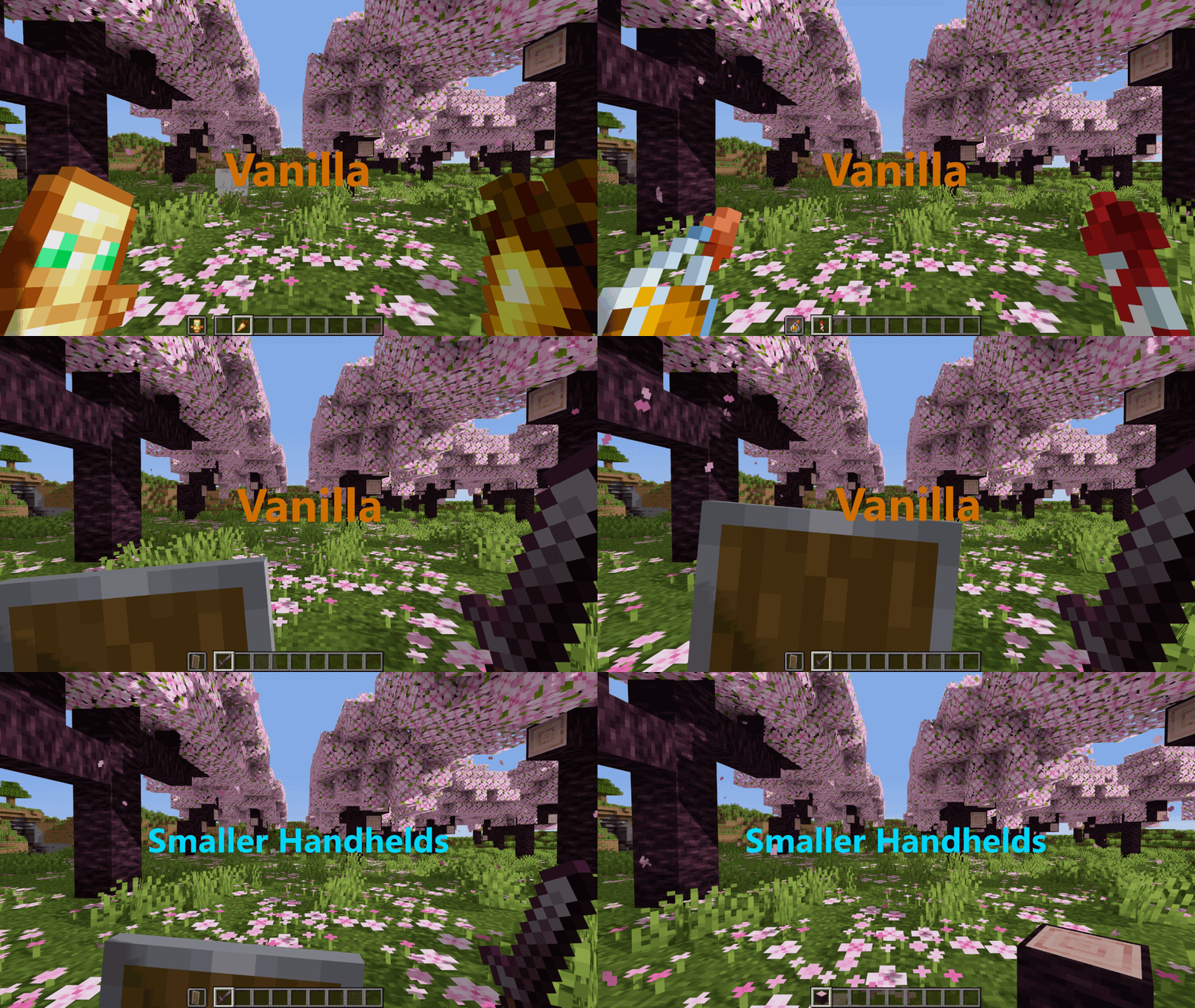
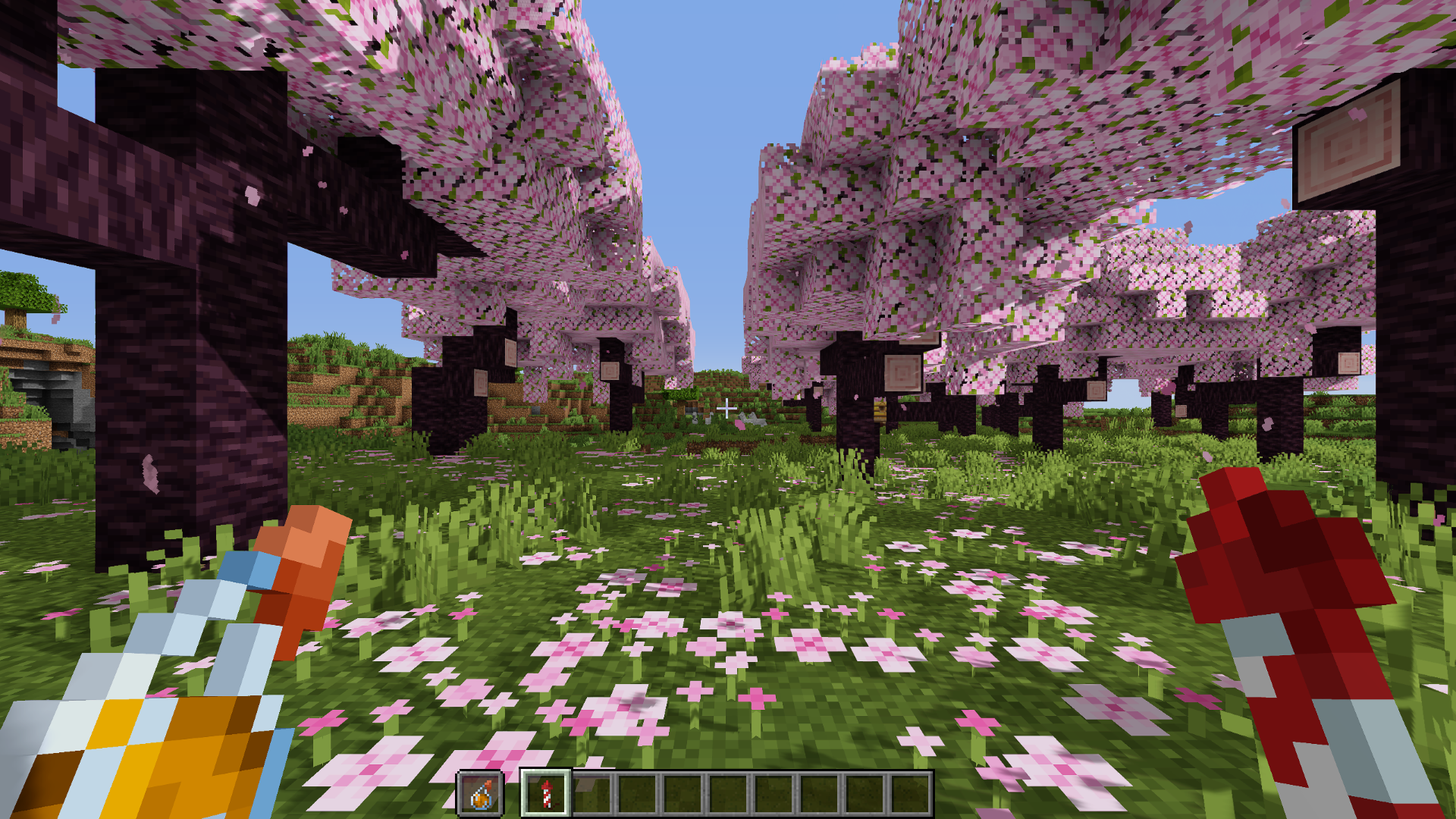
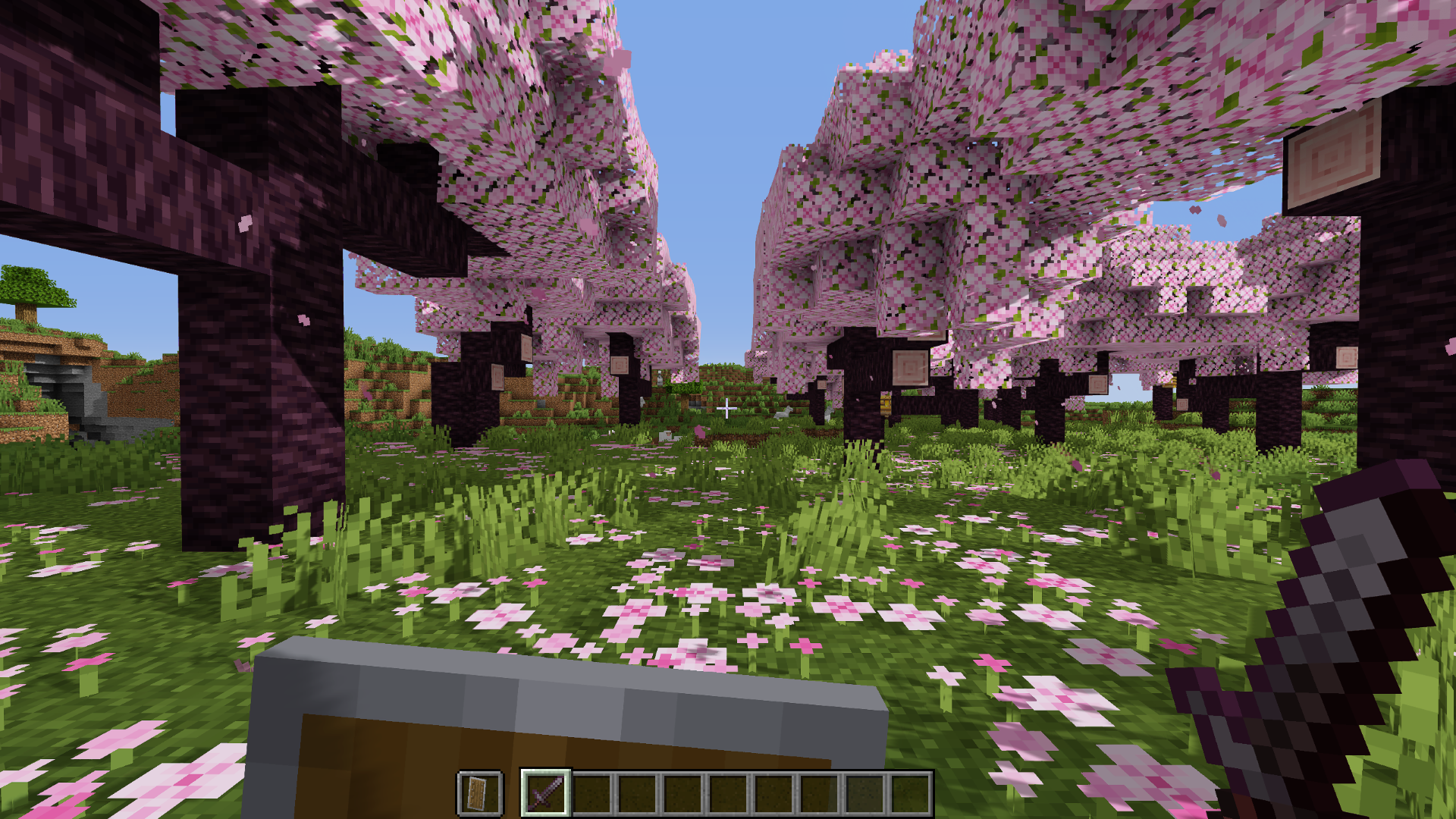
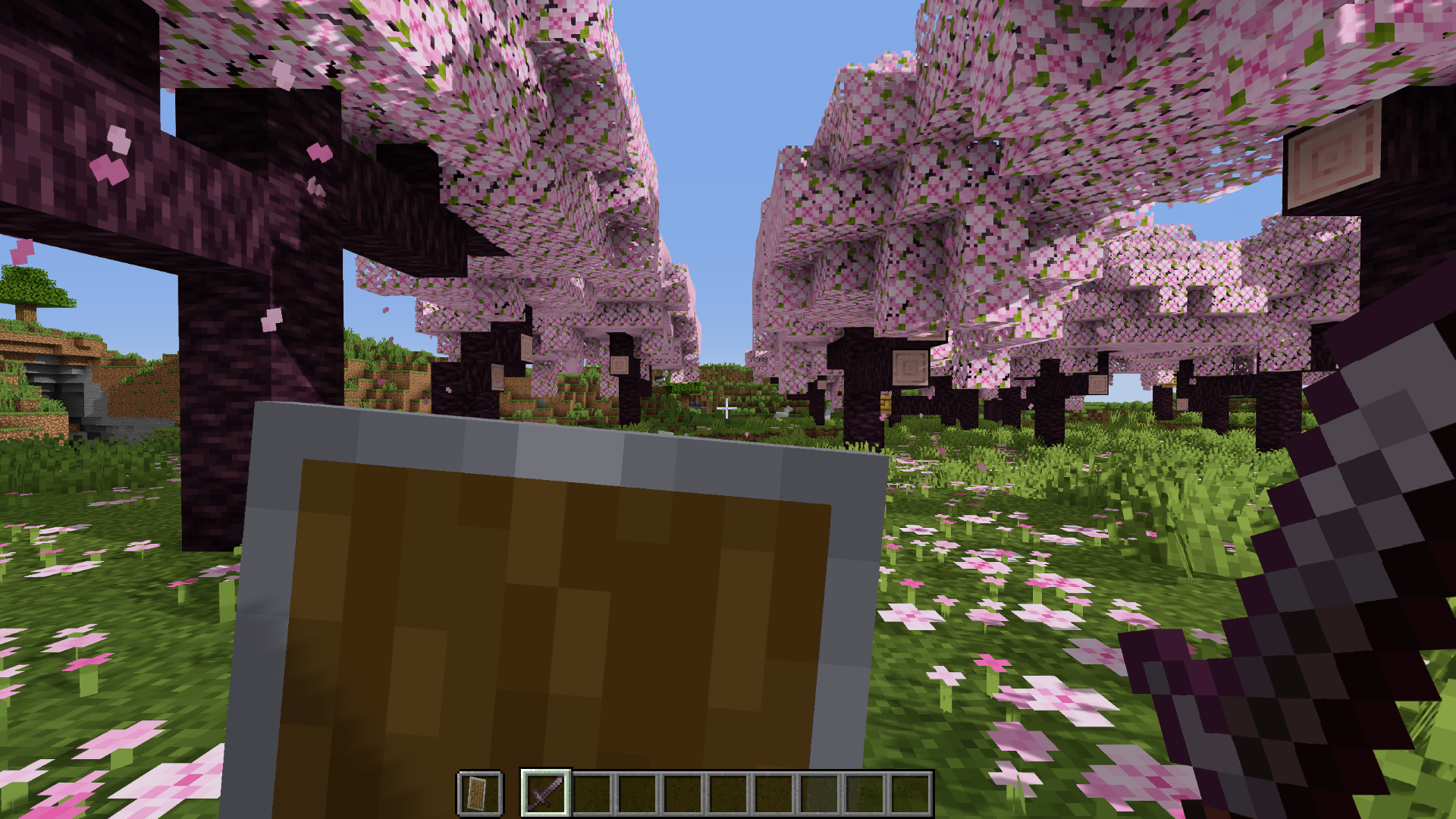
This resource pack makes items held in hand smaller, which makes the items obstruct your view way less than before. This pack supports everything and is compatible from 1.13 up to the latest Minecraft version!
And trust me, once you have played with this resource pack, you don't want to go back ;)
Versions
V4.0+
Supports all blocks, items and weapons & tools, but now you can configure this pack to your liking!
Configuration only available by installing the Respackopts mod

V3.6 and below
Full Version
Supports all items, weapons, tools and blocks in the game

Standard Weapons & Tools
For players who don't like the smaller weapons and tools, this version supports smaller items and blocks but will leave the weapons and tools as the vanilla size

Comparison
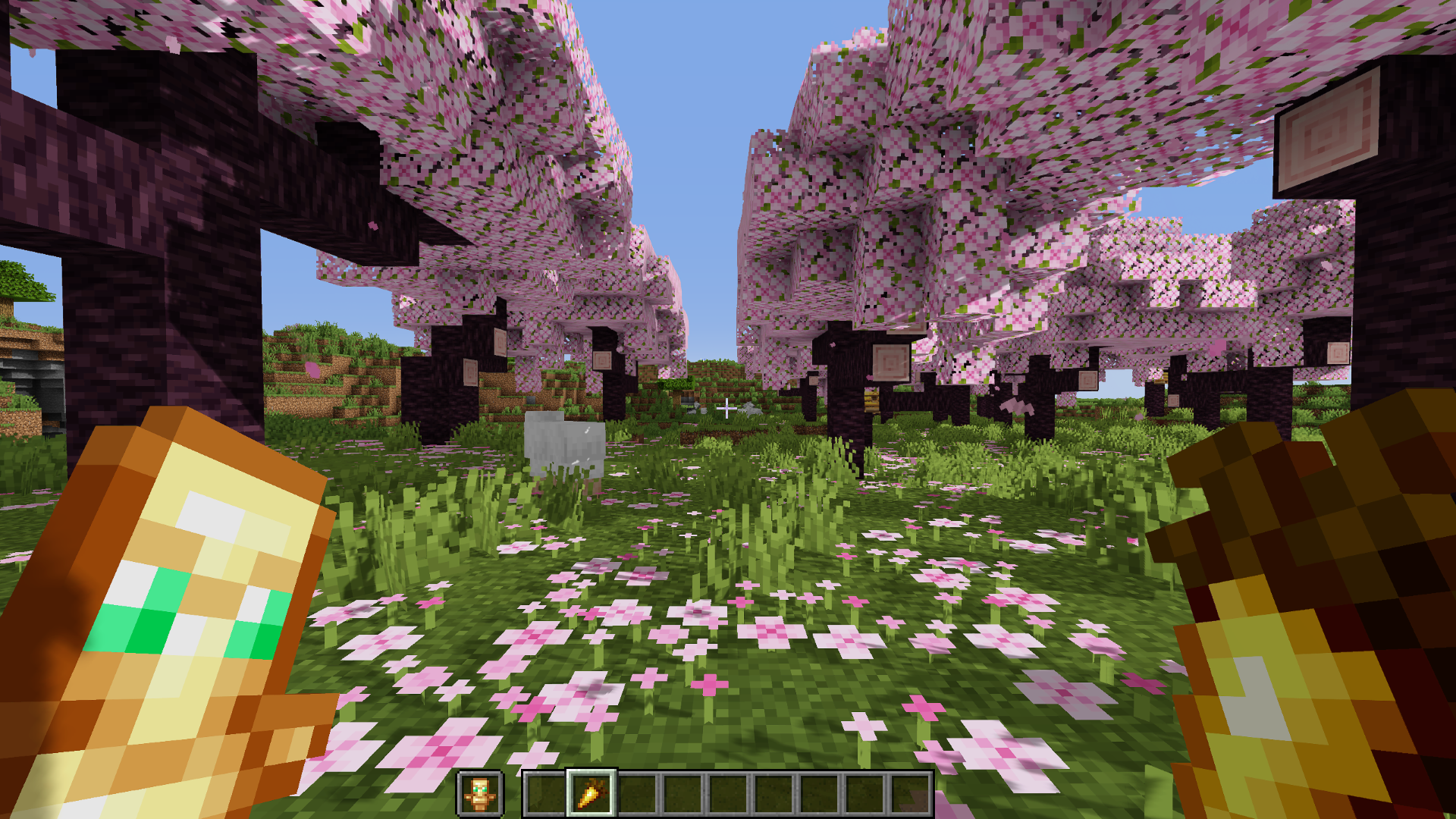
Totem of Undying & Golden Carrot
Smaller Handhelds
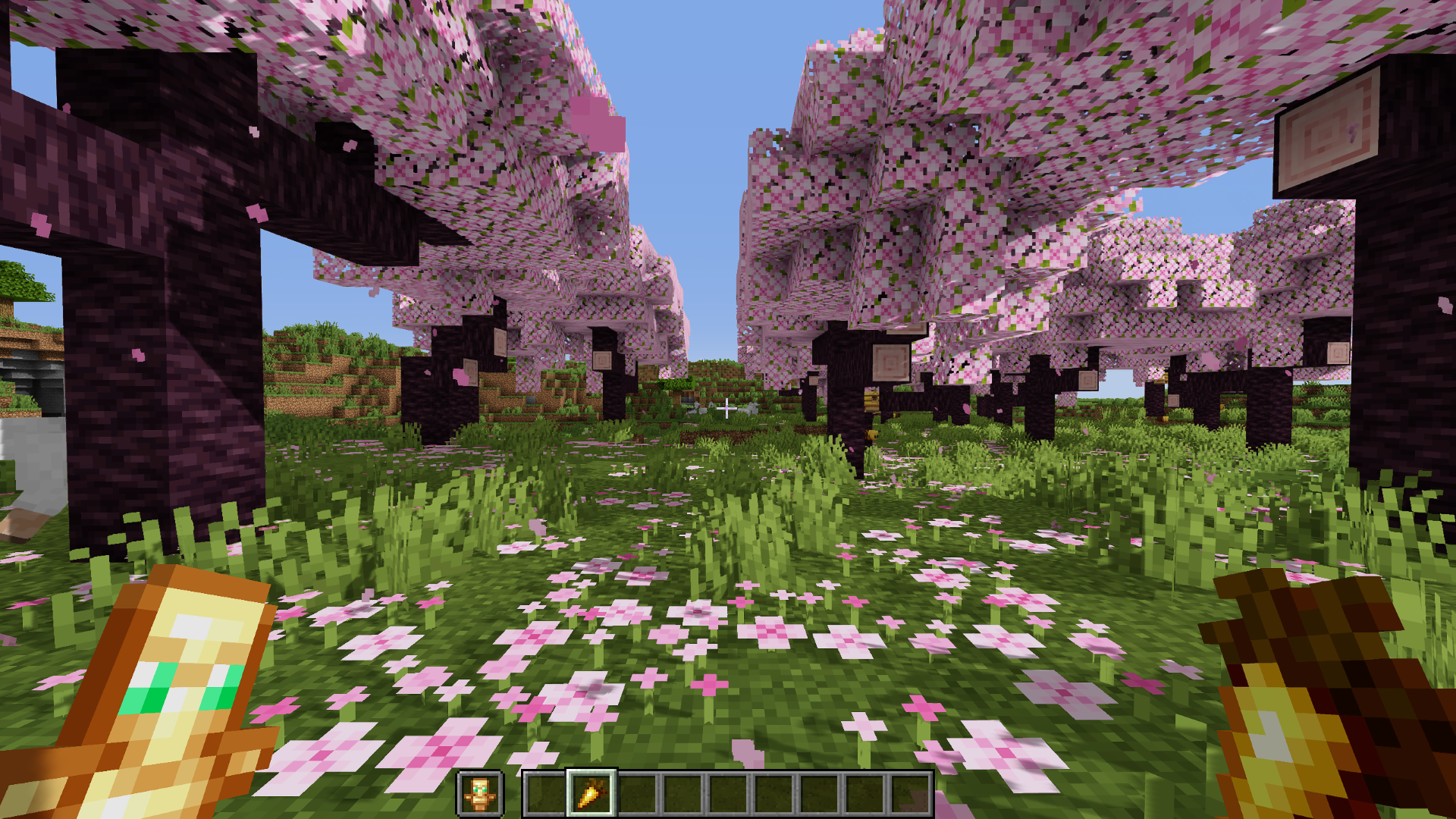
Vanilla
Potion & Firework Rocket
Smaller Handhelds
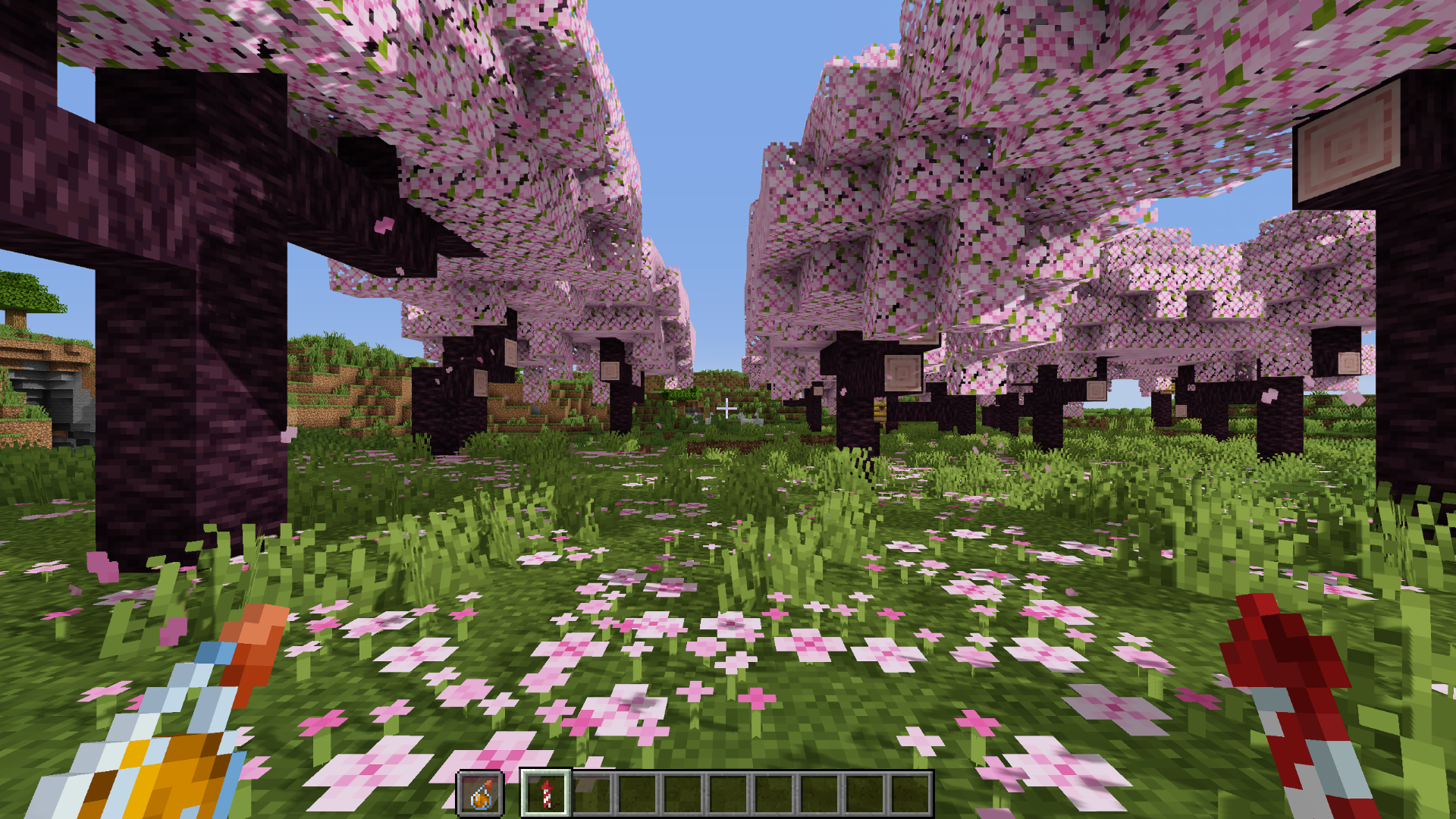
Vanilla
Sword & Shield Blocking
Smaller Handhelds
Vanilla
How to install Small Handhelds
With Millida Launcher
Install Millida Launcher
The launcher is free: download it at millida.net/launcher and sign in with any nickname.
Click “Install” on this page
The launcher opens and installs the resource pack for Minecraft 1.13–26.3 automatically.
Launch the game
A profile with it appears in the launcher: click “Play”.
Manually
Download the archive
Pick the file Small Handhelds.zip (33 KB) for your game version. No need to unpack it.
Put it in the resourcepacks folder
The easiest way: “Options”, then “Resource Packs”, then “Open Pack Folder”, and drag the archive there.
Enable the pack
In the same window, move the pack to the right-hand “Selected” column and click “Done”.
Versions
With dependencies
| Minecraft | Loader | File | Date | Actions |
|---|---|---|---|---|
| 26.3 | — | 26.333.1 KB 76 | ||
| 26.1 | — | 26.130.9 KB 2 | ||
| 1.21.11 | — | 1.21.1130.9 KB 11 | ||
| 26.2 | — | 26.230.9 KB 1 | — | |
| 1.18.2 | — | 1.18.230.9 KB 2 | — | |
| 1.16.5 | — | 1.16.530.9 KB | — |
What it needs to run
- Dependencyoptional
Reviews
Be the first to rate Small Handhelds


