
Modpacks for Minecraft Java — page 22
5,165 itemsModpacks: list


Better PvP
This modpack is for Hypixel Bedwars/Duels and helps you get better FPS for smoother gameplay.Install
NotiFine
An OptiFine alternative modpack brought you by the team behind TheBreakdown and SimpleGameHosting!InstallOn a server
X-RAY Unlimited Forge
Just X-RAY and a few of things Forge supportedInstallOn a server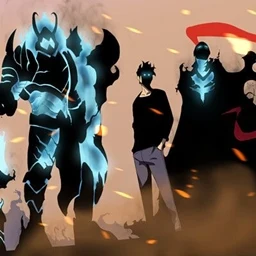
Solo Leveling: Reincarnation Awakening
this project is being revamped, a new and improved version will be coming in the next coming weeks to months.InstallOn a server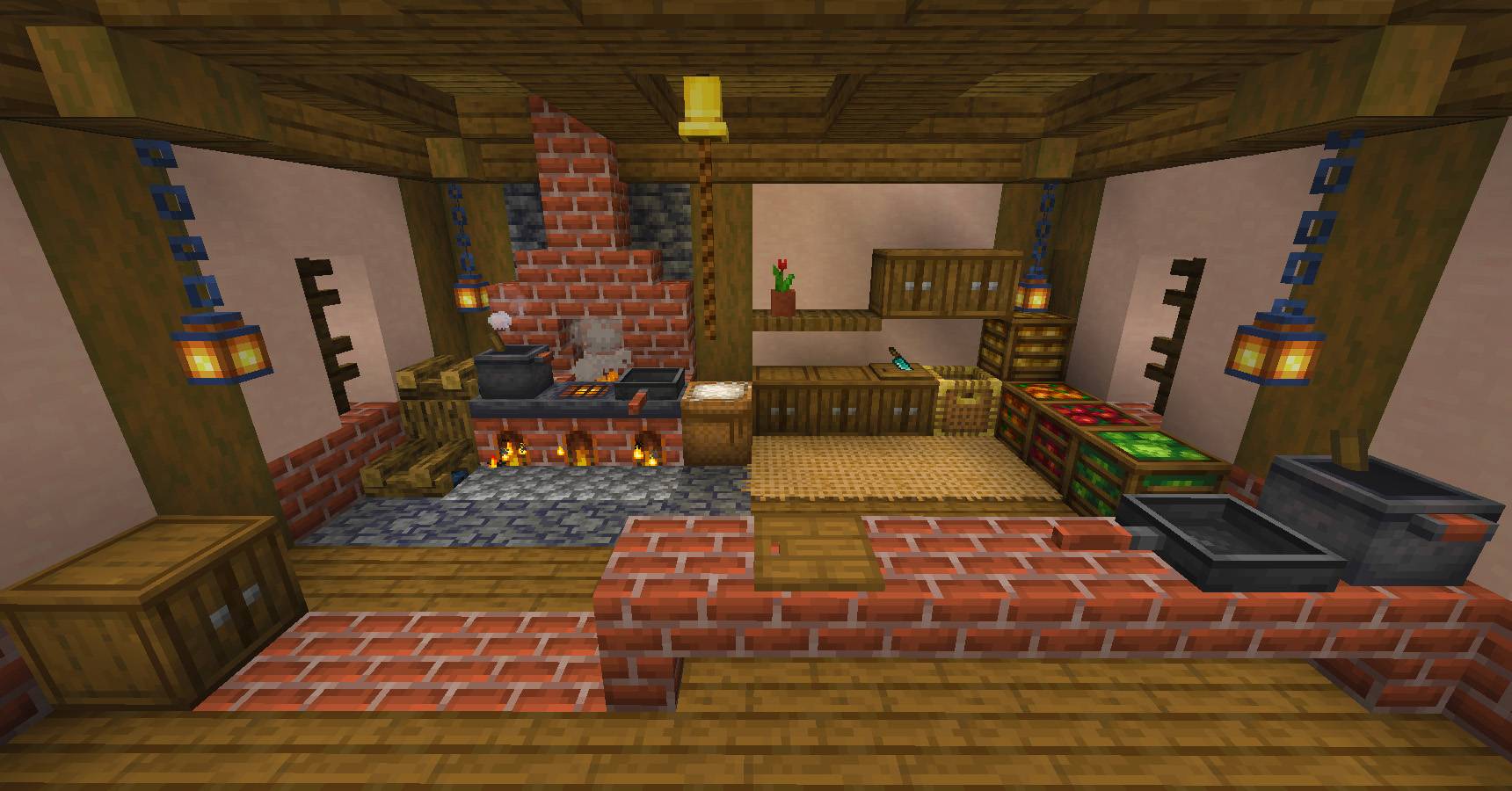
More Decorations [FORGE] - 1.21 UPDATE!
An incredible modpack designed for decoration lovers, although it adds much more vanilla+ content...InstallOn a server
Blood N Bones Classic
When Hardcore just isn't Hardcore enoughInstallOn a server

Rising Legends
[1.20.1] RLCraft Recreated For Modern Minecraft Versions! Includes (almost) all features from the original modpack.InstallOn a server
FTB Horizons III
Horizons III is the sequel to the original Horizons and Horizons: Daybreaker, but updated and remastered for 1.12.2. The Horizons series is created to showcase some lesser-known mods in the Minecraft world that don’t often get put into larger FTB packs...InstallOn a server
Engineer's Life 2
Progress, automate, invent, explore, build, do quests. Pack based on Immersive Engineering mod.InstallOn a server
BigChadGuys Plus (Non Cobblemon!)
Prepare for a cozy adventure with built-in shaders, multiplayer, quests, recipes, and more!InstallOn a server

The 1.12.2 Pack: Perfectly Complex
A unique collection of over 200 mods, optimized and customized gameplay, and more!InstallOn a server

Everything Voxy
This modpack makes Voxy run fast and smooth with full support for compatible shaders. 1.21.10–26.2InstallOn a server
KEO RPG optimized
Keo RPG is a fully Spanish, highly optimized modpack with over 200 mods that lets you rediscover Minecraft with freedom, RPG classes, magic, and epic bosses.InstallOn a server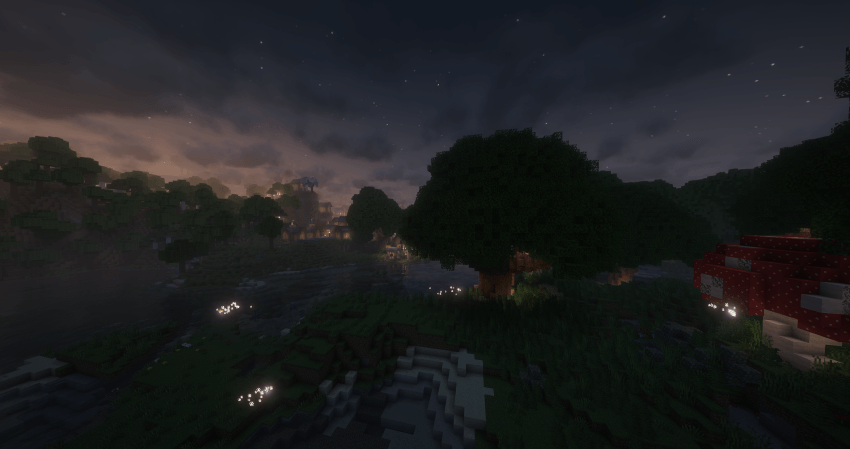

Tensura Neo Otherworld
A Tensura-themed adventure modpack.InstallOn a server
Enigmatica 6: Expert - E6E
A quest-guided expert modpack for Minecraft 1.16.5 - Progress through a series of gated mods, automate complex recipes and build massive structures in order to make the ultimate artifact - The Creative WorldshaperInstallOn a server

Farmopolis
A relaxing Create Farming based modpackInstallOn a server
Parasites 100 Days
The mod pack used in Forge Labs and OkRobert's 100 Days VideosInstallOn a server

Essentials++
Essentials for playing Minecraft Java Edition at it's full potential.Install

Zombie Apocalypse
Experience never seen zombie apocalypse with guns for fabricInstallOn a server
After The Nukes
Begin a true Fallout adventure in a devastated wasteland world with extremely high difficulty, Trading, Factions, and Quests.InstallOn a server

OptiMobile (Fabric)
A performance ready modpack made more Mobile Java Edition players made using a low end device but ready for power!Install

Tensura Journey of Reincarnation
Path of Reincarnation 2: Journey of RebirthInstallOn a server
Grand Piece - A One Piece Modpack
Become the Pirate King and play Minecraft with this new ModpackInstallOn a serverFAQ
How is a modpack different from a bunch of mods?
A modpack is already a tuned set: mod versions are matched to each other, configs are set up, and recipes and progression are tied together. Mods downloaded one by one you'll have to make work together yourself.
How do I install a modpack?
Click “Install” and Millida Launcher will download the modpack and the right Java for you and create a separate profile for it. No need to install the mods or loader separately.
How much memory should I allocate?
Light performance modpacks run on 4 GB, mid-sized ones on 6 GB, and big tech-and-magic ones need 8 GB or more. You can change memory in the Millida Launcher profile settings; the exact figure is usually in the modpack description.
Which modpack should I pick to play with friends?
Turn on the With a friend filter under What for to keep modpacks made for playing together: co-op survival, Create, adventures with shared progression. The modpack version must match for every player and the server.
Are there modpacks with quests in my language?
Modpacks with a quest book and a story are in the With quests theme. The quest language depends on the author: most packs ship in English, and other languages are usually added by a separate translation mod — check the modpack description.
Will a modpack run on a low-end PC?
A light one will. The For low-end PCs filter keeps modpacks with a small mod list and performance mods, and 4 GB of memory is enough for them. Big tech-magic modpacks need 6–8 GB and lag on a weak machine even if they start.
How do I run a modpack on my own server?
A modpack page has an On a server button: it installs the modpack on a Millida Hosting server and switches the core to match, and a copy of the old world is kept in backups. Players then install the same modpack in Millida Launcher and join the server address.
Modpacks for Minecraft Java
A modpack is a ready-made set of mods, configs and recipes put together by the author so that everything works together. Building a set like that by hand takes ages: mods clash over versions, need libraries and handle game mechanics in different ways. A modpack has already done that work for you — all that's left is to pick the game version and loader.
A modpack is not only for your own game: you can also run it on a server to play with friends. Next to Install on a modpack page there is an On a server button: it installs the same modpack on a Millida Hosting server together with the right core, and a copy of the old world is kept in backups. Your friends install the modpack in the launcher and join the server address — everyone gets the same version because it comes from one place.
Each modpack here is one page with every released version. The card shows which game version and loader it's built for, how big the archive is and who the author is. Modpacks aren't installed like individual mods: click “Install” and Millida Launcher downloads all the modpack's mods, the right loader and Java, and creates a separate profile for it without touching your others. Mind the memory requirements: heavy tech-and-magic modpacks need six gigabytes or more and simply won't start on the default two.