
Modpacks for Minecraft Java — page 20
5,163 itemsModpacks: list

MineField Mods
Modpack oficial de MineField ModsInstallOn a server

Cobblemon Optimized Adds all 1028 Pokemons + Megas + Legendaries
Contains all 1028 pokemons as well as LEGENDARIES. We also have mega evolutionInstall

Hope and despair
The high version of the popular gameplay "100 Days of Shock" is remastered and unique!InstallOn a server

The Lost Era Modpack
Designed for players of all skill levels to fully utilize modded content, be it Magic, Tech, and more.InstallOn a server
Arcadia [RPG]
Arcadia is a fully immersive RPG experience with a personal quest book to the greater glory!InstallOn a server

Cobblemon Expanded (by Jonathan)
Cobblemon with missing features added in! Pokémon Towns, rideable Pokémon, Mega Evolutions, Gym Leaders, Pokémon plushies, and more!InstallOn a server
Universal: Interdimensional Escape
[Quests, 400+ Quests] [Story: An Escape from the Intergalactic Government into an Alternate Universe!] Universal: Interdimensional Escape is a Modpack that is inspired by Worldly Galaxies & Void World.InstallOn a server
FTB Vanilla +
Sometimes there’s nothing better than the classics. Return to the basics with Vanilla+, a carefully crafted modpack designed to enhance and expand the vanilla Minecraft experience. All the fun and cleanliness of a fresh instance but with the raw...InstallOn a server
TNP Limitless 8 - LL8
1.21.1 - All of your favorite mods in one place. A journey awaits you. Questing, tech, magic, exploration & so much more!InstallOn a server
Techopolis 2
A modpack all about techInstallOn a server
FTB Ultimate
The original jumbo FTB package created to provide the ultimate Minecraft adventure. This monster of a 1.4.7 pack has something for everyone: magic, technology, exploration, and everything in-between.InstallOn a server
Kinda Crazy Craft 2.0
Kinda Crazy Craft but reimagined as 2.0InstallOn a server
Craft to Exile [Harmony]
Minecraft meets Path of Exile & Diablo!InstallOn a server
waccyy's Fantasia
A modpack aiming to capture the immersive fantasy RPG experience like the Elder Scrolls games.InstallOn a server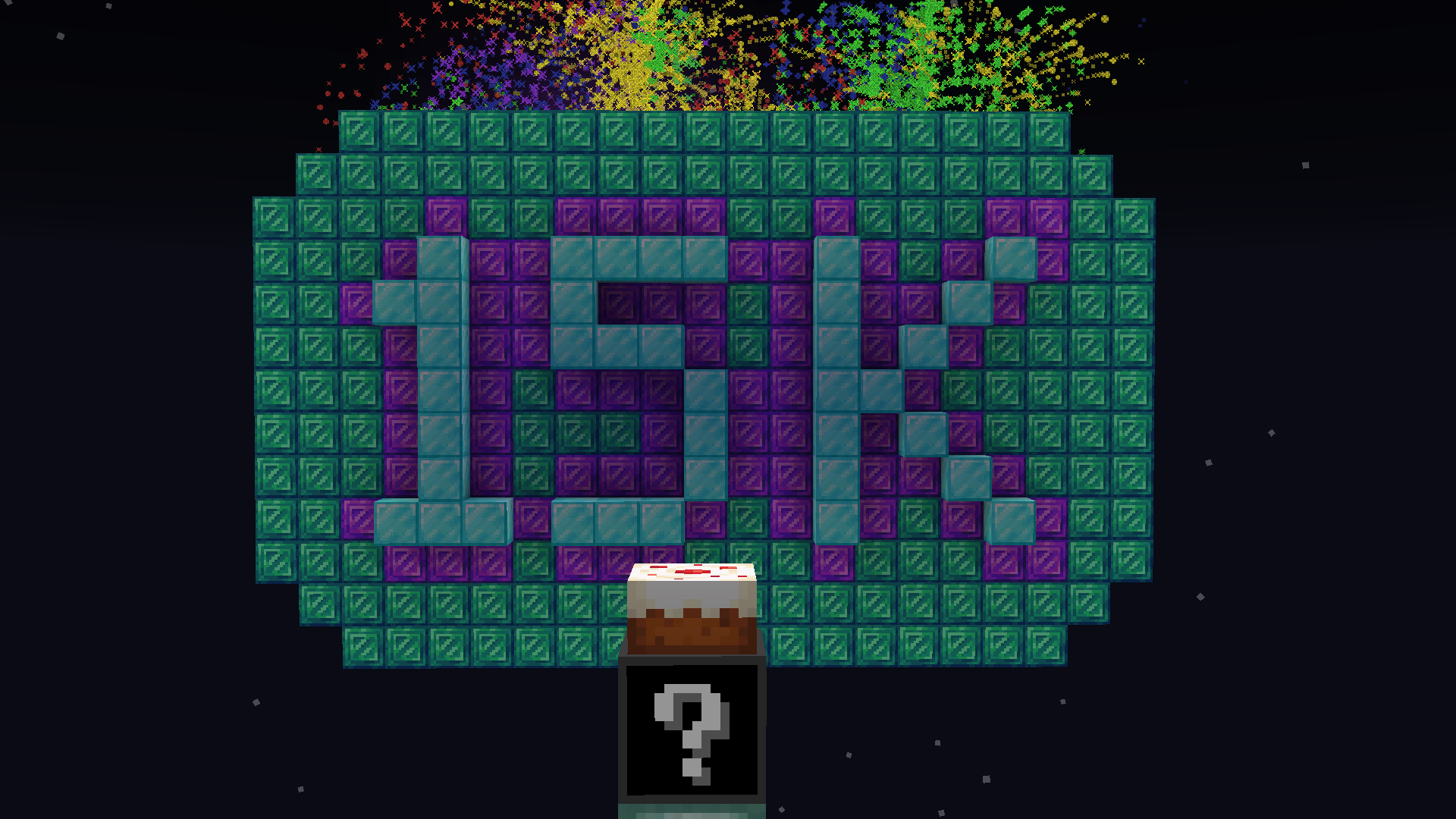
Random Modded OneBlock SkyBlock
Is a one block skyblock but have a item generator that gives you random itens every time you breck itInstallOn a server
Official Tensura: Reincarnated Survival Server
Modpack for the Official Tensura:Reincarnated server by the mod creators.InstallOn a server
All The Horror (1.12.2)
All the best horror mods in one modpack!InstallOn a server

Jurassic World Rebirth
Time to join the past with the present, enjoy a world filled with these dinosaurs!InstallOn a server
Keo optimized
A lightweight optimization pack with only essential mods, delivering up to 4x higher FPS while keeping Minecraft smooth and stable on Fabric.InstallOn a server

FPS Booster
Optimizes Minecraft for better performance, higher FPS, reduced lag, and smoother gameplay. 1.21.9-26.1.2Install
Edenium 1.4.1
Adventure RPG: Twilight Forest, Blue Skies, The Undergarden, dragons and magicInstall
Dreamcraft [FABRIC]
Craft your own destiny with the all-in-one Minecraft modpack! Featuring 800+ quests and mods from every category - building, adventure, magic, and tech - it's the ultimate gaming experience. Start playing now!InstallOn a server

Magiculture 2
1.12 pack focused on exploration, magic, and agricultureInstallOn a serverFAQ
How is a modpack different from a bunch of mods?
A modpack is already a tuned set: mod versions are matched to each other, configs are set up, and recipes and progression are tied together. Mods downloaded one by one you'll have to make work together yourself.
How do I install a modpack?
Click “Install” and Millida Launcher will download the modpack and the right Java for you and create a separate profile for it. No need to install the mods or loader separately.
How much memory should I allocate?
Light performance modpacks run on 4 GB, mid-sized ones on 6 GB, and big tech-and-magic ones need 8 GB or more. You can change memory in the Millida Launcher profile settings; the exact figure is usually in the modpack description.
Which modpack should I pick to play with friends?
Turn on the With a friend filter under What for to keep modpacks made for playing together: co-op survival, Create, adventures with shared progression. The modpack version must match for every player and the server.
Are there modpacks with quests in my language?
Modpacks with a quest book and a story are in the With quests theme. The quest language depends on the author: most packs ship in English, and other languages are usually added by a separate translation mod — check the modpack description.
Will a modpack run on a low-end PC?
A light one will. The For low-end PCs filter keeps modpacks with a small mod list and performance mods, and 4 GB of memory is enough for them. Big tech-magic modpacks need 6–8 GB and lag on a weak machine even if they start.
How do I run a modpack on my own server?
A modpack page has an On a server button: it installs the modpack on a Millida Hosting server and switches the core to match, and a copy of the old world is kept in backups. Players then install the same modpack in Millida Launcher and join the server address.
Modpacks for Minecraft Java
A modpack is a ready-made set of mods, configs and recipes put together by the author so that everything works together. Building a set like that by hand takes ages: mods clash over versions, need libraries and handle game mechanics in different ways. A modpack has already done that work for you — all that's left is to pick the game version and loader.
A modpack is not only for your own game: you can also run it on a server to play with friends. Next to Install on a modpack page there is an On a server button: it installs the same modpack on a Millida Hosting server together with the right core, and a copy of the old world is kept in backups. Your friends install the modpack in the launcher and join the server address — everyone gets the same version because it comes from one place.
Each modpack here is one page with every released version. The card shows which game version and loader it's built for, how big the archive is and who the author is. Modpacks aren't installed like individual mods: click “Install” and Millida Launcher downloads all the modpack's mods, the right loader and Java, and creates a separate profile for it without touching your others. Mind the memory requirements: heavy tech-and-magic modpacks need six gigabytes or more and simply won't start on the default two.