
Modpacks for Minecraft Java 1.21 — page 3
317 itemsModpacks: list


The Last Voyage of the Harpy Express
A Train Murder Mystery Social GameInstallOn a server

Cobblemon.gg
🔥 Cobblemon.gg - Ultimate Pokemon Experience! Welcome to Cobblemon.gg, your premier destination for an unparalleled Minecraft – Cobblemon – Pokémon experience!InstallOn a server

Low Res Trailer Recreation
This pack aims to recreate the amazing visuals of the Minecraft Trailers inside the vanilla game.InstallOn a server

Lucky Block Challenge
Lucky Block Challenge!, Lucky Blocks, Lucky OneBlock, Lucky Race, Lucky Games, Lucky Pillars and more!InstallOn a server

Better MC [NEOFORGE] BMC5
Version 1.21.1 | Vanilla+ Experience With The Player in Mind | A New Era of Better MC!InstallOn a server

The Broken Script Enhanced
A horror modpack based around The Broken Script, adding small mods to aid it in giving you a sense of fear and paranoia.InstallOn a server

Cobblemon Optimized Adds all 1028 Pokemons + Megas + Legendaries
Contains all 1028 pokemons as well as LEGENDARIES. We also have mega evolutionInstall

Cobblemon Expanded (by Jonathan)
Cobblemon with missing features added in! Pokémon Towns, rideable Pokémon, Mega Evolutions, Gym Leaders, Pokémon plushies, and more!InstallOn a server

FPS Booster
Optimizes Minecraft for better performance, higher FPS, reduced lag, and smoother gameplay. 1.21.9-26.1.2Install

UnstableSMP
You've all seen those Minecraft videos like 1 vs 1000, 2 vs 1000, and etc. Would you like to try fighting against that many players yourself? If so, this ModPack is just for you.InstallOn a server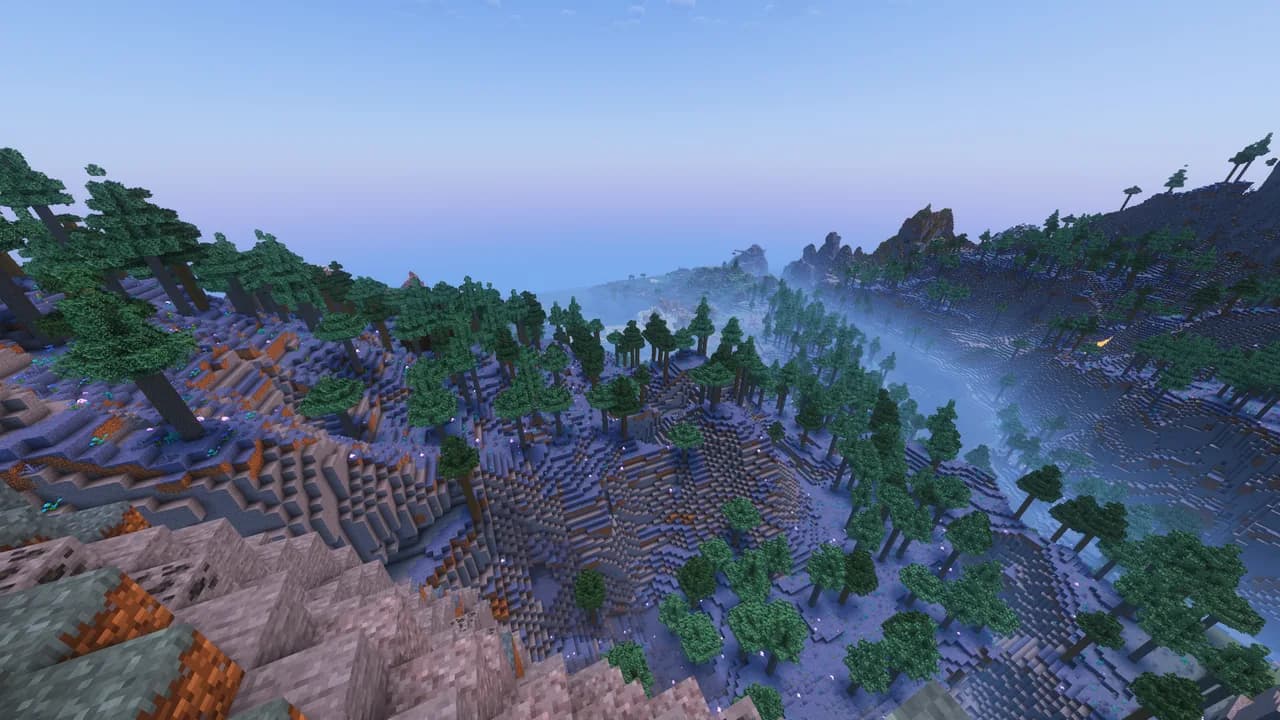

Better Adventures++
A modified version of Flowstate's Better Adventures+ modpack that adds a few mods I feel keep the spirit of the original, while adding extra content, features, and structuresInstallOn a server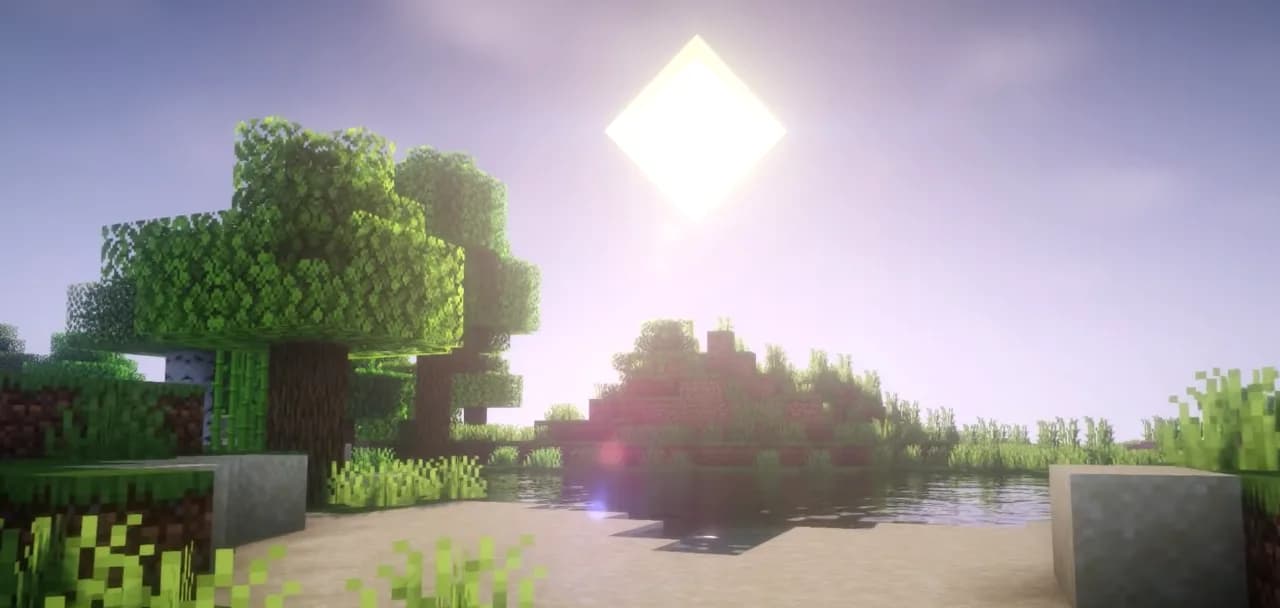

Essentials++
Essentials for playing Minecraft Java Edition at it's full potential.Install

OptiMobile (Fabric)
A performance ready modpack made more Mobile Java Edition players made using a low end device but ready for power!Install
Medieval MC [NEOFORGE] MMC5
Version 1.21.1 | Fantasy Adventure RPG & Exploration | Quests, Bosses, Custom Content!InstallOn a server

Thunder
[26.3 available] Boost FPS, reduce lag, speed up load times, and save resources with this modpack! Perfect for low-end computers. No extra mods, just pure performance improvement.Install

Vanilla Perfected (Curseforge Edition!)
A compilation of Vanilla Plus mods & packs to perfect the Minecraft experience without drifting too far from the feel of the base game!InstallOn a server

Plants vs. Zombies
Clousers Plants Vs Zombies ProjectInstallOn a server

Sensible MC
A hand-selected modpack that aim to improve various elements of vanilla Minecraft without totally changing the basic gameplay.InstallOn a server

SpeedrunPack
All verifiable mods on speedrun.com for modern versions of Minecraft.InstallOn a server

Shingeki no Craft Official Modpack
Attack on Titan in Minecraft! Shingeki no Craft: Official Modpack!InstallOn a server

Undertale
Minecraft Full Undertale map Experience (Part 1-2)InstallOn a server

Cobblemon Islands Server Modpack
Every Pokemon model, Megas, Z-Moves, raids, gyms, dens, and expeditions on one Cobblemon server. Install and the server is already in your multiplayer list.InstallOn a server

DB's Minecraft PLUS
A collection of mods that improve every aspect of Minecraft, while keeping a vanilla feel. Mods enhance the UI, Sounds, QOL, Exploration and plenty more.InstallOn a serverFAQ
How is a modpack different from a bunch of mods?
A modpack is already a tuned set: mod versions are matched to each other, configs are set up, and recipes and progression are tied together. Mods downloaded one by one you'll have to make work together yourself.
How do I install a modpack?
Click “Install” and Millida Launcher will download the modpack and the right Java for you and create a separate profile for it. No need to install the mods or loader separately.
How much memory should I allocate?
Light performance modpacks run on 4 GB, mid-sized ones on 6 GB, and big tech-and-magic ones need 8 GB or more. You can change memory in the Millida Launcher profile settings; the exact figure is usually in the modpack description.
Which modpack should I pick to play with friends?
Turn on the With a friend filter under What for to keep modpacks made for playing together: co-op survival, Create, adventures with shared progression. The modpack version must match for every player and the server.
Are there modpacks with quests in my language?
Modpacks with a quest book and a story are in the With quests theme. The quest language depends on the author: most packs ship in English, and other languages are usually added by a separate translation mod — check the modpack description.
Will a modpack run on a low-end PC?
A light one will. The For low-end PCs filter keeps modpacks with a small mod list and performance mods, and 4 GB of memory is enough for them. Big tech-magic modpacks need 6–8 GB and lag on a weak machine even if they start.
How do I run a modpack on my own server?
A modpack page has an On a server button: it installs the modpack on a Millida Hosting server and switches the core to match, and a copy of the old world is kept in backups. Players then install the same modpack in Millida Launcher and join the server address.
Modpacks for Minecraft Java 1.21
Modpacks for Minecraft 1.21: 317 items in the Modpacks section. Compatibility is checked against the files, not the description: only items with a build for exactly these conditions stay in the list.
Each modpack here is one page with every released version. The card shows which game version and loader it's built for, how big the archive is and who the author is. Modpacks aren't installed like individual mods: click “Install” and Millida Launcher downloads all the modpack's mods, the right loader and Java, and creates a separate profile for it without touching your others. Mind the memory requirements: heavy tech-and-magic modpacks need six gigabytes or more and simply won't start on the default two.