
Resource packs for Minecraft Java — page 78
Resource packs: list


Better Explosion Sounds
Changes the original explosion sounds to improved and more realistic ones.Install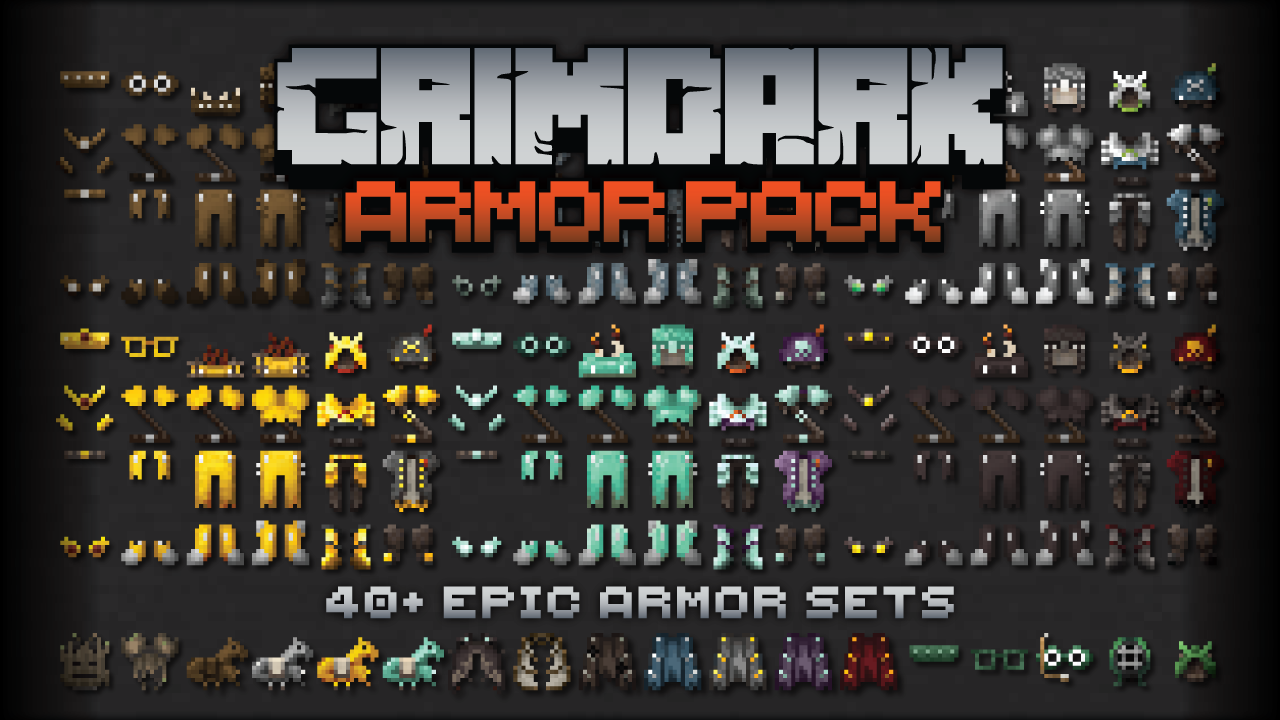

Kal's Grimdark Armor
40+ Epic Armor Sets for Grimdark Fantasy Worlds by KalamonInstall
Wolfhound
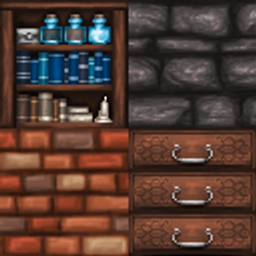
A full remake with intricate and imaginative textures.Install
Aeternum Realism
RealPix 32x brings a semi-realistic twist to Minecraft with detailed 32x textures. It enhances blocks and items with sharper, more immersive visuals while keeping the game’s original charm. Great for survival and creative play.Install
Official Silent Hill Resource Pack 256X 1.8.9
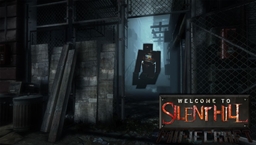
Official Silent Hill Resource Pack 256X 1.8.9Install

Glowing Armor Trims
Makes the new 1.20 armor trims glow in the dark, Shiny, Visible, Emissive, Outline, Trims, 1.20Install

The Dawn Era PaleoAccurate Psittacosaurus
A small resource pack retexturing The Dawn Era Psittacosaurus with a new paleoaccurate skin!Install

CTOV - Savage and Ravage Compat
Compatibility datapack between CTOV and Savage and Ravage modInstall

Better Farm Animals
Updates farm animals to look more realisticInstall

Star Xp Orbs
Changes the XP orbs to starsInstall

Ice and Fire Mod, Resource Packs
A complilation of all the resource packs that I've made for the Ice and Fire minecraft ModInstall
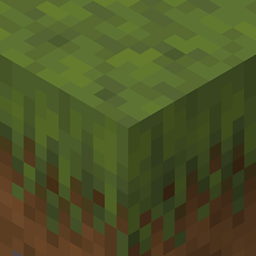
Resprited
A Resource Pack which aims to make the look and feel of Minecraft appear more appealing to the eyes.Install

Better Enchanting Table
A better model and texture for the enchanting tableInstall
Xaero地图汉化(MiniMap+WorldMap)
Xaero全家桶(小地图+世界地图),(持续更新)个人精翻汉化,100%覆盖设置与界面文案,纯客户端即用!Install
Light-footed Cobblemon
Makes it so Cobblemon works better with Snow biomes, as they no longer sink & take damage in powder snowInstall
AutumnPack
Celebrate the Fall season wherever you are!Install
technoblades texture pack
1.8 and no lagInstall
MoreMons [Cobblemon]
Adds textures, models, animations (and spawns if installed as a datapack too) for Pokémon that currently lack them in Cobblemon.Install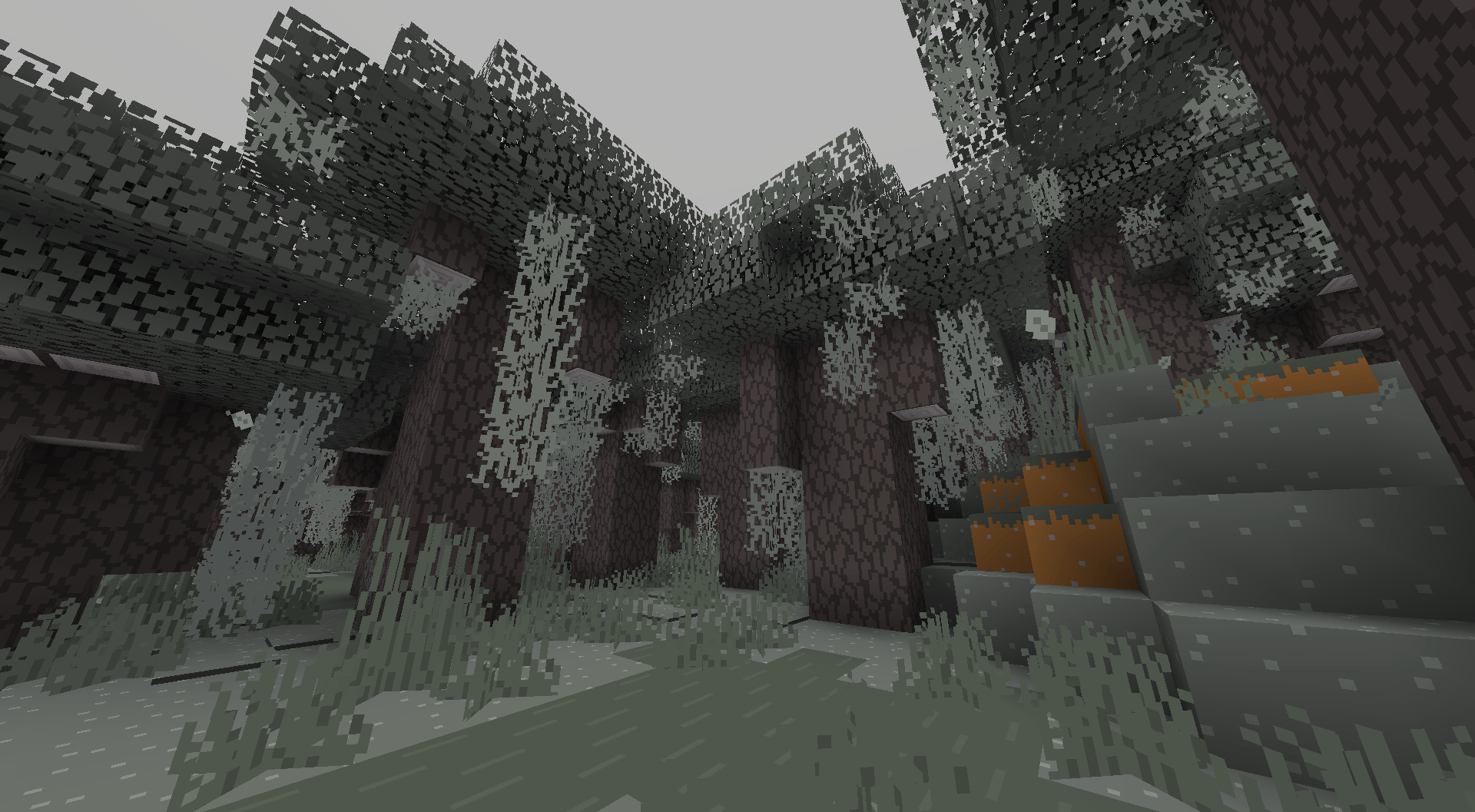
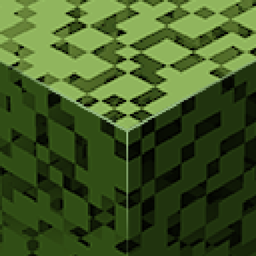
Bare Bones - Flux Enhanced Addon
Making Bare Bones more player-friendly (e.g. leafier leaves).Install
Open Lower Grass
Lowers the grass of every resource pack.Install

Transparency Fix
Allows for transparency to be used in the textures of entities that are normally opaque.Install
Kartixx's Alpha Sound Pack | The Old/Classic Sounds of Minecraft
Bring Minecraft's classic sounds to the latest version with Kartixx's Alpha Sound Pack.Install
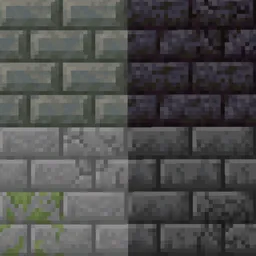
Connected Bricks
Connect brick-like blocks with Continuity modInstallFAQ
Do I need Forge or Fabric for a resource pack?
No. A resource pack works on the regular game with no loaders or mods. Click “Install” and Millida Launcher will put the pack into the right modpack — then just enable it in the settings.
What do 16×, 32×, 64× mean?
The resolution of a single texture in pixels. 16× matches the original game, 32× and 64× are more detailed and heavier, and 128× and up put a noticeable load on your graphics card.
Will a pack made for another version work?
Most likely partly: older packs don't have textures for newer blocks, so those will stay default. The game won't break, though.
How is a texture pack different from a resource pack?
Only by name and age. Before version 1.6 the sets were called texture packs and changed only textures; in 1.6 resource packs replaced them and also change sounds, fonts and the interface. Old texture packs for 1.5 and below do not work on new versions without conversion.
Which texture packs are best for PvP?
PvP packs: 16× resolution or lower, shortened swords, low fire, a clear sky and bright particles. They barely load the computer and make the opponent easier to see. These packs are collected in the PvP theme.
How do I install a resource pack?
Press Install and Millida Launcher puts the pack into the resourcepacks folder of the right instance. Then enable it in the game: Options, then Resource Packs. Manually, the archive goes into resourcepacks inside the game folder, no need to unpack it.
Resource packs for Minecraft Java
A resource pack changes how the game looks and sounds: block and item textures, fonts, the interface, sounds. It doesn't touch the game's code, so it needs no mod loader and breaks nothing on a server — the pack only works on your screen. That's exactly why a resource pack is safer than any mod: the worst that happens on a version mismatch is that some textures stay default.
Textures, texture packs and resource packs are essentially the same thing: since version 1.6 Mojang calls these sets resource packs, but the old name is still searched more often. PvP packs are a big genre of their own: shortened swords, low fire, bright particles and 16× resolution or lower, so the opponent stands out and the frame rate does not drop. Such packs are most often made for 1.8.9 and 1.16.5, the versions many PvP servers run on.
The key thing about a pack is its resolution. The game's default textures are 16×16 pixels; 32× and 64× packs look more detailed, while 128× and up need a real graphics card and are usually paired with shaders. On a weak machine it makes sense to stay at 16× or go for packs that deliberately simplify graphics for more FPS. Every pack here lists its game version, author and license, and all released versions are gathered on one card. Put the downloaded archive in the resourcepacks folder and enable it in the game settings.