
Resource packs for Minecraft Java — page 79
Resource packs: list


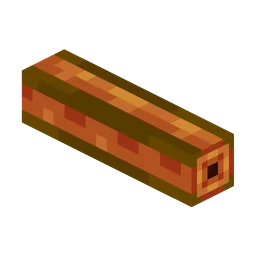
Oritech - Nicer Pipes
Oritech nicer pipes (specially item pipes).Install

Rubius Horizons - Resource Pack
This is the Resource Pack for the "Horizons" series from the streamer Rubius.Install

AL's Boss Rush x Fresh Animations
A pack that makes AL's Boss Rush compatible with Fresh Animations by Fresh_LX!Install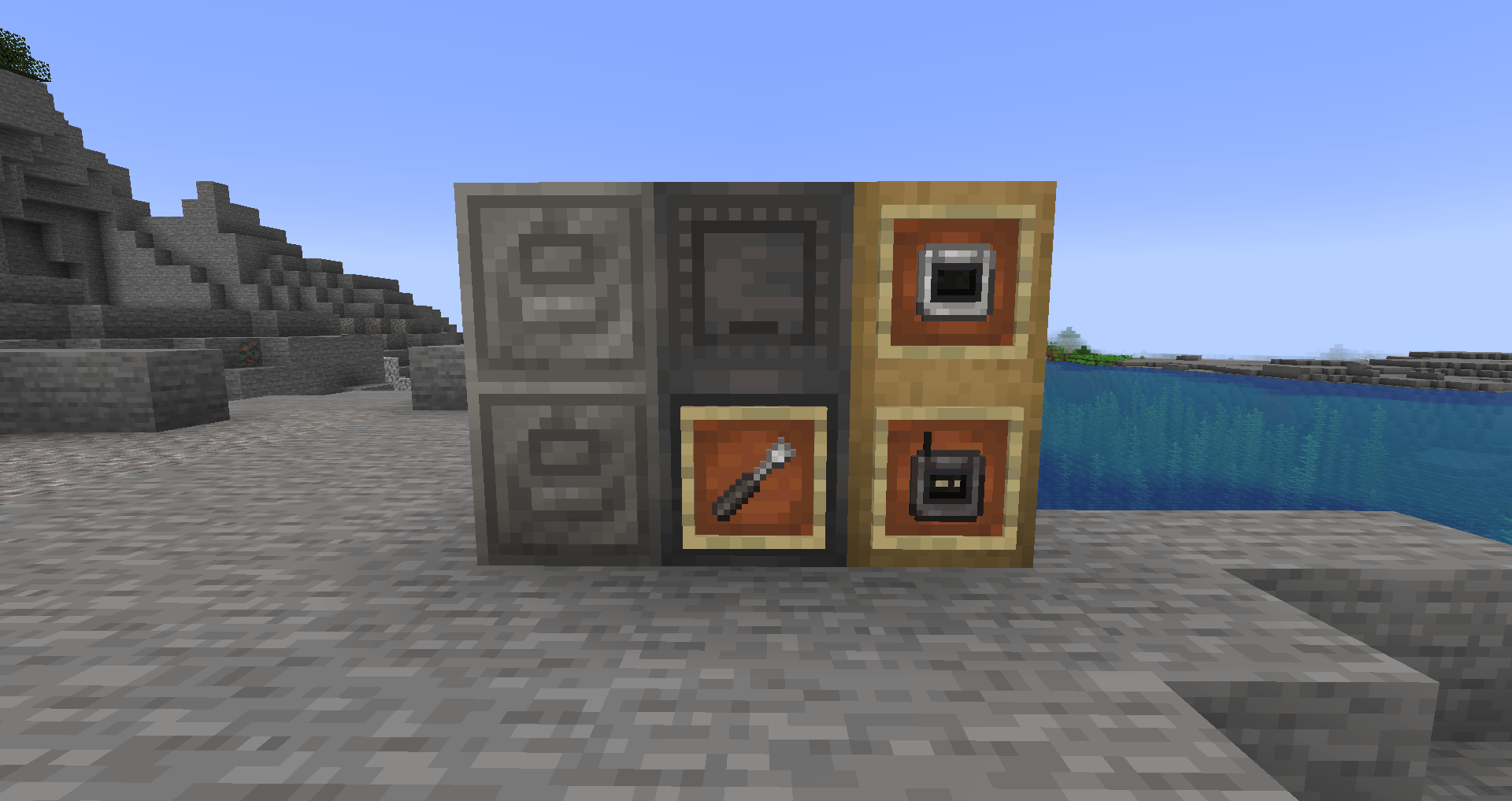
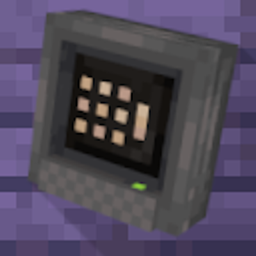
Tom's Metal Storage
A Unique take on the Tom's Simple Storage modInstall

Simple PvP Edit
This Minecraft Resource Pack enhances the aesthetics of PvPInstall

Invisible Item Frame
The oldest, first and original invisible item frame packInstall

Saturated Grass!
This resource pack changes the Grass foliage by giving it a better color tint so your game doesn't feel washed out!Install
Beautiful
Explore the Subnautica-inspired seas of MinecraftInstall

Glowing Trim Elytra
Glowing Trim Elytra pack change elytra into glowing trim elytras 16 colors and 18 trim designs. this pack works on just re-naming elytra and make them glowing version supported-1.16-latestInstall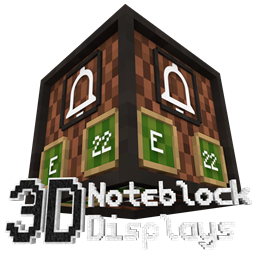
Note Block Displays 3D
This resourcepack adds an "Display" to every Note Block. On that Display you can see which instrument and which note the Note Block is using.Install

Conquest Reforged Resource Pack
Resourcepack for use with the Conquest Reforged mod for the fullest and best experience.Install

HardTop Vanillaccurate Pack
Minecraft vanilla-style texture pack with POM & LabPBR compliant PBRInstall
Spice of Life: Picnic!
Beautiful 3D remodels for SoL's lunchboxesInstall

Better Zombies
Makes zombies biome dependent and adds the new default skinsInstall

CutieCubez Cute n' Cuddly GUI Pack
a super cute pink pixel art gui packInstall

Elytras+
150+ Elytras (OPTIFINE)Install
Sky Villages - Let's Do Vinery Compat
Compatibility between Sky Villages and Let's Do Vinery!Install

Create Camera
The Create mod aesthetic on the Camera ModInstall
PvP-CrossHair - best PvP Crosshair
A PvP focused crosshair that changes the vanilla crosshair into a PvP oneInstall

Enhanced Audio: Ambience (Sound Pack)
Adds new ambient sounds to Minecraft to give a more immersive experience.Install
Better Villages - More Villagers Compatibility
Adds compatibility between Better Villages and More VillagersInstall

Dayz Pack for mod Ip Deadislandpvp.net
Dayz Pack for mod Officail Server Ip Deadislandpvp.netInstall
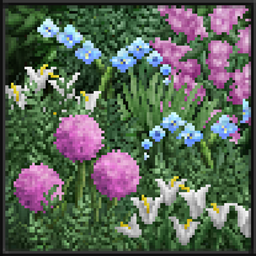
Soartex Invictus - Modded
Soartex reimagined - crisp refined mod supportInstallFAQ
Do I need Forge or Fabric for a resource pack?
No. A resource pack works on the regular game with no loaders or mods. Click “Install” and Millida Launcher will put the pack into the right modpack — then just enable it in the settings.
What do 16×, 32×, 64× mean?
The resolution of a single texture in pixels. 16× matches the original game, 32× and 64× are more detailed and heavier, and 128× and up put a noticeable load on your graphics card.
Will a pack made for another version work?
Most likely partly: older packs don't have textures for newer blocks, so those will stay default. The game won't break, though.
How is a texture pack different from a resource pack?
Only by name and age. Before version 1.6 the sets were called texture packs and changed only textures; in 1.6 resource packs replaced them and also change sounds, fonts and the interface. Old texture packs for 1.5 and below do not work on new versions without conversion.
Which texture packs are best for PvP?
PvP packs: 16× resolution or lower, shortened swords, low fire, a clear sky and bright particles. They barely load the computer and make the opponent easier to see. These packs are collected in the PvP theme.
How do I install a resource pack?
Press Install and Millida Launcher puts the pack into the resourcepacks folder of the right instance. Then enable it in the game: Options, then Resource Packs. Manually, the archive goes into resourcepacks inside the game folder, no need to unpack it.
Resource packs for Minecraft Java
A resource pack changes how the game looks and sounds: block and item textures, fonts, the interface, sounds. It doesn't touch the game's code, so it needs no mod loader and breaks nothing on a server — the pack only works on your screen. That's exactly why a resource pack is safer than any mod: the worst that happens on a version mismatch is that some textures stay default.
Textures, texture packs and resource packs are essentially the same thing: since version 1.6 Mojang calls these sets resource packs, but the old name is still searched more often. PvP packs are a big genre of their own: shortened swords, low fire, bright particles and 16× resolution or lower, so the opponent stands out and the frame rate does not drop. Such packs are most often made for 1.8.9 and 1.16.5, the versions many PvP servers run on.
The key thing about a pack is its resolution. The game's default textures are 16×16 pixels; 32× and 64× packs look more detailed, while 128× and up need a real graphics card and are usually paired with shaders. On a weak machine it makes sense to stay at 16× or go for packs that deliberately simplify graphics for more FPS. Every pack here lists its game version, author and license, and all released versions are gathered on one card. Put the downloaded archive in the resourcepacks folder and enable it in the game settings.