
Resource packs for Minecraft Java — page 77
Resource packs: list


Eating Animation
Adds animation for eating food and drinking potionsInstall

Excalibur | Fresh Animations Patch
A Resource Pack that makes Excalibur compatible with Fresh Animations and Freshly Modded!Install
Epic Jujutsu Craft Compatibility
This datapack applies an Epic Fight animation to every single weapon in Jujutsu Craft.Install

Ashen + Aether Support
A small, 16x pack adding rudimentary compatibility between Ashen 16x and The Aether ModInstall
BetterVanillaBuilding Overlays
Addon pack for BetterVanillaBuilding that adds back overlays for grass/dirt/sand etc.Install

Refined Storage Jappafied
Refined storage textures updated to fit in with the 1.14+ textures created by Jappa!Install

AE2 Dark Mode
Dark Mode textures for Applied Energistics 2Install

FA Extensions - Bray's Chest GUI Fix
This is a temporary patch pack to fix vanilla chest models in the GUI slot when using Fresh Animation Extensions in newer versions of MinecraftInstall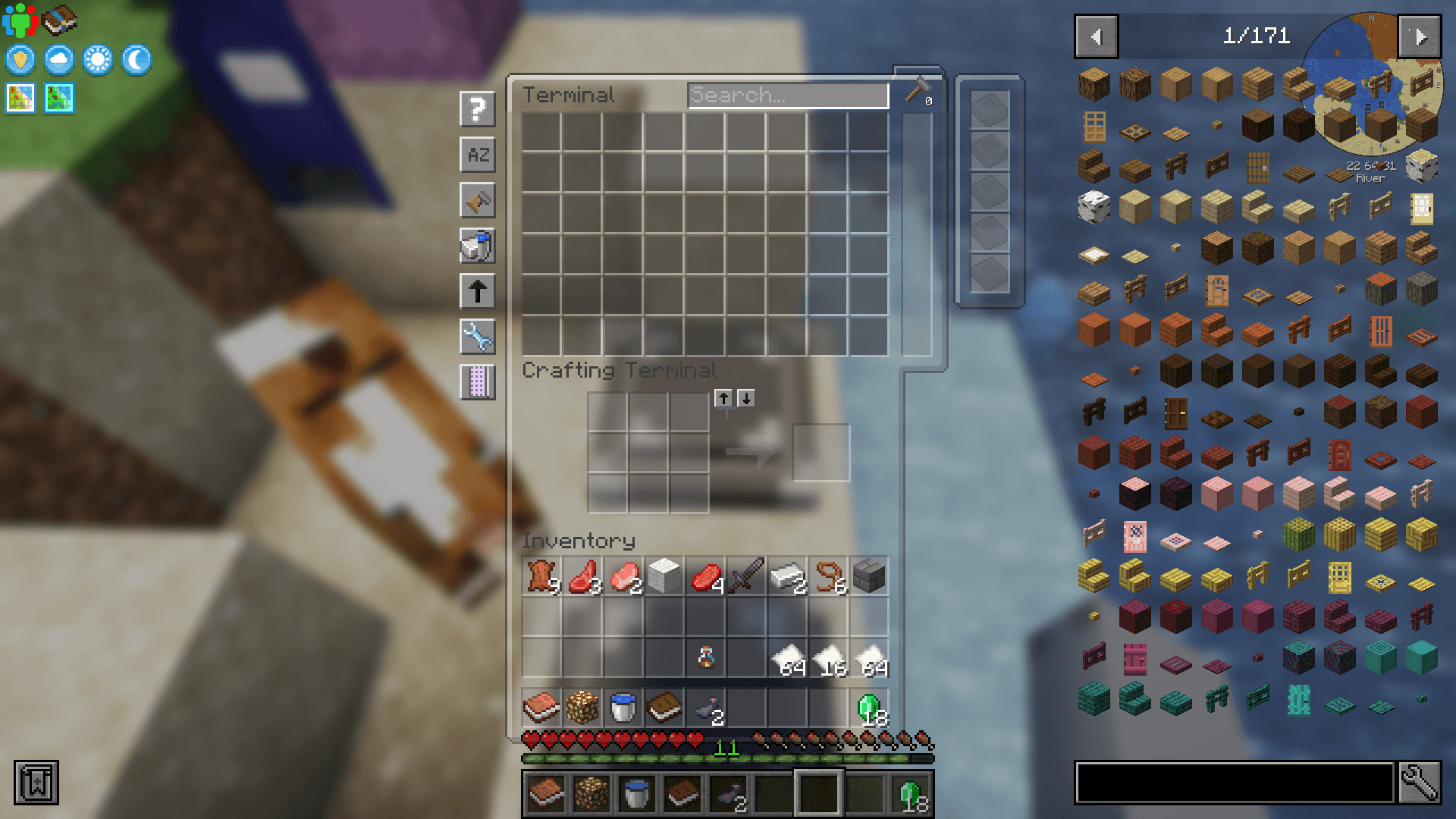

Transparent UI + Mod Support
Semi-transparent UI for more modern and minimalistic look of MinecraftInstall

RealSource REALISTIC JAVA pack
Complete realistic texture pack with full PBR and POM support. Hight optimization for great FPS. Available in LOW and HD versions.Install

Faithful PBR 64x
Faithful PBR shader support with 64x normals and specular - Now with LabPBR!Install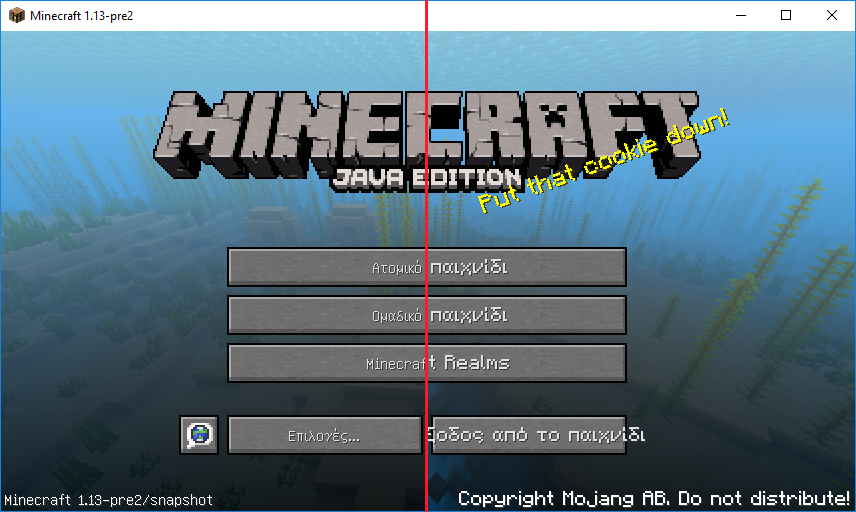

Minecraft Font (PC)
Replacement for the default (thin) Unicode fontInstall

Radiant Pixels
Vibrant, simple and eye-pleasing resource packInstall

LEGENDARY RT JAVA TEXTURES
A Realistic PBR Texture Pack For Minecraft Java EditionInstall

Punched Better Fresher 3D books
this is a compatibility resourcepack between Punchy! and various resourcepacks and mods that add 3D booksInstall

Ore Grids
Adds an outline to all ores! - Mods supported!Install

Realistic Cows
Now the cows will look much more realistic!Install

Small Items+
low fire, small items, small totem, small totem pop, small shield, clear water, unobstructive rain and more.Install

Simply 3D
A Pack to make certain utility blocks 3D, but keeping it vanilla-likeInstall

Lavander Crystal PvP Resourcepack
Lavander styled Crystal PvP resource packInstall

Excalibur | Mutant Monsters Support
This is a support pack that converts Mutant Monsters Mod textures to better match the Incredible Excalibur ResourcePack.Install

Egyptian Mythology Mash-up
Will you survive the perils of the Pyramids? Journey through the Valley of the Kings, dodge deadly traps and explore the ancient tombs below! A port from Legacy Console Edition.Install

Serious Player Animations - Pierced Animations
Better Vanilla Animations for Serious Player Animations Mod, by PierceTHInstallFAQ
Do I need Forge or Fabric for a resource pack?
No. A resource pack works on the regular game with no loaders or mods. Click “Install” and Millida Launcher will put the pack into the right modpack — then just enable it in the settings.
What do 16×, 32×, 64× mean?
The resolution of a single texture in pixels. 16× matches the original game, 32× and 64× are more detailed and heavier, and 128× and up put a noticeable load on your graphics card.
Will a pack made for another version work?
Most likely partly: older packs don't have textures for newer blocks, so those will stay default. The game won't break, though.
How is a texture pack different from a resource pack?
Only by name and age. Before version 1.6 the sets were called texture packs and changed only textures; in 1.6 resource packs replaced them and also change sounds, fonts and the interface. Old texture packs for 1.5 and below do not work on new versions without conversion.
Which texture packs are best for PvP?
PvP packs: 16× resolution or lower, shortened swords, low fire, a clear sky and bright particles. They barely load the computer and make the opponent easier to see. These packs are collected in the PvP theme.
How do I install a resource pack?
Press Install and Millida Launcher puts the pack into the resourcepacks folder of the right instance. Then enable it in the game: Options, then Resource Packs. Manually, the archive goes into resourcepacks inside the game folder, no need to unpack it.
Resource packs for Minecraft Java
A resource pack changes how the game looks and sounds: block and item textures, fonts, the interface, sounds. It doesn't touch the game's code, so it needs no mod loader and breaks nothing on a server — the pack only works on your screen. That's exactly why a resource pack is safer than any mod: the worst that happens on a version mismatch is that some textures stay default.
Textures, texture packs and resource packs are essentially the same thing: since version 1.6 Mojang calls these sets resource packs, but the old name is still searched more often. PvP packs are a big genre of their own: shortened swords, low fire, bright particles and 16× resolution or lower, so the opponent stands out and the frame rate does not drop. Such packs are most often made for 1.8.9 and 1.16.5, the versions many PvP servers run on.
The key thing about a pack is its resolution. The game's default textures are 16×16 pixels; 32× and 64× packs look more detailed, while 128× and up need a real graphics card and are usually paired with shaders. On a weak machine it makes sense to stay at 16× or go for packs that deliberately simplify graphics for more FPS. Every pack here lists its game version, author and license, and all released versions are gathered on one card. Put the downloaded archive in the resourcepacks folder and enable it in the game settings.