
Resource packs for Minecraft Java — page 105
Resource packs: list


Better Animals Texture
This texture is made for you who are tired of the original minecraft textures and want to give it a change.Install
Nicer Rain
Changes texture of rain and splash particles to make rain look nicerInstall
[Deprecated]CTOV - PneumaticCraft: Repressurized compat
Compatibility datapack between CTOV and PneumaticCraft: Repressurized modInstall

Furry fox totem
This resource pack replaces the regular Totem of Undying with a furry fox. Also changes the totem activation sound of the GIF version.Install

Modern Font Pack
Modernize the font of Minecraft and make it smooth and beautiful.Install

Vanilla Fullbright
Fullbright in Vanilla Minecraft that requires no mods and works with OptiFine/Sodium!Install

FullBright - Heycronus
💡 FullBright is a Minecraft texture pack that makes your world brighter and clearer!Install

Unity
Realistic tones and random block variants designed to make Minecraft feel a little more organic.Install

Better Fullbright
Adds Fullbright for Vanilla, Optifine and Sodium. For version 1.20.X and 1.21.XInstall

ComputerCreate
ComputerCreate is a resource pack that apply Create textures to ComputerCraft!Install
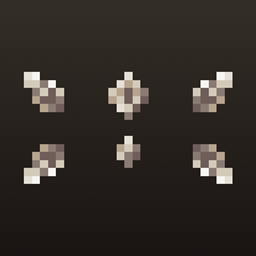
Crystal Tooltips
Adds beautiful borders to tooltips using the Legendary Tooltips modInstall

Watch of Undying
Replaces the Totem of Undying with a watch.Install

Elytra Fairy Wings
✨ A whimsical resource pack that transforms Elytra into soft, magical fairy wings! Perfect for fantasy builds, roleplay, or players looking for cuter elytra with alittle sparkle.Install

Vanilla CPVP + FPS
x16 Pack design to have most vanilla textures but with a couple fps tweaks and make it more suitable for Professional Cpvp.Install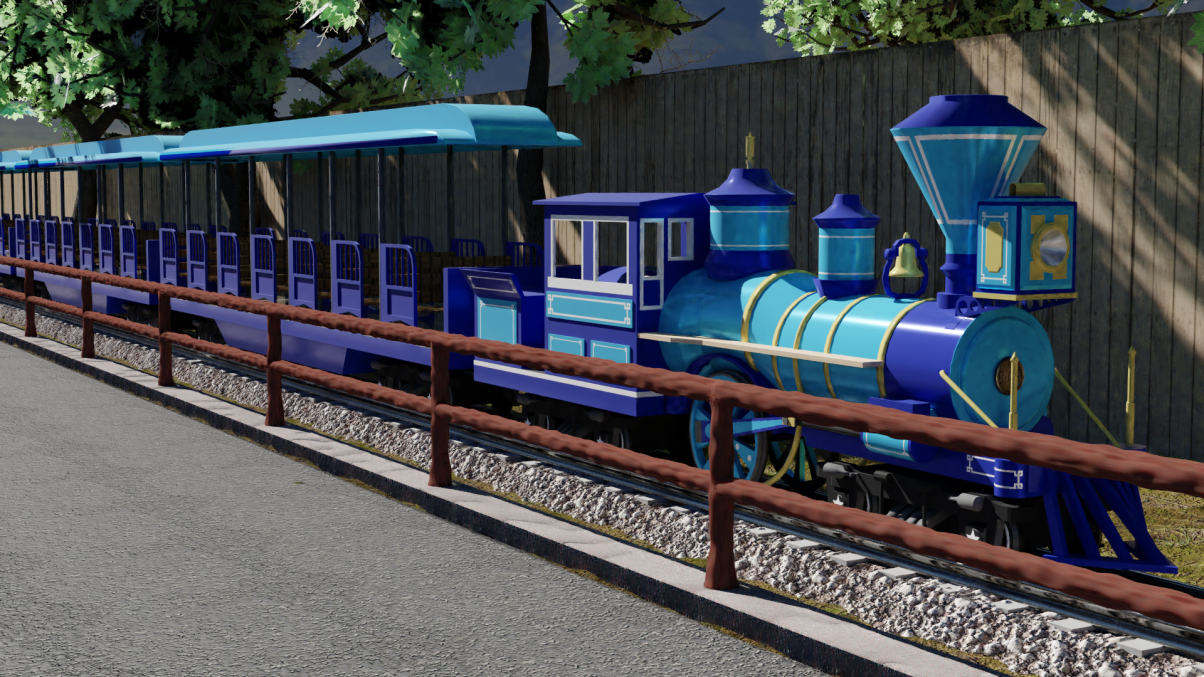
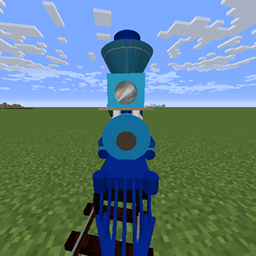
IR Theme Park Pack
Theme Park trains for Immersive RailroadingInstall

Appa Ghasts
Turns happy ghasts into sky bison!Install

New Death Messages (RP)
Replaces boring Minecraft death messages with fun unique ones!Install

LucasDotje's Story Mode Storm
A Texture Pack That Adds Story Mode Textures To Cracker's Wither Storm ModInstall

Lithos:Font Add-On
Lithos:Font add-on: a Clean Easy-to-Read FontInstall
Better Villages
This mod improves the vanilla minecraft villages !Install
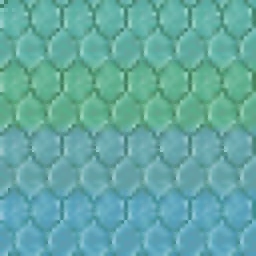
Seamless Prismarine Bricks
This resourcepack simply makes the prismarine bricks have a seamless texture like in Minecraft Dungeons.Install
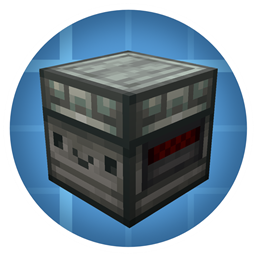
Create: Reimagined
Create Style Minecraft UtilityInstall

Abibliophobia | Enchanted Books
Refreshed textures for every enchanted book from vanilla with plenty of mods compatibility and even more soon!InstallFAQ
Do I need Forge or Fabric for a resource pack?
No. A resource pack works on the regular game with no loaders or mods. Click “Install” and Millida Launcher will put the pack into the right modpack — then just enable it in the settings.
What do 16×, 32×, 64× mean?
The resolution of a single texture in pixels. 16× matches the original game, 32× and 64× are more detailed and heavier, and 128× and up put a noticeable load on your graphics card.
Will a pack made for another version work?
Most likely partly: older packs don't have textures for newer blocks, so those will stay default. The game won't break, though.
How is a texture pack different from a resource pack?
Only by name and age. Before version 1.6 the sets were called texture packs and changed only textures; in 1.6 resource packs replaced them and also change sounds, fonts and the interface. Old texture packs for 1.5 and below do not work on new versions without conversion.
Which texture packs are best for PvP?
PvP packs: 16× resolution or lower, shortened swords, low fire, a clear sky and bright particles. They barely load the computer and make the opponent easier to see. These packs are collected in the PvP theme.
How do I install a resource pack?
Press Install and Millida Launcher puts the pack into the resourcepacks folder of the right instance. Then enable it in the game: Options, then Resource Packs. Manually, the archive goes into resourcepacks inside the game folder, no need to unpack it.
Resource packs for Minecraft Java
A resource pack changes how the game looks and sounds: block and item textures, fonts, the interface, sounds. It doesn't touch the game's code, so it needs no mod loader and breaks nothing on a server — the pack only works on your screen. That's exactly why a resource pack is safer than any mod: the worst that happens on a version mismatch is that some textures stay default.
Textures, texture packs and resource packs are essentially the same thing: since version 1.6 Mojang calls these sets resource packs, but the old name is still searched more often. PvP packs are a big genre of their own: shortened swords, low fire, bright particles and 16× resolution or lower, so the opponent stands out and the frame rate does not drop. Such packs are most often made for 1.8.9 and 1.16.5, the versions many PvP servers run on.
The key thing about a pack is its resolution. The game's default textures are 16×16 pixels; 32× and 64× packs look more detailed, while 128× and up need a real graphics card and are usually paired with shaders. On a weak machine it makes sense to stay at 16× or go for packs that deliberately simplify graphics for more FPS. Every pack here lists its game version, author and license, and all released versions are gathered on one card. Put the downloaded archive in the resourcepacks folder and enable it in the game settings.