
Resource packs for Minecraft Java 1.21 — page 9
Resource packs: list


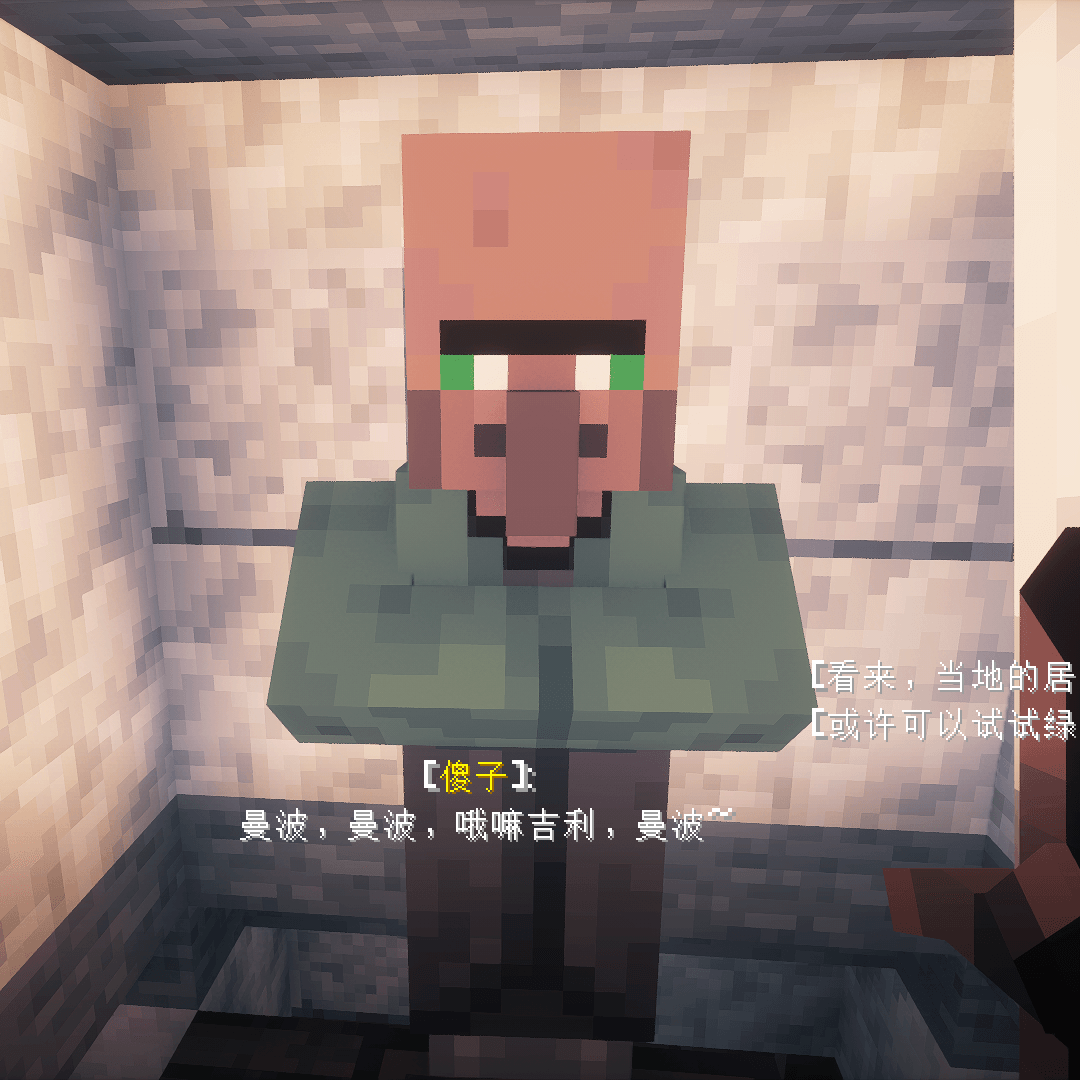
True Nitwit Texture
Make the texture of the nitwit looks more wised.Install

STONEBORN Inventory Tweaks compat (RPG Theme)
RPG Theme, Re-skins the Inventory Tweaks button to match the STONEBORN texturesInstall

Drodi's Blazes x Fresh Animations
Makes Drodi's Blazes compatible with Fresh Animations!Install
Dynamic Surroundings Sounds
Immerse yourself in Minecraft's lifelike soundscapes with a simple resource pack.Install

Fresh Animations: Creepers
New look for creepers, compatible with Fresh Animations. An official FA extension.Install

XK Redstone Display
Improvements to redstone displaysInstall

Midnighttigger's Default Connected Textures
Default Connected Textures with FusionInstall

Excalibur | Handcrafted Support
This is an unofficial compatibility pack to make the textures in Handcrafted mod blend together with the incredible Excalibur texture packInstall

(Unofficial) Mandala's GUI - Dark Mode Mod Compatibility
Unofficial Custom Mandala's GUI - Dark Mode Mod CompatibilityInstall

Mandala's Dragon Mount Refreshed
Quality Improvement to Dragon MountsInstall

planet
Replace the texture packs of the sun and the moon, and replace the resource packs of various planets with the moonInstall

STONEBORN Trash Slot compat (RPG Theme)
RPG Theme, Re-skins the Trash Slot icon to match the STONEBORN texturesInstall

Torches Reimagined
Torches Relit!Install
Fresh X Faithless
Compatibility for villager eye conflict with Fresh Animations and Faithless texutrepacksInstall
Darkmode (100+ Mods supported)
🌙🖤 Dark Mode for vanilla minecraft & 100+ popular minecraft modsInstall

Mini Items
Free up your screen space with half sized itemsInstall

No Pumpkin Blur
No Pumpkin Blur [beta 1.6.6 - 26.3]Install

Golden Days Base
Golden Days is a Minecraft resource pack meant to bring back old textures, lighting, names, and sounds from older versions of Minecraft, like Beta. Requires enabling the built-in Programmer Art resource pack.Install

Excalibur | End Remastered Support
Excalibur Support for End Remastered ModInstall

Terralith, Incendium, Nullscape Biomes Names
Terralith, Incendium, Nullscape Biomes Names Lang fixInstall

Tactical PDA - FTB quests new Book
3D tablet for FTB Quests wich features animated and emissive textures, perfect for modern modpacks!Install
Ashen Simple Foliage
Removes bushy leaves from Ashen 16x.Install

Excalibur | Aquaculture 2
A retexture of the mod, Aquaculture 2. Adapted and made to run alongside the Excalibur resource pack by Maffhew.InstallFAQ
Do I need Forge or Fabric for a resource pack?
No. A resource pack works on the regular game with no loaders or mods. Click “Install” and Millida Launcher will put the pack into the right modpack — then just enable it in the settings.
What do 16×, 32×, 64× mean?
The resolution of a single texture in pixels. 16× matches the original game, 32× and 64× are more detailed and heavier, and 128× and up put a noticeable load on your graphics card.
Will a pack made for another version work?
Most likely partly: older packs don't have textures for newer blocks, so those will stay default. The game won't break, though.
How is a texture pack different from a resource pack?
Only by name and age. Before version 1.6 the sets were called texture packs and changed only textures; in 1.6 resource packs replaced them and also change sounds, fonts and the interface. Old texture packs for 1.5 and below do not work on new versions without conversion.
Which texture packs are best for PvP?
PvP packs: 16× resolution or lower, shortened swords, low fire, a clear sky and bright particles. They barely load the computer and make the opponent easier to see. These packs are collected in the PvP theme.
How do I install a resource pack?
Press Install and Millida Launcher puts the pack into the resourcepacks folder of the right instance. Then enable it in the game: Options, then Resource Packs. Manually, the archive goes into resourcepacks inside the game folder, no need to unpack it.
Resource packs for Minecraft Java 1.21
Resource packs for Minecraft 1.21: 1,674 items in the Resource packs section. Compatibility is checked against the files, not the description: only items with a build for exactly these conditions stay in the list.
The key thing about a pack is its resolution. The game's default textures are 16×16 pixels; 32× and 64× packs look more detailed, while 128× and up need a real graphics card and are usually paired with shaders. On a weak machine it makes sense to stay at 16× or go for packs that deliberately simplify graphics for more FPS. Every pack here lists its game version, author and license, and all released versions are gathered on one card. Put the downloaded archive in the resourcepacks folder and enable it in the game settings.