
Resource packs for Minecraft Java 1.21 — page 6
Resource packs: list


Fresh Animations: Objects
Animates non-mob entities in Fresh Animations' style. An official FA extension.Install

Better Xray
A simple Xray ResourcePack with full brightnessInstall

Iron's Spells 'n Spellbooks Armors Overhaul
Resource pack for Iron's Spells 'n Spellbooks modInstall

Beautiful Enchanted Books
This resource pack aims to improve the appearance of enchanted books, now each one will be different!Install

Clean Connected Glass
Adds connected glass without the streaks in the middleInstall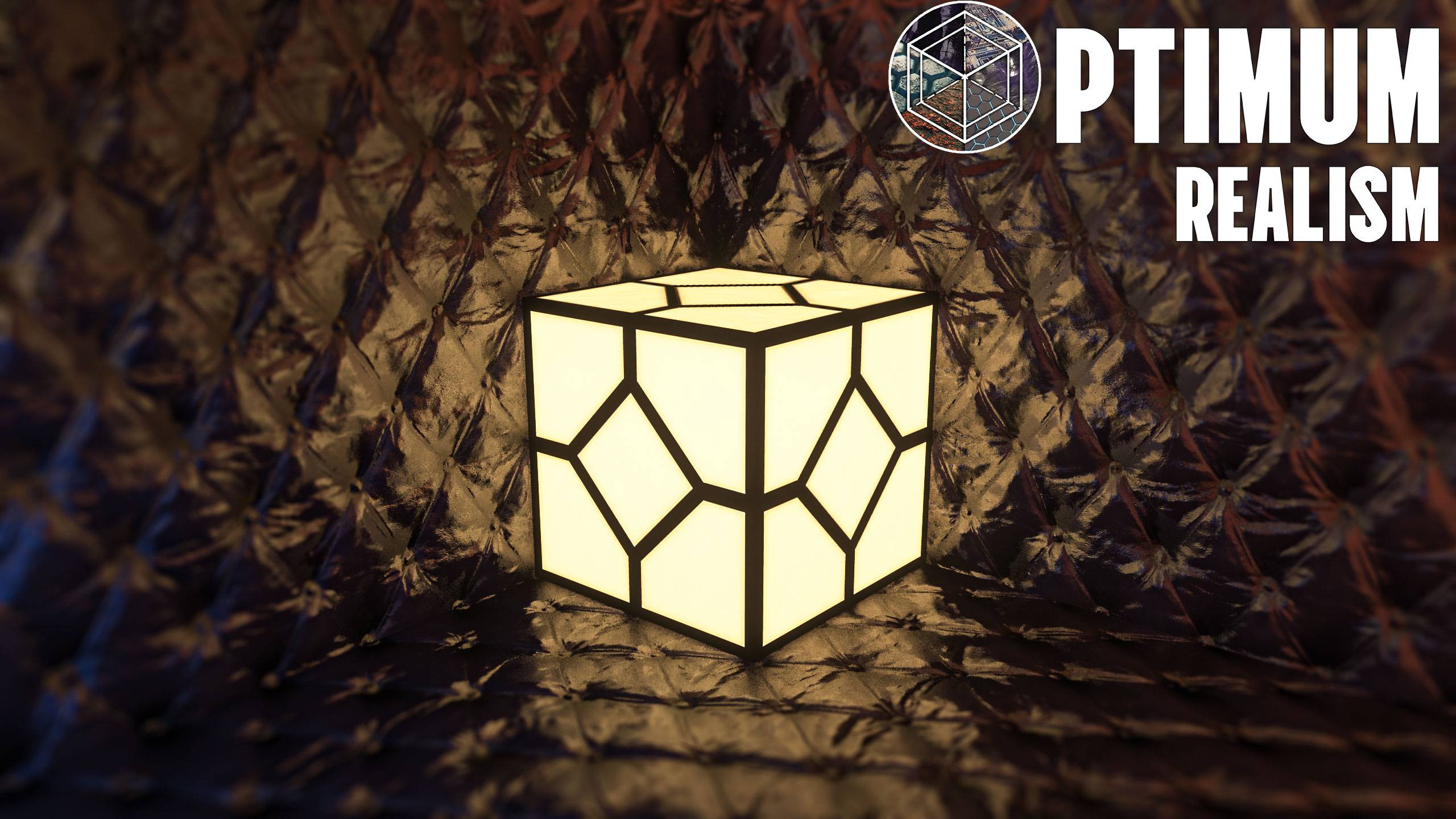
Optimum Realism POM & PBR 64x/128x/256x/512x
A realistic-themed resourcepack for Minecraft Java EditionInstall

Pretty X Smart Pipez
Make Pipez mod pretty , Now Smart !Install

Smart Replication Pipes
A resoucepack that change Matter Network Pipes to make it more linearsInstall

3D Ladders
Changes and improves the model for the ladders making them 3D!Install

Redstone Tweaks
A resource pack made to enhance your redstone experienceInstall

Blinking Ender Eyes
Adds Creepy, Random Blinking to End Portal Blocks and Ender EyesInstall

Connected Paths
Connect path-like blocks with Continuity modInstall

Drigo 3D Lantern`s x Punchy
Adds 3D Lanterns to Minecraft and The Holding Effect Compatible with PunchyInstall

Hypixel Plus
A Resource Pack built for the Hypixel server that textures all of SkyBlock, Bedwars, and so much more!Install
xali's Enhanced Vanilla
The texture pack for people who hate texture pack.Install
Better Bubbles
Better HUD bubbles, with a simplistic finishInstall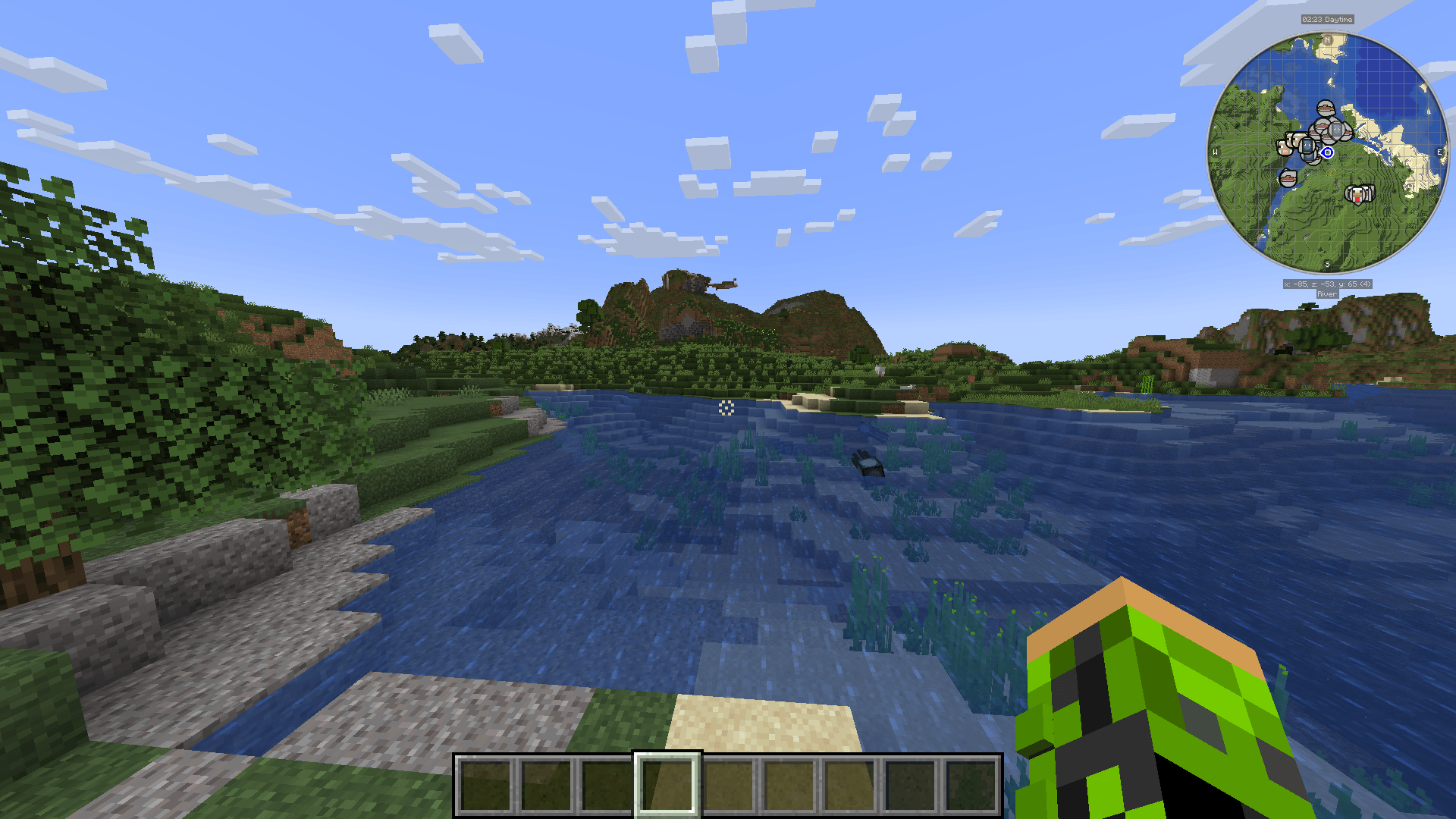
Improved Crosshair
An improvement of the default minecraft crosshair, making it suitable for a more modern experience of the gameInstall

Better Mana Bar for Iron's Spells 'n Spellbooks
Custom Mana Bar Replacement for Iron's Spells 'n Spellbooks.Install

rotrBLOCKS
A pbr/pom resource pack that won't take away your vanilla style, but will make it so much better!Install

Central Crosshair
A centralised crosshair for the user HUD with a simplistic lookInstall

X Crosshair Shape
An X crosshair shape for the user HUDInstall

Modern Armour Bar
A simplisitc, modern-looking armour barInstall

Realistic Rain
A long-time resource pack developed to reimagine the Minecraft rain sound effects and textures.InstallFAQ
Do I need Forge or Fabric for a resource pack?
No. A resource pack works on the regular game with no loaders or mods. Click “Install” and Millida Launcher will put the pack into the right modpack — then just enable it in the settings.
What do 16×, 32×, 64× mean?
The resolution of a single texture in pixels. 16× matches the original game, 32× and 64× are more detailed and heavier, and 128× and up put a noticeable load on your graphics card.
Will a pack made for another version work?
Most likely partly: older packs don't have textures for newer blocks, so those will stay default. The game won't break, though.
How is a texture pack different from a resource pack?
Only by name and age. Before version 1.6 the sets were called texture packs and changed only textures; in 1.6 resource packs replaced them and also change sounds, fonts and the interface. Old texture packs for 1.5 and below do not work on new versions without conversion.
Which texture packs are best for PvP?
PvP packs: 16× resolution or lower, shortened swords, low fire, a clear sky and bright particles. They barely load the computer and make the opponent easier to see. These packs are collected in the PvP theme.
How do I install a resource pack?
Press Install and Millida Launcher puts the pack into the resourcepacks folder of the right instance. Then enable it in the game: Options, then Resource Packs. Manually, the archive goes into resourcepacks inside the game folder, no need to unpack it.
Resource packs for Minecraft Java 1.21
Resource packs for Minecraft 1.21: 1,674 items in the Resource packs section. Compatibility is checked against the files, not the description: only items with a build for exactly these conditions stay in the list.
The key thing about a pack is its resolution. The game's default textures are 16×16 pixels; 32× and 64× packs look more detailed, while 128× and up need a real graphics card and are usually paired with shaders. On a weak machine it makes sense to stay at 16× or go for packs that deliberately simplify graphics for more FPS. Every pack here lists its game version, author and license, and all released versions are gathered on one card. Put the downloaded archive in the resourcepacks folder and enable it in the game settings.