
Resource packs for Minecraft Java 1.21 — page 5
Resource packs: list


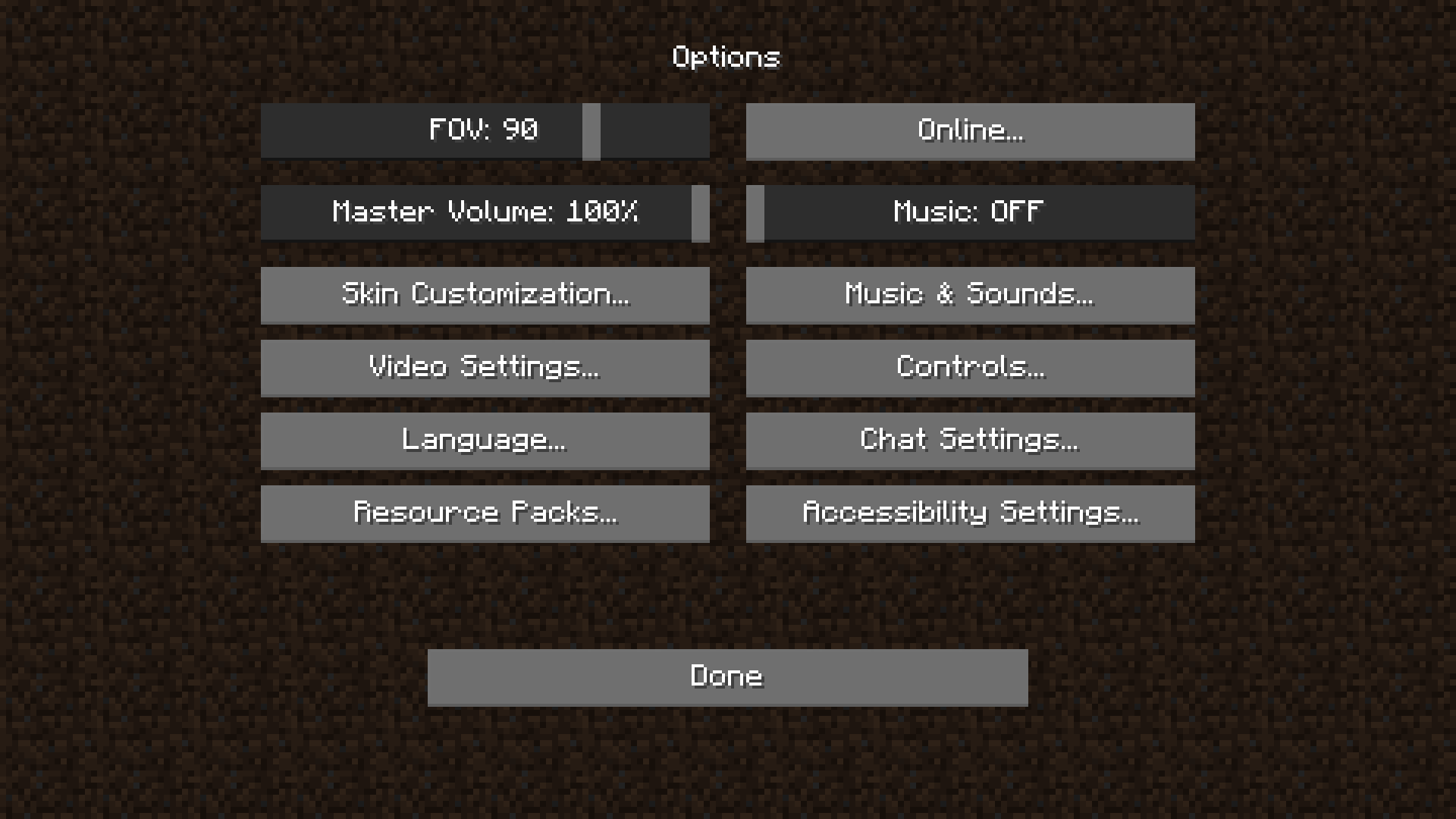
Simplistic Menu
Simplistic style menu/settings buttons for minecraftInstall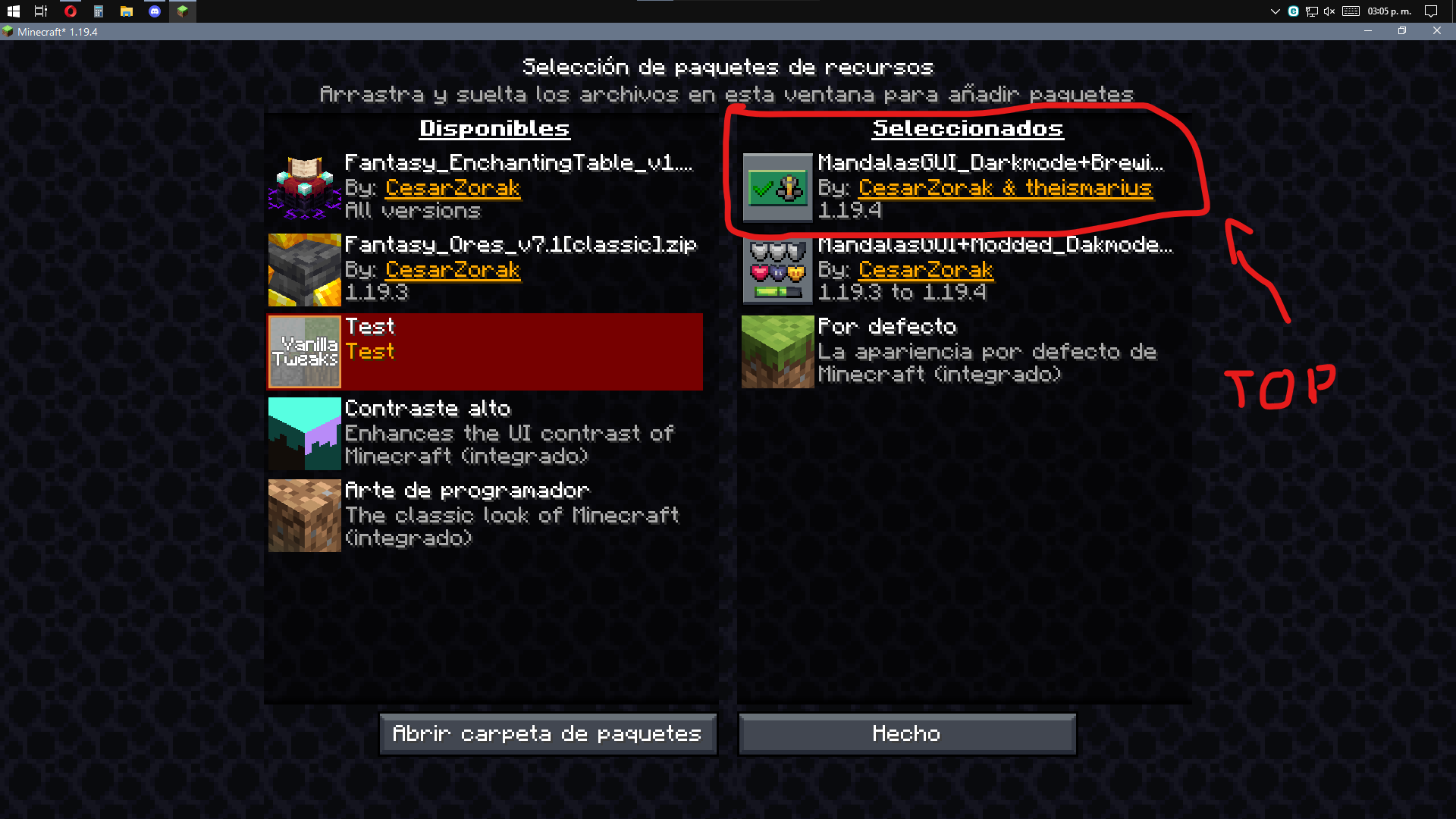

Mandala's GUI - Add-Ons
Resource Pack for All Mandala's GUI Texture PackInstall

Patrix 32x
Realistic textures with vanilla colors custom-made for shadersInstall

Diamond Crosshair
Unique diamond styled crosshairInstall
AdventureZ Netherite Tweaks
Makes Ender Warthog farming a little less gamebreaking.Install

Better Old Netherrack
Tints the old netherrack texture to make it a little easier to look at.Install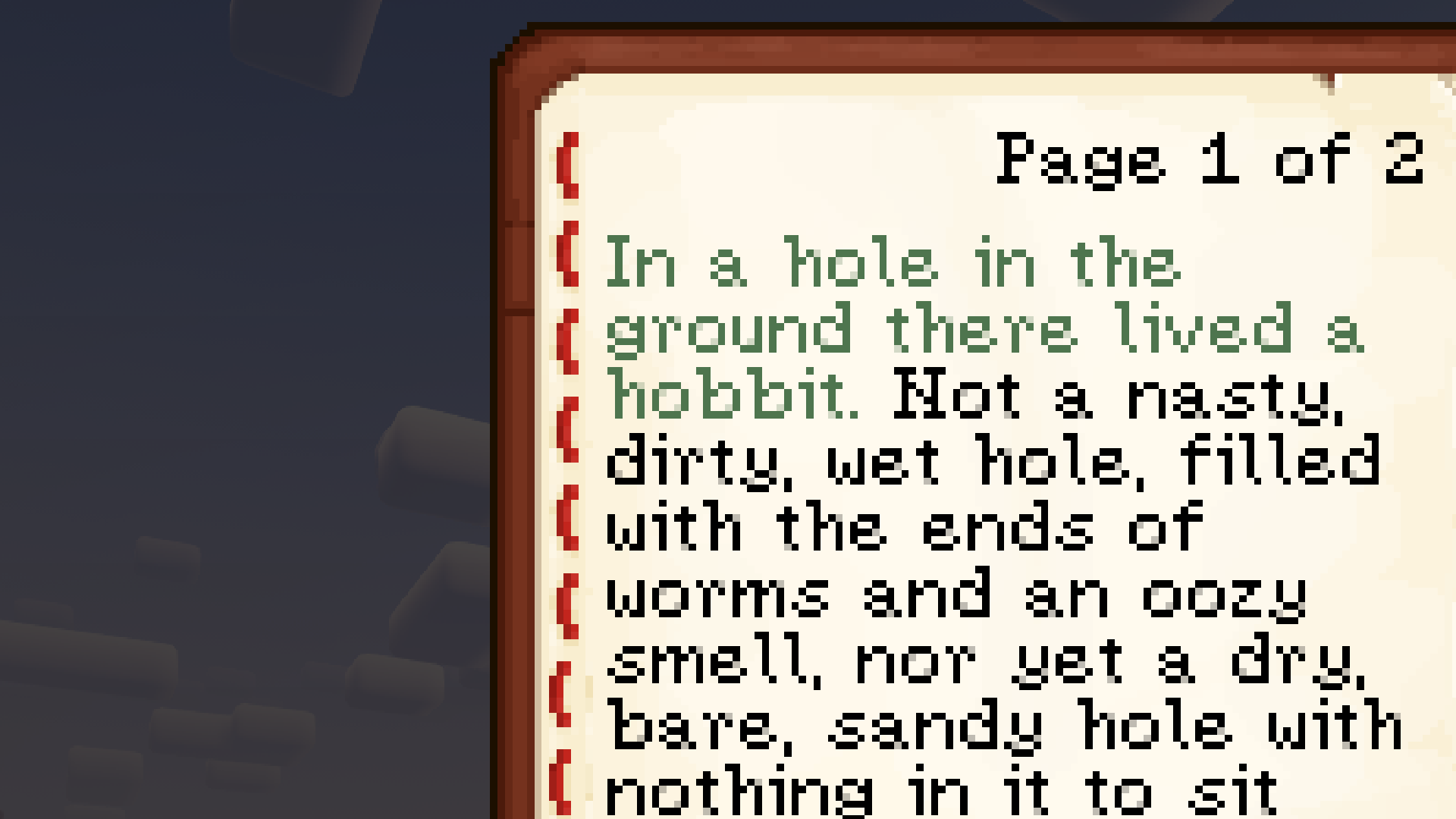

(Bee's) Serified Font
My take on a fancier Minecraft typefaceInstall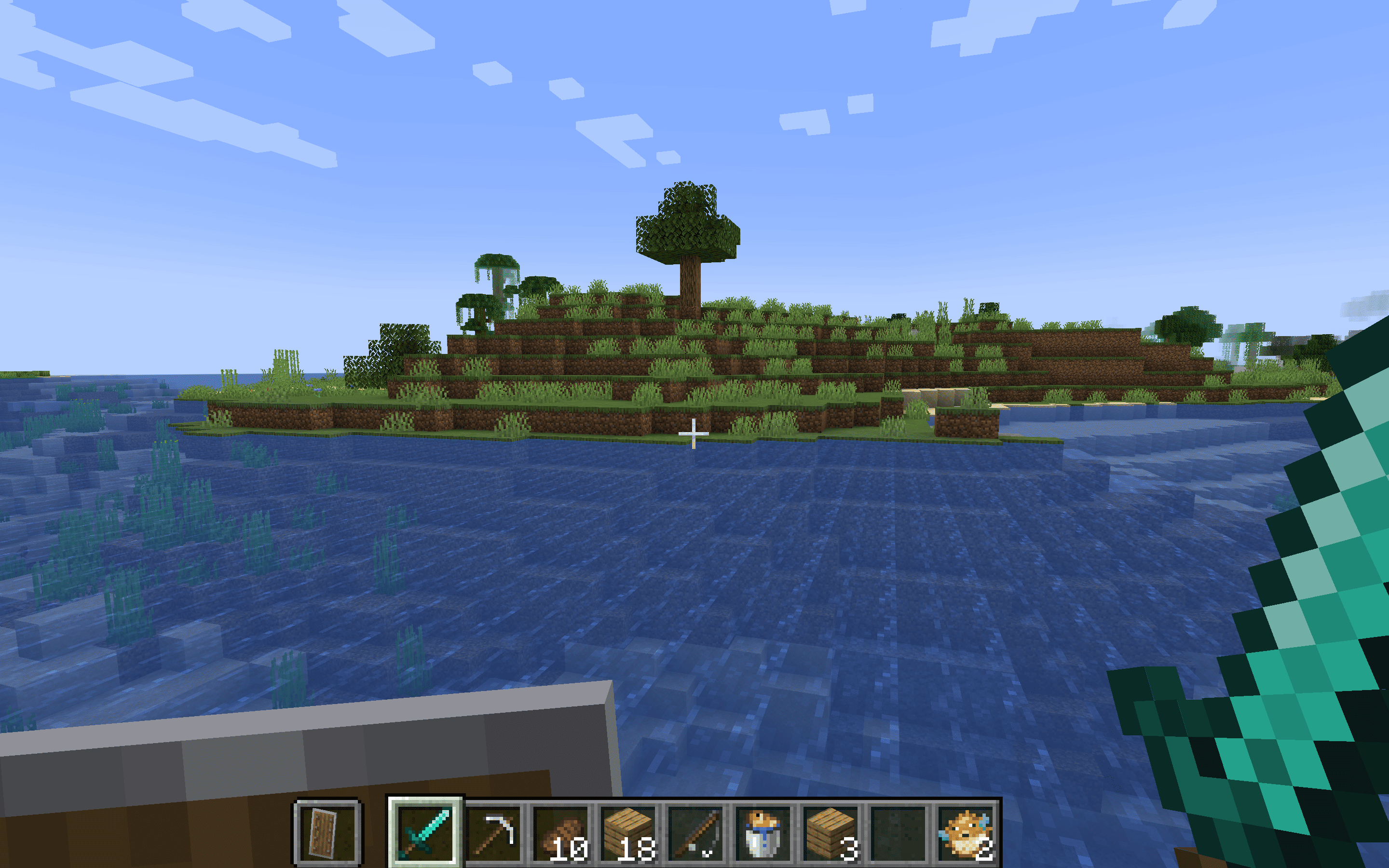
Lower Shield - Enhanced Combat Visibility
Lower Shield optimizes your combat visibility in Minecraft by lowering the shield position, enhancing your field of view and allowing for better awareness during battles.Install
Zero's Dot Crosshair
Dot CrosshairInstall

Suren's Sophisticated Storage
A little bit more aesthetic look!Install

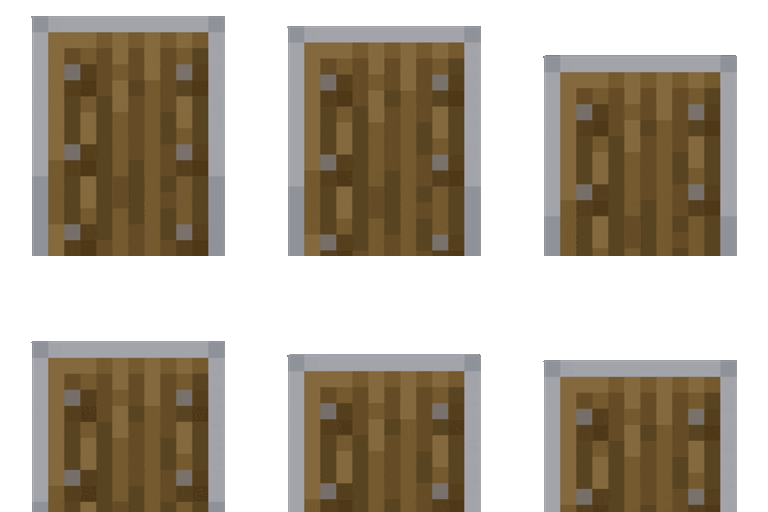
RAY's 3D Ladders
3D Block & Item Textures for Ladders in MinecraftInstall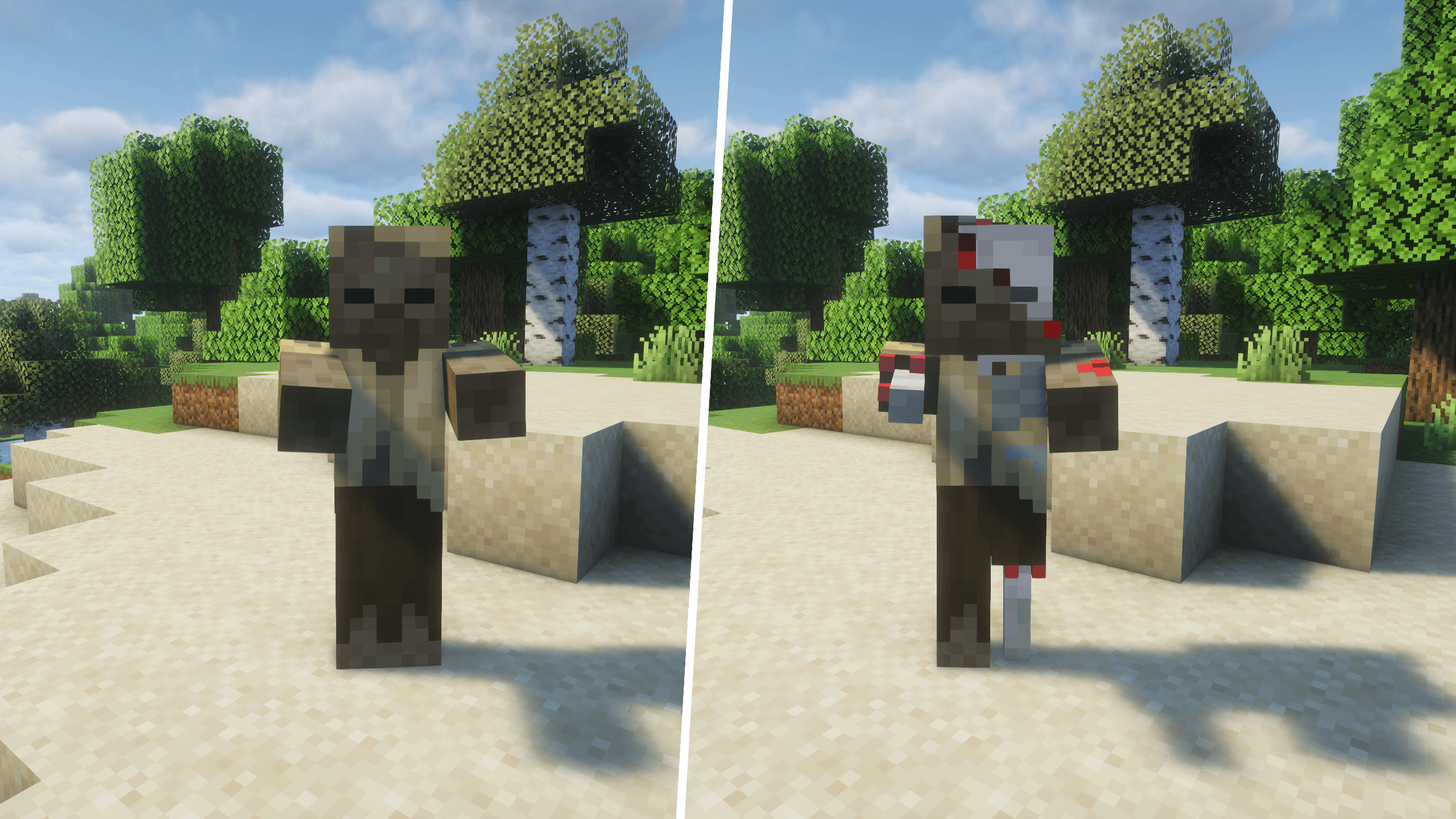
Realistic Mobs
Discover new textures for vanilla mobs!Install

Drodi's Illagers x Fresh Animation
Makes Drodi's Illagers compatible with Fresh Animations!Install

Hyper Punchy
Hyper Punchy is a animation feature for punchyInstall
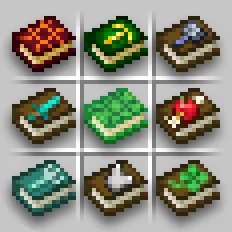
Enchanted Books: Re-covered
The new look of enchanted books' coversInstall

Pretty X Smart Pipez Mekanism Edition
Make Pipez mod pretty and fit in with Mekanism, Now Smart !Install

Ashen 16x
A 16x, medieval-fantasy take on Minecraft.Install
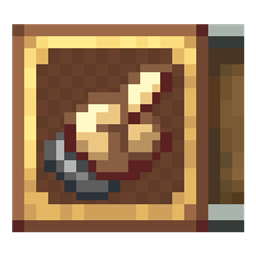
Createful Plaques
Create theme for Advancement Plaques.Install

Fresh Animations: Details
Adds an assortment of extra details to mobs for Fresh Animations. An official FA extension.Install

Just Expressions
A EMF resource pack that brings Fresh Animations eye Animations but for the player. Just that...Install

DeceasedCraft Screen Tweak
A resource pack that adjusts the annoying screen effect to make it less bothersomeInstall

CozyUI+
Modifies the User Interface into a neat and subtle high-definition style, covering all the vanilla UI elements as well as many useful client mods.Install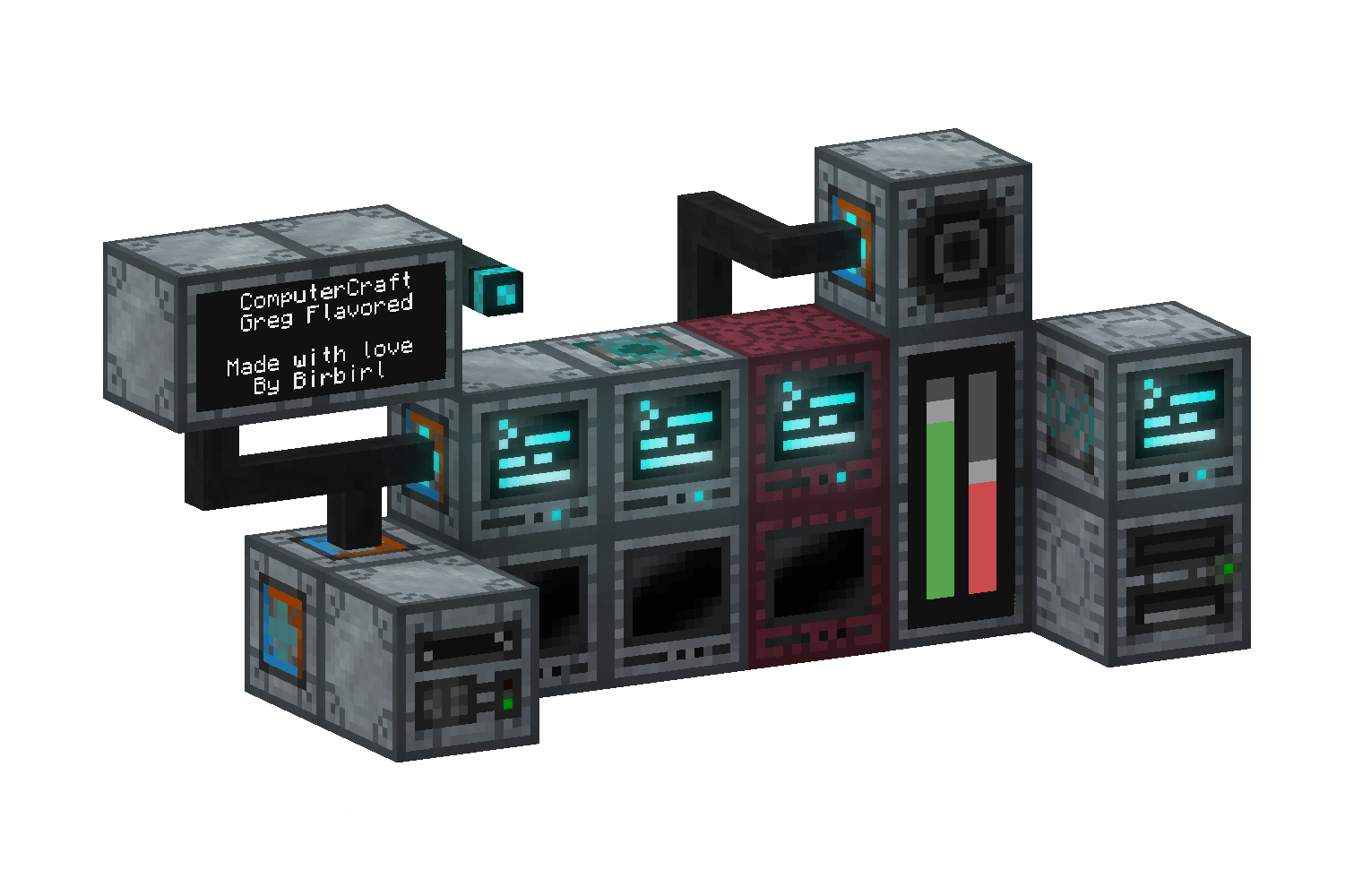
ComputerCraft: Greg Flavored
Making your Computers and doodads look like GregTech Machines!InstallFAQ
Do I need Forge or Fabric for a resource pack?
No. A resource pack works on the regular game with no loaders or mods. Click “Install” and Millida Launcher will put the pack into the right modpack — then just enable it in the settings.
What do 16×, 32×, 64× mean?
The resolution of a single texture in pixels. 16× matches the original game, 32× and 64× are more detailed and heavier, and 128× and up put a noticeable load on your graphics card.
Will a pack made for another version work?
Most likely partly: older packs don't have textures for newer blocks, so those will stay default. The game won't break, though.
How is a texture pack different from a resource pack?
Only by name and age. Before version 1.6 the sets were called texture packs and changed only textures; in 1.6 resource packs replaced them and also change sounds, fonts and the interface. Old texture packs for 1.5 and below do not work on new versions without conversion.
Which texture packs are best for PvP?
PvP packs: 16× resolution or lower, shortened swords, low fire, a clear sky and bright particles. They barely load the computer and make the opponent easier to see. These packs are collected in the PvP theme.
How do I install a resource pack?
Press Install and Millida Launcher puts the pack into the resourcepacks folder of the right instance. Then enable it in the game: Options, then Resource Packs. Manually, the archive goes into resourcepacks inside the game folder, no need to unpack it.
Resource packs for Minecraft Java 1.21
Resource packs for Minecraft 1.21: 1,674 items in the Resource packs section. Compatibility is checked against the files, not the description: only items with a build for exactly these conditions stay in the list.
The key thing about a pack is its resolution. The game's default textures are 16×16 pixels; 32× and 64× packs look more detailed, while 128× and up need a real graphics card and are usually paired with shaders. On a weak machine it makes sense to stay at 16× or go for packs that deliberately simplify graphics for more FPS. Every pack here lists its game version, author and license, and all released versions are gathered on one card. Put the downloaded archive in the resourcepacks folder and enable it in the game settings.