
Resource packs for Minecraft Java 1.21 — page 40
Resource packs: list


FA: Player × HMI Patches
This resourcepack fixes Hold My Items and Fresh Animations: Player Extension compatibility problems.Install
No Particles Essential
A ResouecePack that prevents any type of particle from being renderedInstall

Animated Textures
Some texture of objects are animated.Install

Golden Apple Count (Gapple Counter)
Shows the amount of golden apples someone has, as well as a colored border around it. Useful for netherite potion and op/sword with gapples.Install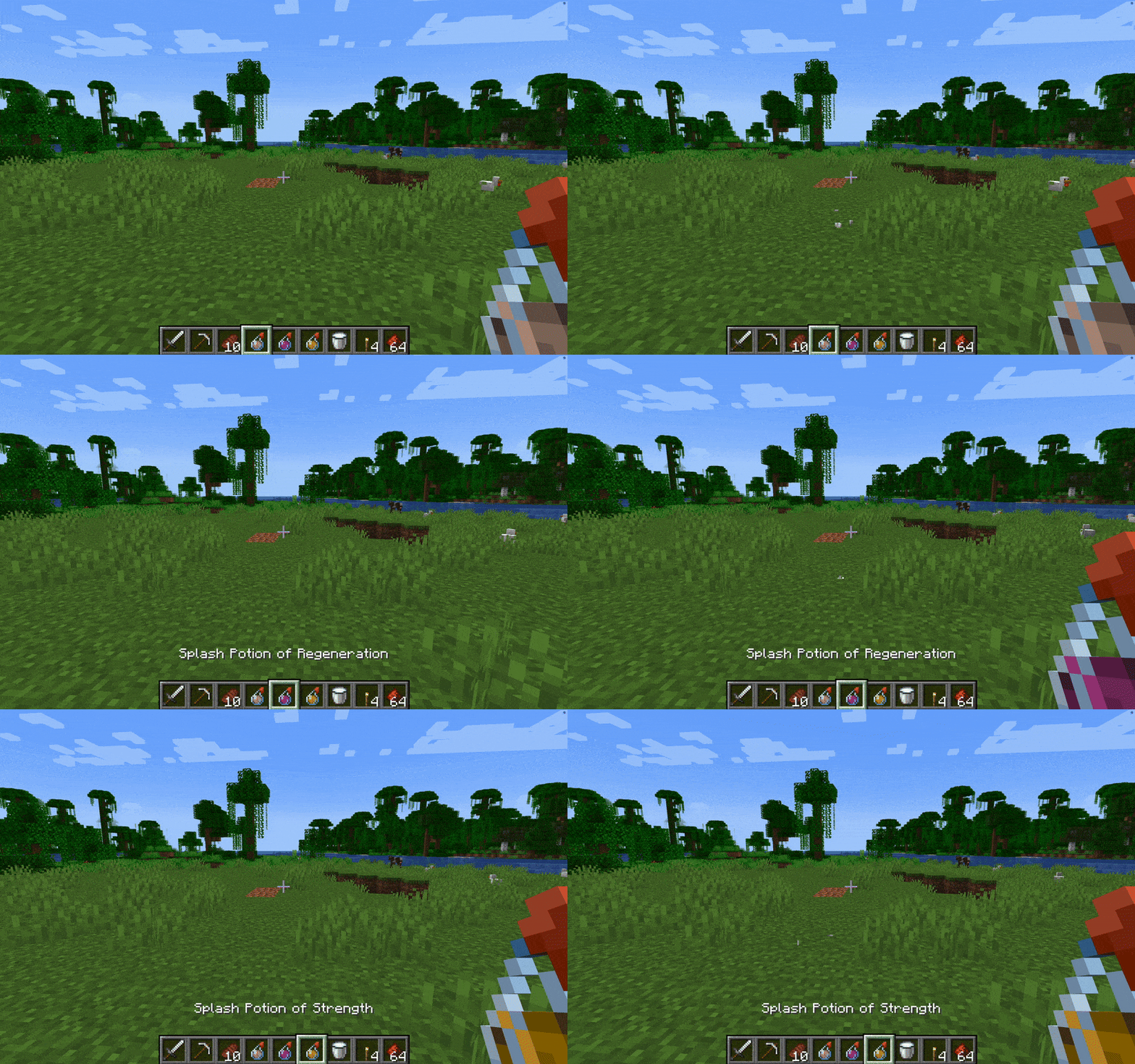

Without Potion Particles - Enhanced Visual Clarity
Without Potion Particles enhances Minecraft by removing the visual effects of potion particles, promoting a cleaner interface and helping to improve game performance on lower-end devices.Install

Low Mace
Makes your mace very small by better PVP experience.Install
Fusion Emissive Ores
Makes ores look emissiveInstall

Technofault
A Technoblade-themed PvP Remake of TightfaultInstall
Programmer Plus - Fix Overlay for Programmer Art
The all-encompassing fix for Programmer Art!Install

notandvm's emissive sculk!
adds emissives to all sculk-related blocks/items! (because for some reason no one else has)Install

Snowy Mountains Sky
Adds realistic mountain ranges to your Minecraft worlds.Install
Armor Reimagined
Armor Re-equipped!Install

Soft Bits
A simplistic resource packInstall

Festive Mashup Concept Update
The Festive Mashup pack from console updated to the latest versionsInstall

SI: Broken Moon [DISCONTINUED]
DISCONTINUEDInstall

Miss Kobayashi's Dragon Maid Custom GUI Pack
Miss Kobayashi's Dragon Maid Custom GUI PackInstall

Just Normal Cats
This Texture Pack changes the model and texture of the CatInstall

Tactical 3D Tools PvP X Simply Swords
[ Java Port ] an another 3d tools pack, but also for PVP, and NOW WITH MOD COMPATABILITIESInstall

Warden Girl
More feminine Warden.Install

DeCubes MoMons Addon
This pack adds custom models, textures, and animations for Pokémon currently not in Cobblemon. Also adds custom spawns if installed as a datapack for your world.Install

Created Drawers
Create Style Textures for Storage DrawersInstall

Mizuno x Fresh Animations
A Recource pack that makes Mizuno Craft compatible with Fresh AnimationsInstall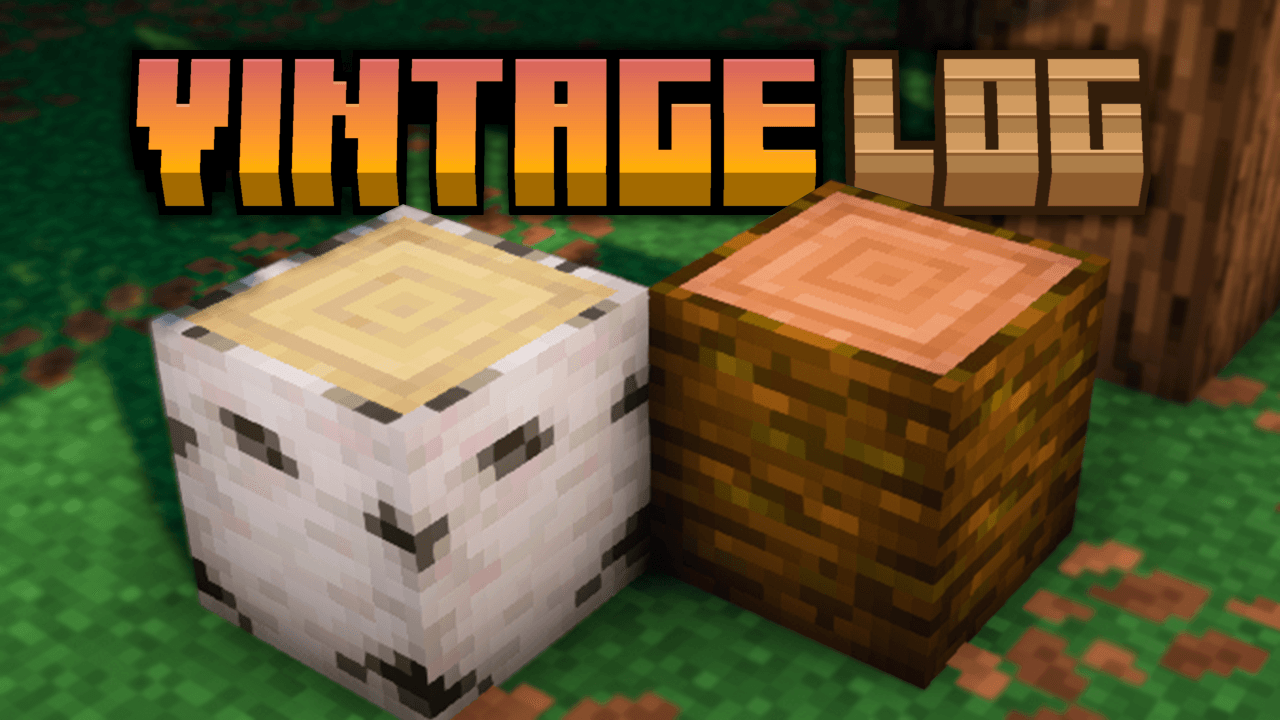
Vintage Logs
Adds darker side borders and soft shading to all Minecraft logs, giving them a more rustic, aged, and vanilla-friendly look.InstallFAQ
Do I need Forge or Fabric for a resource pack?
No. A resource pack works on the regular game with no loaders or mods. Click “Install” and Millida Launcher will put the pack into the right modpack — then just enable it in the settings.
What do 16×, 32×, 64× mean?
The resolution of a single texture in pixels. 16× matches the original game, 32× and 64× are more detailed and heavier, and 128× and up put a noticeable load on your graphics card.
Will a pack made for another version work?
Most likely partly: older packs don't have textures for newer blocks, so those will stay default. The game won't break, though.
How is a texture pack different from a resource pack?
Only by name and age. Before version 1.6 the sets were called texture packs and changed only textures; in 1.6 resource packs replaced them and also change sounds, fonts and the interface. Old texture packs for 1.5 and below do not work on new versions without conversion.
Which texture packs are best for PvP?
PvP packs: 16× resolution or lower, shortened swords, low fire, a clear sky and bright particles. They barely load the computer and make the opponent easier to see. These packs are collected in the PvP theme.
How do I install a resource pack?
Press Install and Millida Launcher puts the pack into the resourcepacks folder of the right instance. Then enable it in the game: Options, then Resource Packs. Manually, the archive goes into resourcepacks inside the game folder, no need to unpack it.
Resource packs for Minecraft Java 1.21
Resource packs for Minecraft 1.21: 1,675 items in the Resource packs section. Compatibility is checked against the files, not the description: only items with a build for exactly these conditions stay in the list.
The key thing about a pack is its resolution. The game's default textures are 16×16 pixels; 32× and 64× packs look more detailed, while 128× and up need a real graphics card and are usually paired with shaders. On a weak machine it makes sense to stay at 16× or go for packs that deliberately simplify graphics for more FPS. Every pack here lists its game version, author and license, and all released versions are gathered on one card. Put the downloaded archive in the resourcepacks folder and enable it in the game settings.