
Resource packs for Minecraft Java 1.21 — page 39
Resource packs: list


Minecraft Ten Font
This resourcepack changes Symbols, Latin and Cyrillic characters to look something like Minecraft Ten fontInstall

Simple Lower Grass Sides
Gives grass and similar blocks longer sides!Install

Glowing ESP
Clean glow effect. Looks like ESP/WallhacksInstall

Hidyk's Realm
The best vanilla resource pack? Maybe...Install

Butterfly Elytra - Better Wings
The Butterfly Elytra resource pack redefines Minecraft's Elytra wings by adopting the delicate and colorful appearance of butterfly wings.Install

Crystal PvP Tweaks
Optimized. Clear. Precise.Install
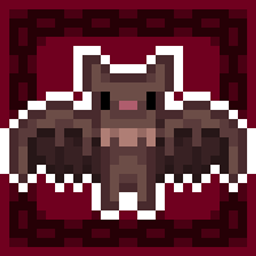
Better BATS
Bats are now pixel consistent and a lot better... and cute btwInstall

Piglin-Chan
Have you ever looked at a Piglin and went "Hey... that kinda looks like an anime girl's face?" Me too.Install

Mobs Refreshed + Fresh Animations
Fresh Animations Compatibility with Mobs Refreshed.Install

Default HD 64x
The classic Minecraft experience but in amazing 64x HD!Install

BlakSuit's Bushy Grass
This resource pack does one simple thing, it fills in the short grass to make it look more luscious and full.Install

Farming Life in Another World GUI Pack
Overhauled Minecraft GUI in the theme off Farming Life in Another World.Install

Zinkenite Mobs
Revamped Mob ModelsInstall

3D totem
This resourcepack will replace the standard 2d totem of undying an improved 3d version.Install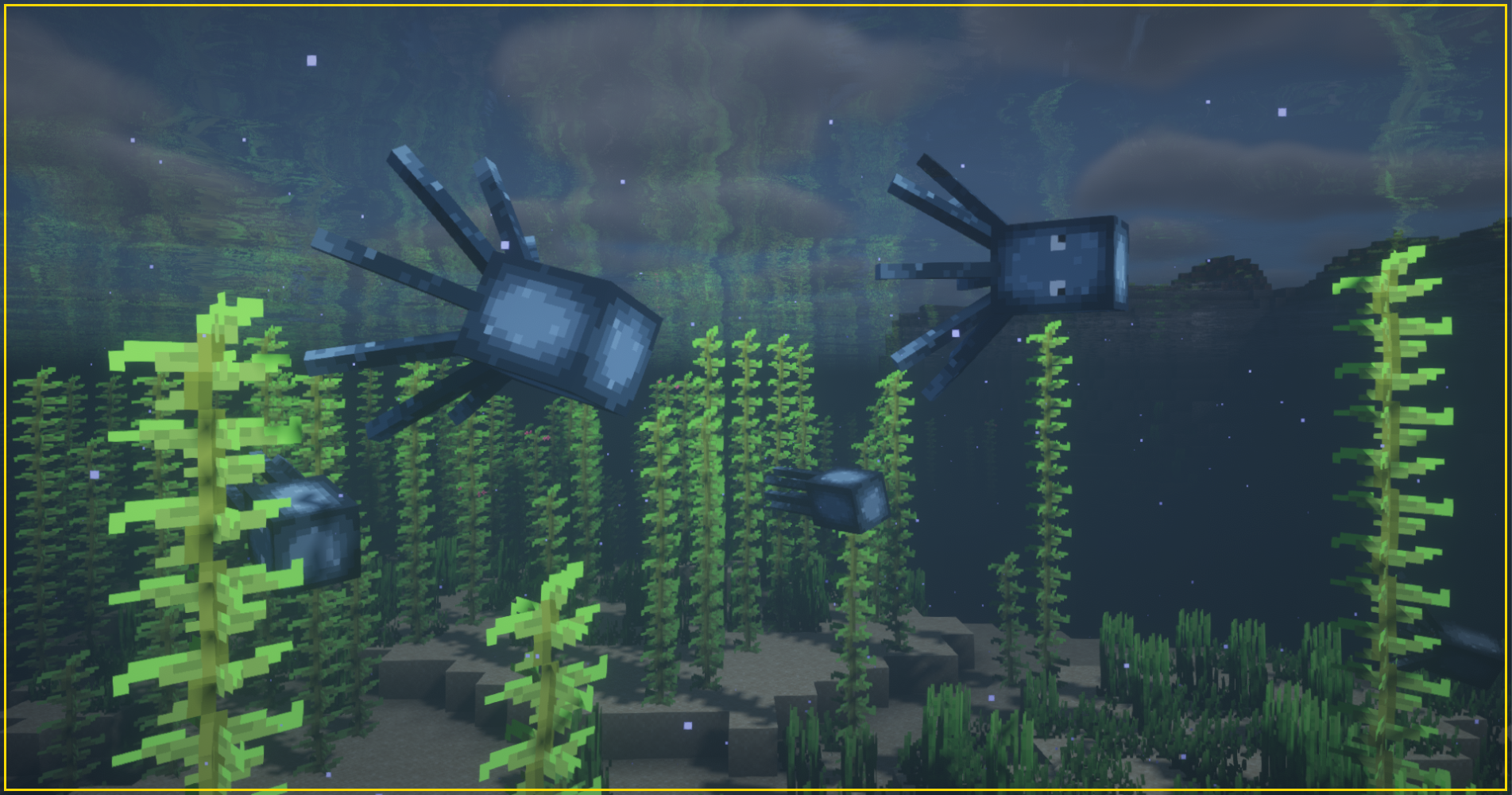

New Style Squid
Changes squid texture to make it match to glow squid.Install

Stylista - LabPBR
A stylized theme LabPBR resource pack made from scratch.Install

Human Player Mobs
[ Java Port ] turns all mobs into humans, waifu and husbando, girl and boyInstall
Programmer Art Ultimate
A resource pack that brings the new blocks, items, and some mobs back to the old style of 1.8!Install
Ender IO: Into the Void
A new interpretation of the textures of the Ender IO mod - old Ender IO: RefrubishedInstall
Horror Ambience Music (For Reactive Music)
Replaces all of minecraft's music with Dark atmospheric soundscapes (Specifically for reactive modInstall

Animated Hotbar RGB
Enhance your Minecraft experience with sleek, color-cycling neon borders for your hotbar slots.Install
Sus Sand
Gives Suspicious sand and Gravel a more 'sus' lookInstall

Better 3D Craft
Better 3D Craft texture adds diverse 3D block and item models to your gameInstallFAQ
Do I need Forge or Fabric for a resource pack?
No. A resource pack works on the regular game with no loaders or mods. Click “Install” and Millida Launcher will put the pack into the right modpack — then just enable it in the settings.
What do 16×, 32×, 64× mean?
The resolution of a single texture in pixels. 16× matches the original game, 32× and 64× are more detailed and heavier, and 128× and up put a noticeable load on your graphics card.
Will a pack made for another version work?
Most likely partly: older packs don't have textures for newer blocks, so those will stay default. The game won't break, though.
How is a texture pack different from a resource pack?
Only by name and age. Before version 1.6 the sets were called texture packs and changed only textures; in 1.6 resource packs replaced them and also change sounds, fonts and the interface. Old texture packs for 1.5 and below do not work on new versions without conversion.
Which texture packs are best for PvP?
PvP packs: 16× resolution or lower, shortened swords, low fire, a clear sky and bright particles. They barely load the computer and make the opponent easier to see. These packs are collected in the PvP theme.
How do I install a resource pack?
Press Install and Millida Launcher puts the pack into the resourcepacks folder of the right instance. Then enable it in the game: Options, then Resource Packs. Manually, the archive goes into resourcepacks inside the game folder, no need to unpack it.
Resource packs for Minecraft Java 1.21
Resource packs for Minecraft 1.21: 1,675 items in the Resource packs section. Compatibility is checked against the files, not the description: only items with a build for exactly these conditions stay in the list.
The key thing about a pack is its resolution. The game's default textures are 16×16 pixels; 32× and 64× packs look more detailed, while 128× and up need a real graphics card and are usually paired with shaders. On a weak machine it makes sense to stay at 16× or go for packs that deliberately simplify graphics for more FPS. Every pack here lists its game version, author and license, and all released versions are gathered on one card. Put the downloaded archive in the resourcepacks folder and enable it in the game settings.